
 Xiaomi
 HyperOS Themes for Xiaomi
Xiaomi HyperOS Themes | Xiaomi MIUI Themes
Most viewed
Latest
HyperOS
Color Mixx HyperOS Theme – A Refreshing Blend of Color and Style for Xiaomi
HyperOS
PlayNaturV15 HyperOS Theme with Customized UI
 HyperOS
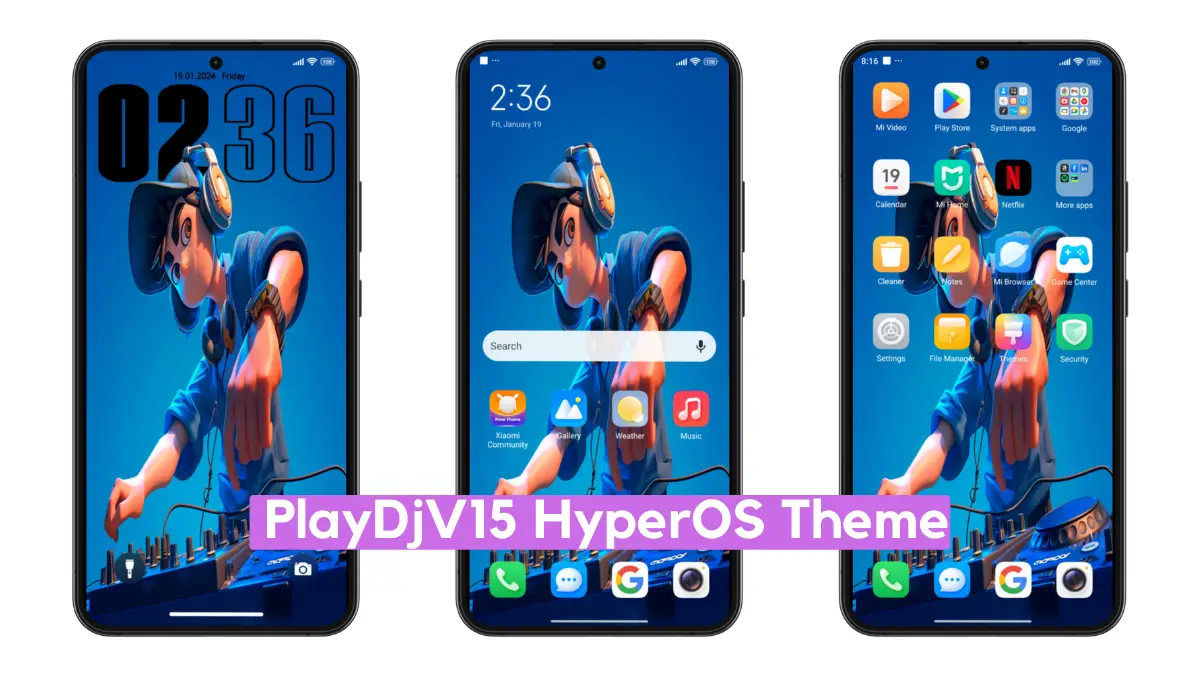
PlayDjV15 HyperOS Theme with Minimal HyperOS Experience
 HyperOS
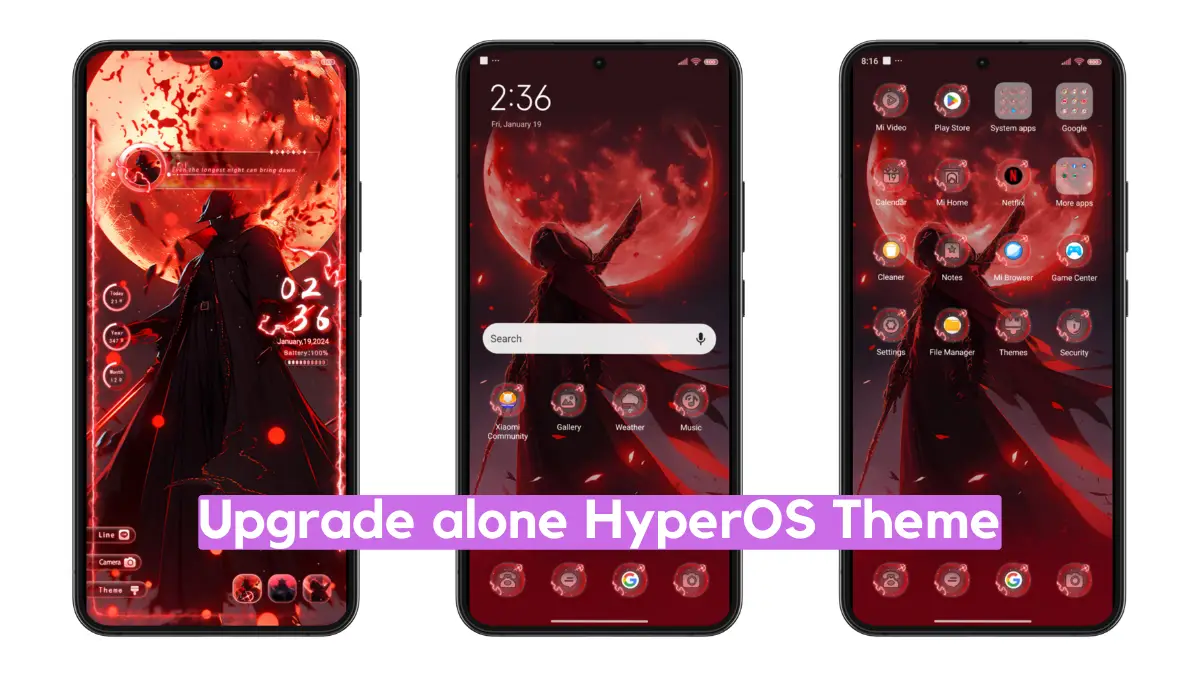
Upgrade alone HyperOS Theme with Pure Anime Experience
 HyperOS
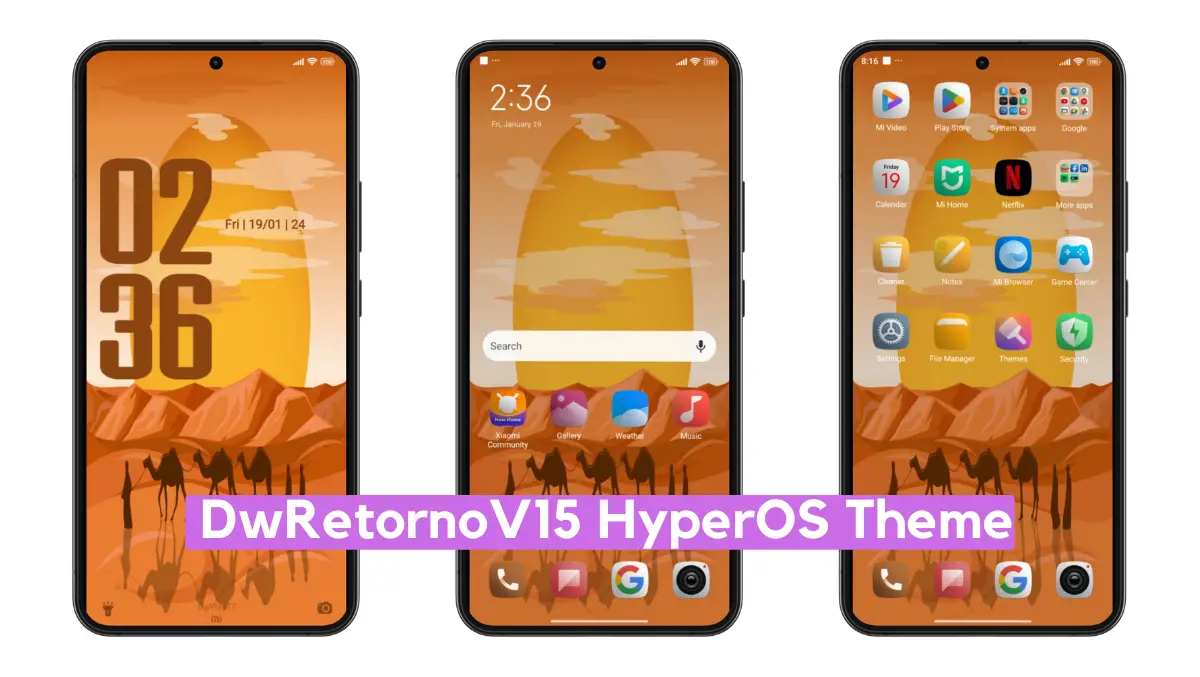
DwRetornoV15 HyperOS Theme with Dynamic UI
 HyperOS
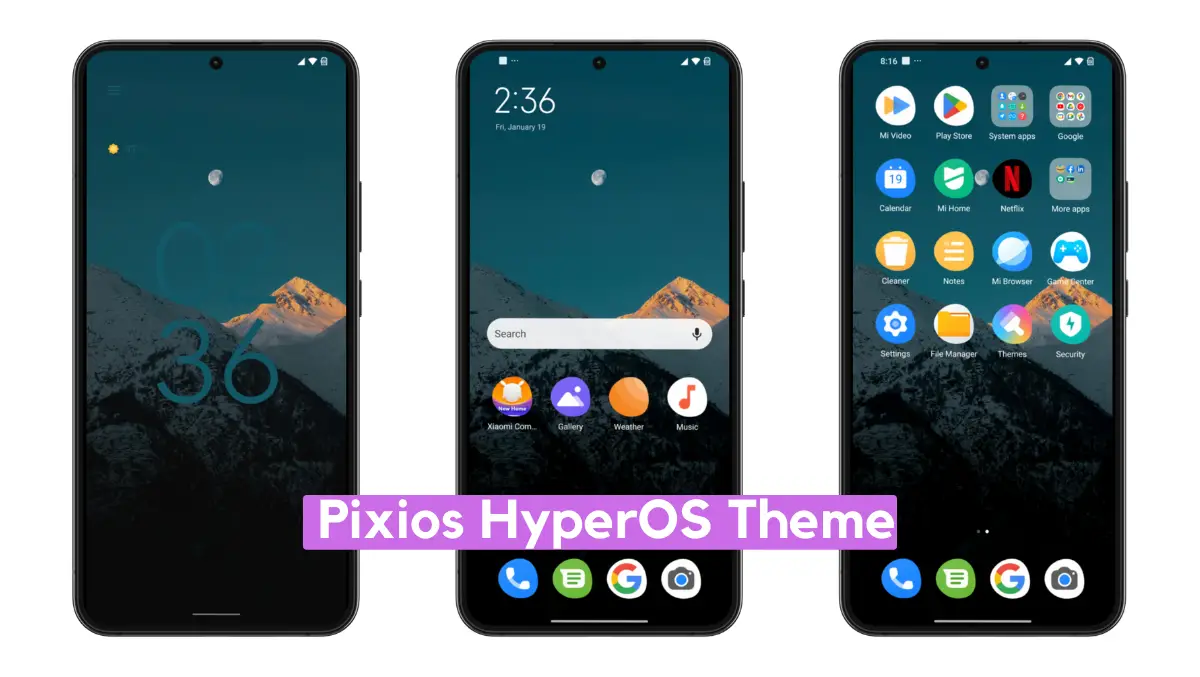
Pixios HyperOS Theme with Pixel Experience
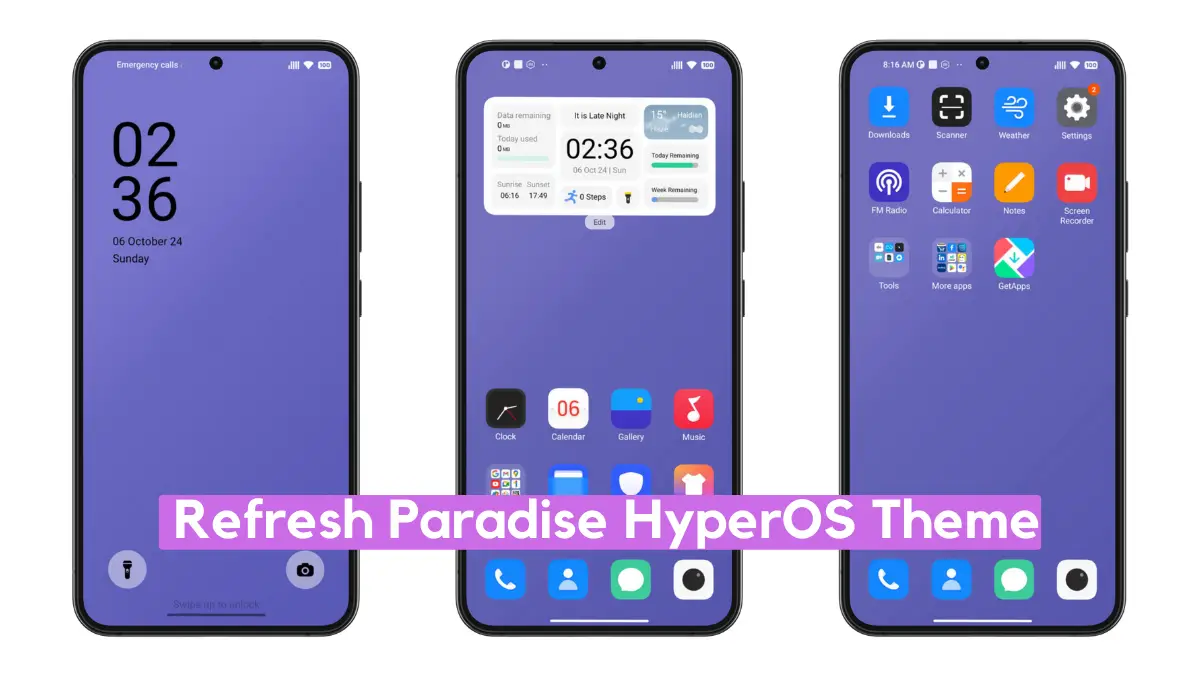 HyperOS
Refresh Paradise HyperOS Theme with Minimal Dynamic Experience
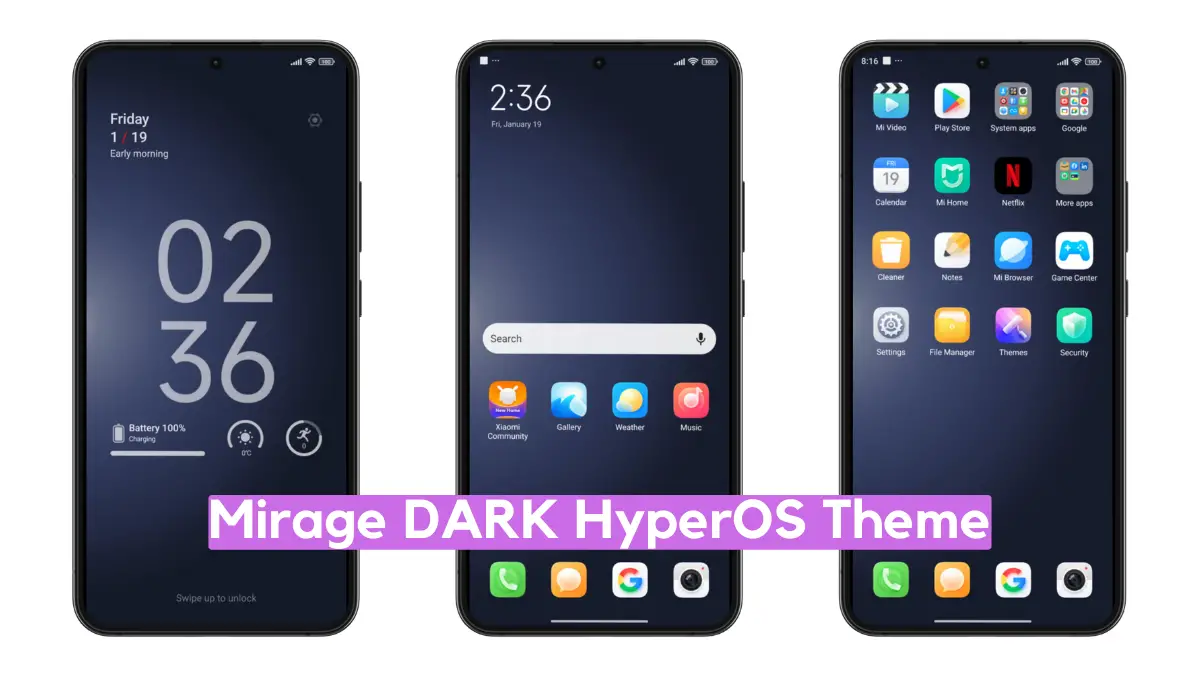 HyperOS
Mirage DARK HyperOS Theme with Dynamic UI
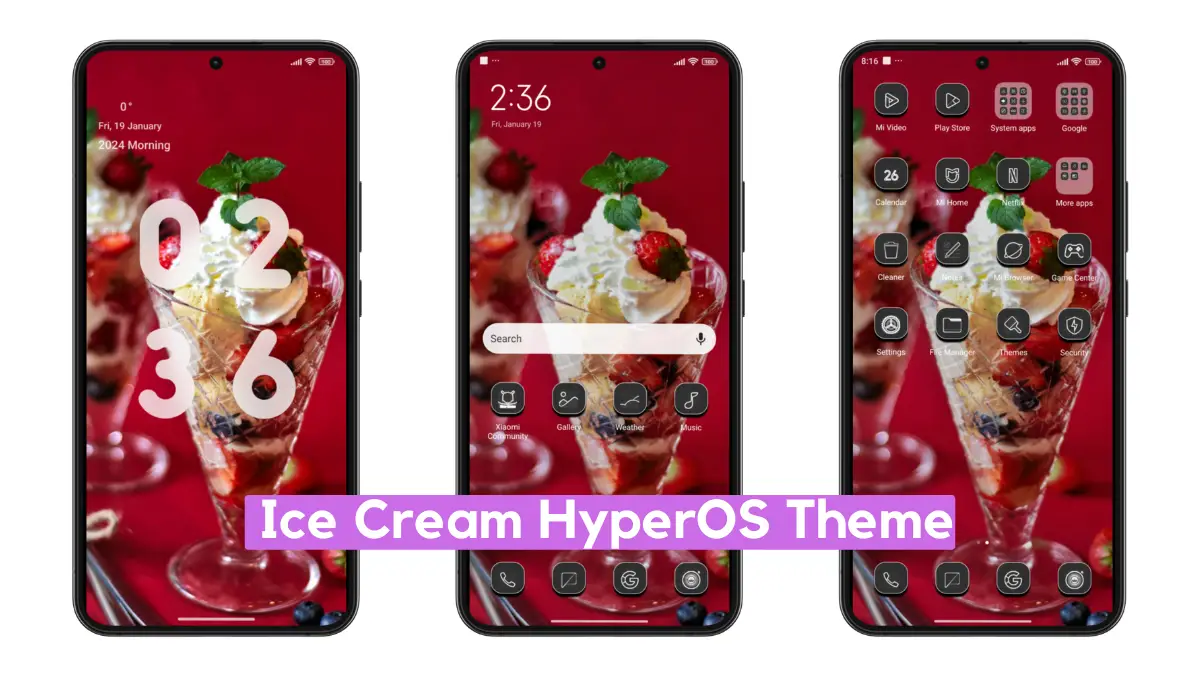 HyperOS
Ice Cream HyperOS Theme with Minimal Experience
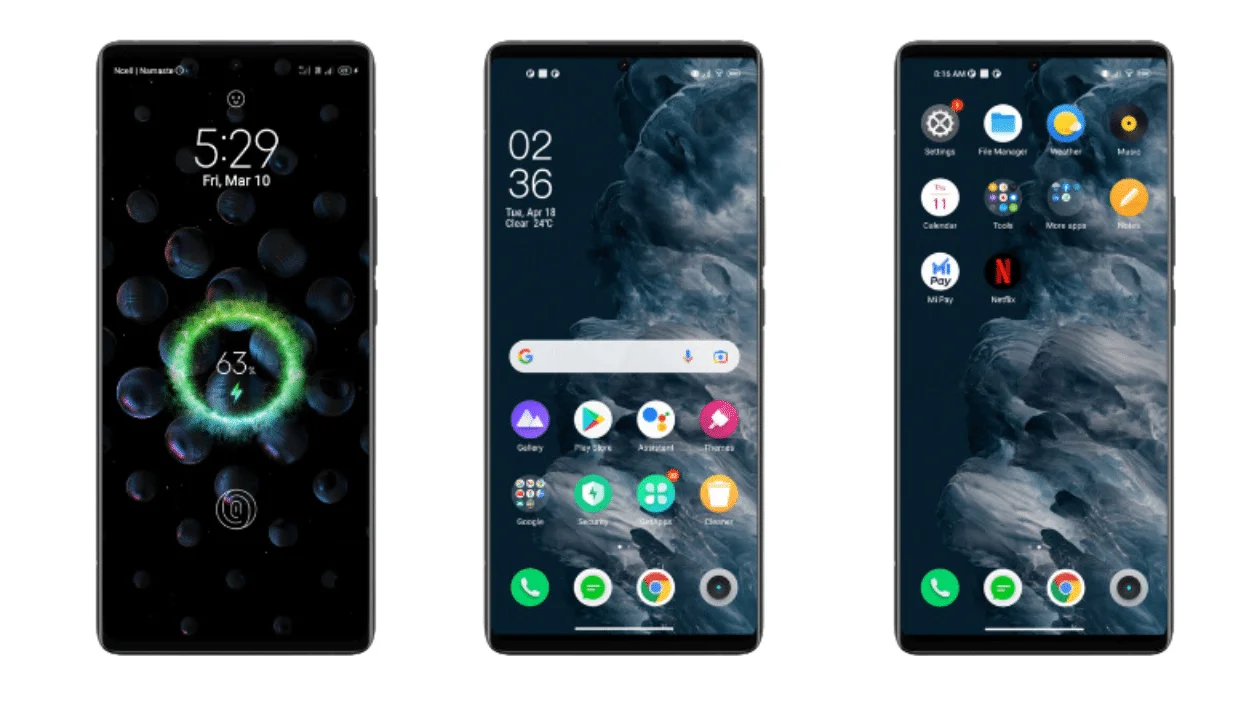
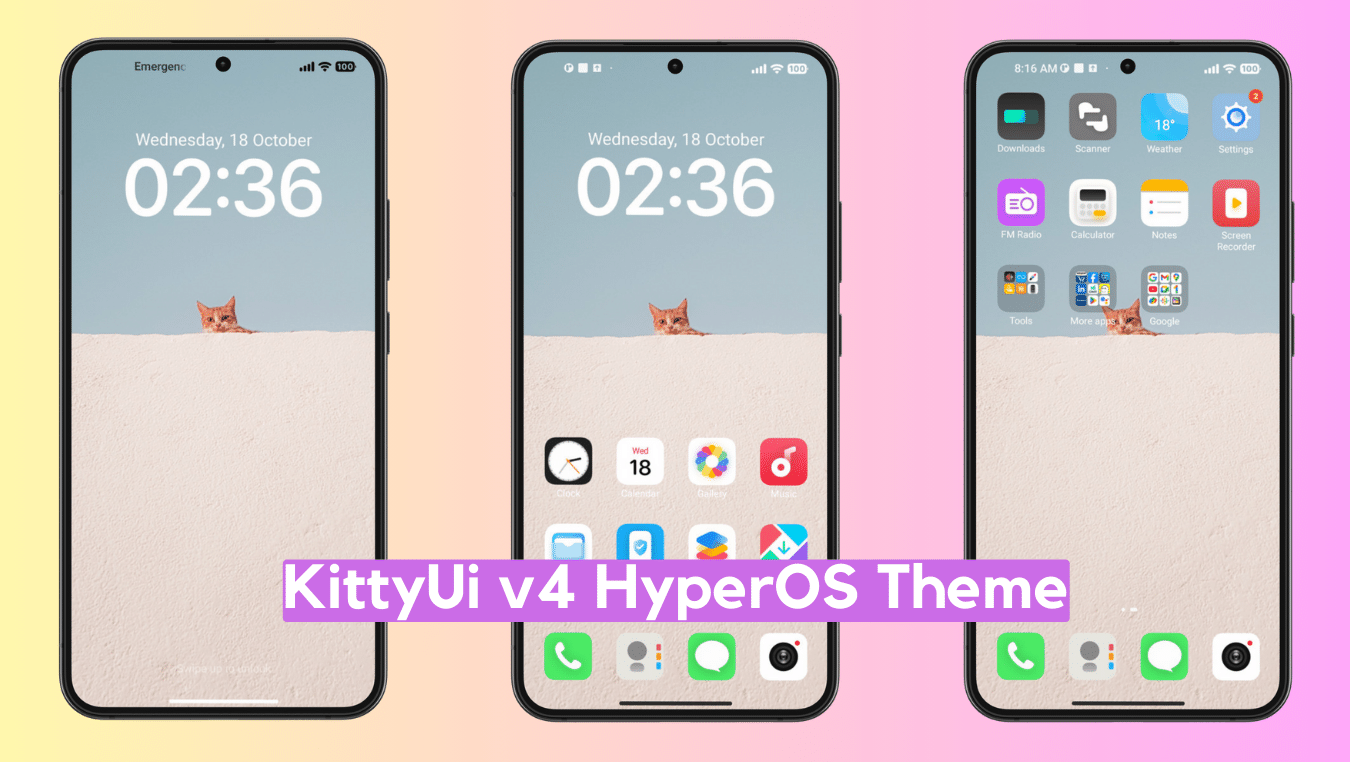
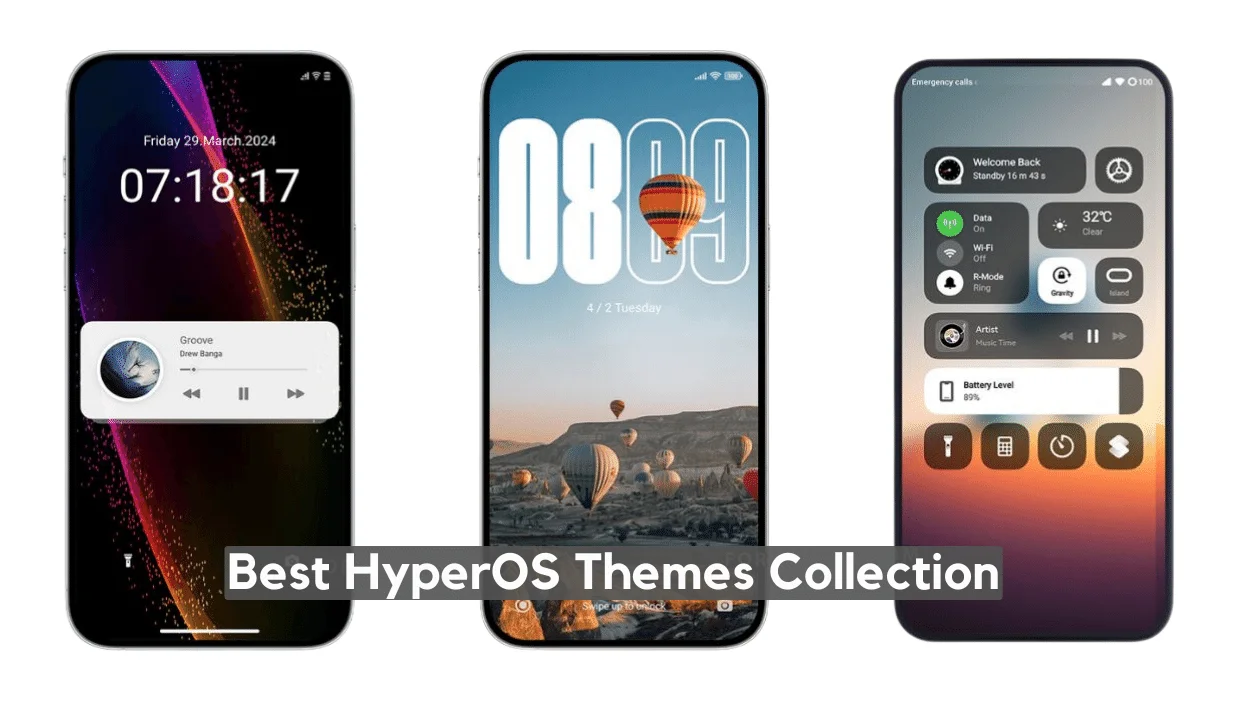
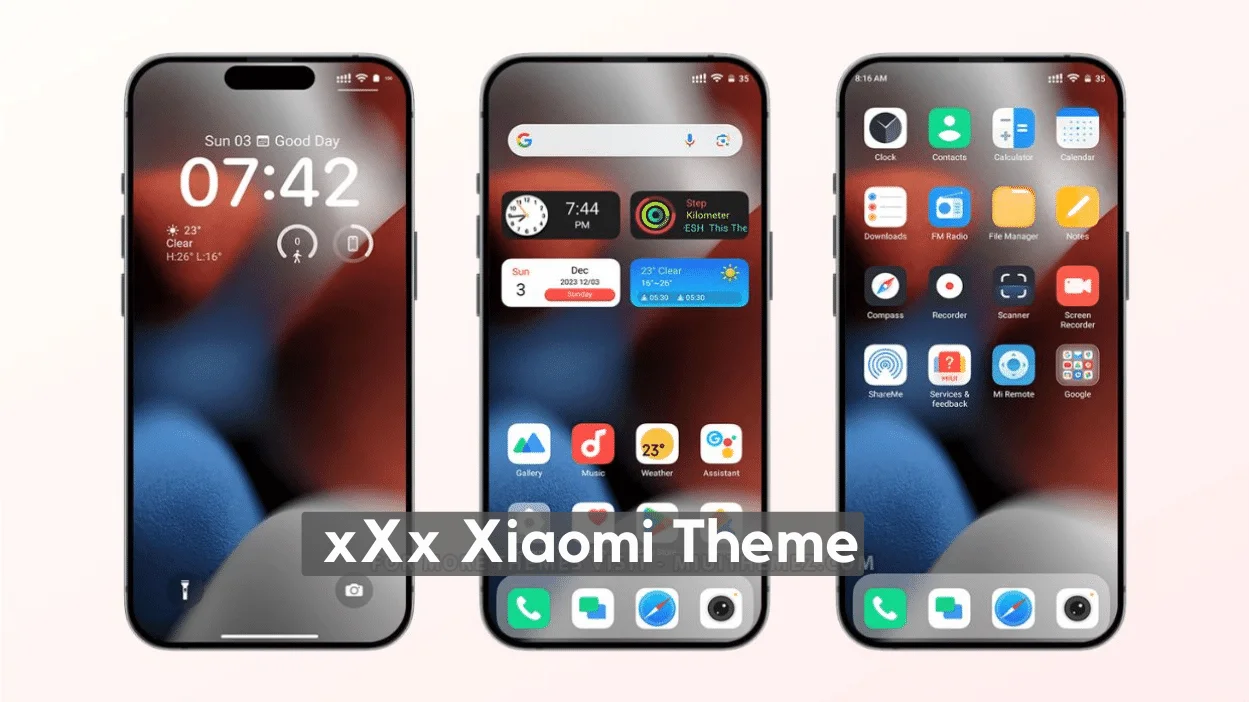
Browse HyperOS and MIUI themes for Xiaomi, Redmi, and POCO. Explore previews and installation notes, then check each theme’s source and compatibility with your device before downloading.
Xiaomi theme FAQ
How do I install a HyperOS theme on a Xiaomi phone?
Download the MTZ file, open Themes, then import it from Files or the theme store import option. Apply it, then lock the screen once so the fingerprint animation and icons refresh. Check the individual theme’s compatibility notes and your ROM version before applying.
Are HyperOS themes different from MIUI themes?
Yes. HyperOS themes target Xiaomi’s newer system UI (Control Center, lock screen, icons, and fingerprint animation). Many MIUI 14 MTZ files still work on HyperOS, but lock-screen widgets and new HyperOS 2/3 modules may be missing. Check the ROM and device notes on each individual post before installing.
Are these Xiaomi theme downloads free and safe?
Availability, licensing, and compatibility vary by theme. Check the individual post and download source, scan files before installing, and avoid unexpected APKs, logins, or payments.