
Refresh Paradise HyperOS Theme – Lavender Gradient with a Stacked Clock
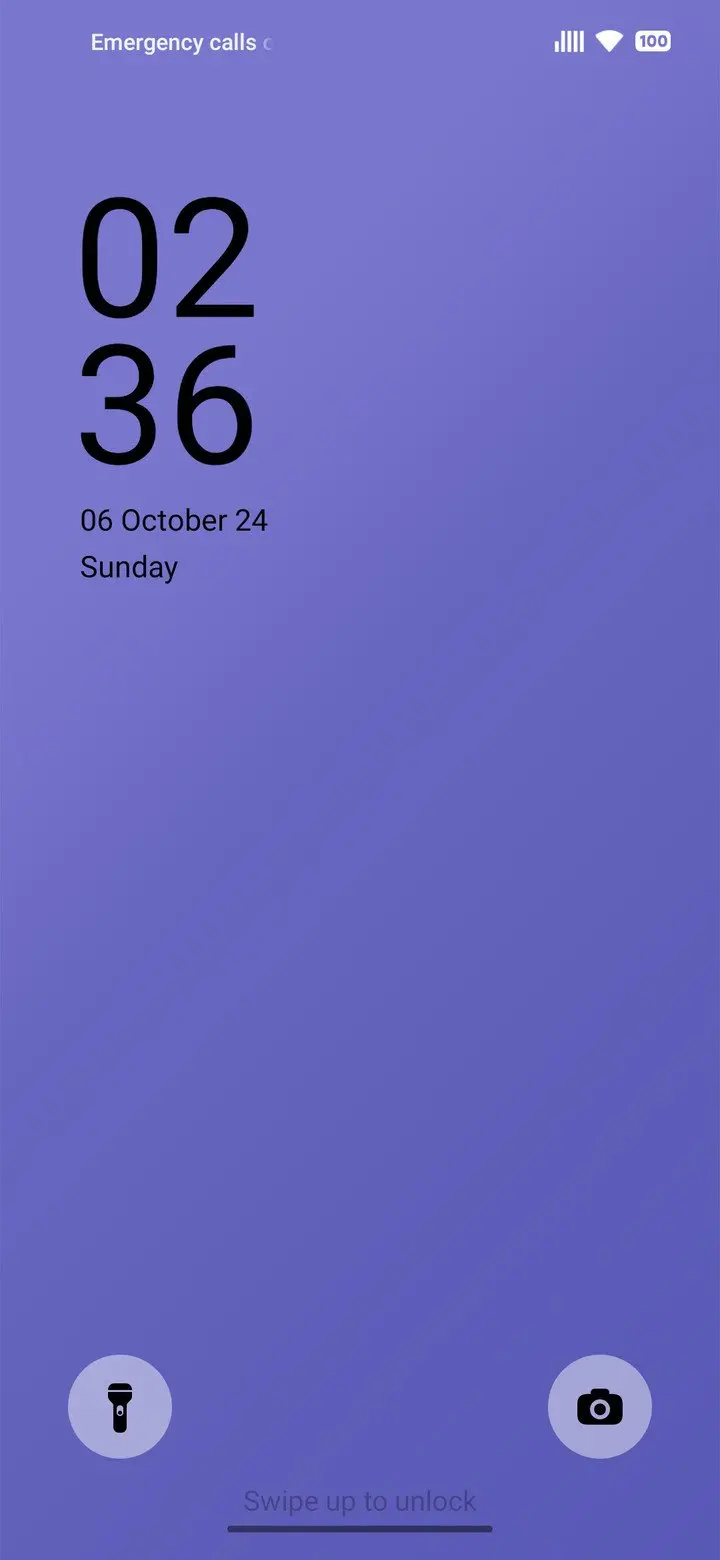
Refresh Paradise by Kevin does what its name suggests: it gives HyperOS a quick freshen-up. The wallpaper is a lavender gradient that darkens slightly toward the bottom, and the lock screen stacks a dark clock in the top left with the date beneath.
The information card
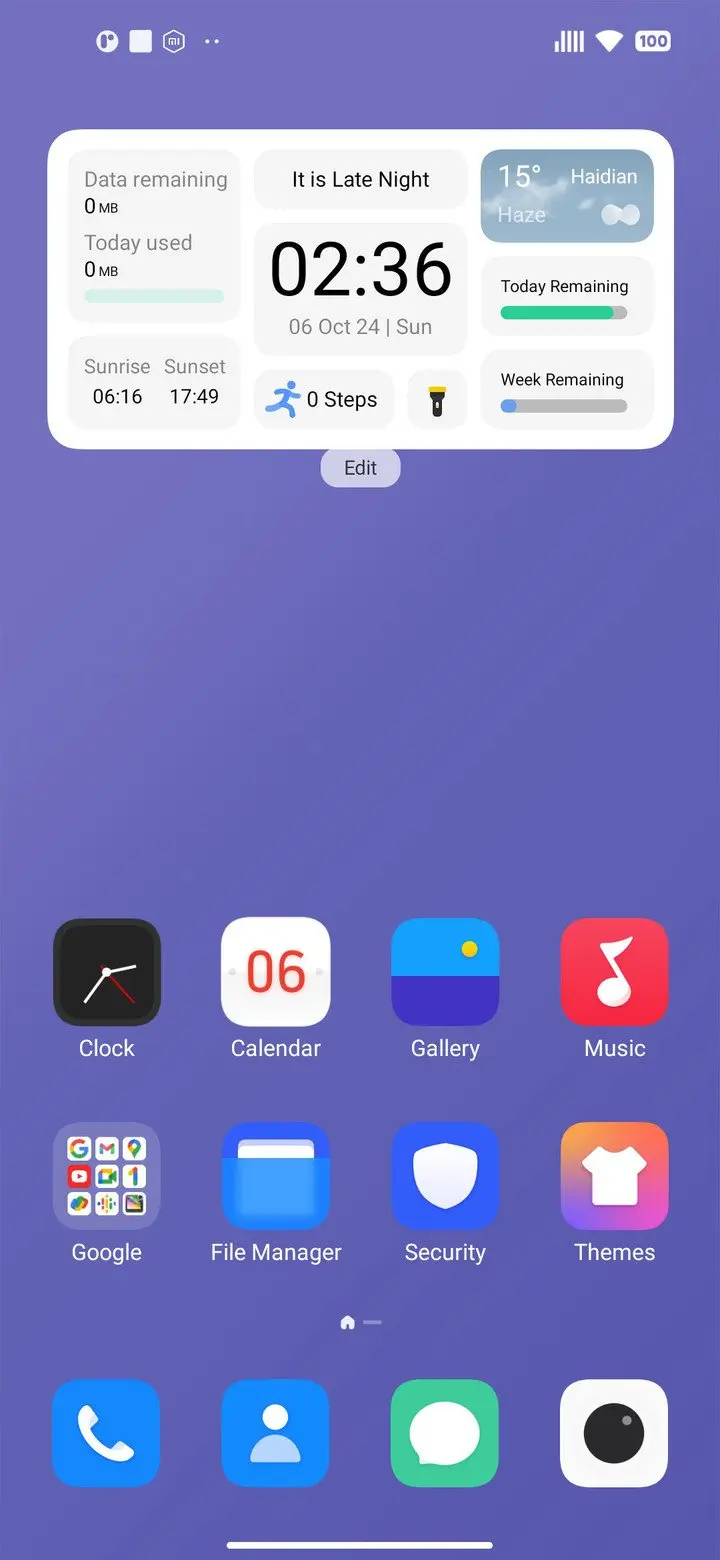
The most useful part is on the home screen: a white widget card showing the time, the date, the weather and a few status details in one block. If you like having that information at a glance, this alone makes the theme worth a look.
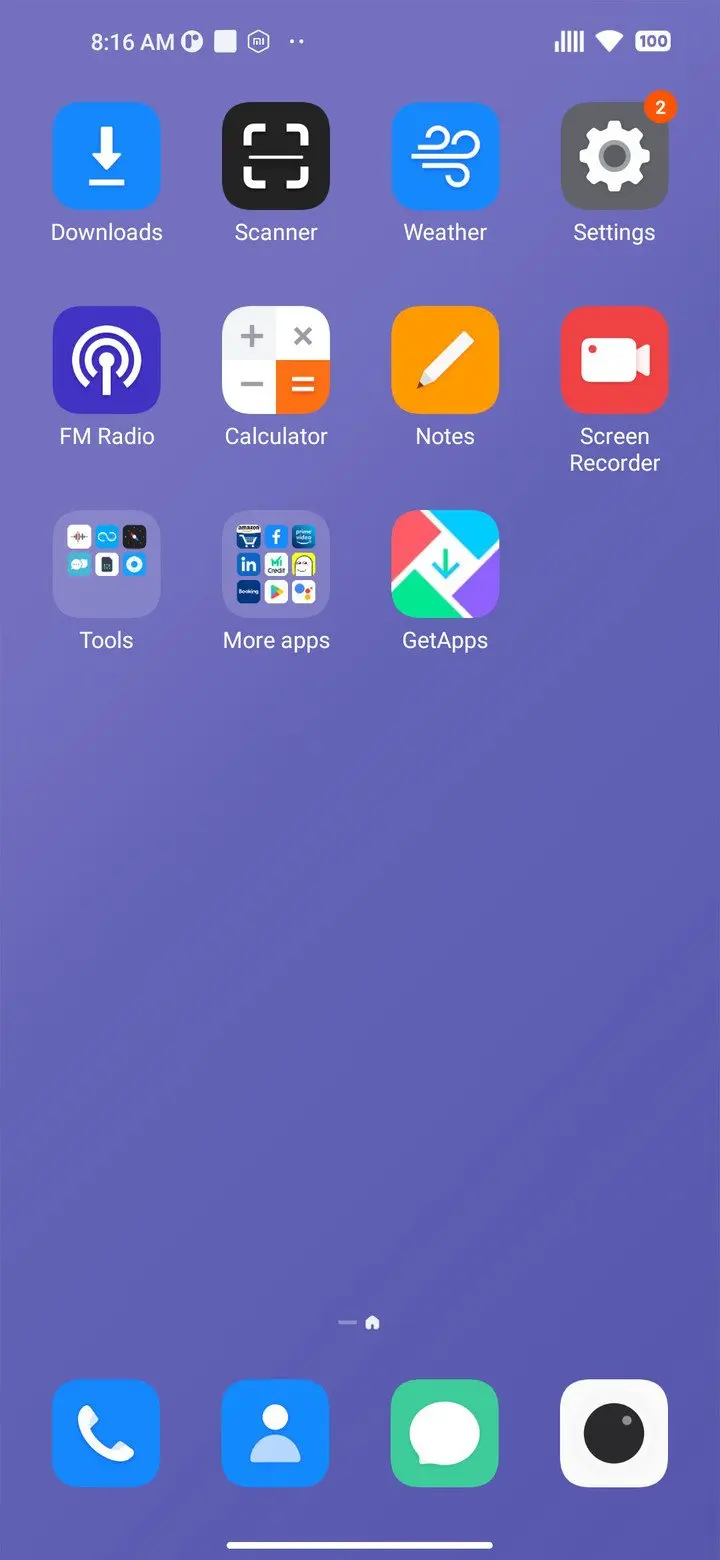
Icons stay close to the standard HyperOS style, and the control center uses blue toggles on a violet panel.
Screen by screen
Refresh Paradise uses a smooth lavender to violet gradient. The lock screen shows a dark stacked clock with the date and day underneath, and the home screen has a light widget card with the time, a calendar and reminders.
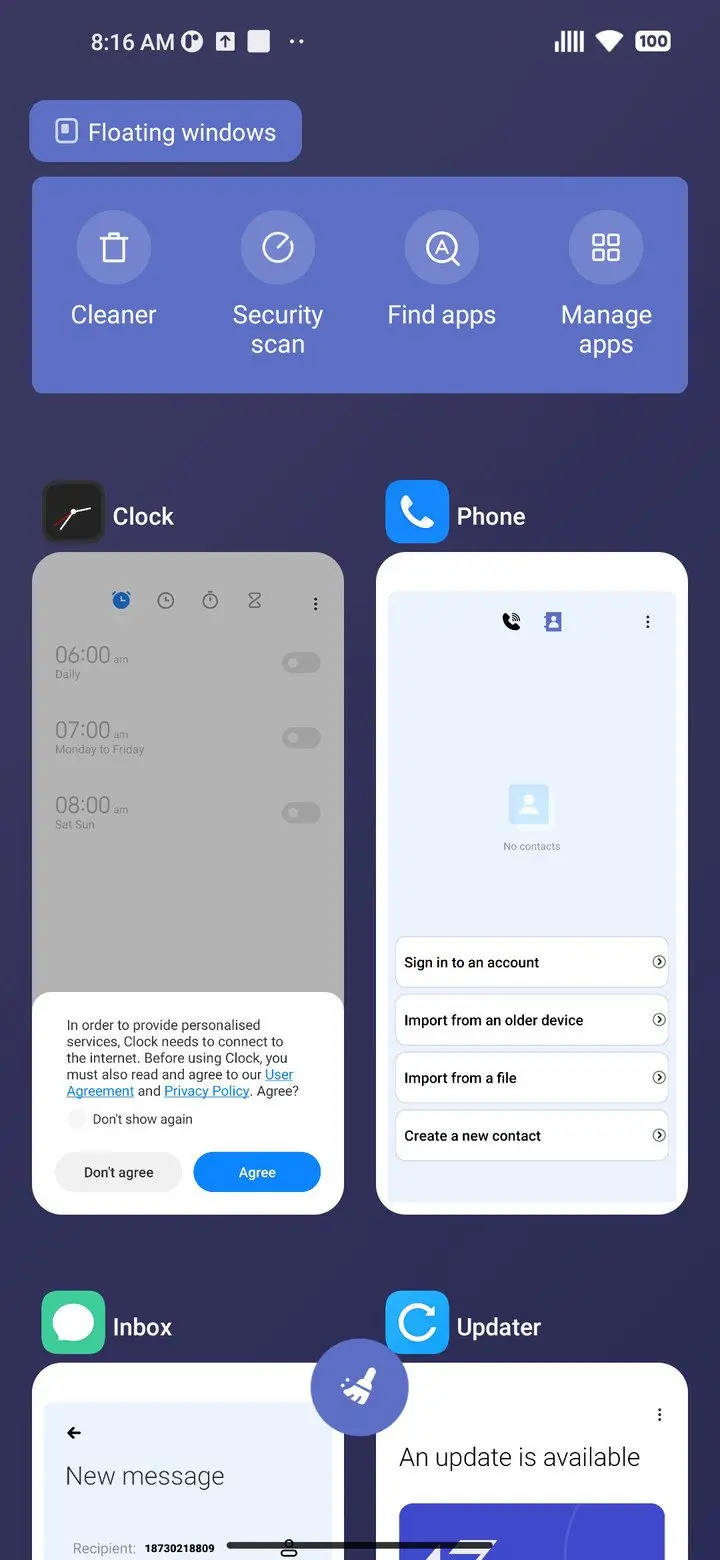
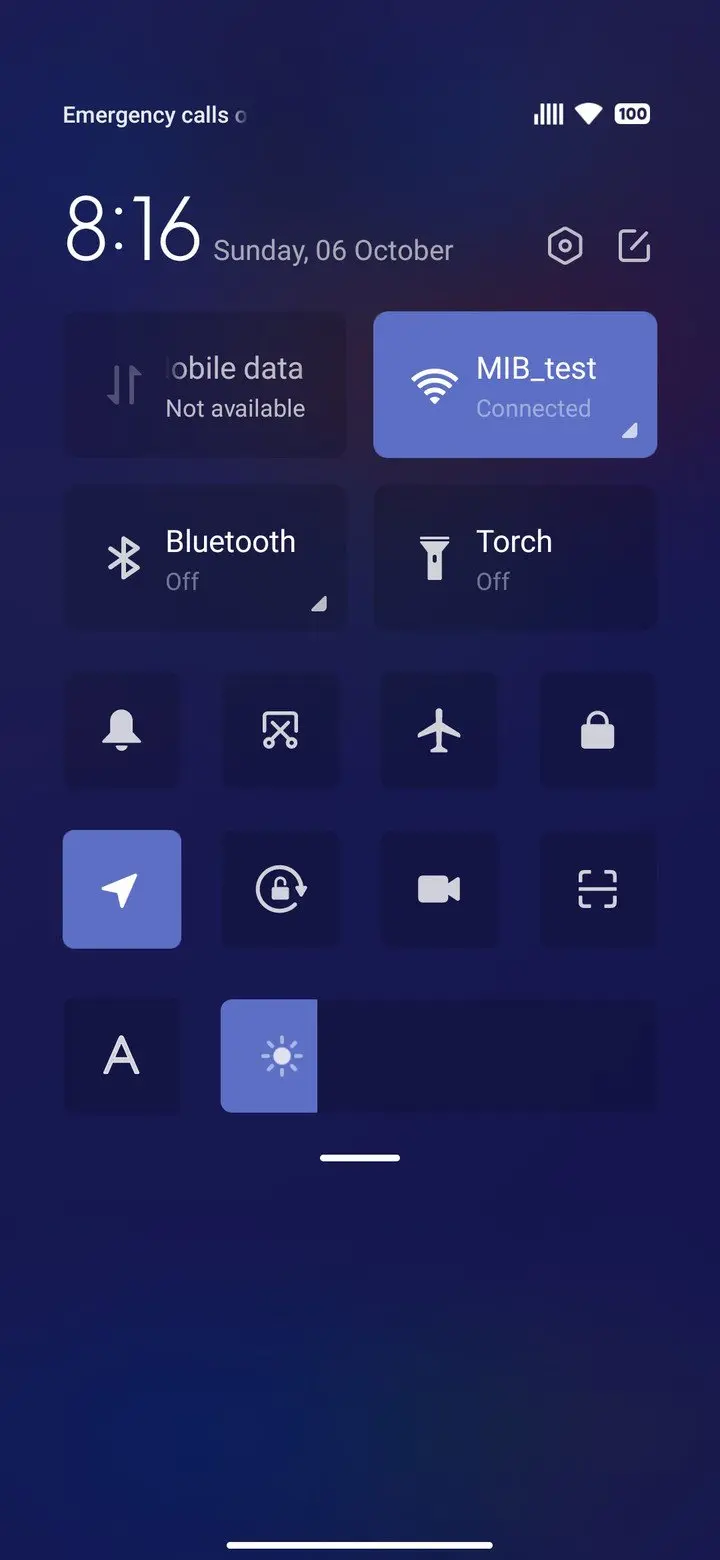
Icons are colourful rounded tiles. The control center turns deep navy with blue active tiles, a nice contrast to the soft lavender. It is a tidy, practical theme built around that widget card.
Daily use
Our Redmi Note 14 5G (HyperOS 3.0) ran Refresh Paradise as its main theme while Bijay used it for calls, chats and browsing. In daylight the dark clock is readable, though not the sharpest in bright sun. Only some of our third-party apps got themed icons. Settings, the control center and the dialer match.
It is usable at night, and we saw no lag. We enjoyed it for a while without keeping it long-term.
Theme facts
Theme details
Everything to check before you install
Compare
Mirage DARK by the same designer is a darker take, and DoraBlueV15 offers a brighter gradient.
What we like
- Clean, easy-to-read layout
- Useful information widget card
- Small 14.3 MB file
Keep in mind
- Icons close to stock HyperOS
- Plain gradient lacks detail
3.9/5 Hands-on score · How we score
Refresh Paradise is a tidy lavender theme with a genuinely useful widget, but it is more refresh than reinvention.
Install Refresh Paradise
You can add Refresh Paradise straight from the official Xiaomi Theme Store: open this page on your phone, tap the store button and let the Themes app handle the rest.







0 comments