
Komanchi HyperOS Theme – A Bold Diagonal Lock Screen and Dusk Mountains
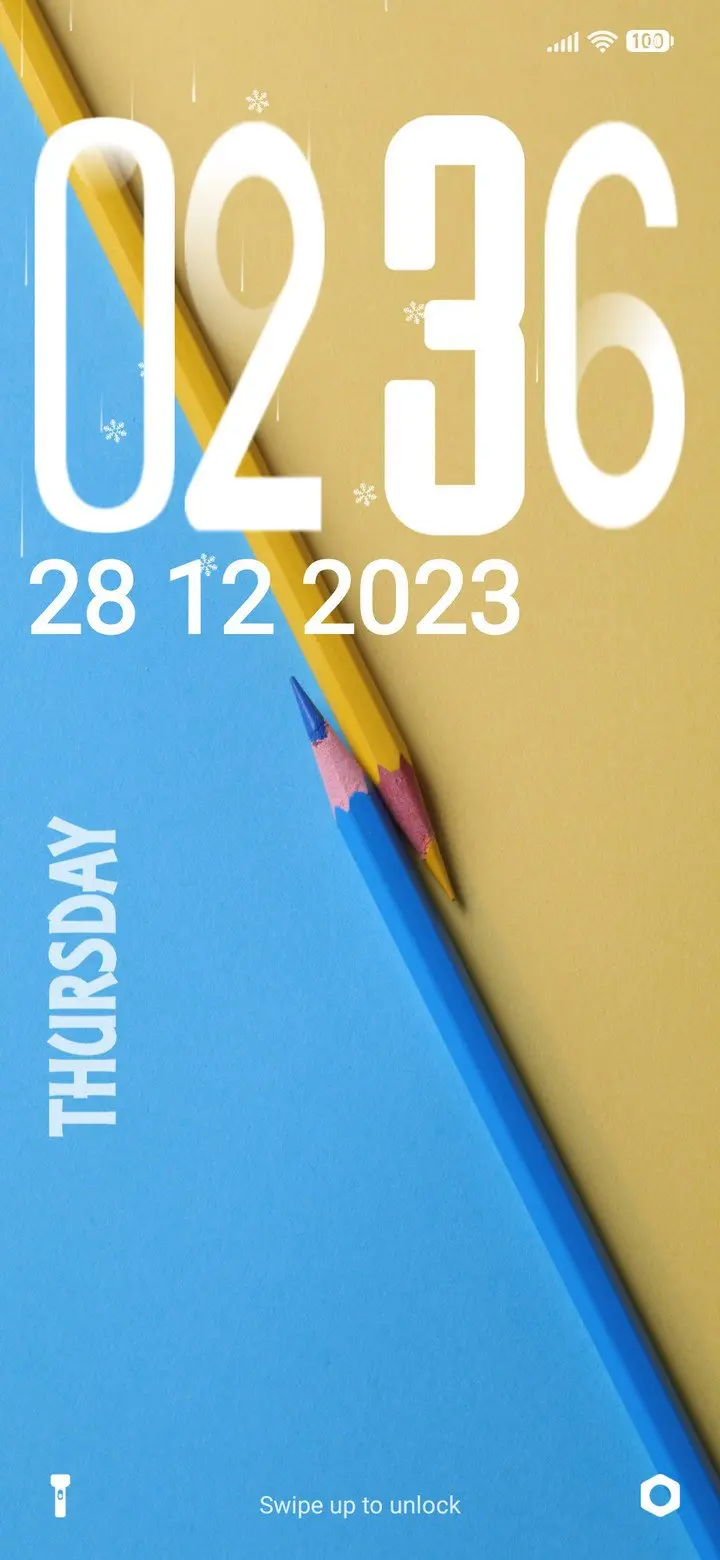
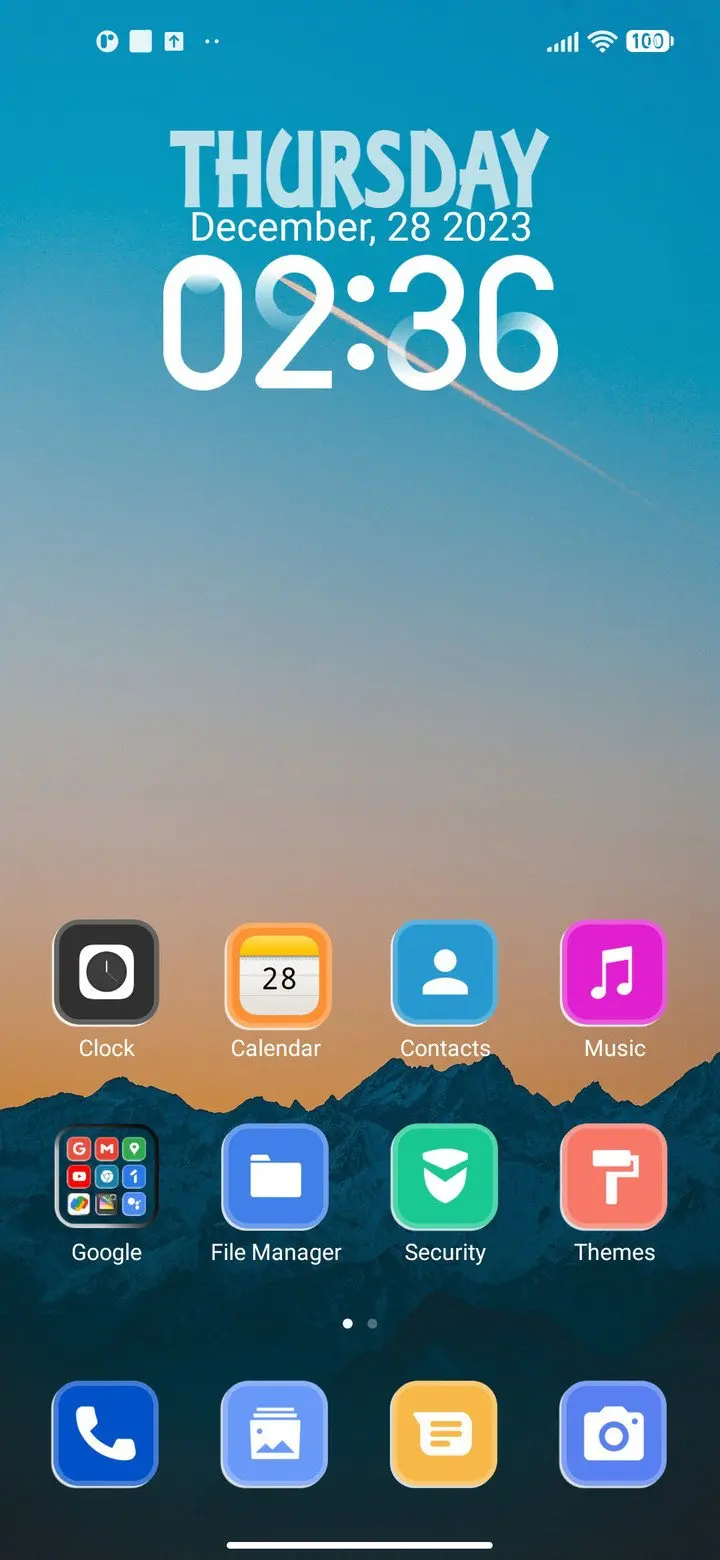
Komanchi by Fatih is really two themes in one. The lock screen is pure graphic design: a sharp yellow pencil cuts diagonally across a blue background, the date and a huge white clock sit on top, and the weekday runs vertically down the left edge. Unlock the phone and everything calms down into a photo of mountains at dusk.
The lock screen
This is the screen people will ask about. The clock digits are enormous and heavy, the date is printed in the same bold font, and the vertical “THURSDAY” label gives the layout a poster feel. It is not subtle, but it is very easy to read.
The home screen
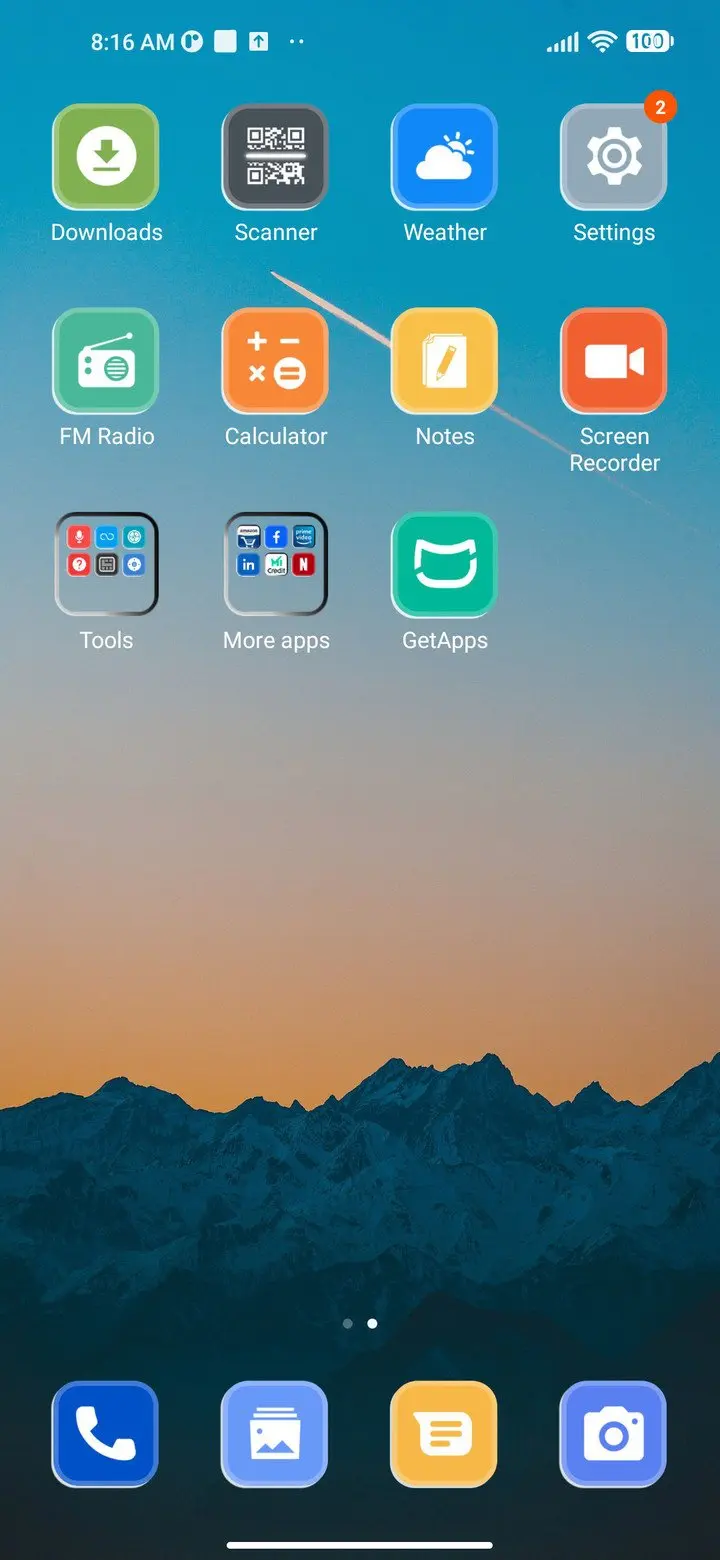
Here Fatih takes a different approach. The day and time appear in large letters at the top over a soft teal sky, with a silhouette of snowy peaks at the bottom. Icons are colourful rounded squares, and the dark control center keeps the evening mood.
Some people will find the change between lock and home screens jarring. We liked it: the lock screen grabs attention, the home screen lets you work.
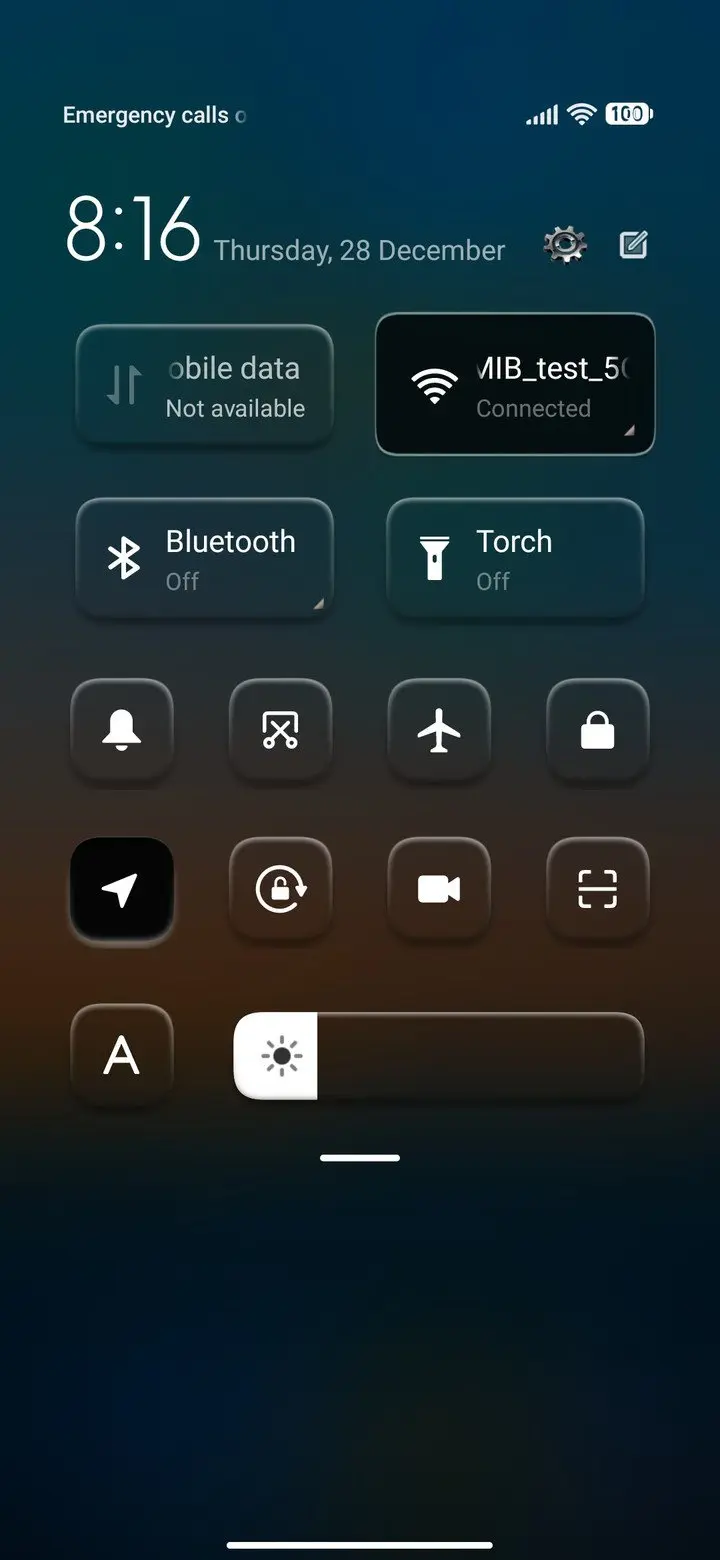
What each screen looks like
Komanchi’s lock screen is a bright yellow background with a pencil lying across it and a giant white clock, plus the date and the day written sideways down the edge. The home screen swaps to a mountain at sunset, with THURSDAY and the time stacked in bold white letters at the top.
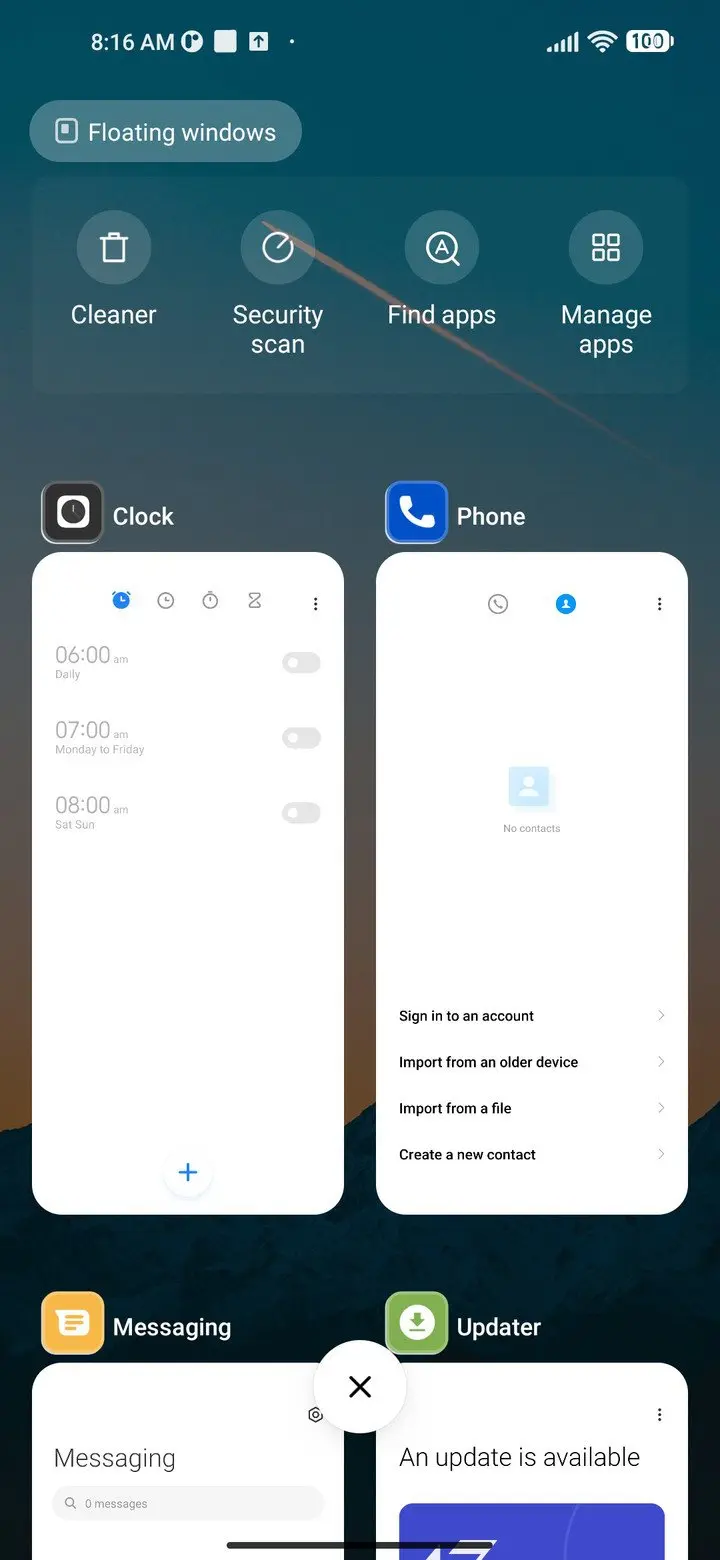
Icons are colourful squares with soft corners, and the app drawer keeps the same sunset mountains behind them. The control center turns dark navy with white tiles, a calm contrast to the cheerful yellow lock screen.
How it performed for us
Our Redmi Note 14 5G (HyperOS 3.0) ran Komanchi as its main theme while Bijay used it for calls, chats and browsing. The clock is easy to read in daylight, almost all of the apps we open every day picked up themed icons, and Settings, the control center and the dialer all match. At night the bright lock screen is usable but not relaxing. We saw no lag or glitches and kept it as a daily theme.
Theme details
Theme details
Everything to check before you install
Similar picks
For more bold-clock designs, look at Lemon bluery. If the mountain side is what you like, Mountain puts peaks on every screen.
What we like
- Striking graphic lock screen
- Calm mountain wallpaper on the home screen
- All system screens follow the theme
- 16.05 MB file
Keep in mind
- Lock and home wallpapers do not match
- Bright lock screen at night
4.3/5 Hands-on score · How we score
Komanchi pairs a bold, playful lock screen with a calm home screen, and it earned its place as one of our daily themes.
Install Komanchi
Ready to try it? Komanchi (16.05 MB) opens in the official Themes app when you tap the store button below on your phone.








0 comments