
KittyUi v4 HyperOS Theme – A Peeking Cat and iOS-Style Icons
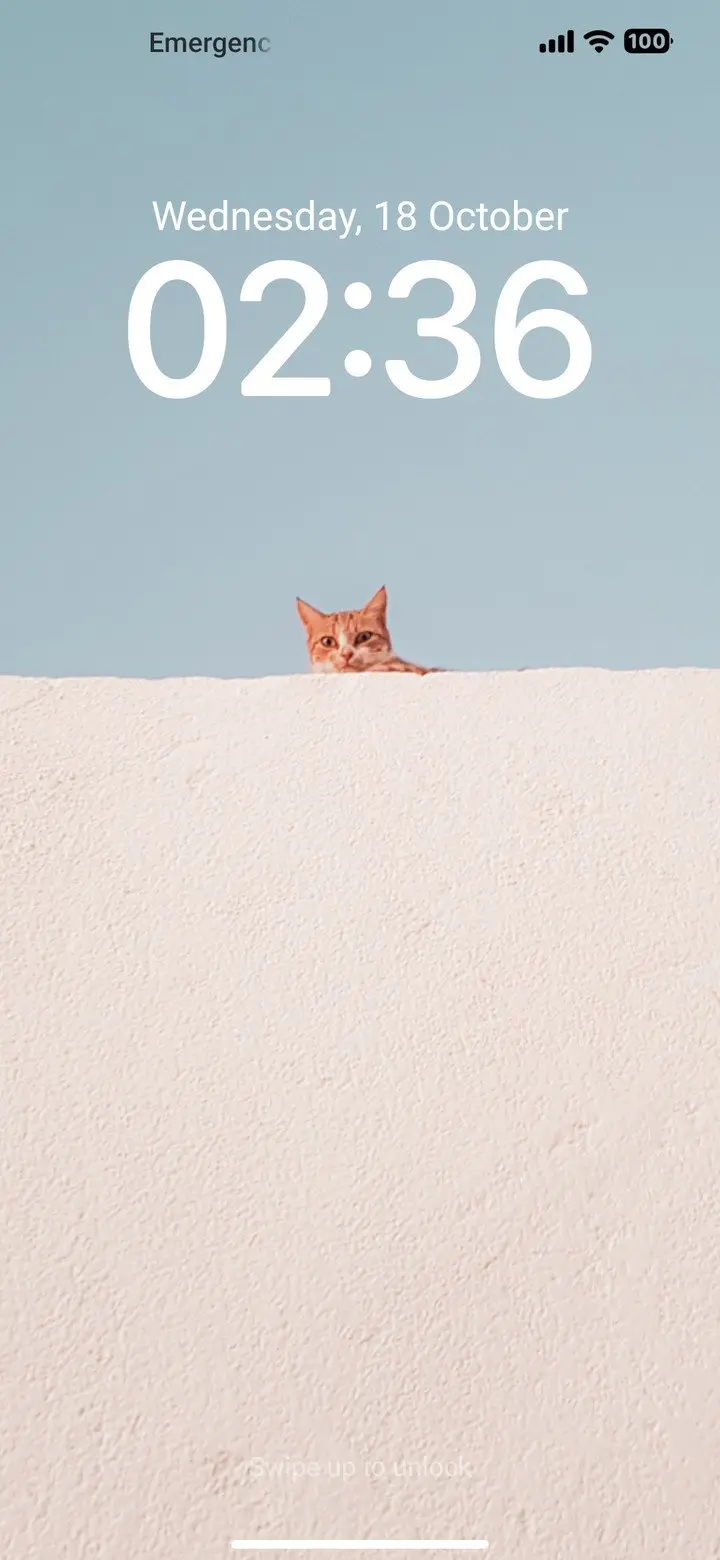
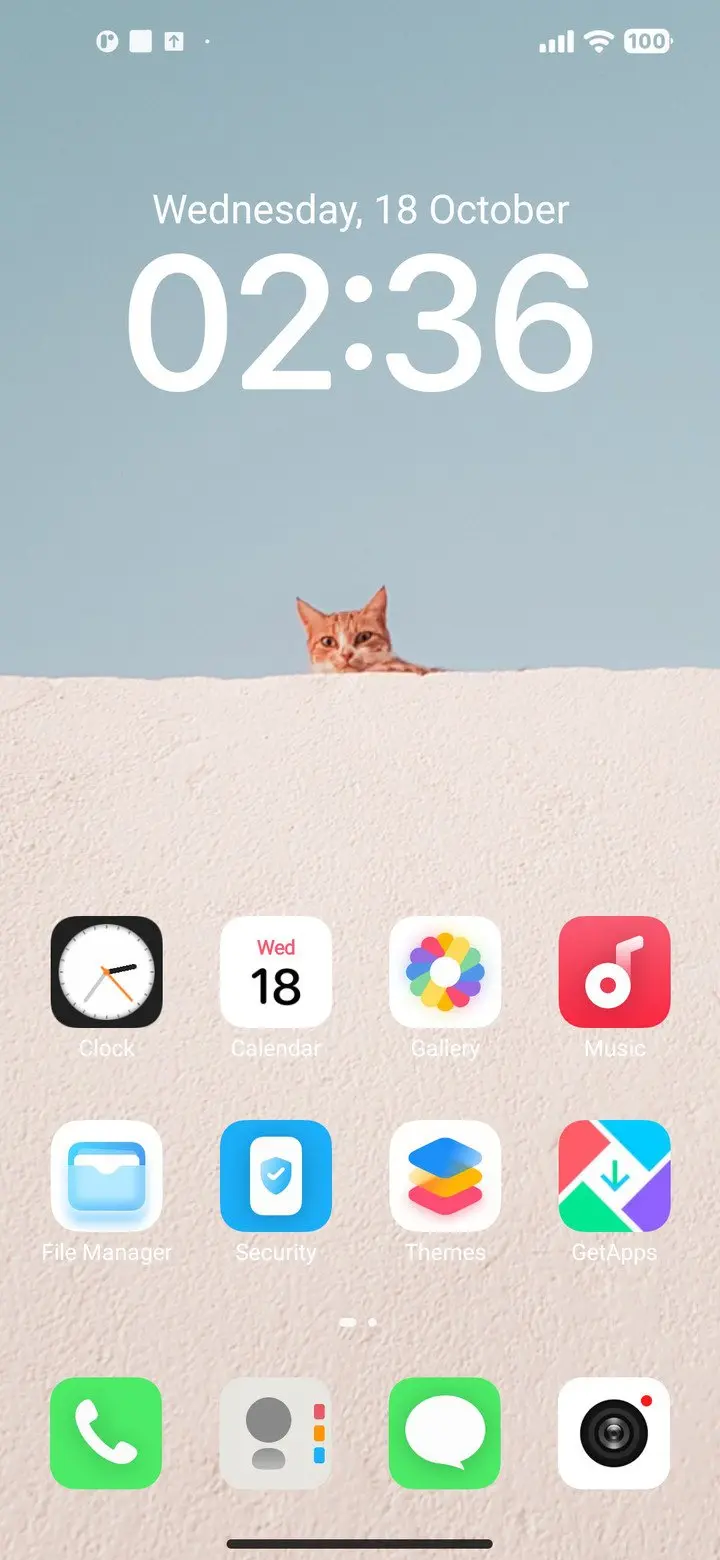
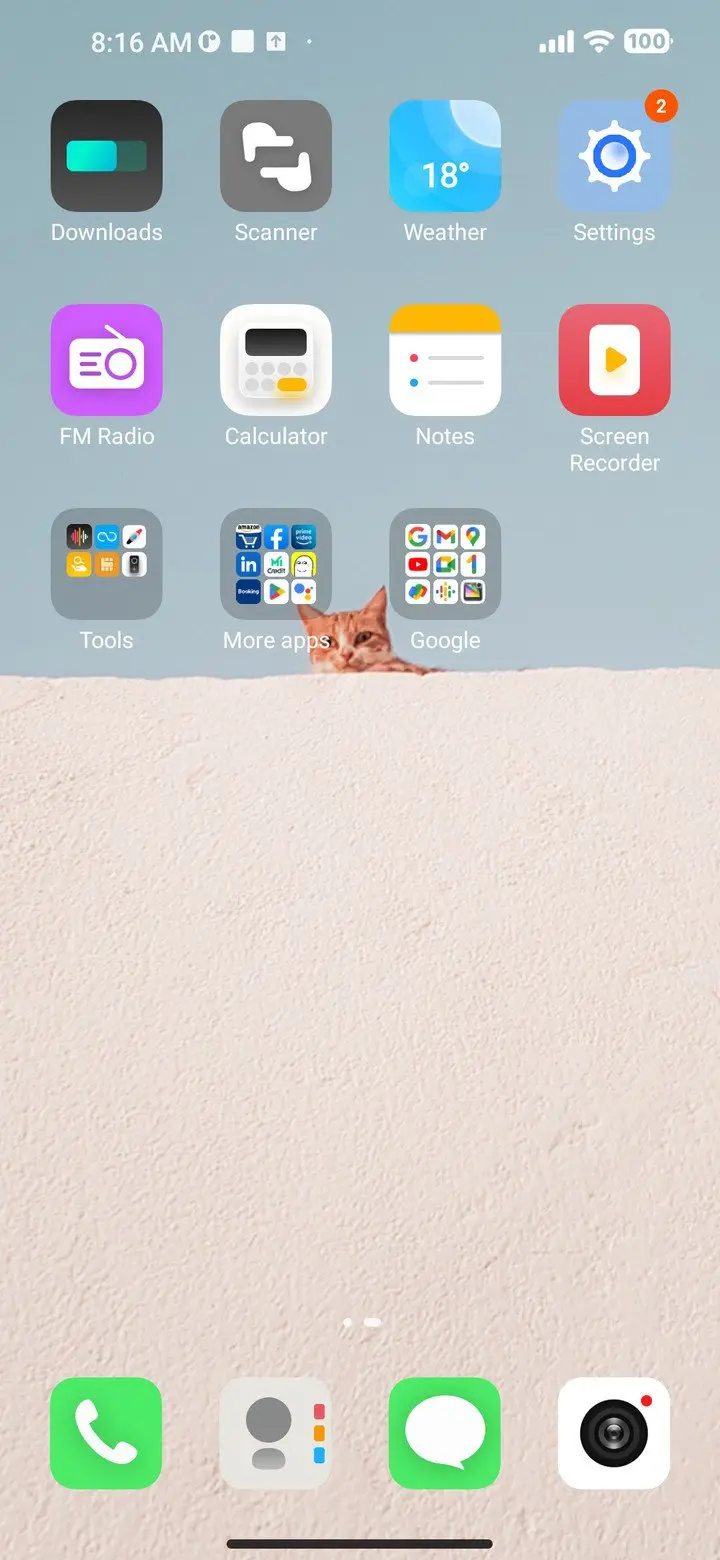
KittyUi v4 by NVX Boss has one star: a ginger cat whose ears and eyes just poke over the top of a cream-coloured wall, watching you from below a pale blue sky. It is a small detail, and it makes people smile.
Layout
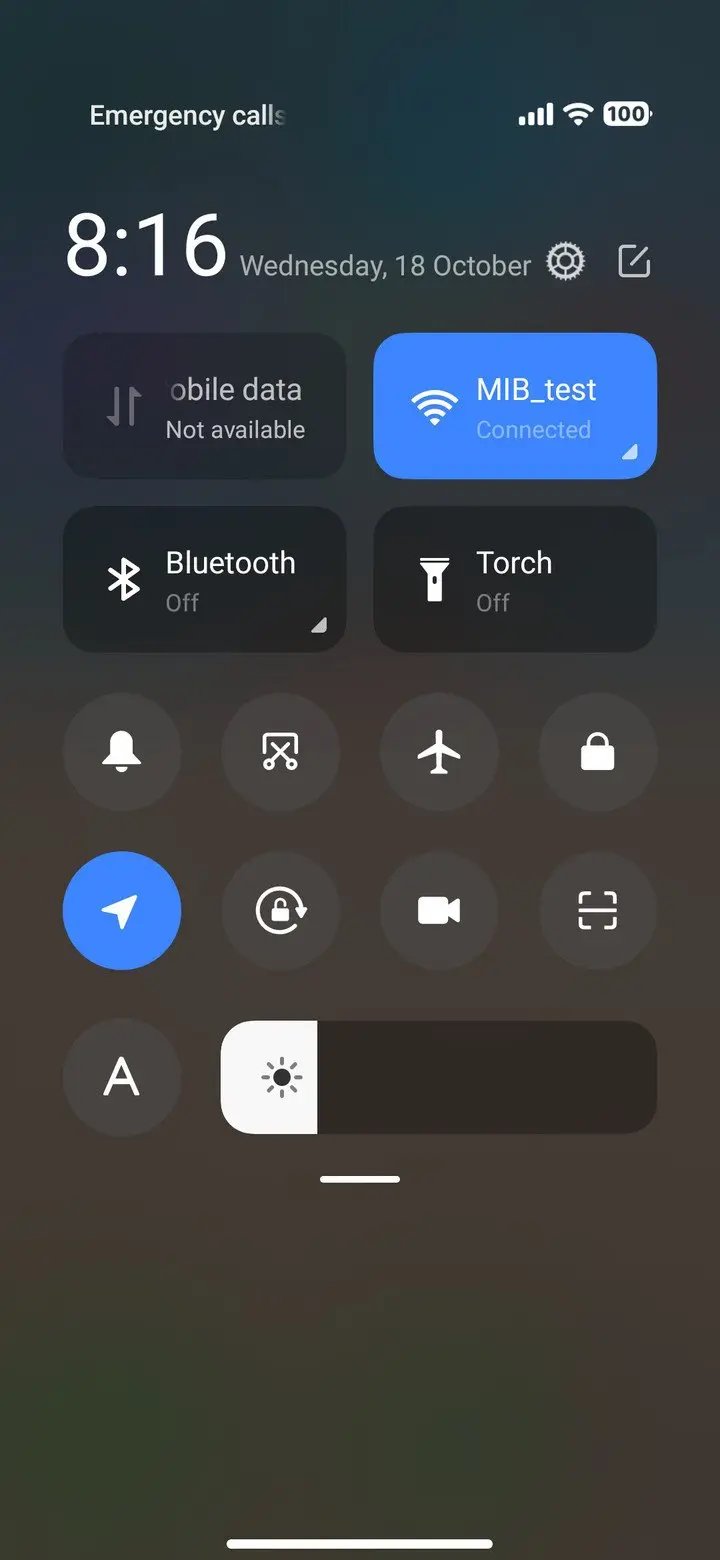
A large white clock and date fill the sky area of the lock screen, so the cat stays visible underneath. On the home screen, the same clock sits at the top, and the icons are rounded iOS-style squares laid out over the cream wall. The control center is dark with a blue Wi-Fi tile.
Hands-on
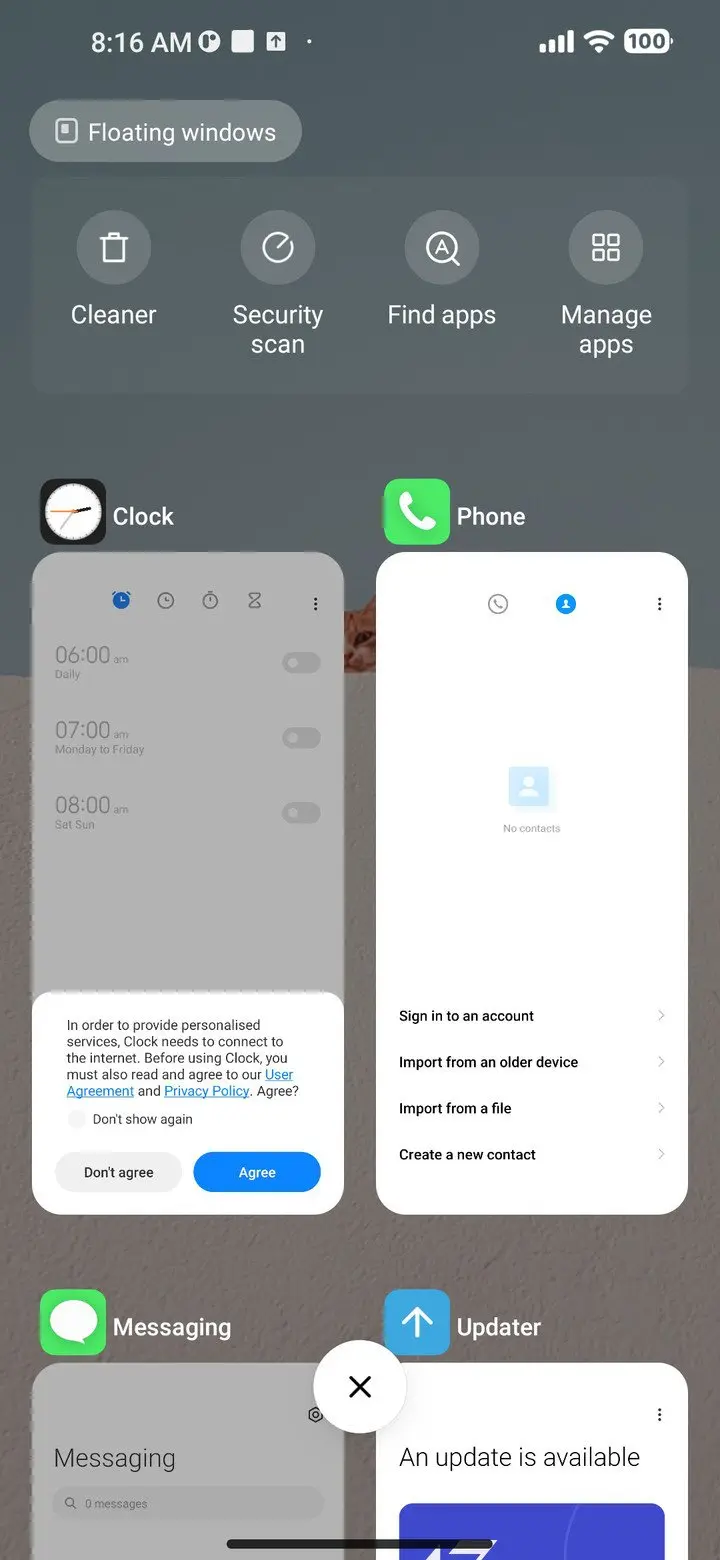
We set KittyUi v4 as the active theme on our Redmi Note 14 5G running HyperOS 3.0 and used the phone as usual. The clock read clearly even in bright daylight. Almost all the apps we use every day got themed icons, and Settings, the control center and the dialer match.
At night it was comfortable, and we saw no lag. We were happy to keep it as a daily theme.
Before you install
At 50.68 MB it is heavy for such a simple design, so use Wi-Fi.
Theme details
Everything to check before you install
Related
For another light theme with a big clock, see Whitedust or Komanchi, both tested on our phone.
What we like
- Cute, playful cat wallpaper
- Large, readable clock
- Consistent iOS-style icons
- Matching recent apps and control center
Keep in mind
- Light theme, not a dark one
- Large 50.68 MB file
4.1/5 Hands-on score · How we score
KittyUi v4 is a sweet, simple theme with a big clock, and we kept it as a daily theme.
Get KittyUi v4
The store button below takes you to KittyUi v4 in the official Xiaomi Themes app, where you can preview it again before applying.






0 comments