
PurpleV1 HyperOS Theme – A Neon Road Through Palm Trees
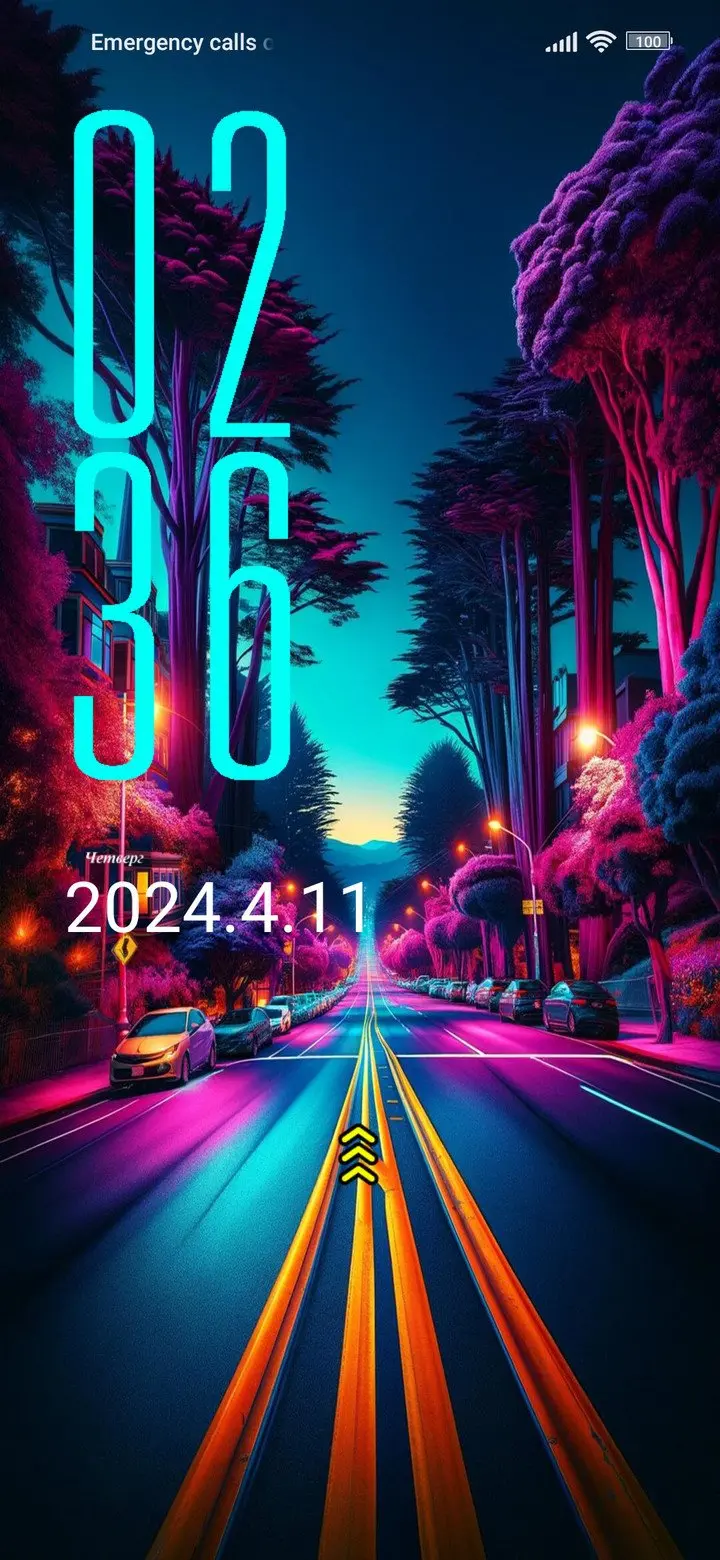
PurpleV1 by Izzy54 has a retro, synthwave look. A neon-lit road stretches into the distance between palm trees, under a deep purple and pink sky.
A tall cyan stacked clock sits on the lock screen.
PurpleV1 HyperOS Theme for Xiaomi, Redmi and POCO
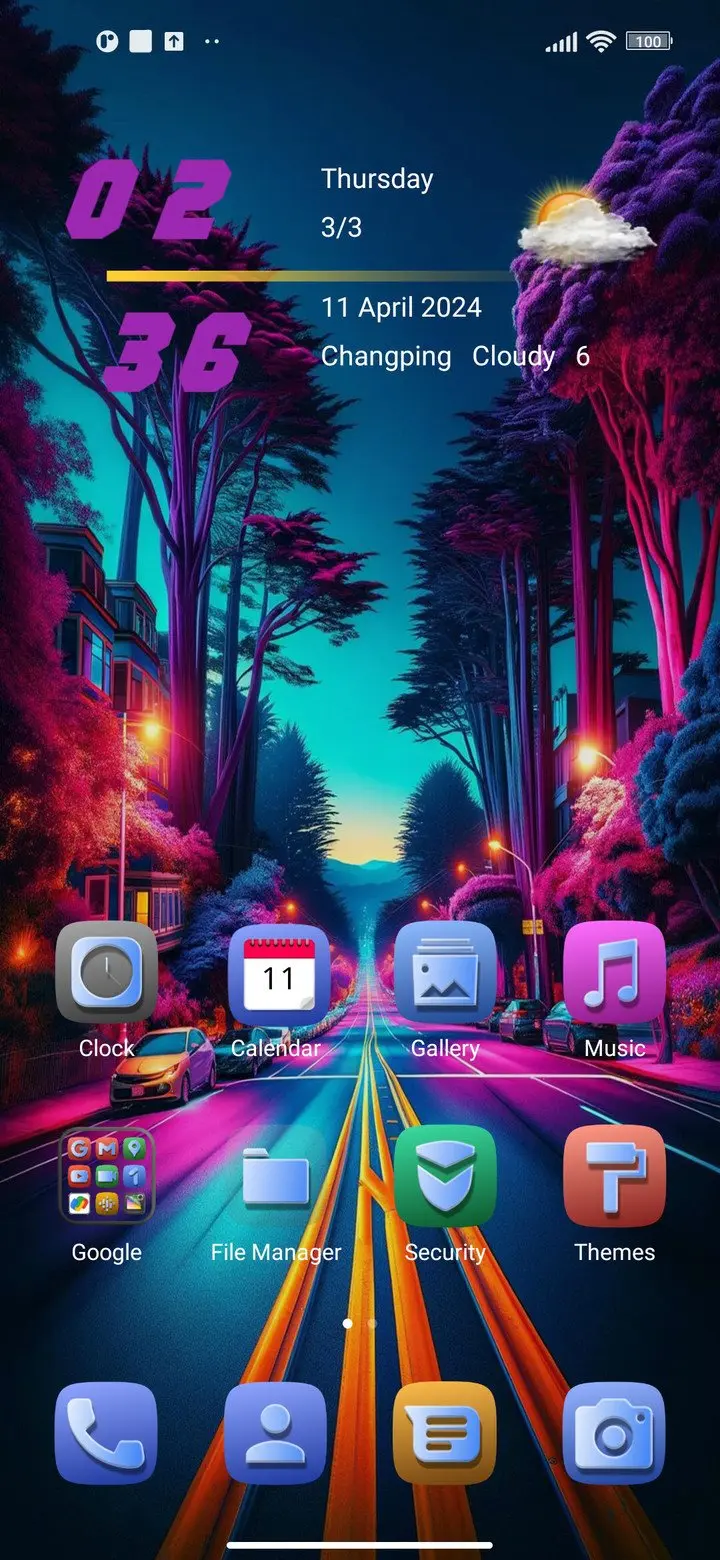
The home screen keeps the neon scene with the date and colourful icons. It is a 13.22 MB package.
What PurpleV1 changes
- Lock screen: a tall cyan clock over the neon road.
- Home screen: the date and colourful icons.
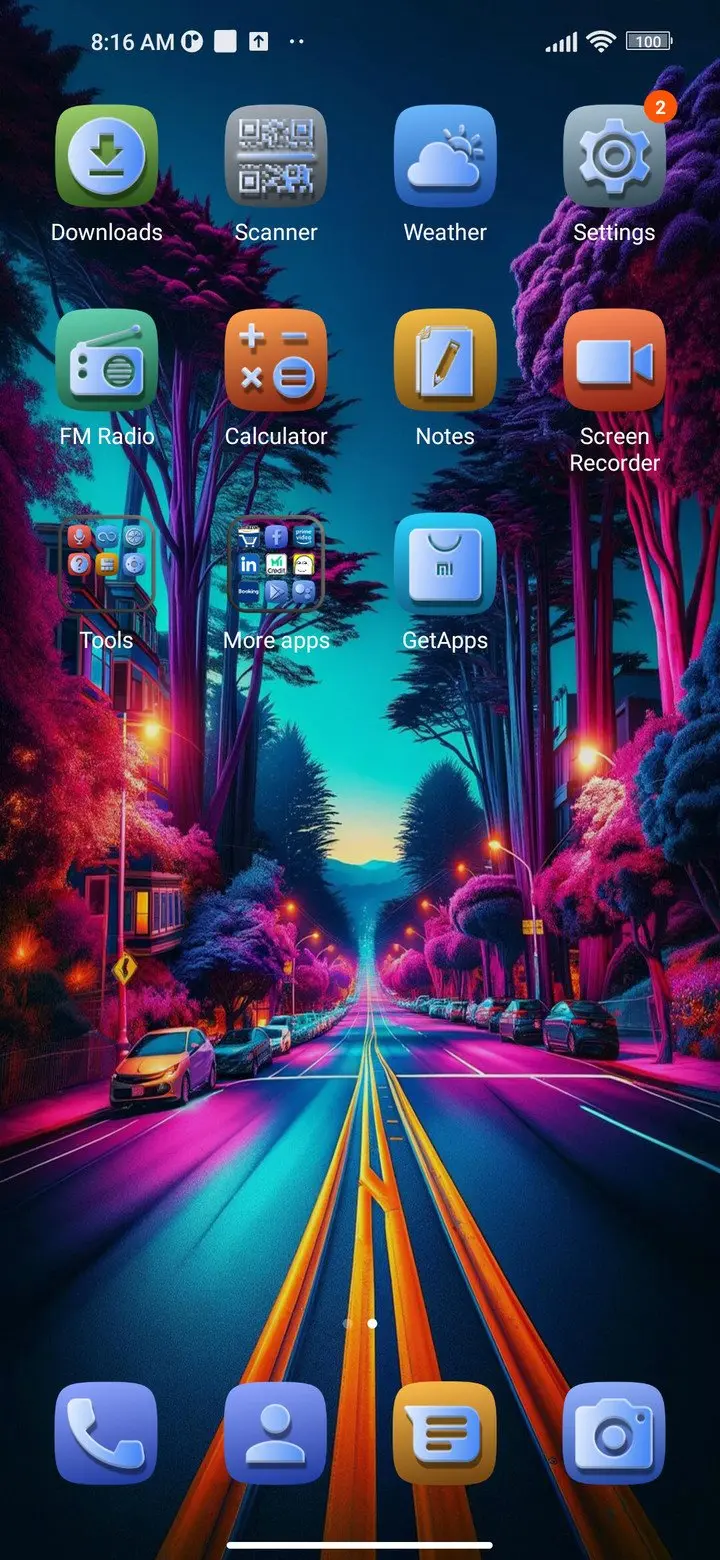
- App icons: bright icons on the neon scene.
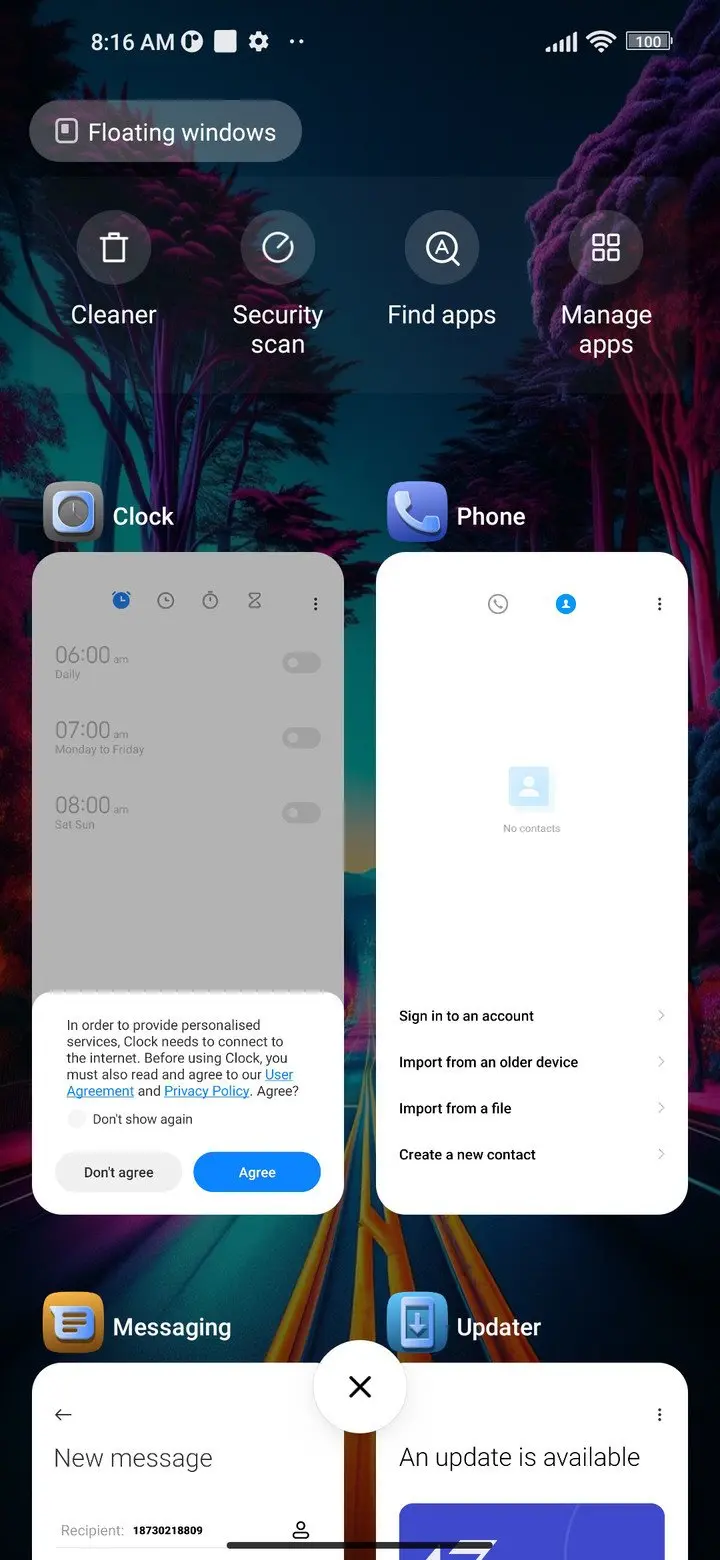
- Recent apps: app cards over purple.
- Phone app: a dark purple-accented keypad.
Theme Preview
All 5 screens below come from the theme’s official preview set. Tap any screen to open it full size.
PurpleV1 Xiaomi Theme Details
Theme details
Everything to check before you install
Our hands-on notes
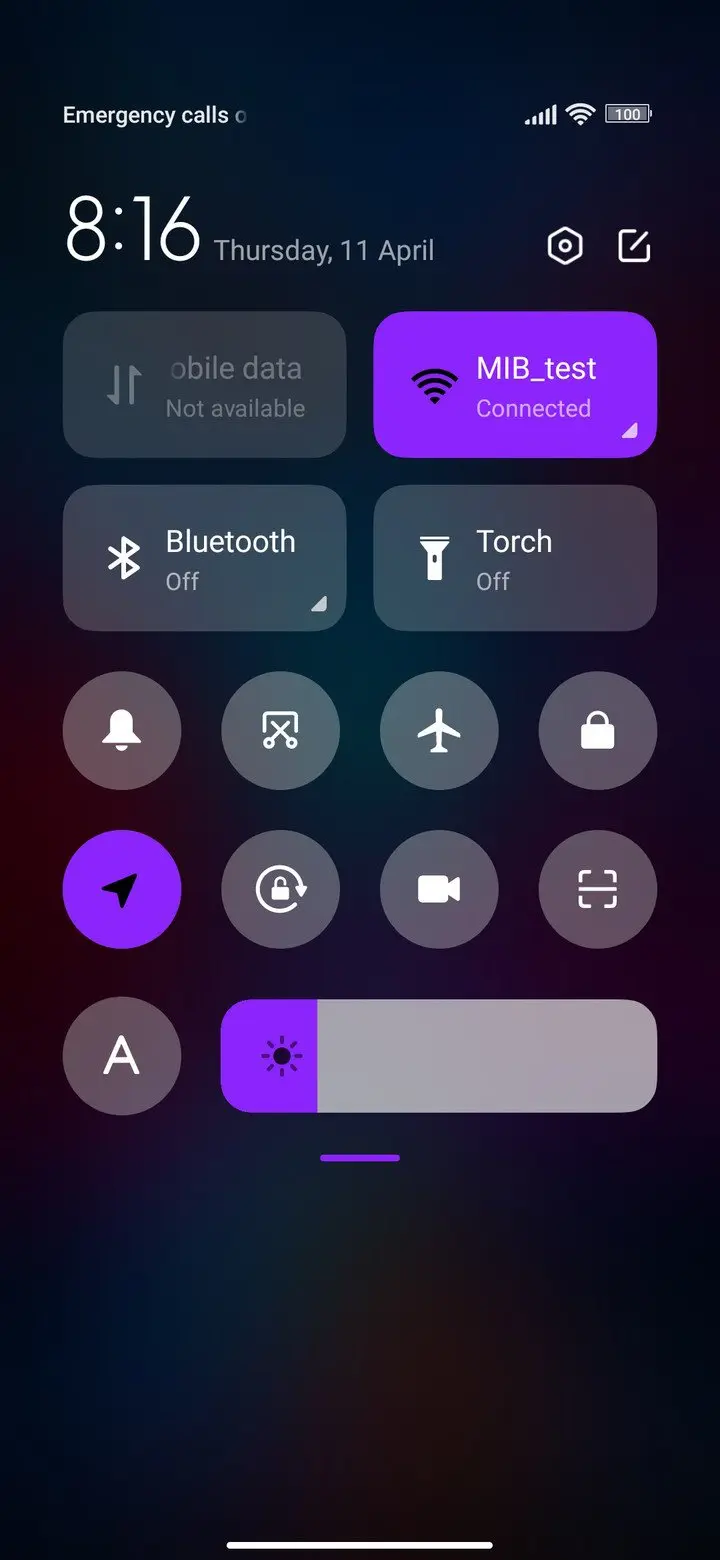
Bijay used PurpleV1 on our Redmi Note 14 5G with HyperOS 3.0 for everyday tasks. In bright sun the lock screen was readable but not crisp, and a few of our third-party apps kept stock icons, which stood out a little. Settings, the control center and the phone app all matched.
Night use was easy on the eyes, and app switching stayed smooth. It was enjoyable, though not our long-term pick.
Pros, cons and our verdict
What we like
- Striking neon scene
- Colourful icons
- Light 13.22 MB package
Keep in mind
- Busy wallpaper behind icons
3.9/5 Hands-on score · How we score
PurpleV1 is a vivid retro-neon theme for fans of synthwave style.
Get the PurpleV1 HyperOS Theme
PurpleV1 is on the official Xiaomi Theme Store. Open this page on your phone, tap the store button and choose the Themes app when HyperOS asks how to open the link.







0 comments