
Boom HyperOS Theme – A Monochrome Rowing Boat on Misty Water
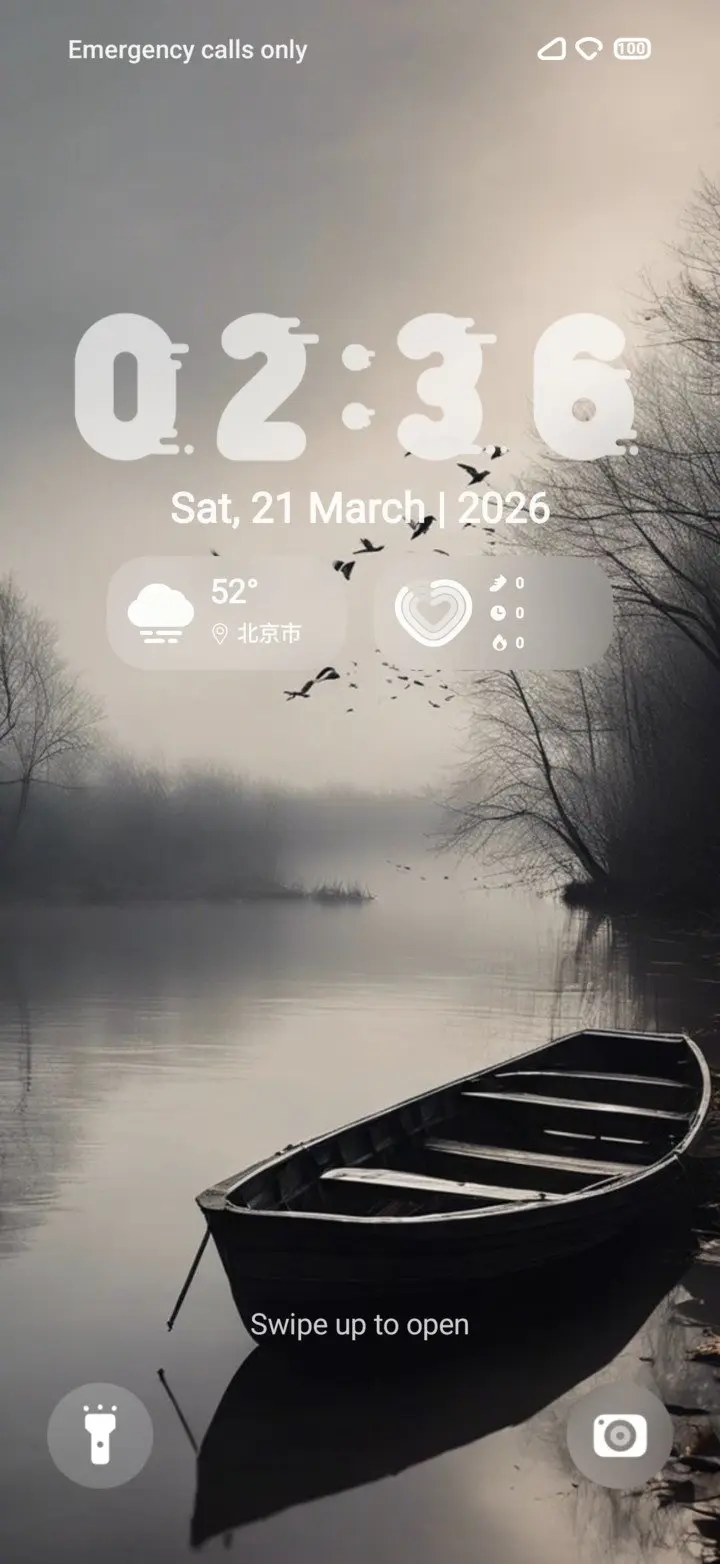
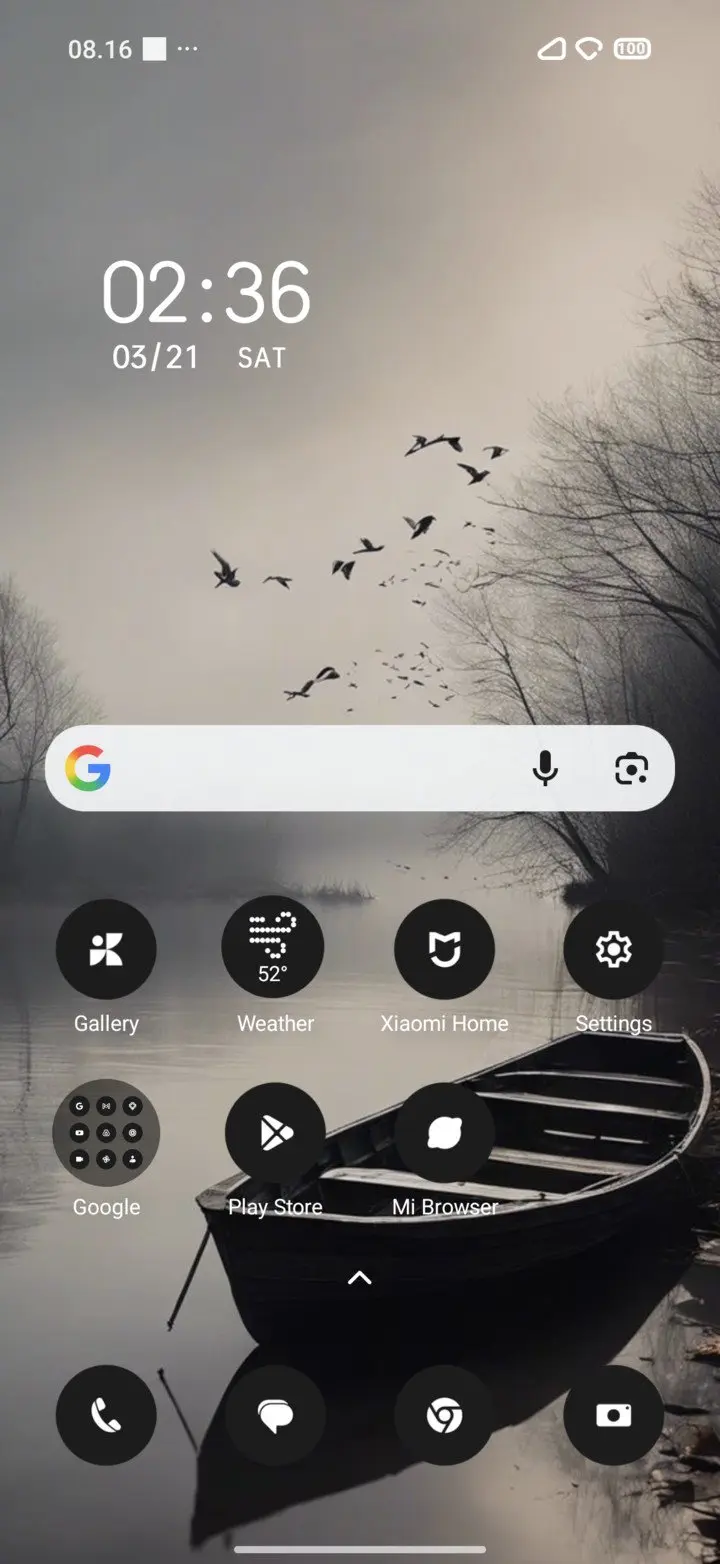
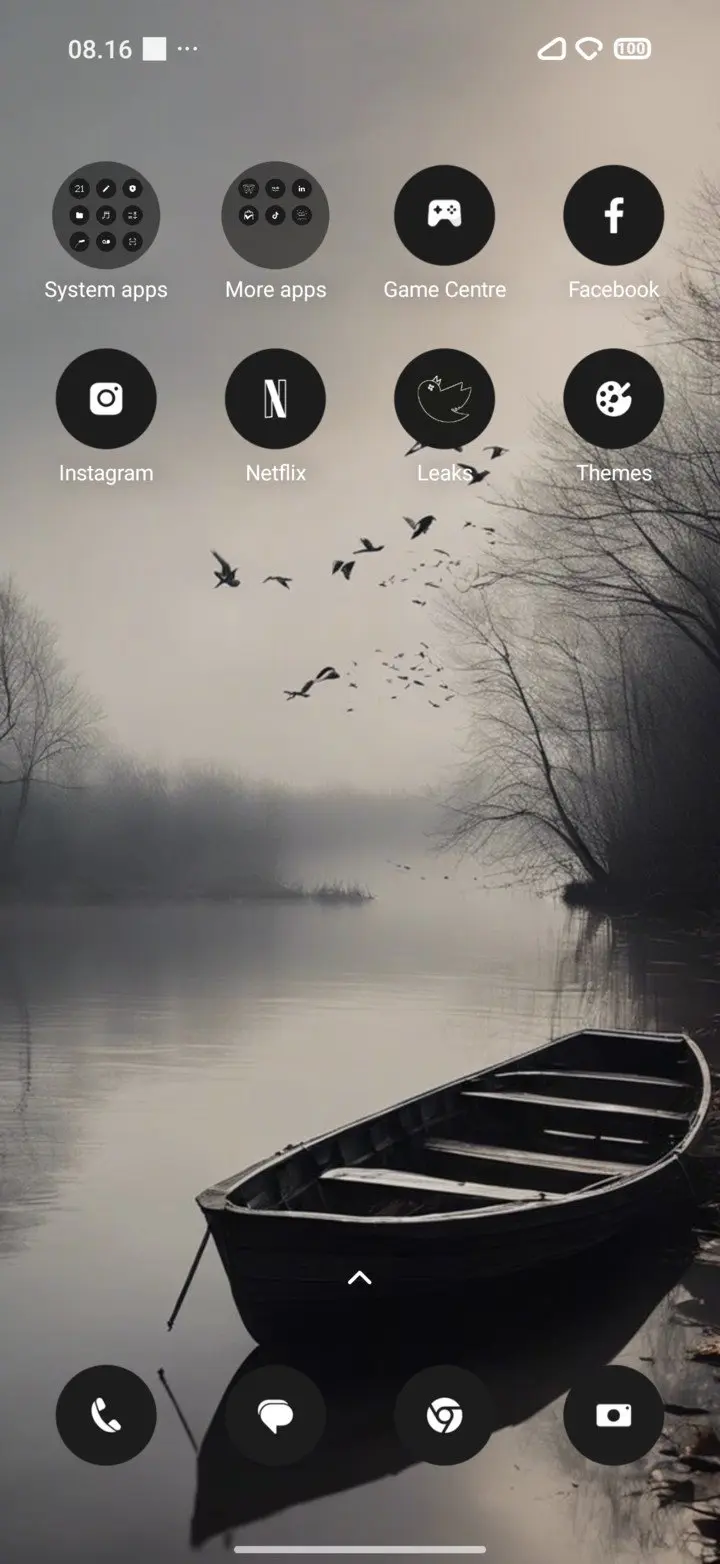
Boom by Saktie is a quiet monochrome theme. An empty wooden rowing boat rests on misty grey water, with birds flying in the pale sky.
A clean clock and date sit at the top of the lock screen.
Boom HyperOS Theme for Xiaomi, Redmi and POCO
The home screen keeps the scene with a small clock, a search bar and dark outline icons. It is a 16.18 MB package.
What Boom changes
- Lock screen: a clean clock over the misty boat photo.
- Home screen: a small clock, search bar and outline icons.
- App icons: dark outline icons on grey.
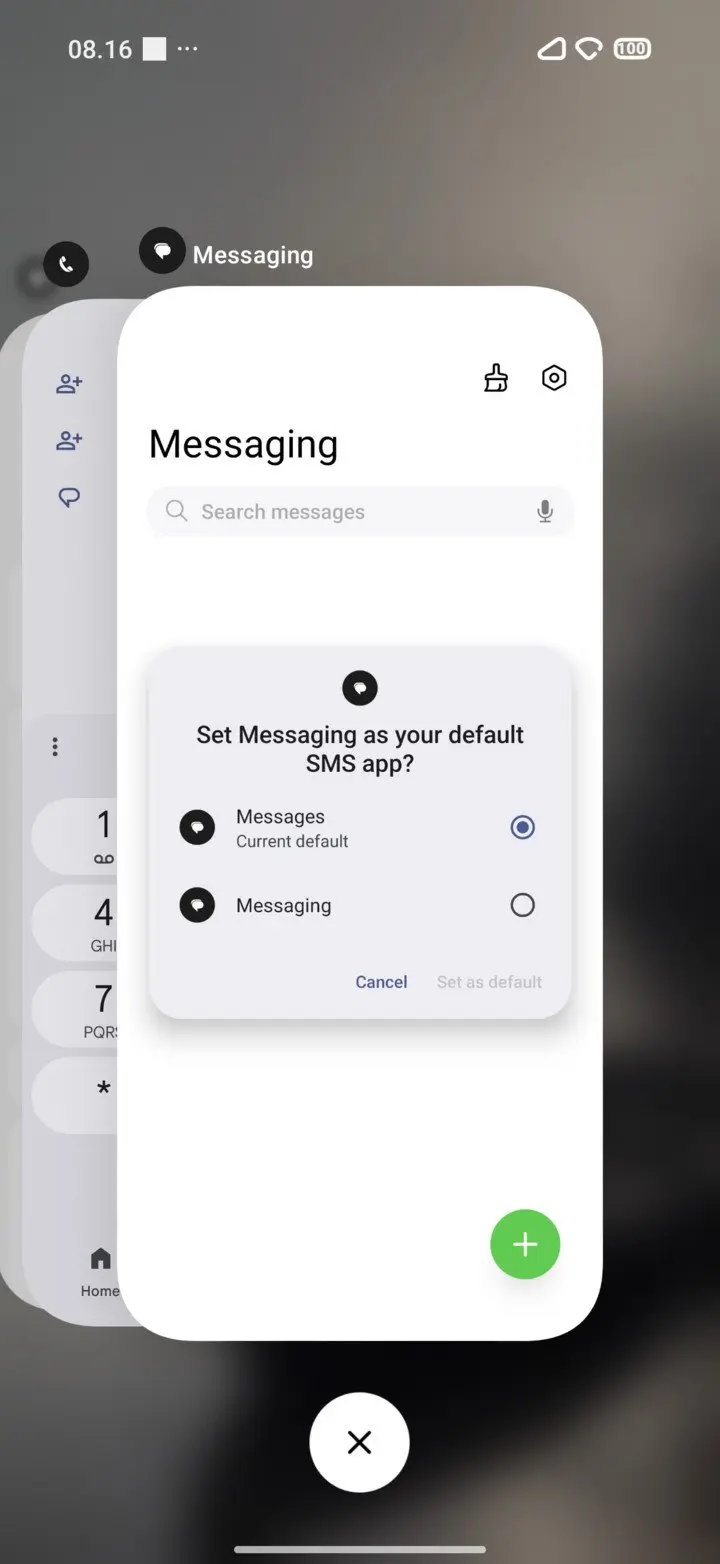
- Recent apps: app cards on grey.
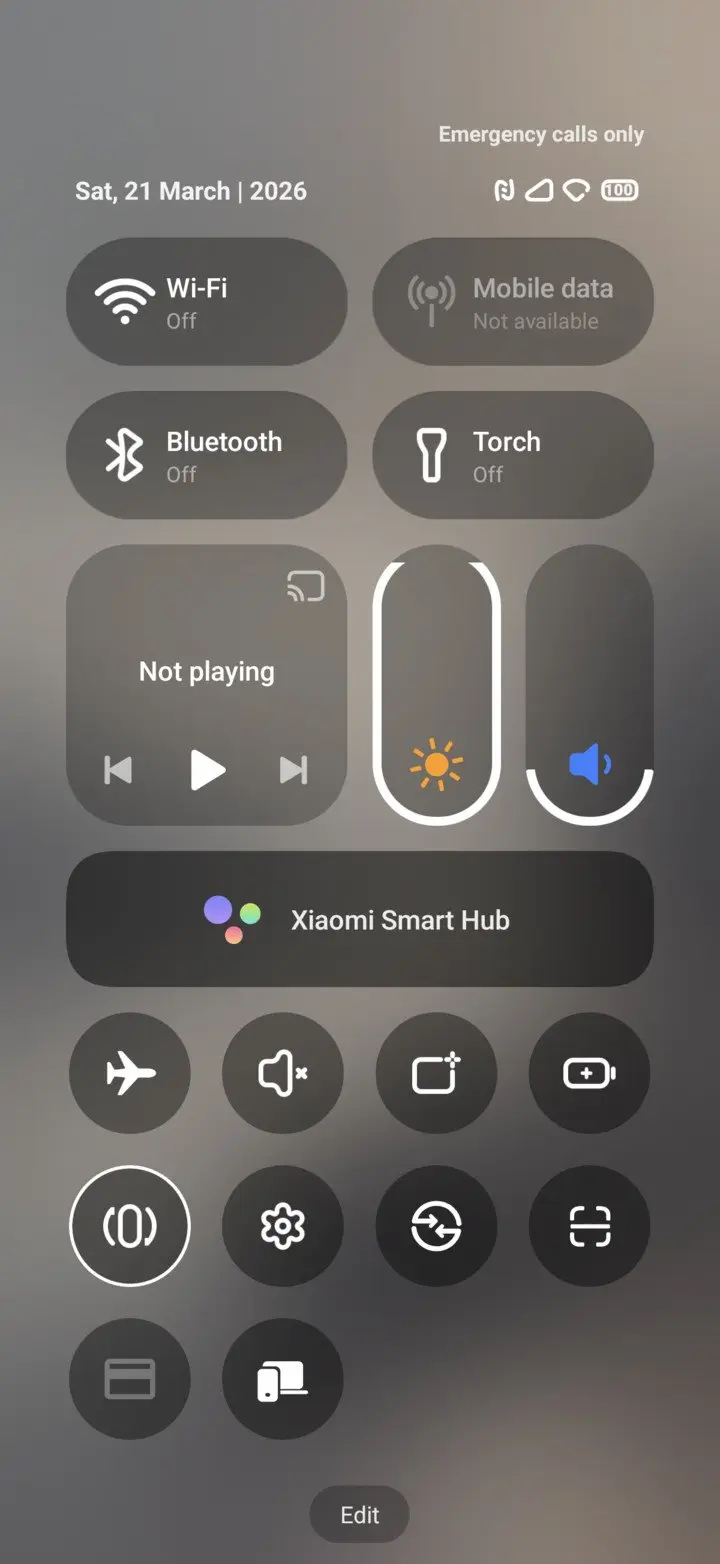
- Control center: a light panel.
Theme Preview
All 5 screens below come from the theme’s official preview set. Tap any screen to open it full size.
Boom Xiaomi Theme Details
Theme details
Everything to check before you install
Our hands-on notes
Bijay used Boom on our Redmi Note 14 5G with HyperOS 3.0 for everyday tasks. The clock was clear even in bright daylight, and a few of our third-party apps kept stock icons, which stood out a little. A few system screens, such as Settings or the dialer, kept the stock look.
Night use was easy on the eyes, and app switching stayed smooth. It was enjoyable, though not our long-term pick.
Pros, cons and our verdict
What we like
- Calm monochrome photo
- Clean outline icons
- Moderate 16.18 MB size
Keep in mind
- No colour accents
4.1/5 Hands-on score · How we score
Boom is a peaceful, photographic monochrome theme.
Get the Boom HyperOS Theme
Boom is on the official Xiaomi Theme Store. Open this page on your phone, tap the store button and choose the Themes app when HyperOS asks how to open the link.








0 comments