
Ice Cream HyperOS Theme – Berry Sundae on Deep Red
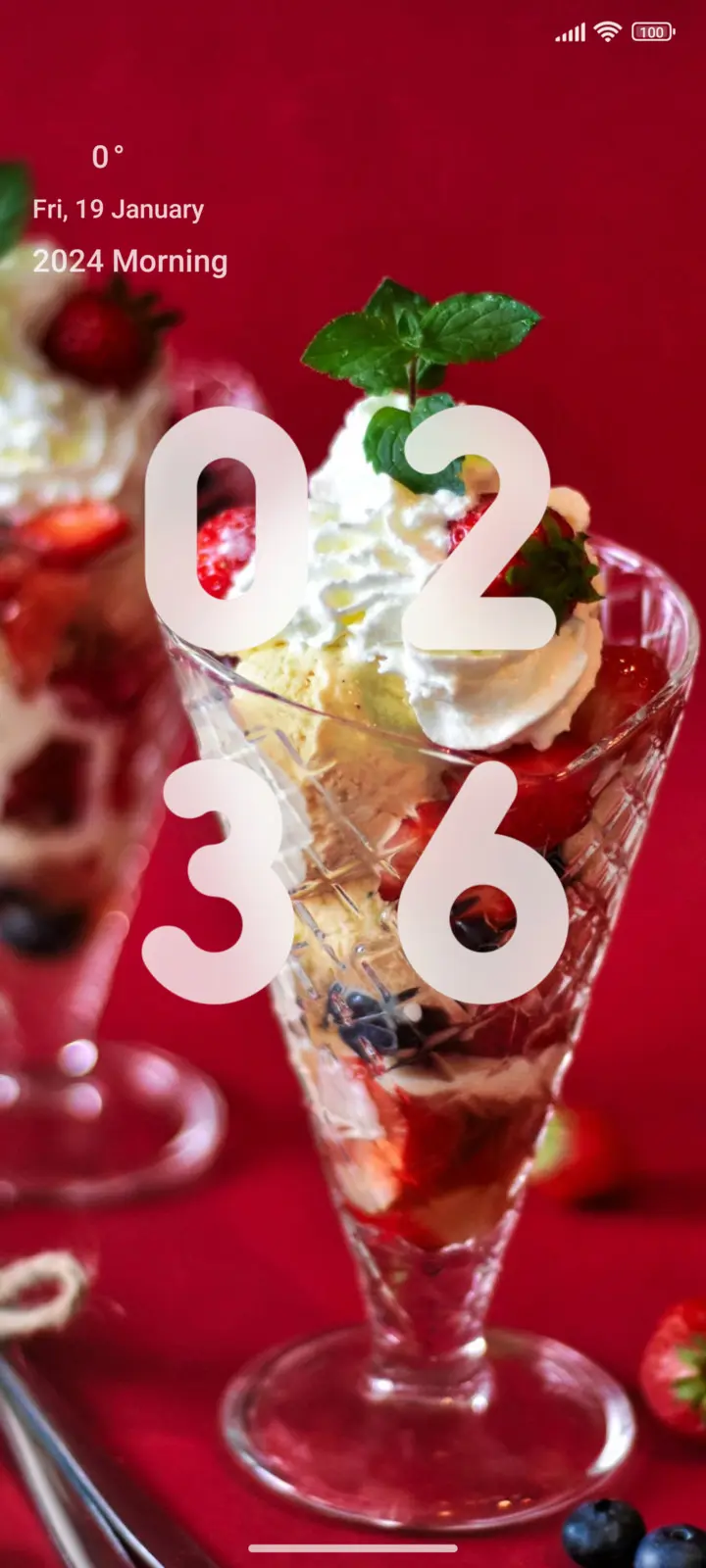
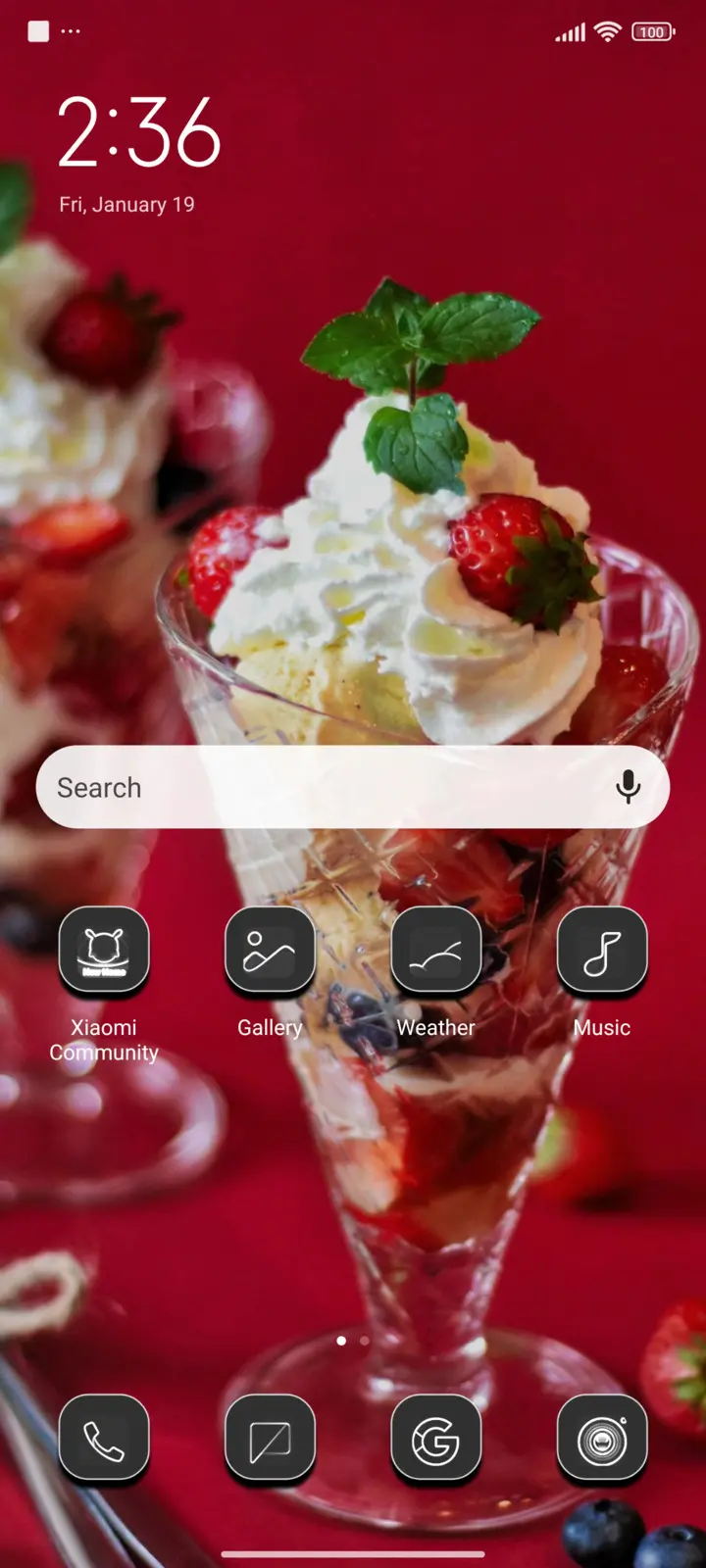
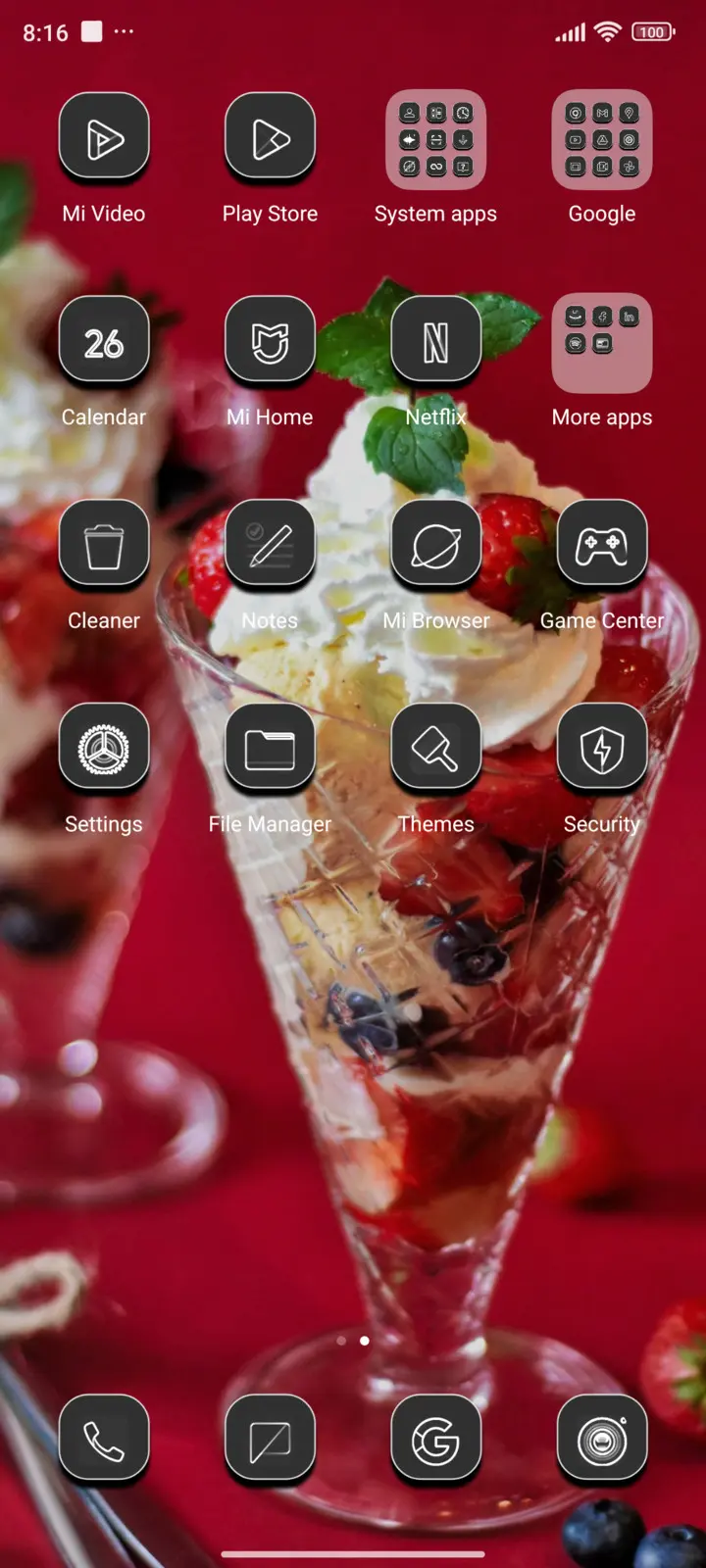
Ice Cream by Mr.Syafii is exactly what it sounds like. A tall glass sundae fills the screen: scoops of vanilla, whipped cream, fresh strawberries, a sprig of mint and a dusting of chocolate, all set against a bright cherry-red background.
From the screenshots
- Lock screen: a big, soft white clock stacked over the glass, with the date and a short greeting above.
- Home screen: a small clock, a search bar and dark round icons with thin white outlines.
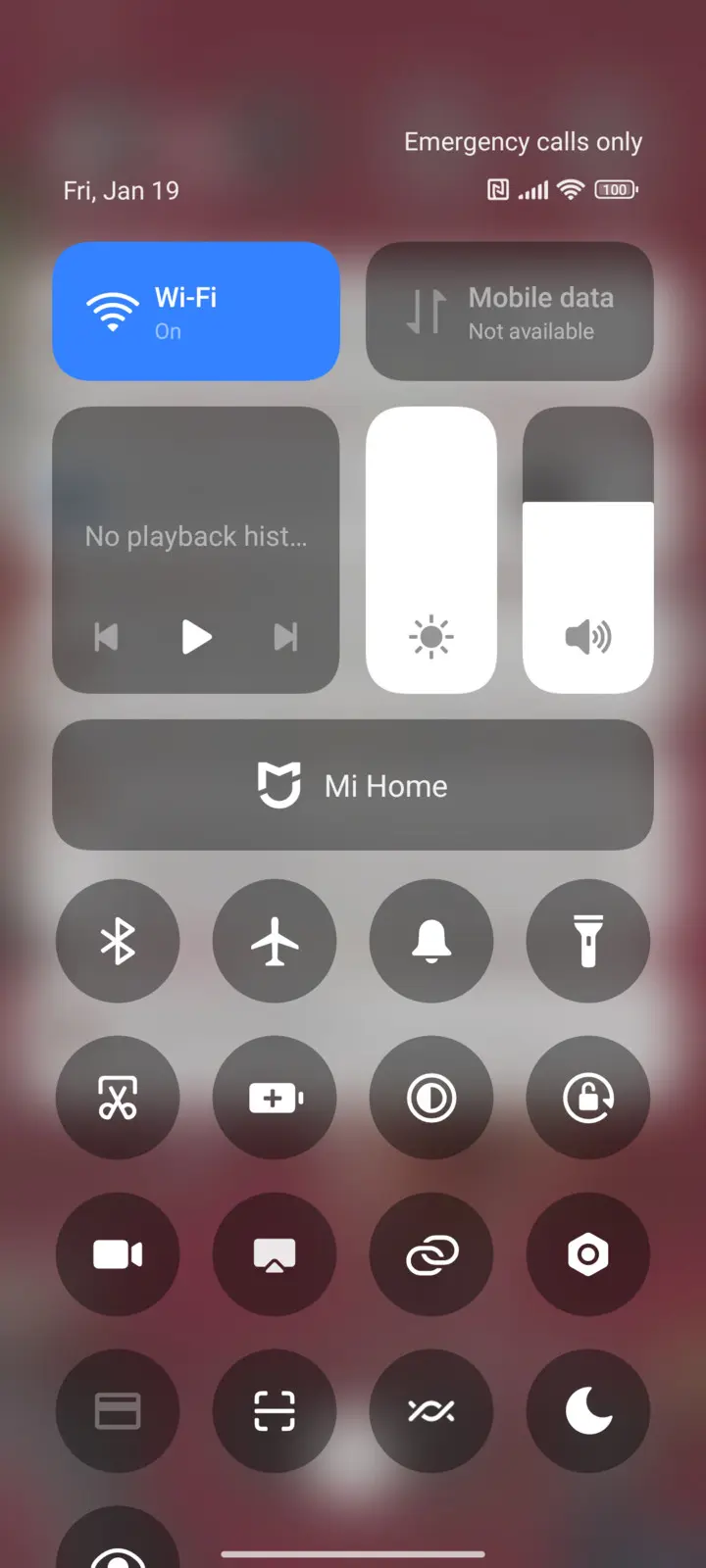
- Control center: dark tiles over a red wash, with a blue Wi-Fi button.
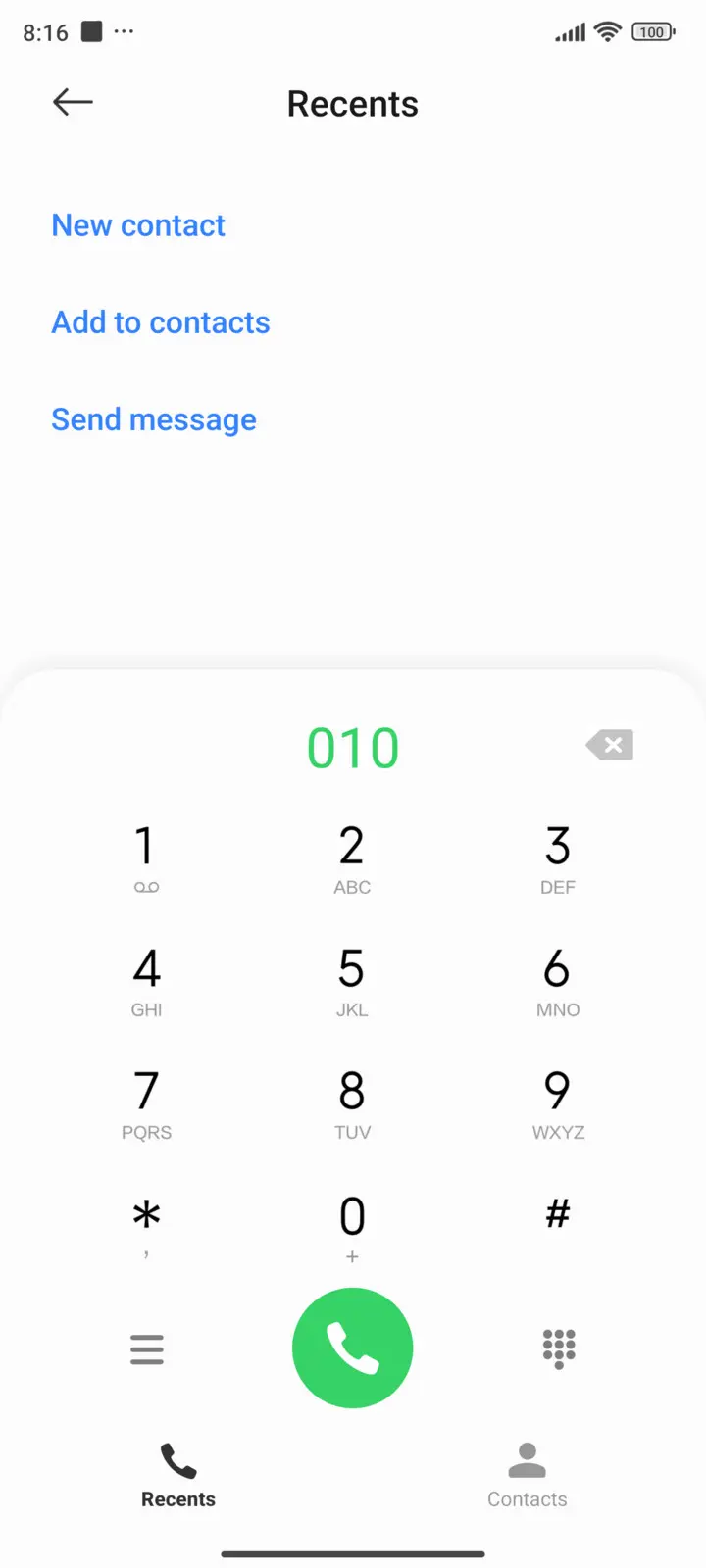
- Phone app: a clean white keypad with a green call button.
The dark outline icons are a smart choice: they keep the screen readable over such a colourful photo.
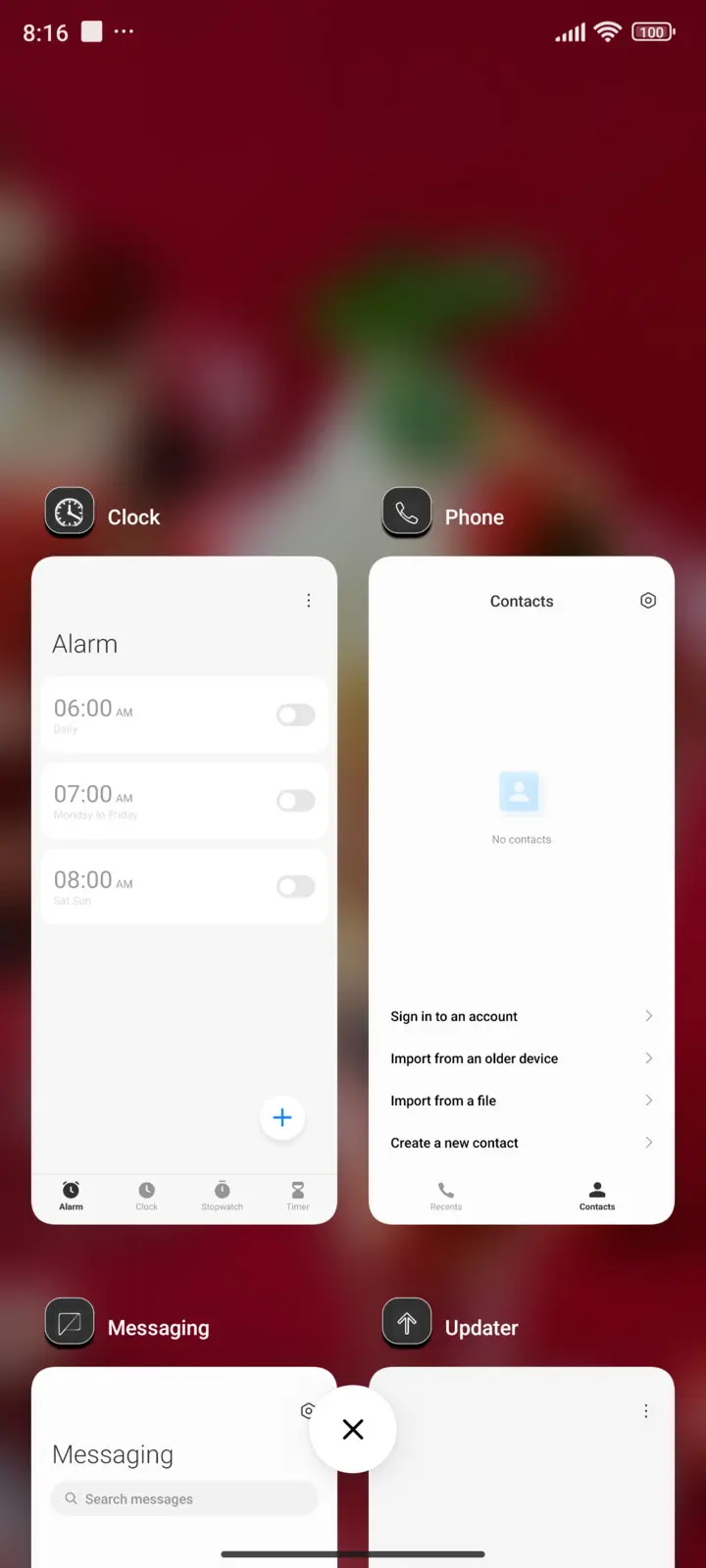
A closer look at the screens
Ice Cream’s previews show a strawberry ice cream sundae in a tall glass against a red background. The lock screen stacks a large white clock over the dessert, and the home screen keeps the same photo behind a small clock and a search bar.
Icons are dark rounded tiles with white outline symbols, which keeps the busy photo readable. The control center is light frosted grey, and the dialer is plain white. It is a fun, sweet theme.
How we reviewed it
Ice Cream has not been on our test phone. What you read above comes from the designer’s eight official screenshots and the Theme Store page, so treat it as a preview-based look rather than a hands-on review.
Theme details
Everything to check before you install
Other bright themes
If you like bold colour, look at Spark v13 or Gloss V.3.1.
What we like
- Fun dessert photo
- Big, readable stacked clock
- Matching red tones in the control center
Keep in mind
- Busy photo sits behind icons
- Not tested hands-on
From its previews, Ice Cream is a sweet, playful theme for anyone who wants their phone to look like a dessert menu.
Get Ice Cream
Ice Cream is available through Xiaomi’s own Theme Store. Tap the button below on your phone; the 14.58 MB package installs from there.






0 comments