
Blur J15 HyperOS Theme – Pastel Bubbles and Widget-Packed Screens
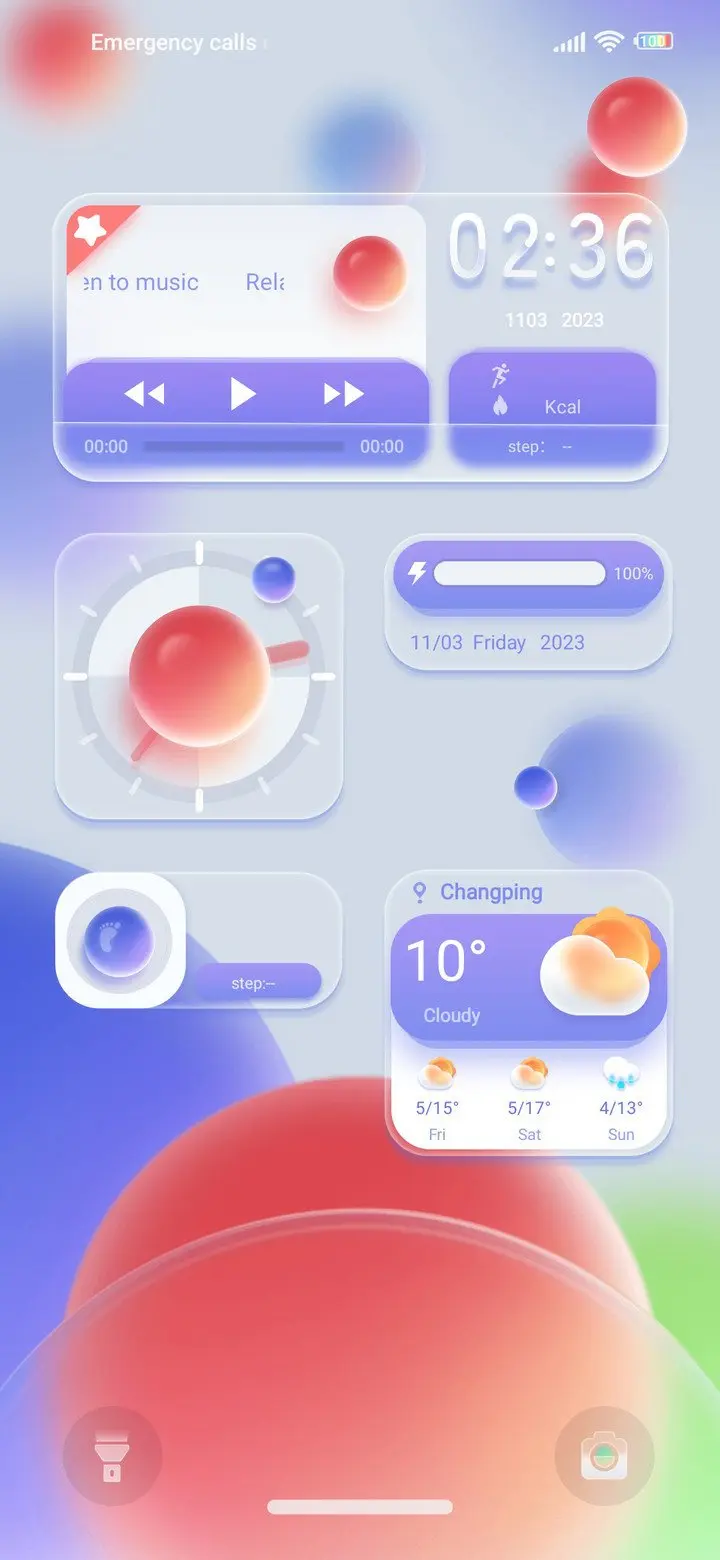
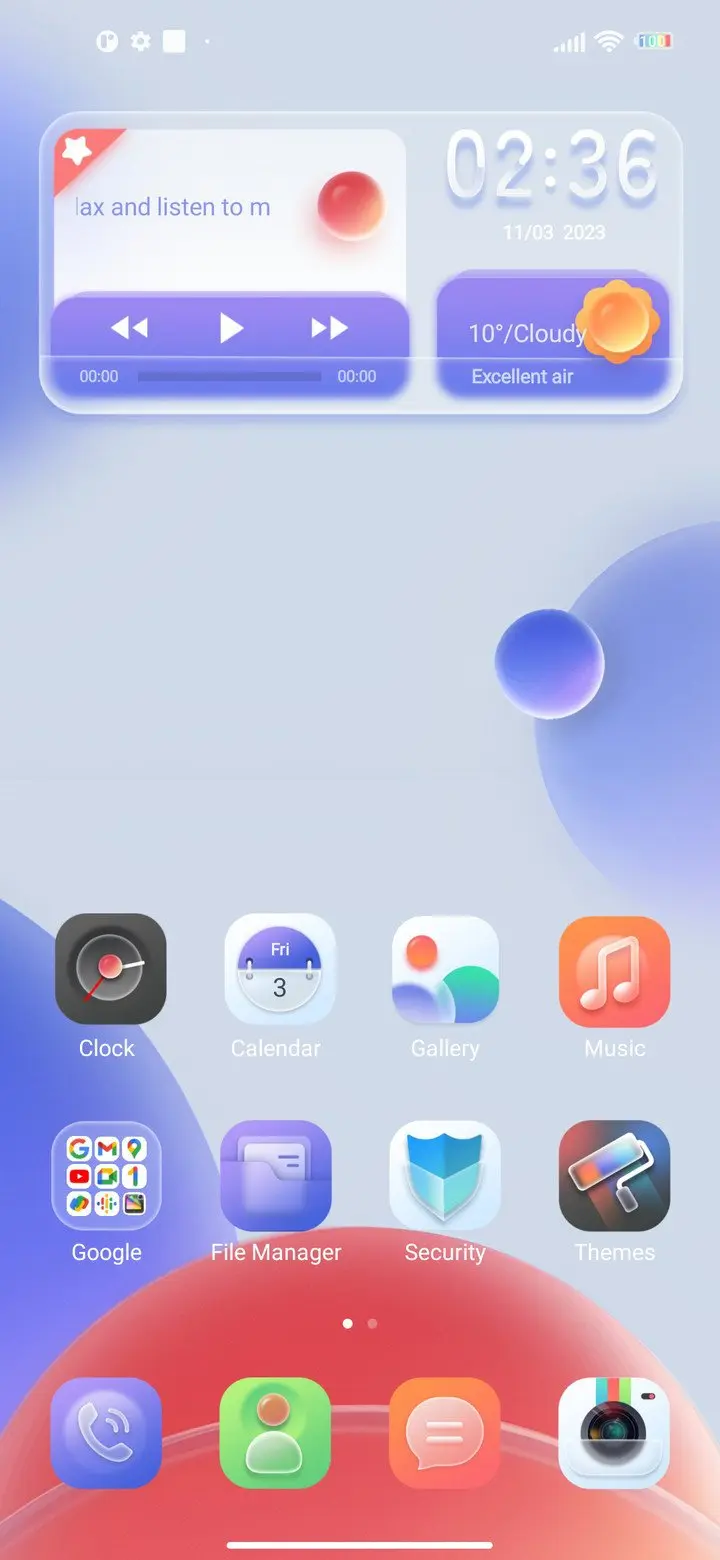
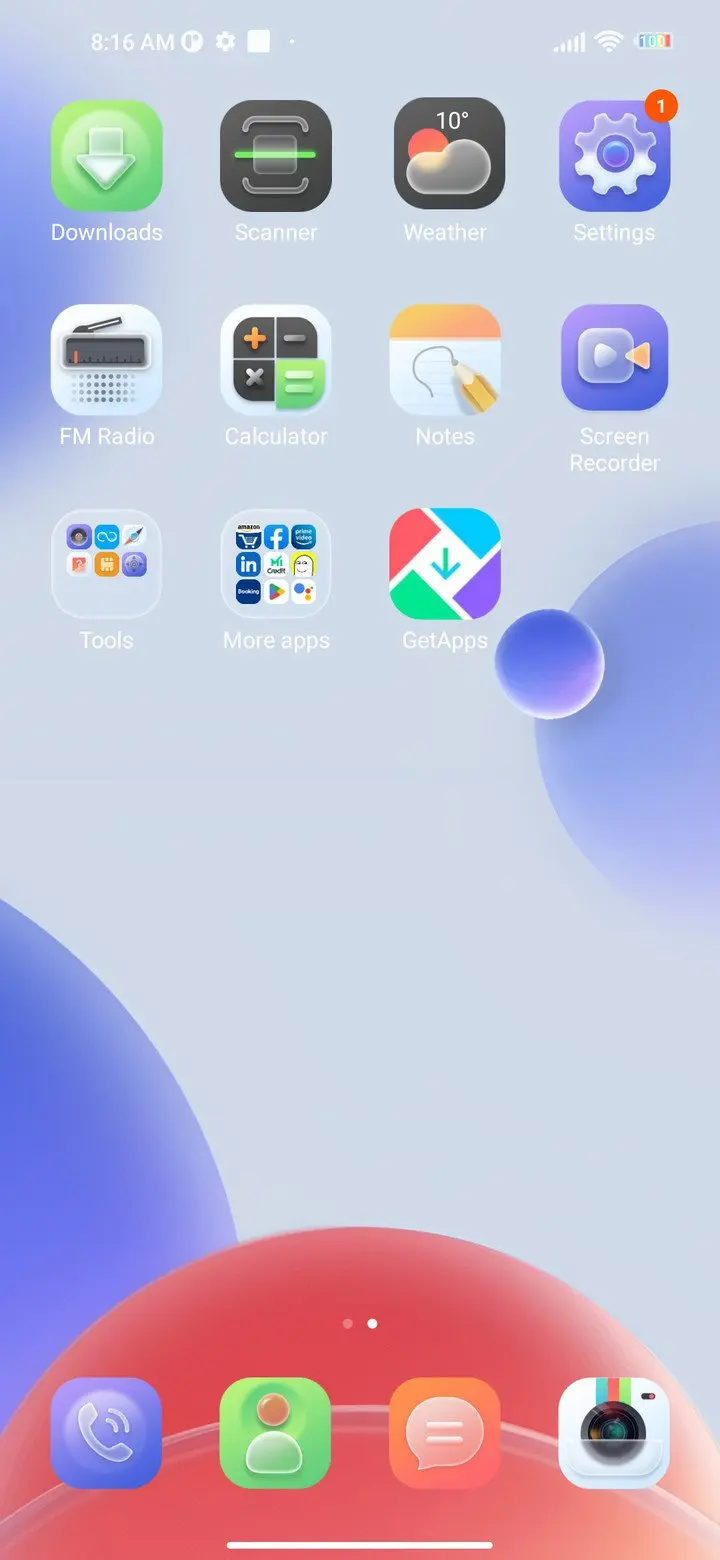
Blur J15 by md oxygen fills the screen with soft, blurred spheres in pink, coral, red and pale blue, floating at different depths like balloons out of focus.
Widgets everywhere
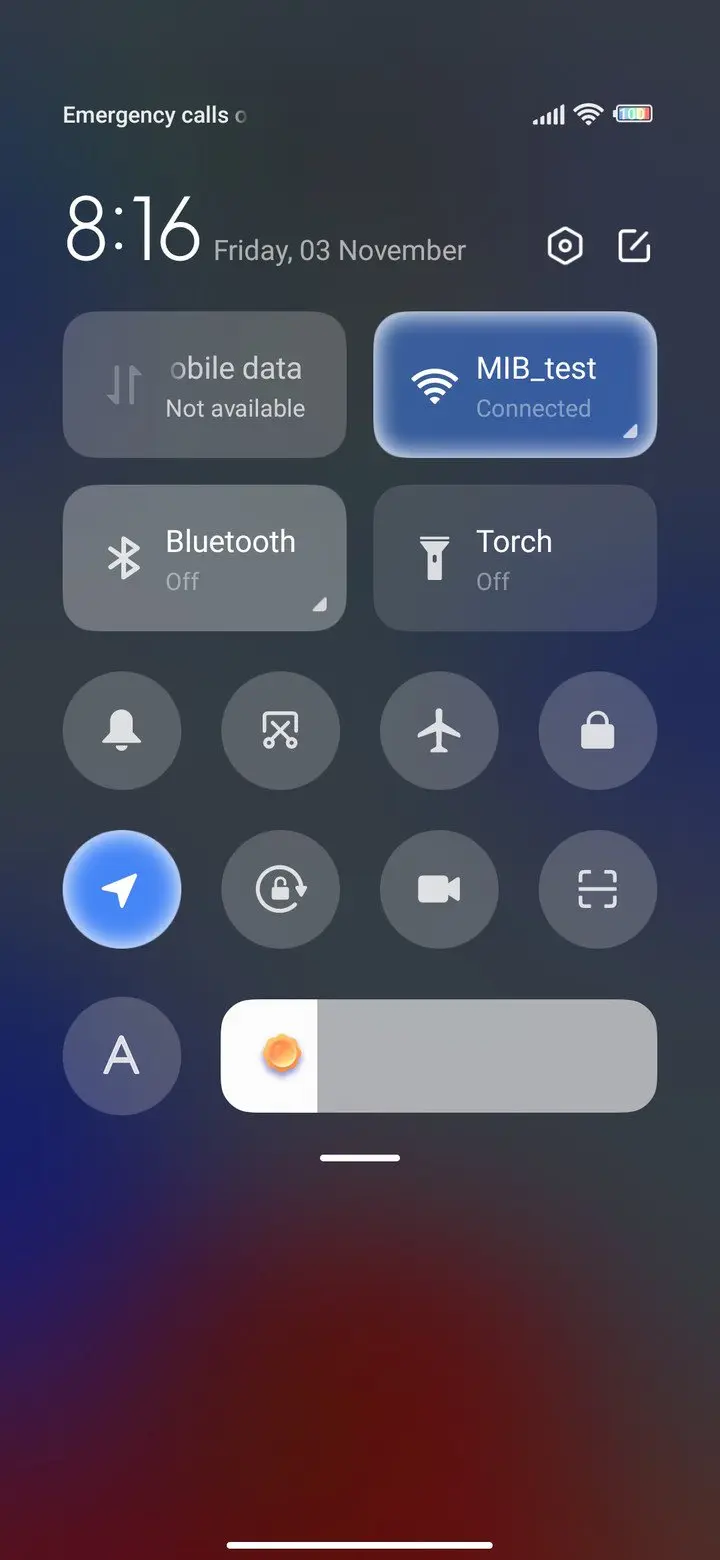
The lock screen stacks a music player, a clock card, a round radar-style widget and a weather card. The home screen keeps a music bar and clock at the top. Icons are colourful and glossy, and the control center is dark with a peach-coloured brightness slider.
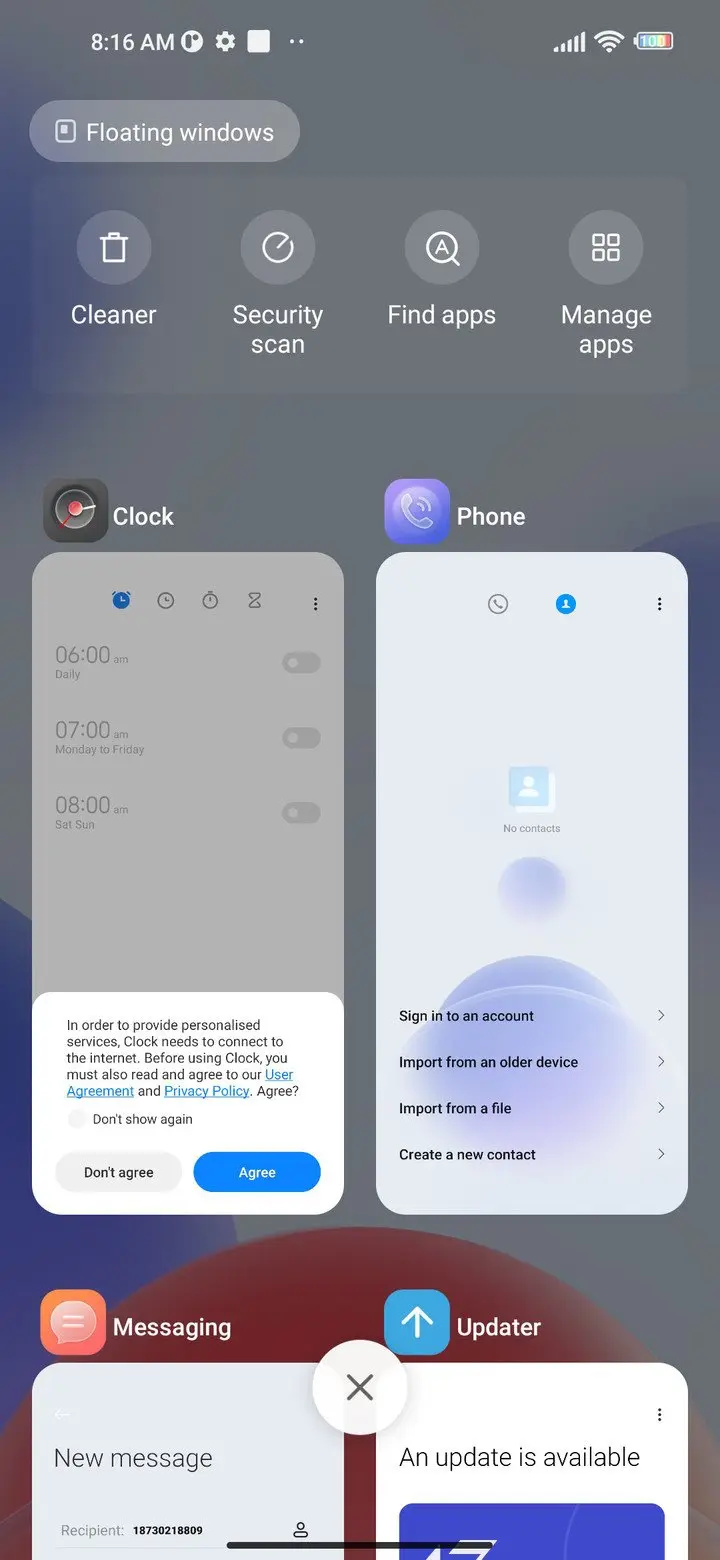
What each screen looks like
Blur J15’s previews use a pale lilac background with soft red and blue bubbles. The lock screen is covered in frosted widgets: a clock, a music player, an analogue clock and a weather card.
Icons are soft rounded tiles with a glassy finish. The control center is light frosted with blue active tiles. It is a bright, bubbly widget theme.
Good to know
With so many widgets over a busy background, some text can lose contrast. It suits people who want everything on one screen.
Review basis
We have not used Blur J15; five previews are our source.
Theme details
Everything to check before you install
Similar
Color Mixx uses soft pastels too, and we tested it hands-on.
What we like
- Playful pastel palette
- Lots of useful widgets
- Colourful icons
Keep in mind
- Bubbles can lower widget contrast
- Not tested hands-on
4.1/5 Preview-based score · How we score
From its previews, Blur J15 is a bubbly, widget-heavy theme with a soft, dreamy palette.
Get Blur J15
Blur J15 is available through Xiaomi’s own Theme Store. Tap the button below on your phone; the 26.31 MB package installs from there.







0 comments