
vibgyor HyperOS Theme – Blue-Green Waves and Glassy Icons
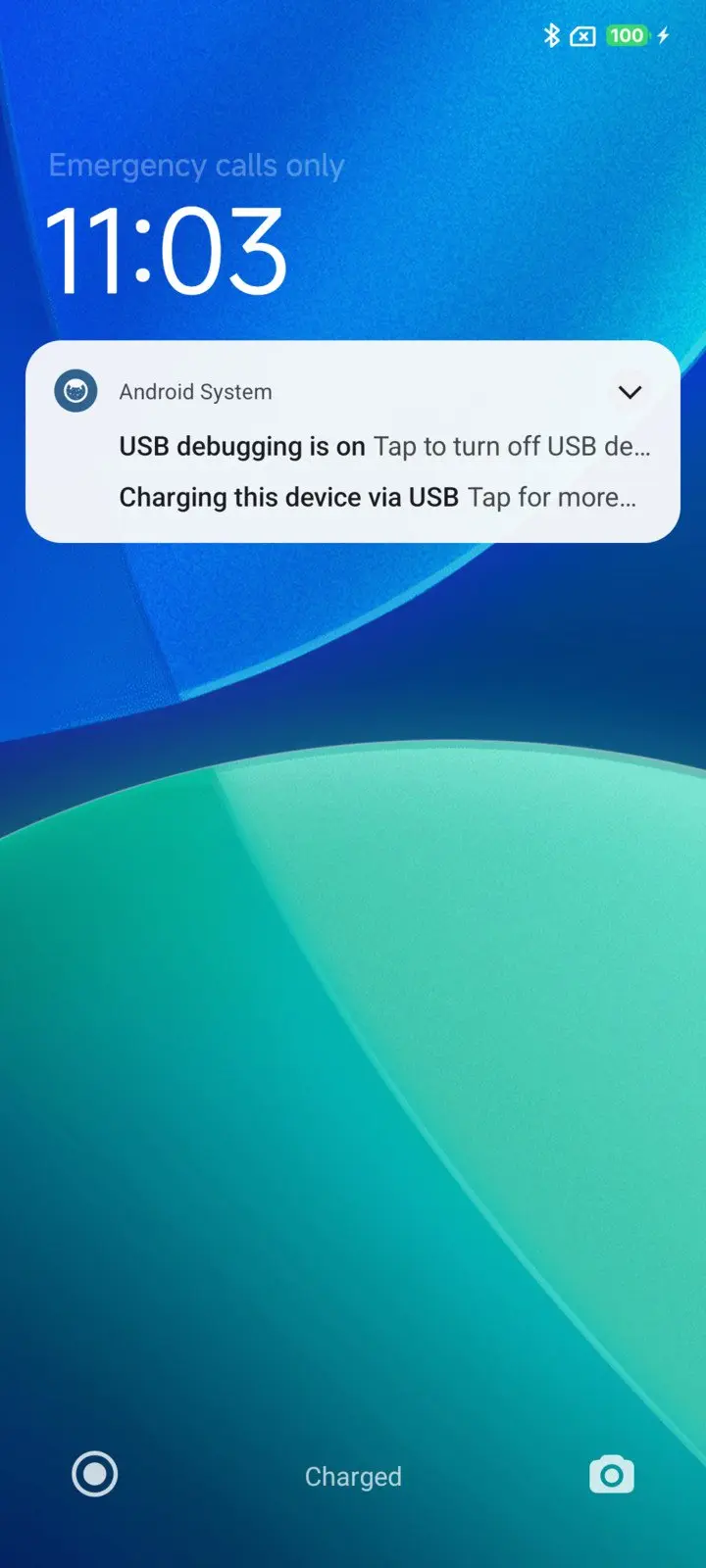
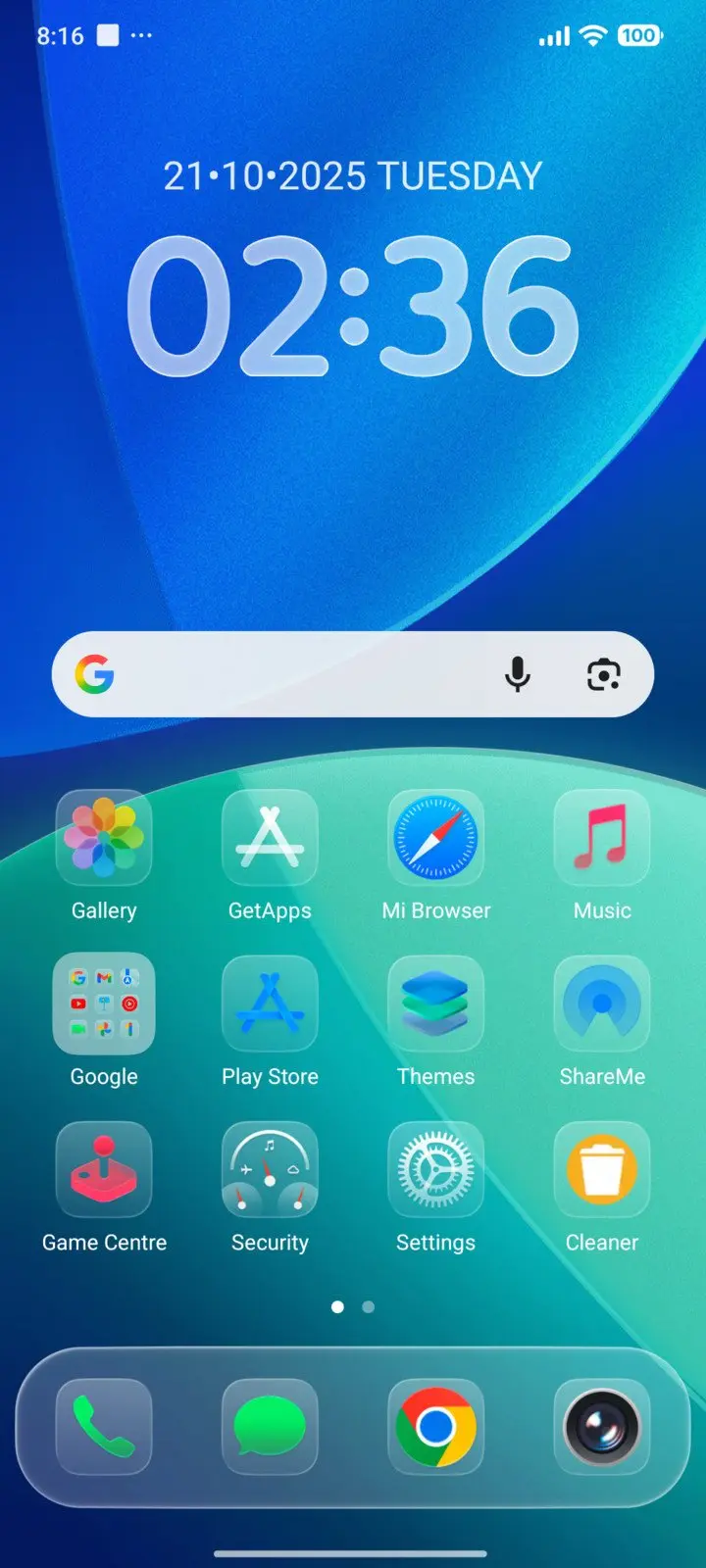
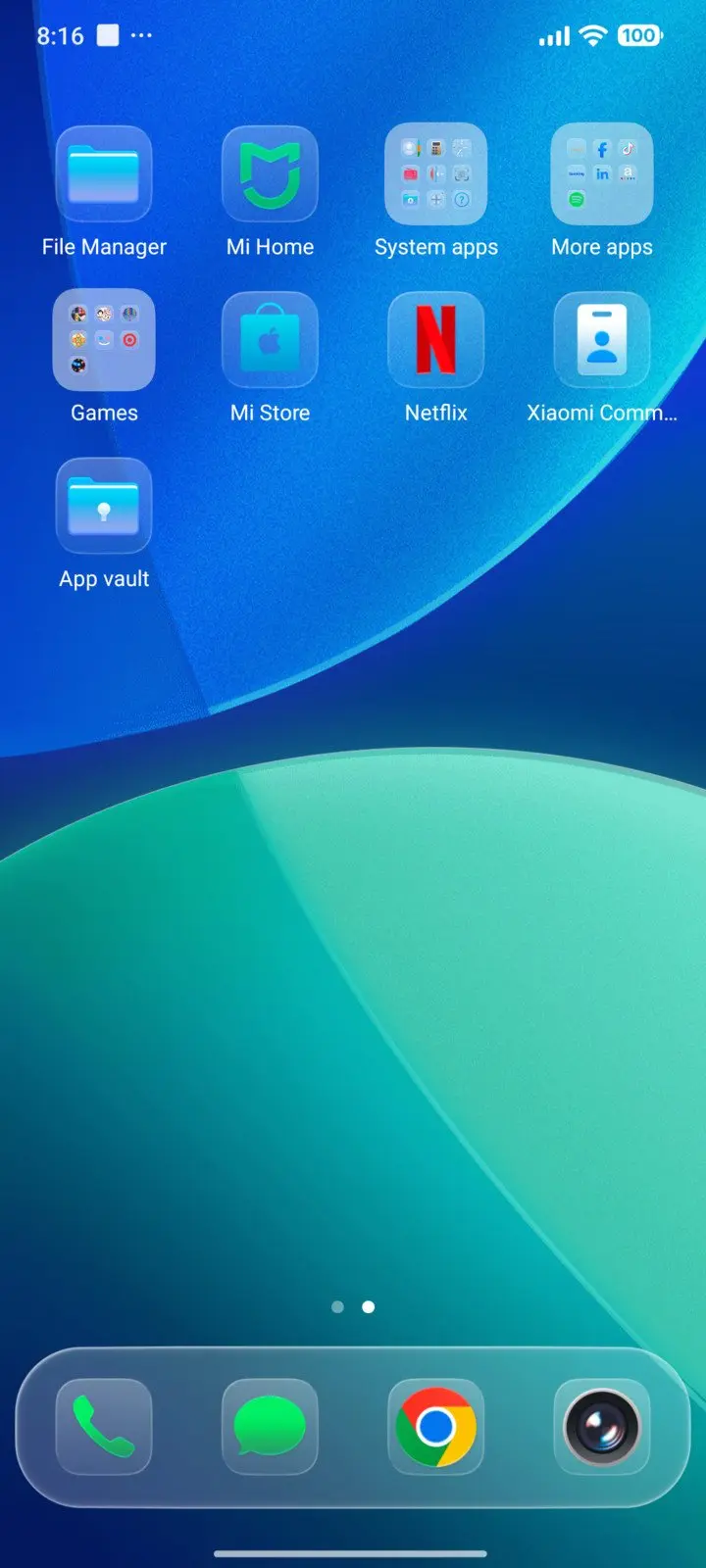
vibgyor is an old classroom acronym for the colours of the rainbow, but oxfury’s theme sticks to the cool end of it. Broad waves of royal blue, teal and green sweep across the screen, overlapping like layers of glass.
Glass icons
The most distinctive part is the icon style. Apps sit inside semi-transparent rounded squares, so the waves show through each one. It gives the home screen a light, airy look and makes the dock feel like a strip of frosted glass. A large clock with the date on one line sits above.
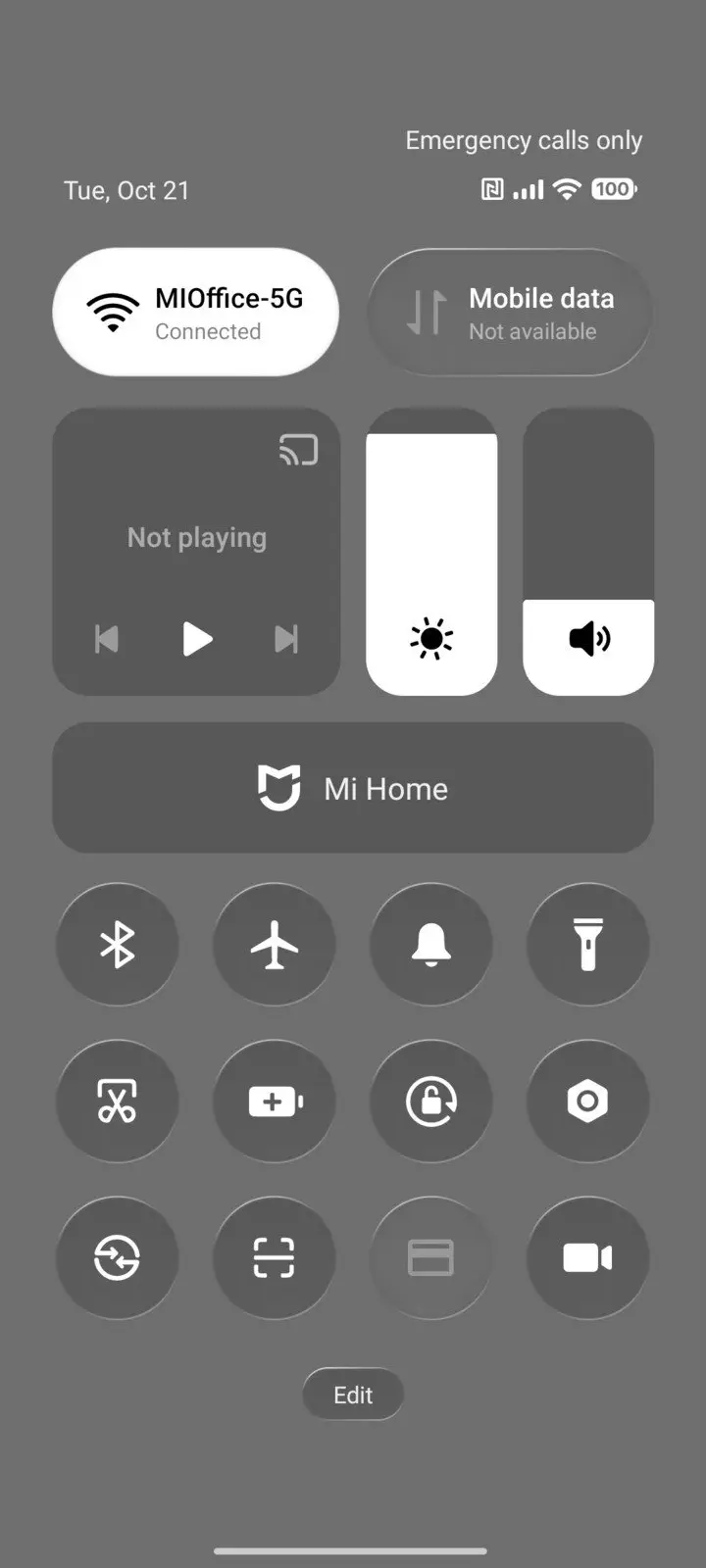
On the lock screen the clock is slimmer and placed at the top left, leaving the waves clear. The control center uses grey frosted panels with round buttons.
Screen by screen
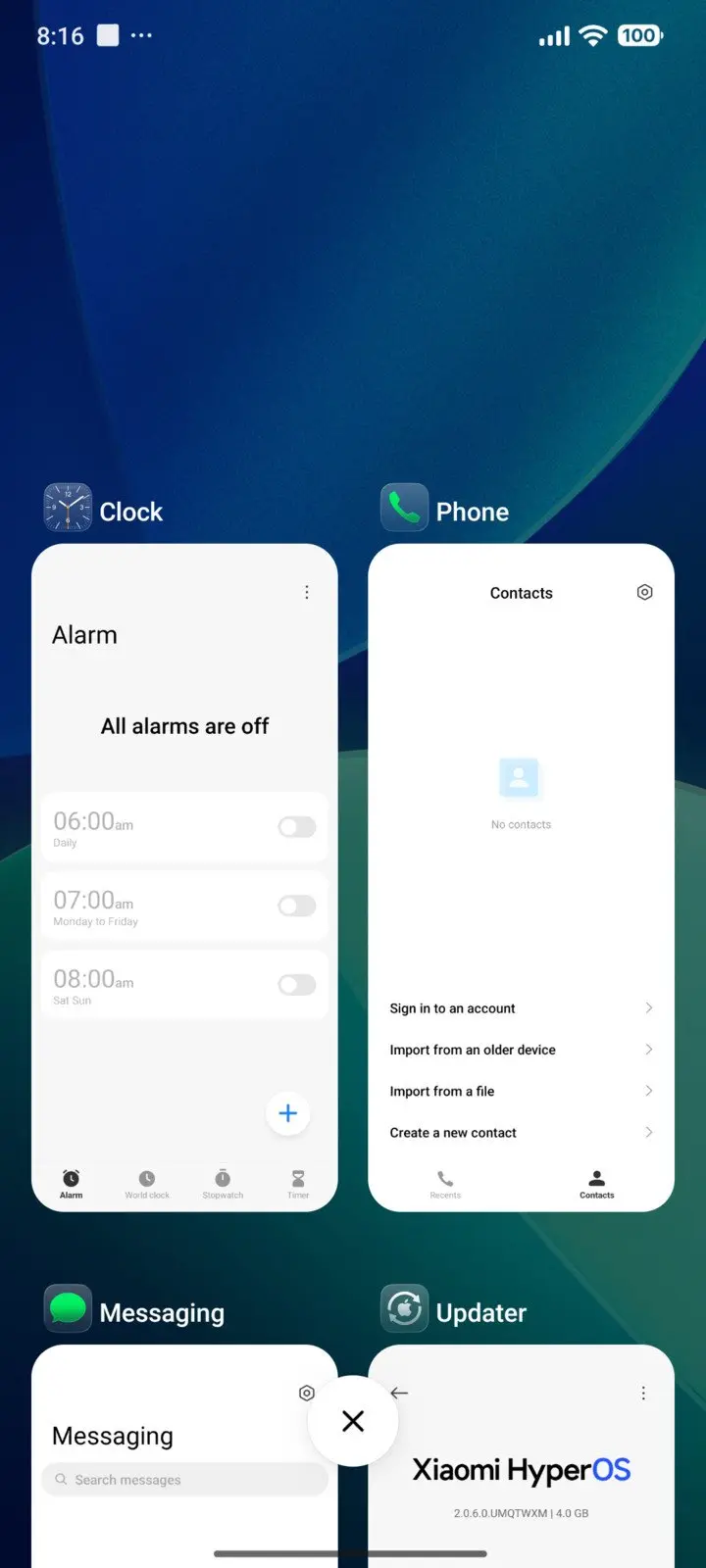
vibgyor wraps every screen in smooth curves of deep blue, teal and green, like layered glass. The lock screen keeps a small white clock at the top with notifications below, and the home screen puts a large white clock and the date in the middle above a white search bar.
Icons are colourful glossy squares, and the dock sits in a rounded translucent bar. The control center is a light frosted panel with white tiles, so the colour stays on the wallpaper rather than in the quick settings.
How it performed
Our Redmi Note 14 5G (HyperOS 3.0) ran vibgyor as its main theme while Bijay used it for calls, chats and browsing. The clock read clearly in bright daylight, almost all the apps we use every day picked up glass icons, and the system screens match. It is comfortable at night and we had no lag. We were happy to keep it as a daily theme.
Good to know
At 66.77 MB, vibgyor is one of the heavier themes here. Install it over Wi-Fi.
Theme details
Everything to check before you install
Related themes
Compare HyperMax and My Life V50 if you like this modern look.
What we like
- Fresh blue-green wave wallpaper
- Glassy, see-through icons
- Large, clear clock
- Matching control center
Keep in mind
- Large 66.77 MB file
- Not a dark theme
4.1/5 Hands-on score · How we score
vibgyor is a bright, glassy theme with a fresh feel, and we kept it as a daily theme.
Get vibgyor
The store button below takes you to vibgyor in the official Xiaomi Themes app, where you can preview it again before applying.







0 comments