
Blackness HyperOS Theme – Colour Bloom Lock Screen and a Frosted Home
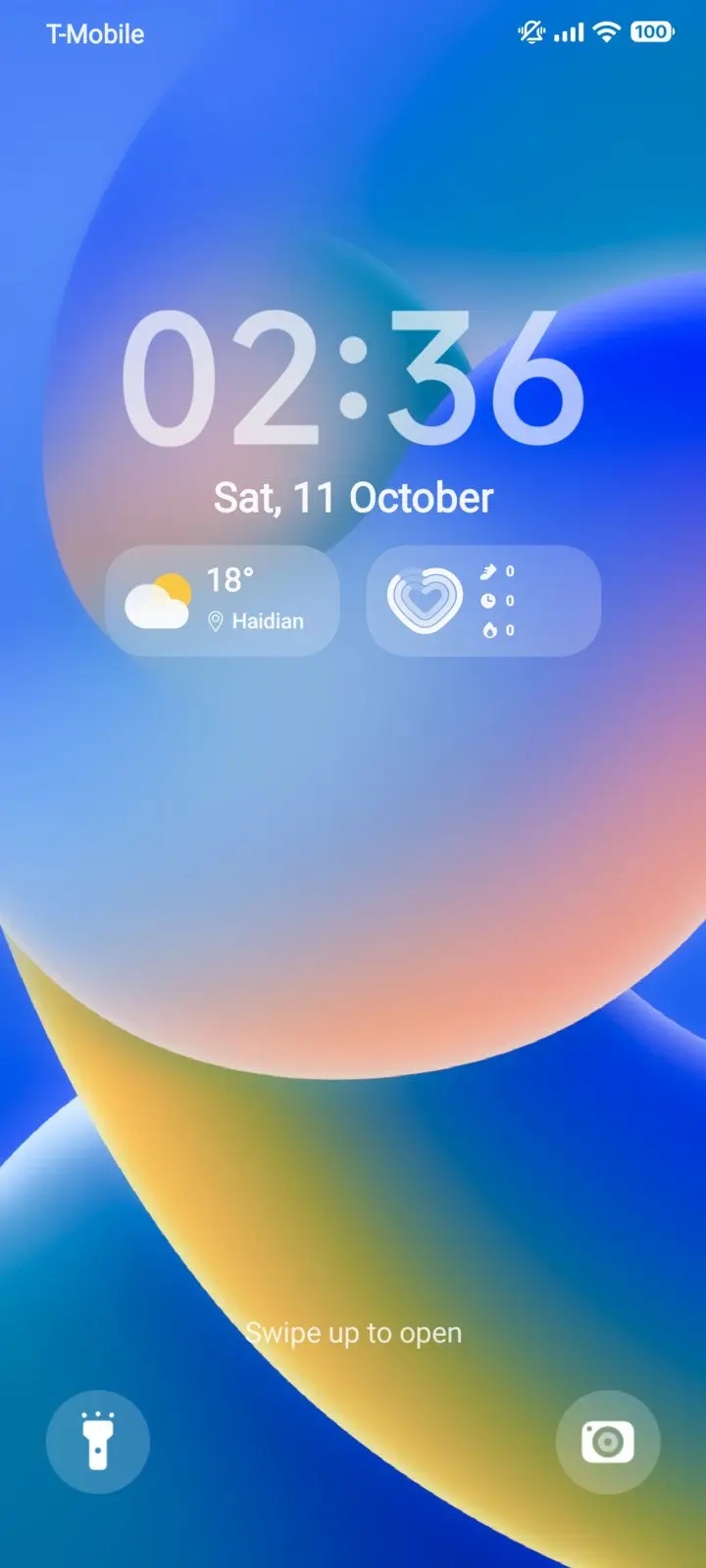
Despite its name, Blackness by Masuod.B is a light, colourful theme. The lock screen shows a glossy bloom of blue, yellow and red petals spreading from the centre.
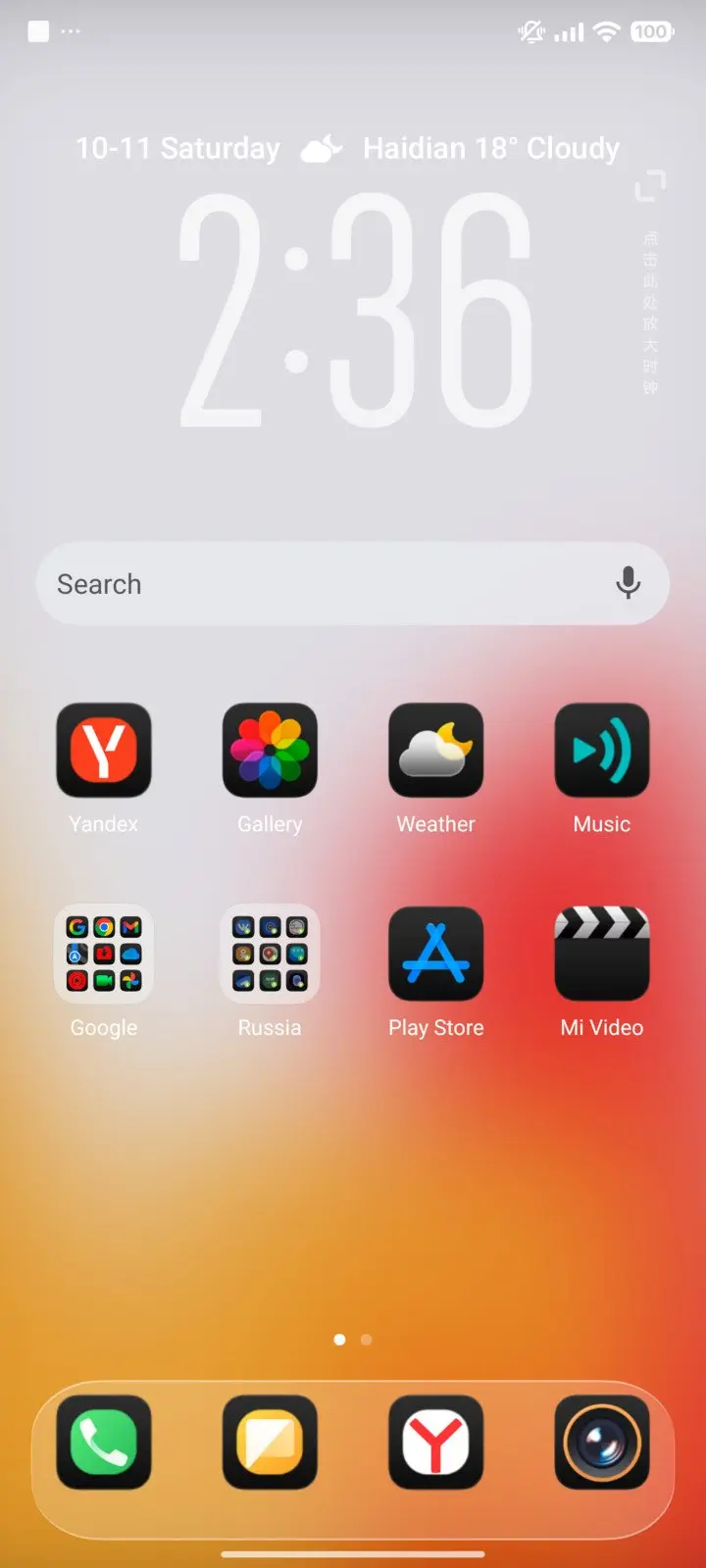
The home screen softens this into a frosted, pale wash of the same colours.
Blackness HyperOS Theme for Xiaomi, Redmi and POCO
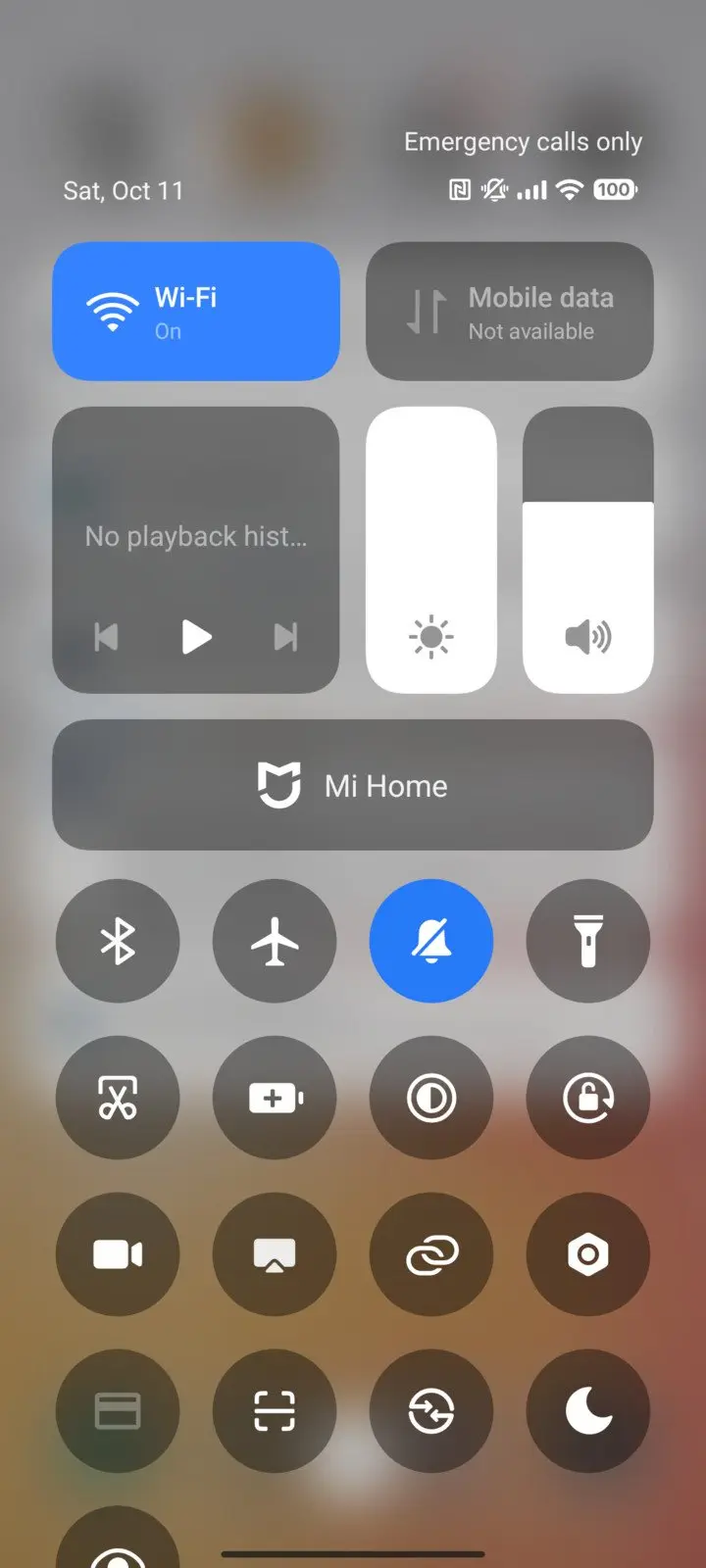
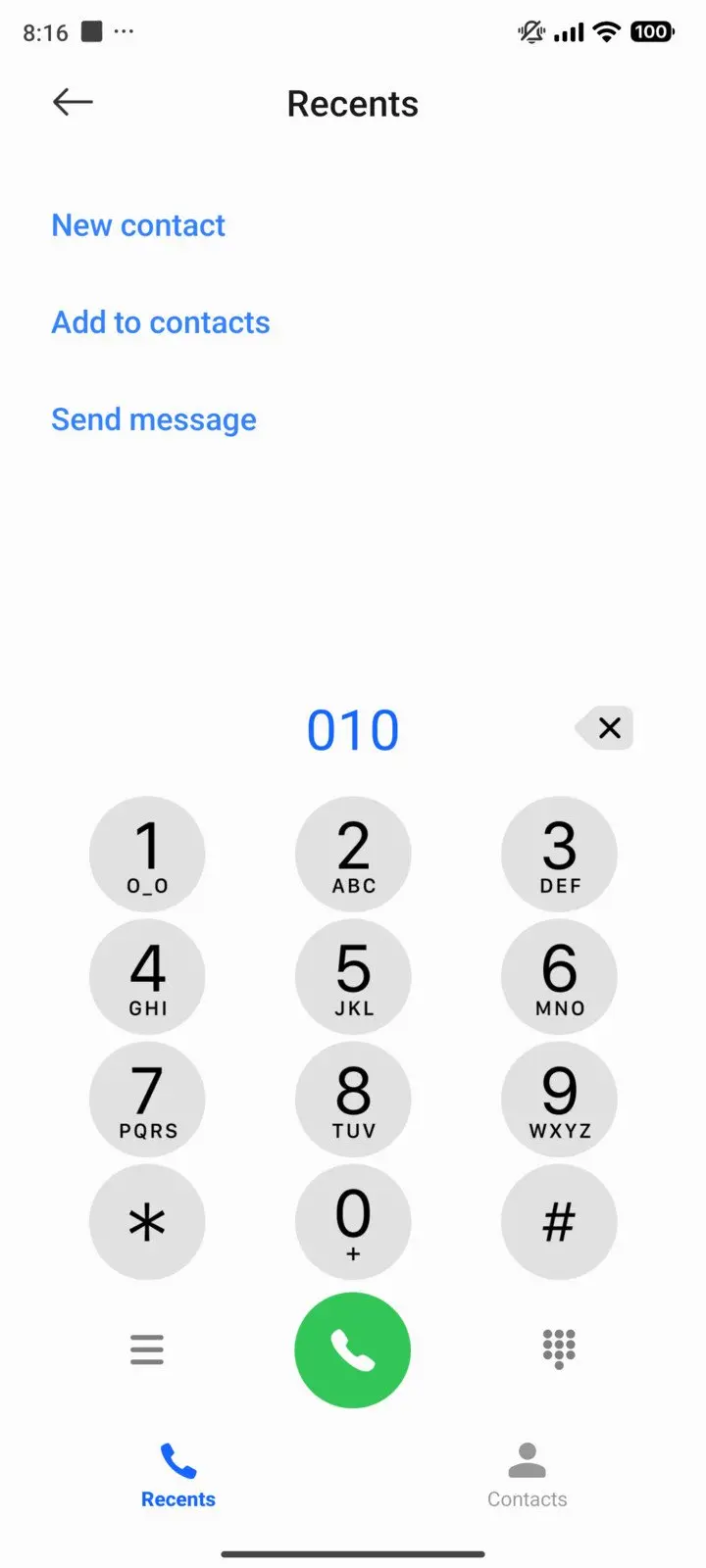
A large light clock tops the home screen, with clean icons below. The control center uses round buttons, and the phone app stays light. The package is 18.03 MB.
What Blackness changes
- Lock screen: a white clock over a blue, yellow and red bloom.
- Home screen: a large clock on a frosted, pale background.
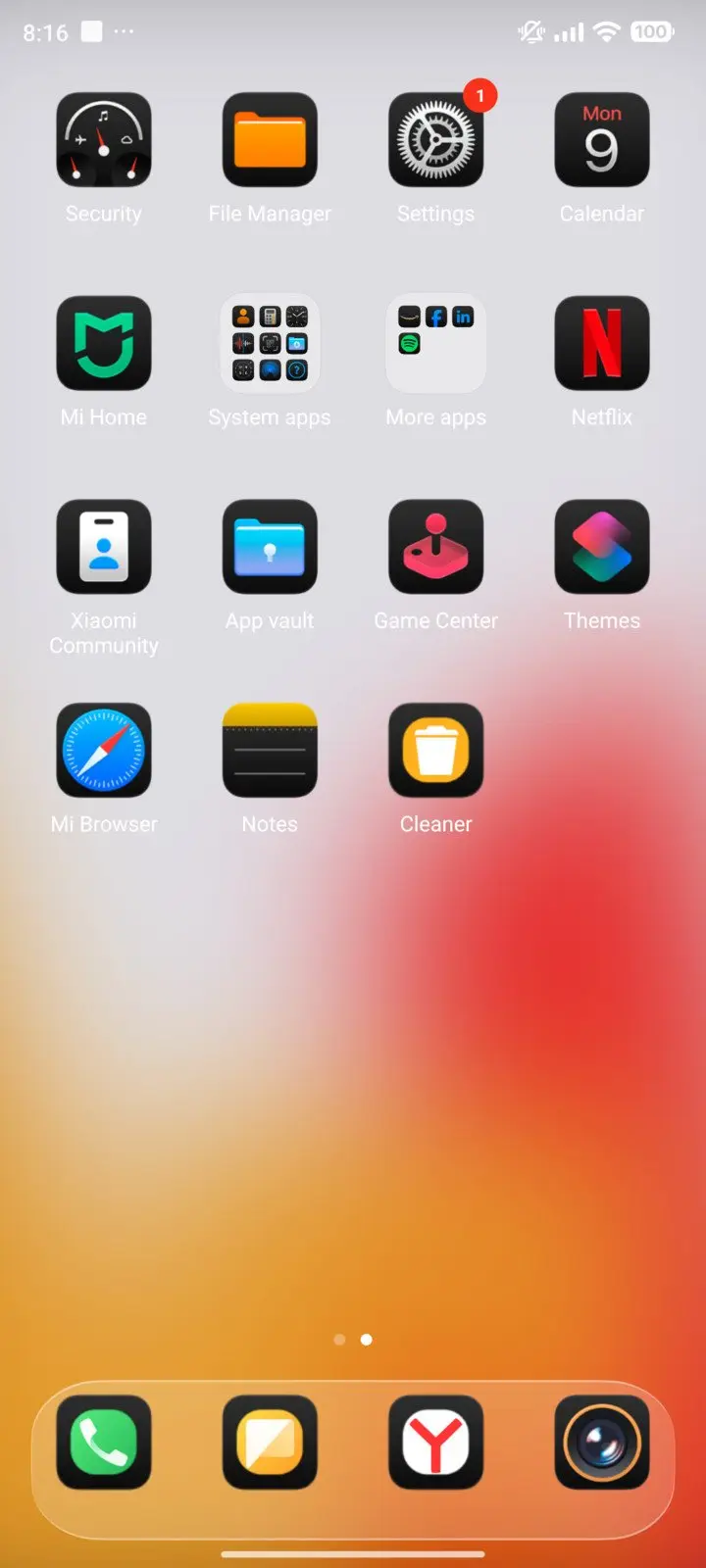
- App icons: clean icons on the soft colours.
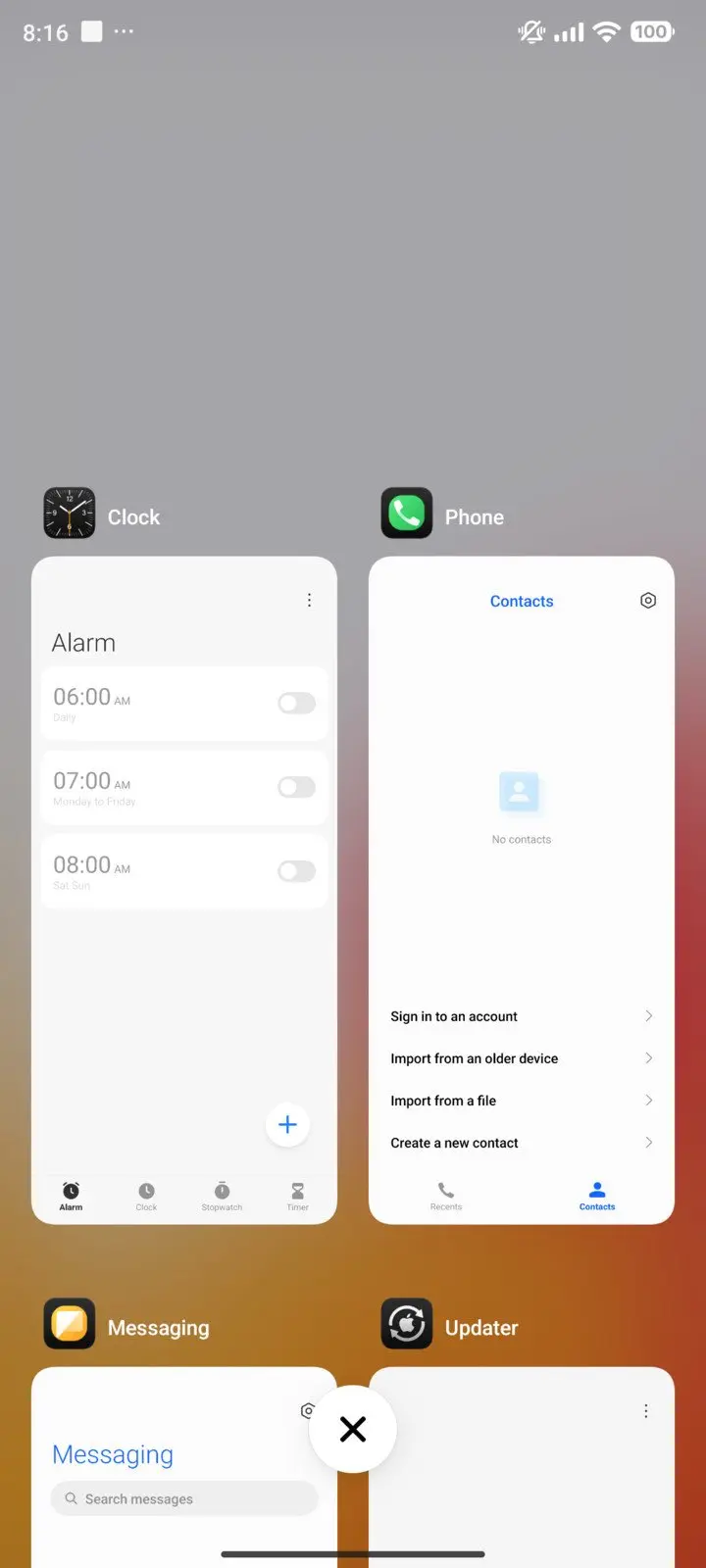
- Recent apps: app cards on grey.
- Control center: round buttons.
- Phone app: a light keypad.
Blackness uses a colour-bloom style made popular by iOS wallpapers. It is an independent theme and is not affiliated with Apple.
Theme Preview
All 6 screens below come from the theme’s official preview set. Tap any screen to open it full size.
Blackness Xiaomi Theme Details
Theme details
Everything to check before you install
Our hands-on notes
Bijay used Blackness on our Redmi Note 14 5G with HyperOS 3.0 for everyday tasks. Reading the lock screen in sunlight was no problem, and most of the apps we use every day got themed icons. Settings, the control center and the dialer followed the theme too.
At night it was usable, though not the most relaxing, with no lag or glitches when switching apps. We liked it for a while, but it did not become our long-term theme.
Pros, cons and our verdict
What we like
- Eye-catching colour bloom
- Clean frosted home screen
- Small 18.03 MB package
Keep in mind
- The name suggests a dark theme, but it is light
- Less contrast than a dark theme
4.1/5 Hands-on score · How we score
Blackness is a bright, modern theme with a beautiful lock screen. Ignore the name: it is a light design.
Get the Blackness HyperOS Theme
Blackness is on the official Xiaomi Theme Store. Open this page on your phone, tap the store button and choose the Themes app when HyperOS asks how to open the link.








0 comments