
Blues Mix HyperOS Theme – Bright Blue-to-Violet Gradient
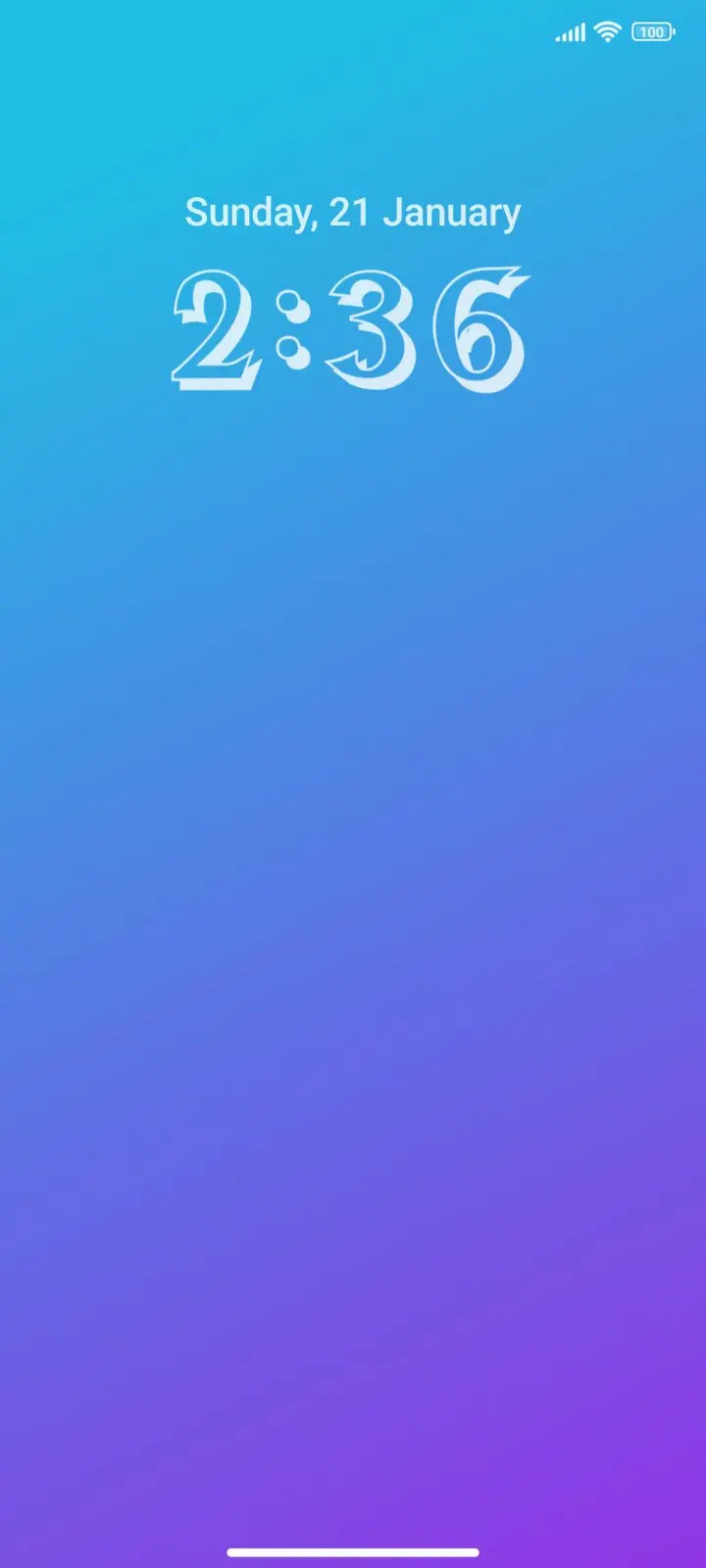
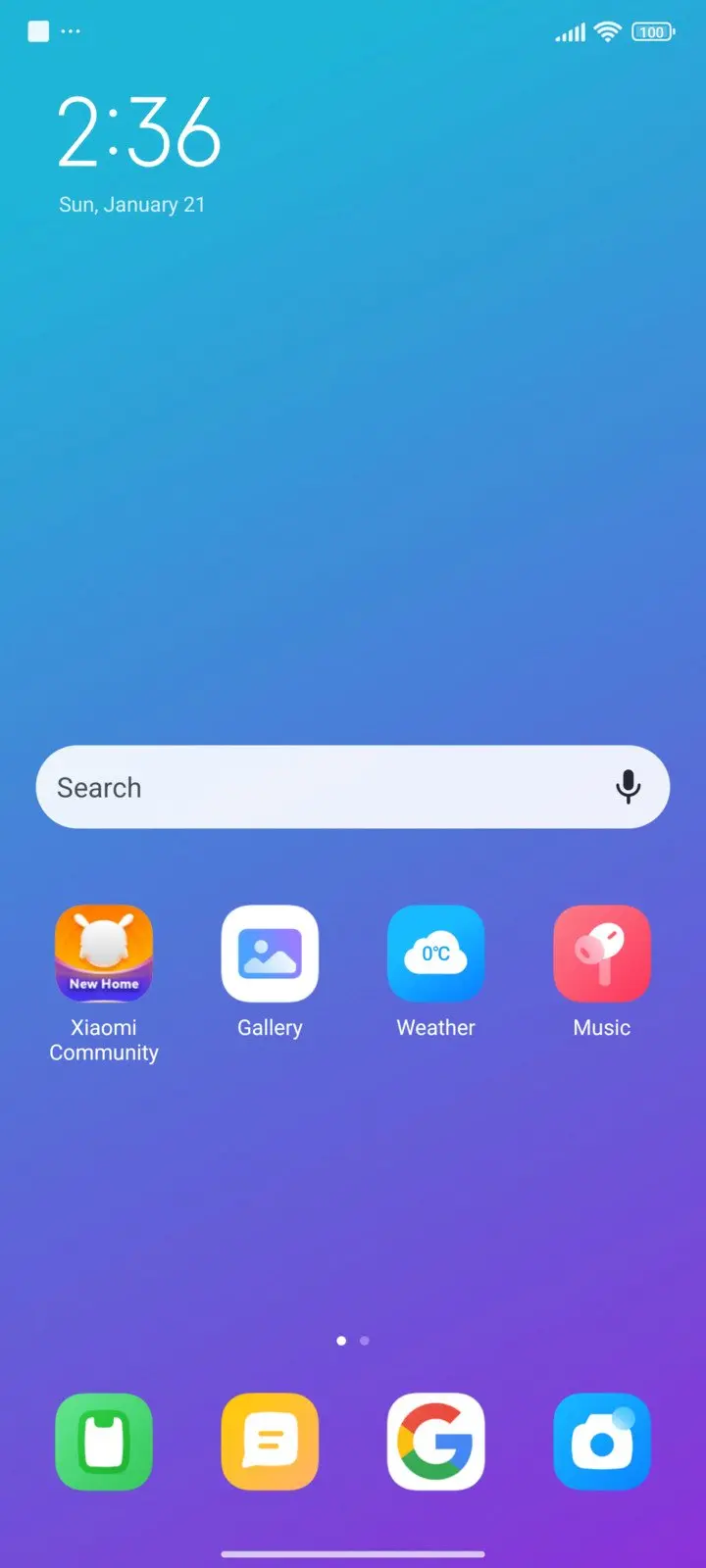
Blues Mix by Ryuta SOFT SPOKEN is a gradient done carefully. It starts as a bright cyan at the top of the screen, deepens through royal blue and ends in a rich violet at the bottom. There is no texture and no image, just colour.
Lock and home screens
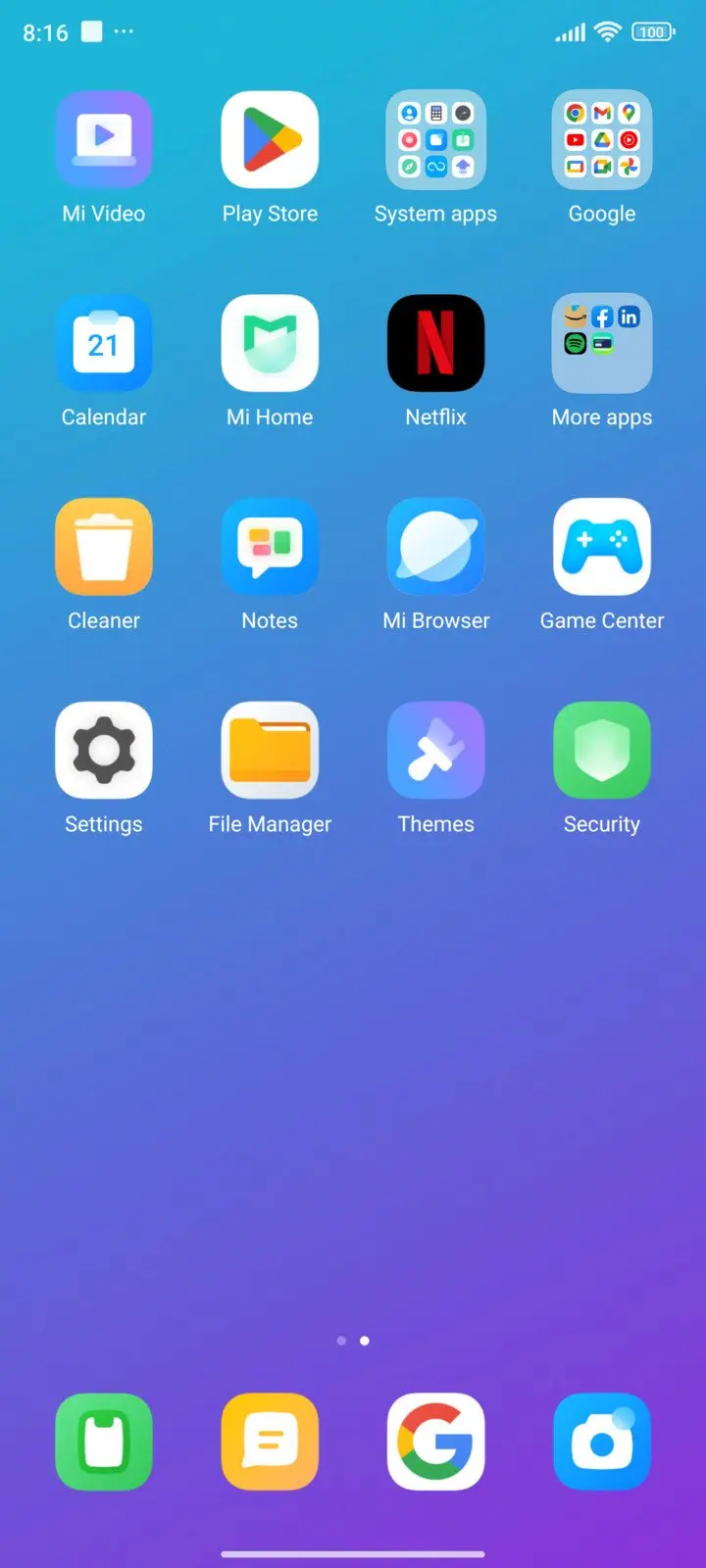
The lock screen clock is set in a soft white with a slightly hand-drawn feel, centred under the date. On the home screen, a small clock sits in the top left and the icons are standard colourful HyperOS shapes, which look sharp against the blue.
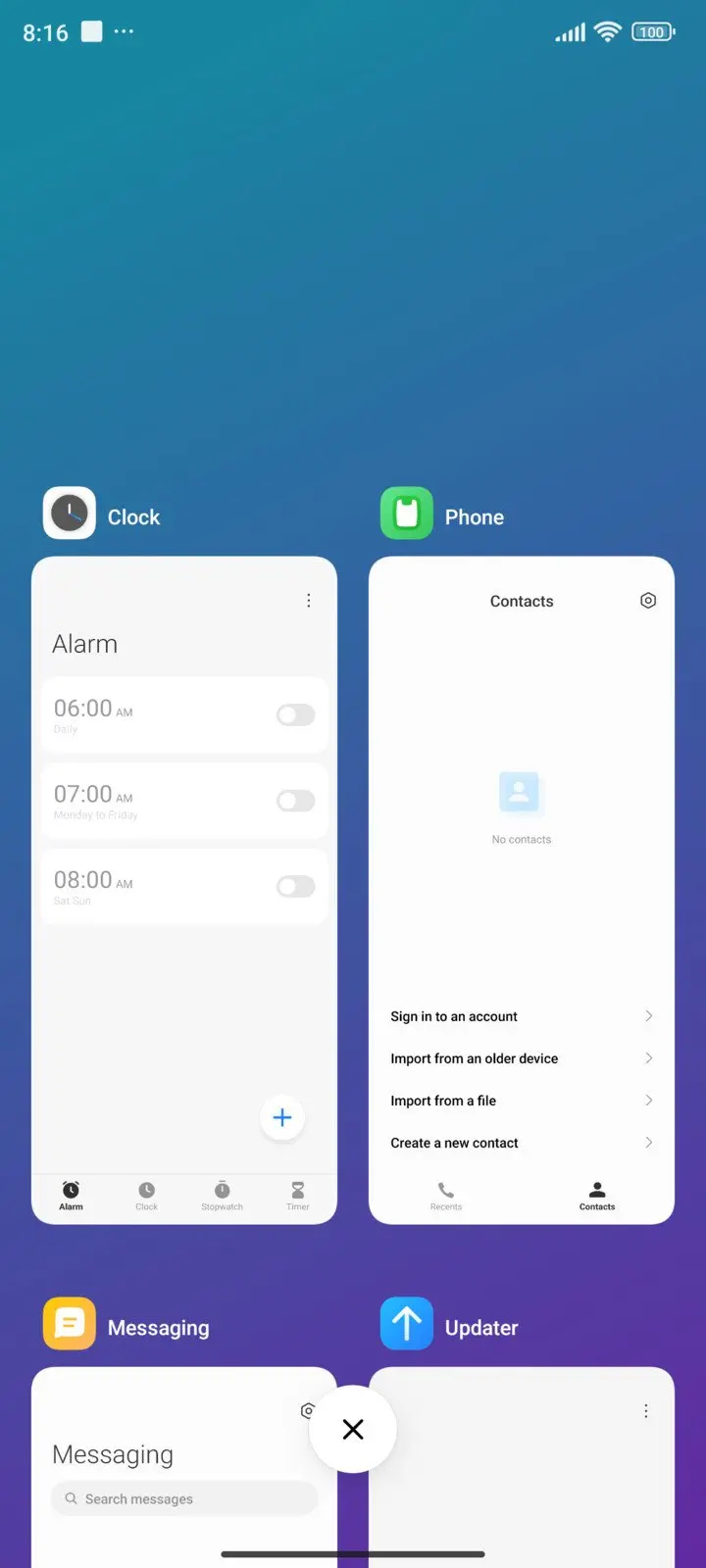
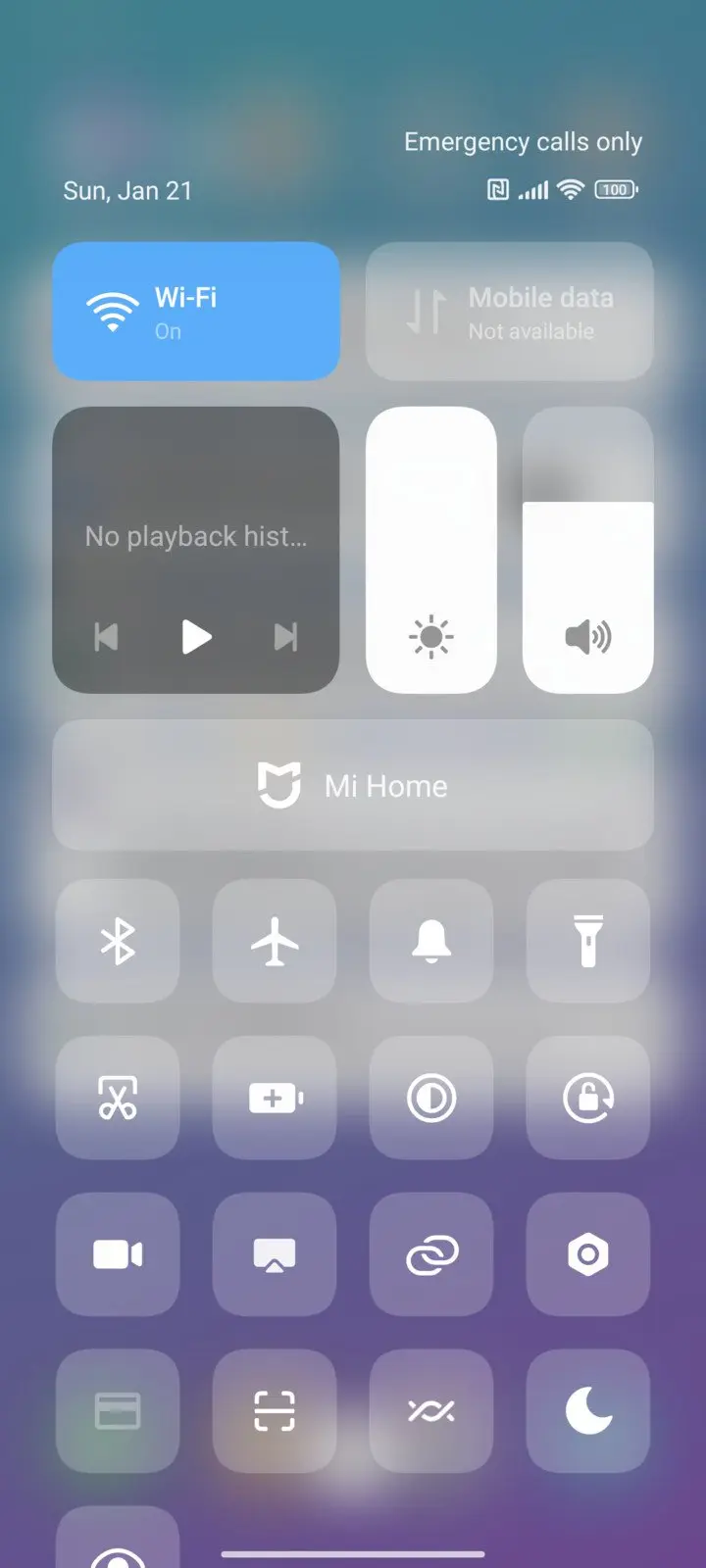
The control center is the highlight: frosted-glass tiles that let the gradient glow through, with rounded buttons in a light grey.
Screen by screen
Blues Mix fades from bright cyan at the top to violet at the bottom. The lock screen shows a white serif clock and the date, and the home screen moves the time to a small clock in the corner above a white search bar.
Icons are colourful rounded squares, close to stock but slightly brighter. The control center is light and frosted with blue active tiles. It is a simple gradient theme that keeps the phone feeling fresh and open.
Daily use
Bijay installed Blues Mix on our Redmi Note 14 5G (HyperOS 3.0) and lived with it through a normal week of messages, maps and photos. The clock read clearly in bright daylight. Only some of our third-party apps got themed icons, and Settings and the dialer only partly follow the theme.
At night it is comfortable, and we saw no lag or glitches. We were happy to keep it as a daily theme.
Who it suits
People who want colour without clutter. Gradients like this keep icons easy to find and do not tire your eyes the way a busy photo can. If you want the same idea with a warmer dusk palette, compare XurupitaV1.
Theme details
Everything to check before you install
- File size
- 30.97 MB
- Developer
- Ryuta SOFT SPOKEN
- Region / server
- Global
- Tested on
- Redmi Note 14 5G Global (HyperOS 3.0)
- Compatibility
- HyperOS 3.0HyperOS 2.0MIUI 14
What we like
- Smooth, bright blue-violet gradient
- Clean, readable layout
- Frosted-glass control center
- No lag in daily use
Keep in mind
- Not a dark theme
- Smaller clock than many themes
4.1/5 Hands-on score · How we score
Blues Mix is a clean, cheerful gradient theme that we kept as a daily theme.
Get Blues Mix
Blues Mix is available through Xiaomi’s own Theme Store. Tap the button below on your phone; the 30.97 MB package installs from there.








0 comments