
Colorful 26S HyperOS Theme – Turquoise Ocean and a Surfer Under a Tall Clock
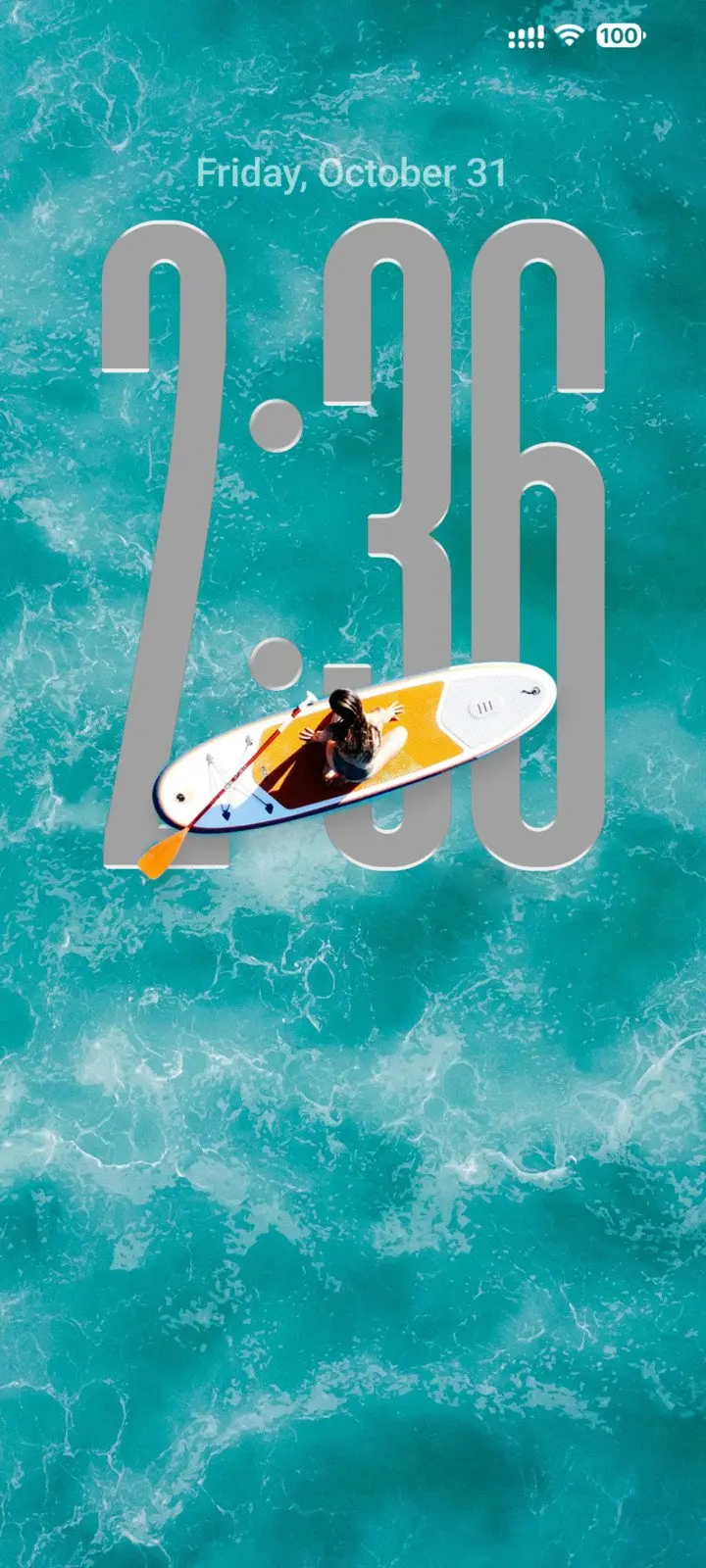
Colorful 26S by DAMI uses an aerial ocean photo: bright turquoise water with white foam and a small surfer paddling across the lock screen.
A tall stacked clock fills the upper half of the screen.
Colorful 26S HyperOS Theme for Xiaomi, Redmi and POCO
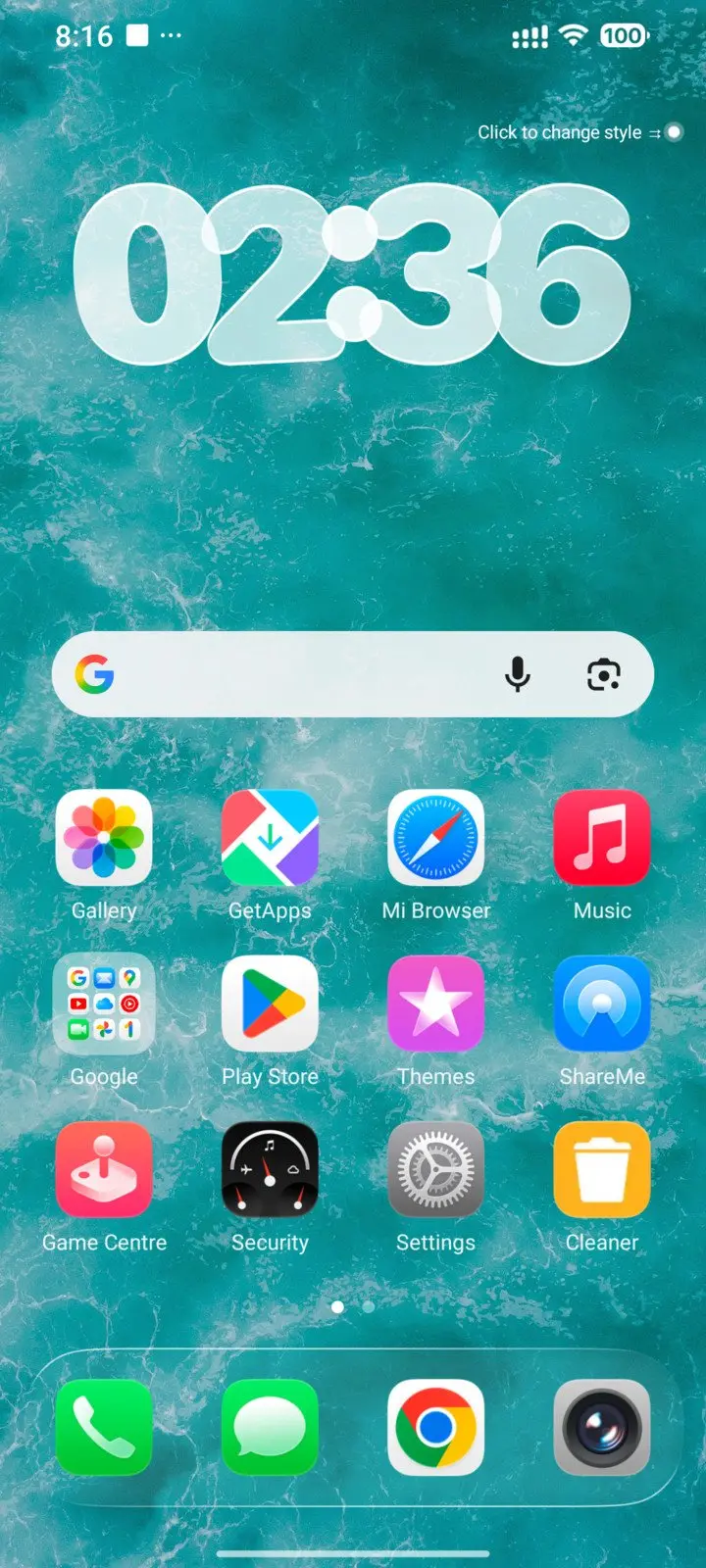
The home screen swaps it for a big outlined clock over the waves, with colourful icons. It is a very large 87.15 MB package.
What Colorful 26S changes
- Lock screen: a tall stacked clock over turquoise surf.
- Home screen: a big outlined clock and colourful icons.
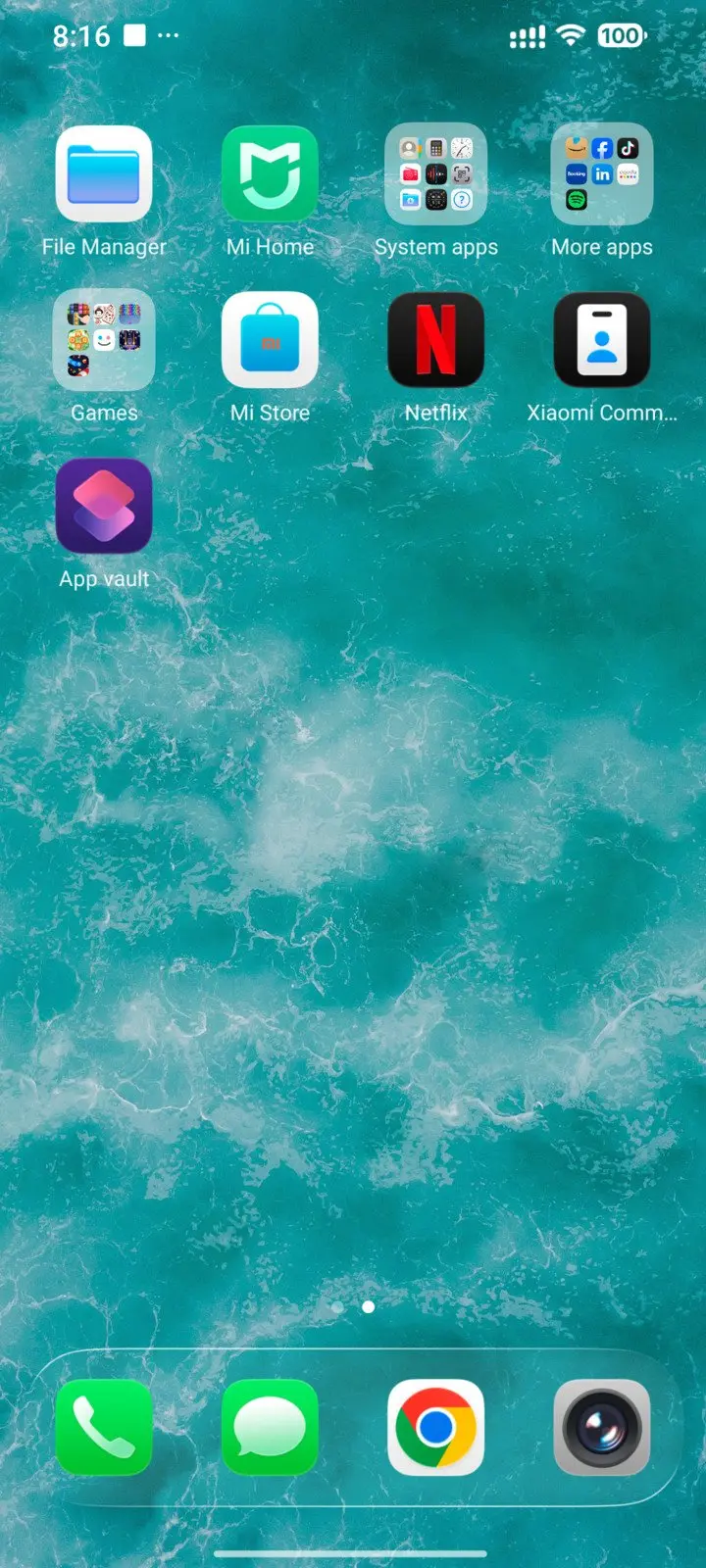
- App icons: bright icons on the ocean.
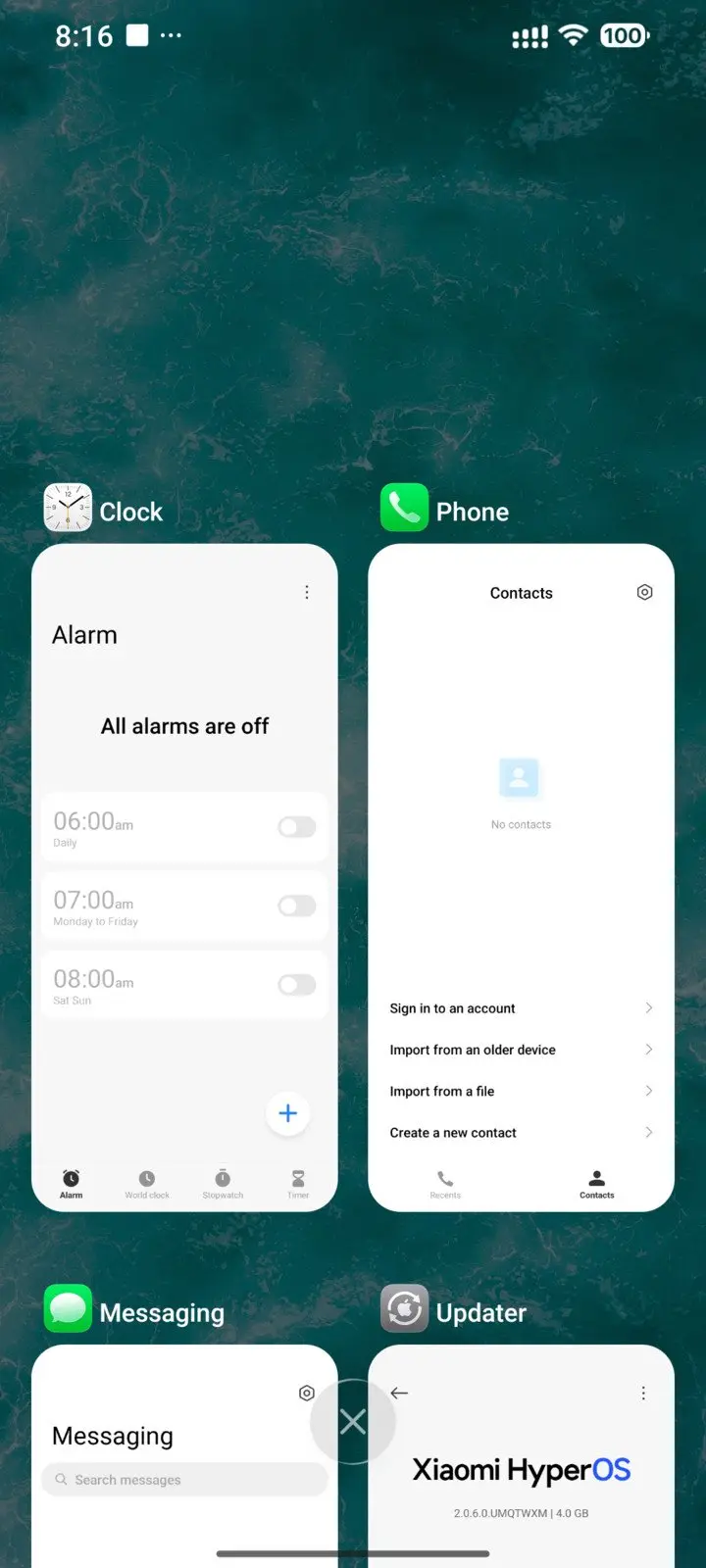
- Recent apps: app cards over the water.
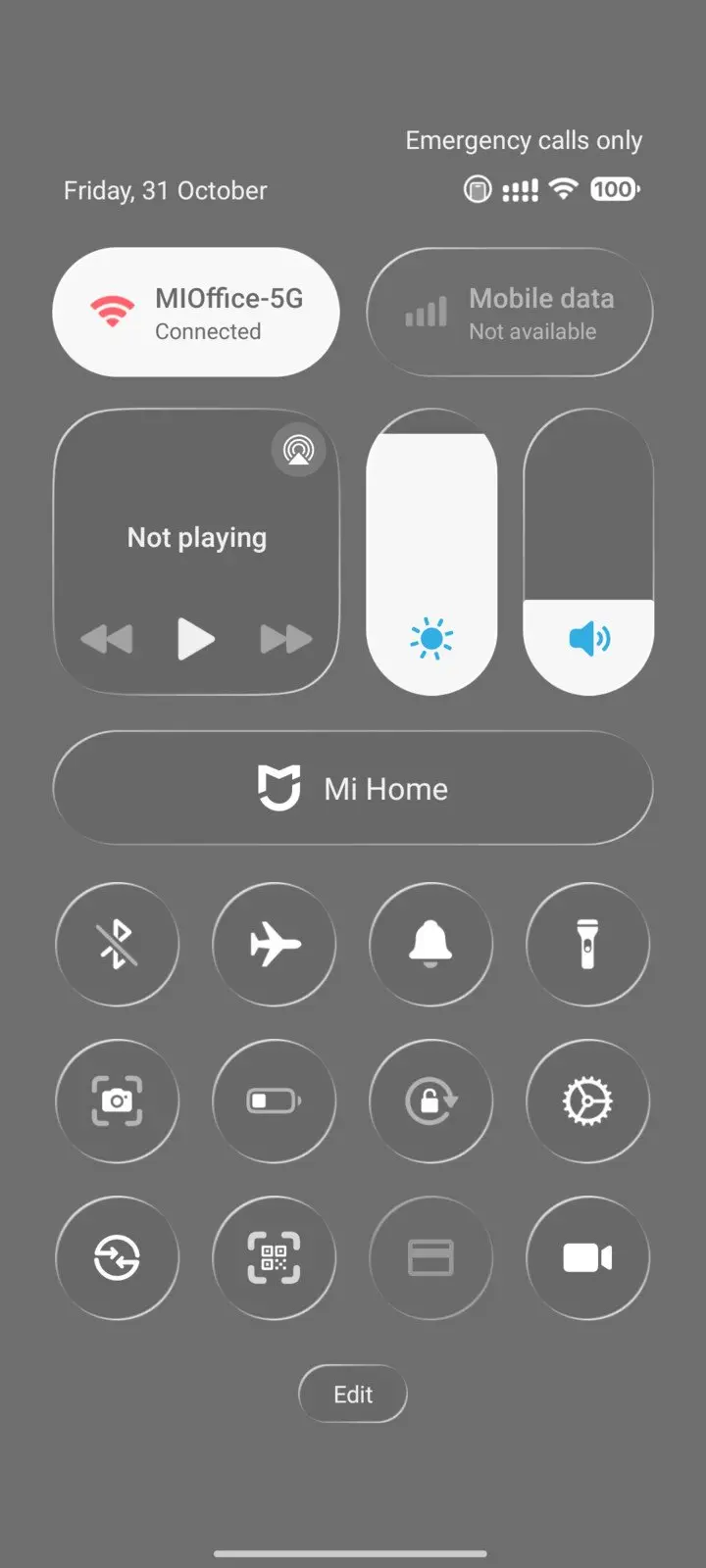
- Control center: round buttons and sliders.
Theme Preview
All 5 screens below come from the theme’s official preview set. Tap any screen to open it full size.
Colorful 26S Xiaomi Theme Details
Theme details
Everything to check before you install
Our hands-on notes
Bijay used Colorful 26S day to day on our Redmi Note 14 5G with HyperOS 3.0. The lock screen clock was easy to read in daylight. Only some third-party apps got themed icons, while Settings, the control center and the dialer matched.
At night it was usable but bright, and we noticed one minor visual glitch that did not stop anything working. It still became our daily theme for a while.
Pros, cons and our verdict
What we like
- Fresh turquoise ocean photo
- Tall, clear stacked clock
- Bright, colourful icons
Keep in mind
- Very large 87.15 MB package
- Not a dark theme
4.0/5 Hands-on score · How we score
Colorful 26S is a refreshing summer theme with a lock screen that feels like a holiday. Just mind the large size.
Get the Colorful 26S HyperOS Theme
Colorful 26S is on the official Xiaomi Theme Store. Open this page on your phone, tap the store button and choose the Themes app when HyperOS asks how to open the link.








0 comments