
Black Flower HyperOS Theme – Monochrome Shoreline and Metal-Style Icons
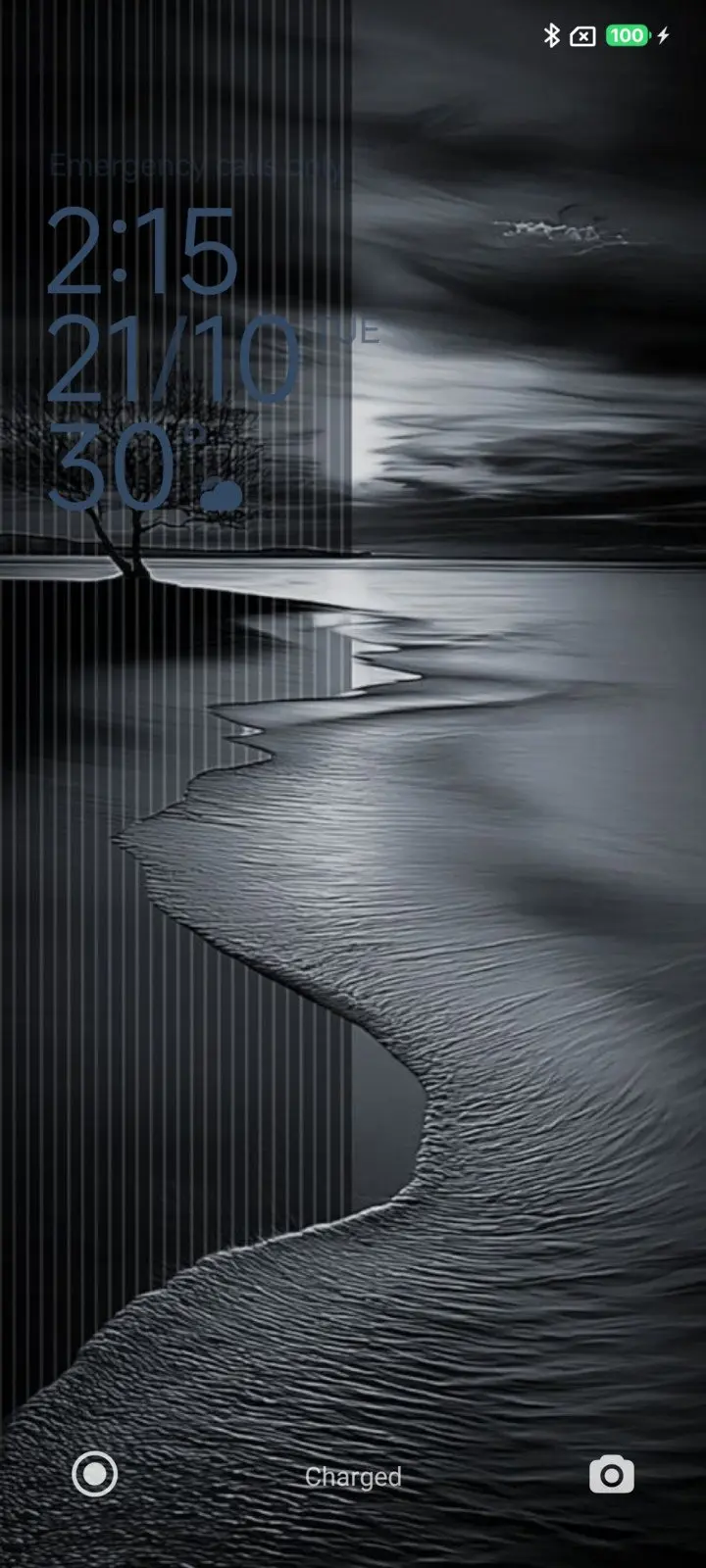
Despite the name, there is no flower in Black Flower by Masuod.B. Instead, the wallpaper is a black-and-white photo of a shoreline at dusk: dark water, a pale path curving along the beach, and rocks fading into the distance. It has the feel of an old film photograph.
Design notes
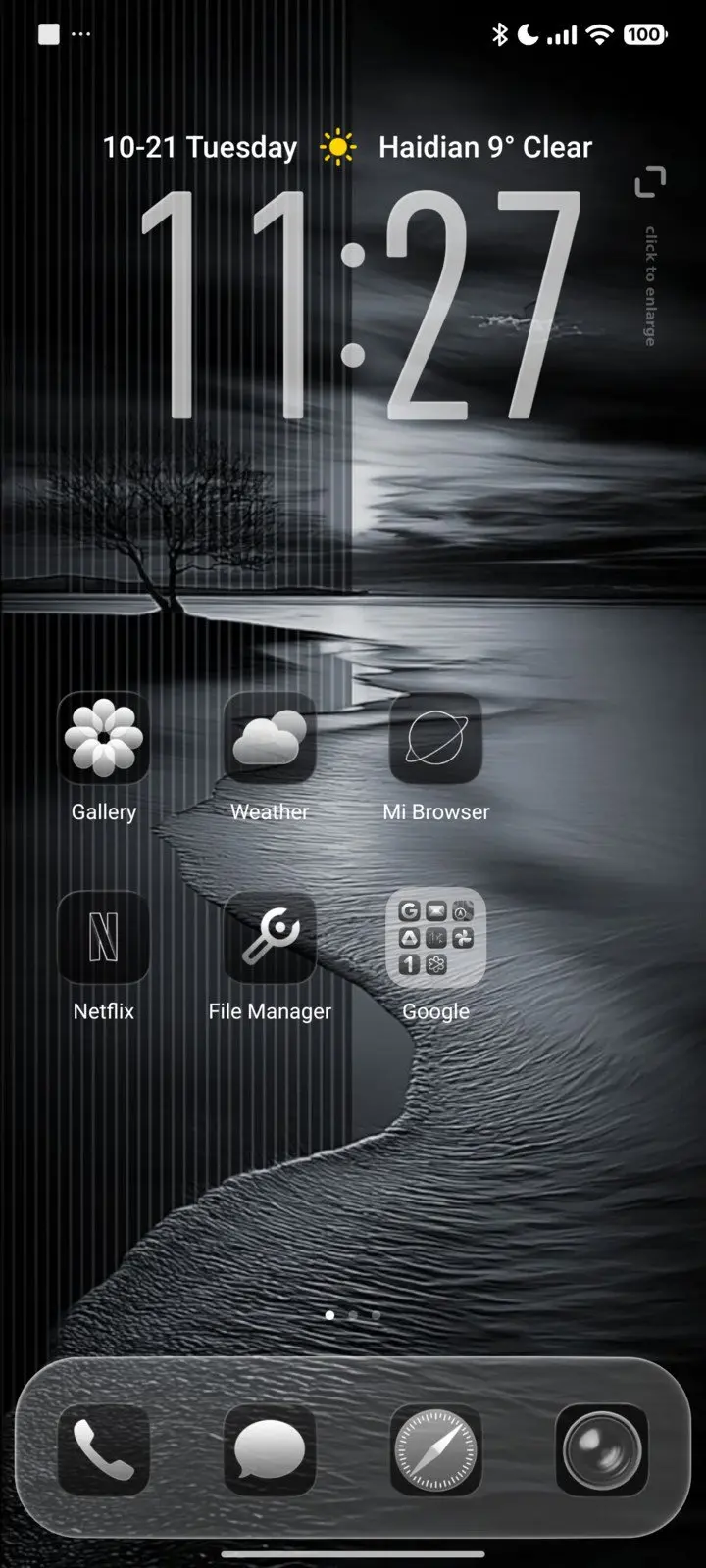
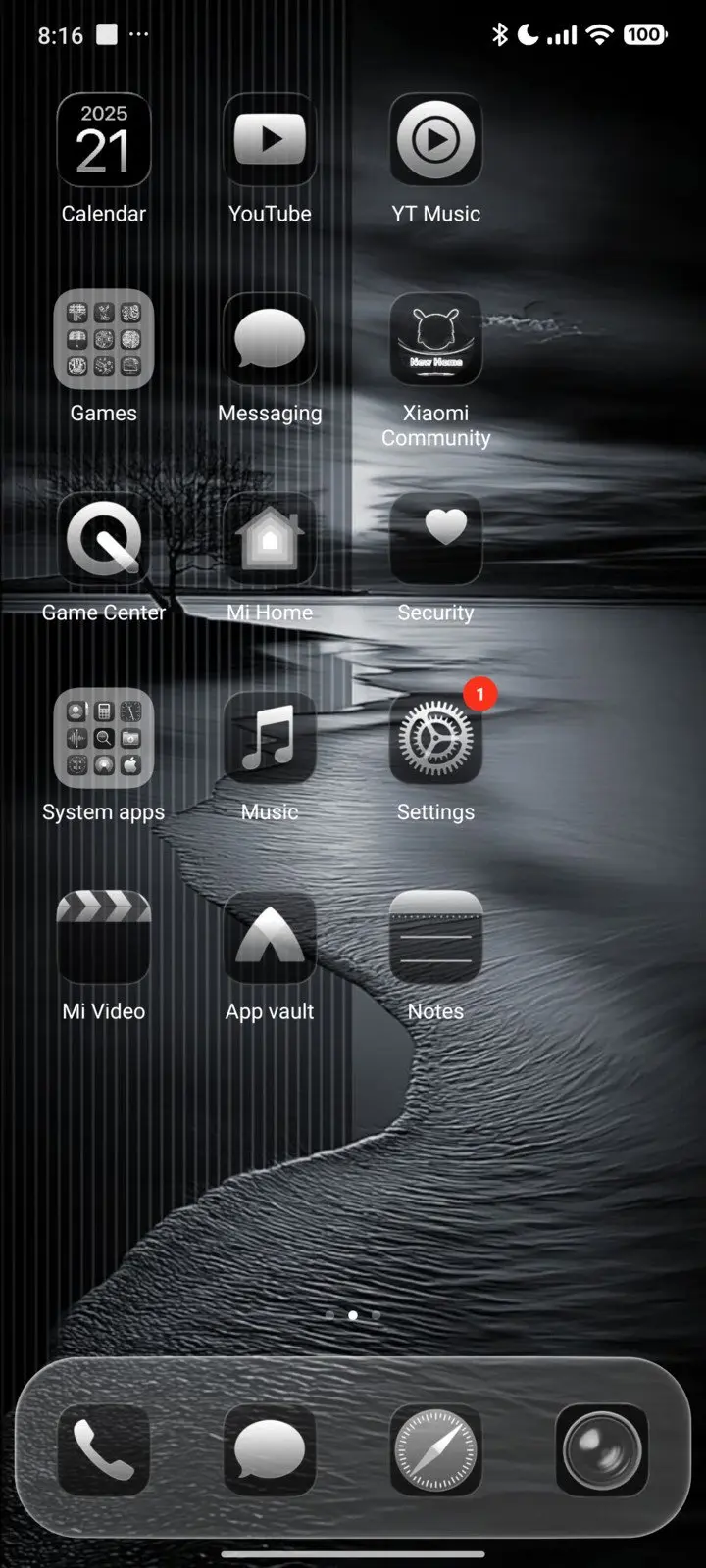
The lock screen keeps the clock small in the top left, stacked with the date and temperature, so the shoreline stays the hero. On the home screen, a much larger white clock takes over, with the date and weather above it. Icons are dark metal-style buttons with light symbols.
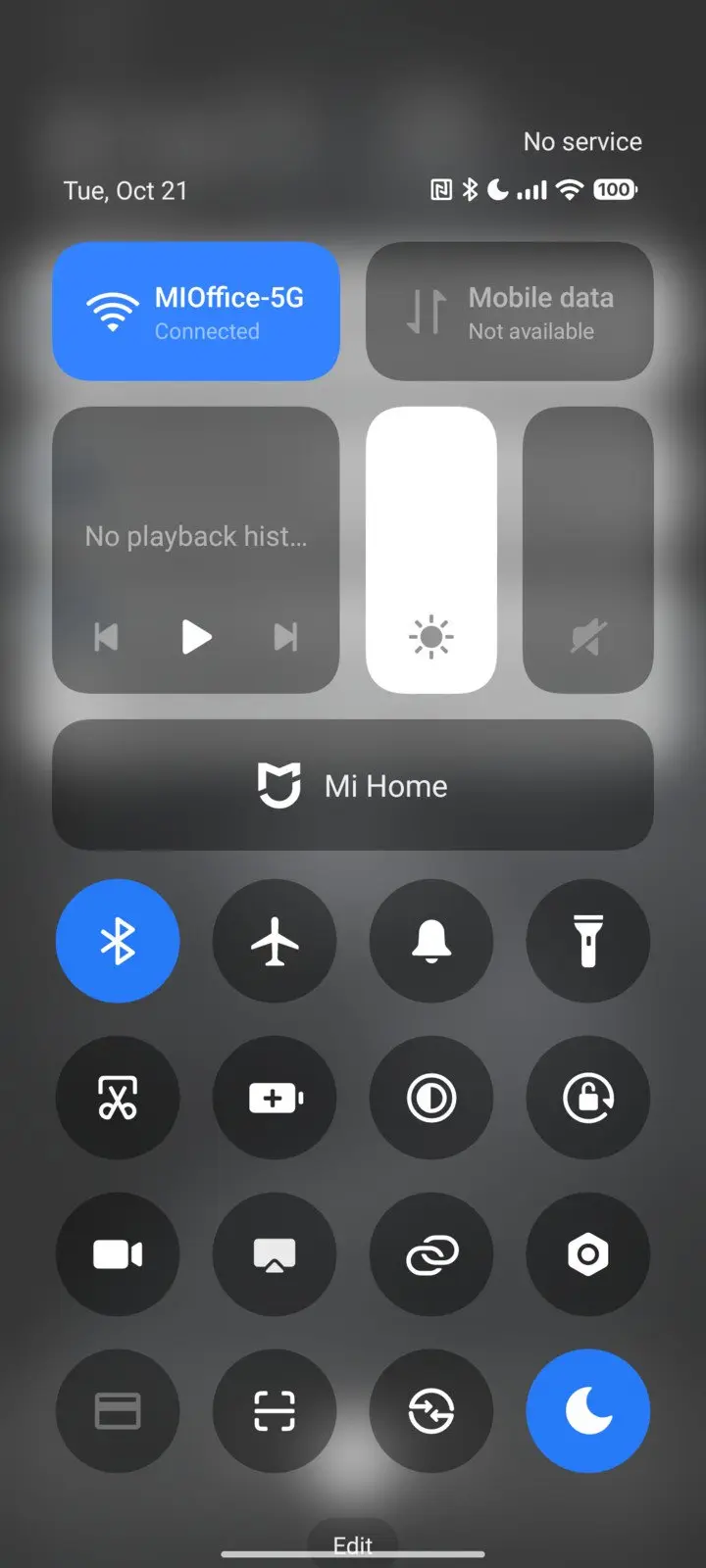
The control center is dark with a bright blue Wi-Fi tile, a small splash of colour in an otherwise grey theme.
What each screen looks like
Black Flower is a black and white photo set, with a winding path through dark ground on the lock screen and the time stacked in small grey numbers at the top left. The home screen moves to a dark vertical texture with a large clock and a weather line.
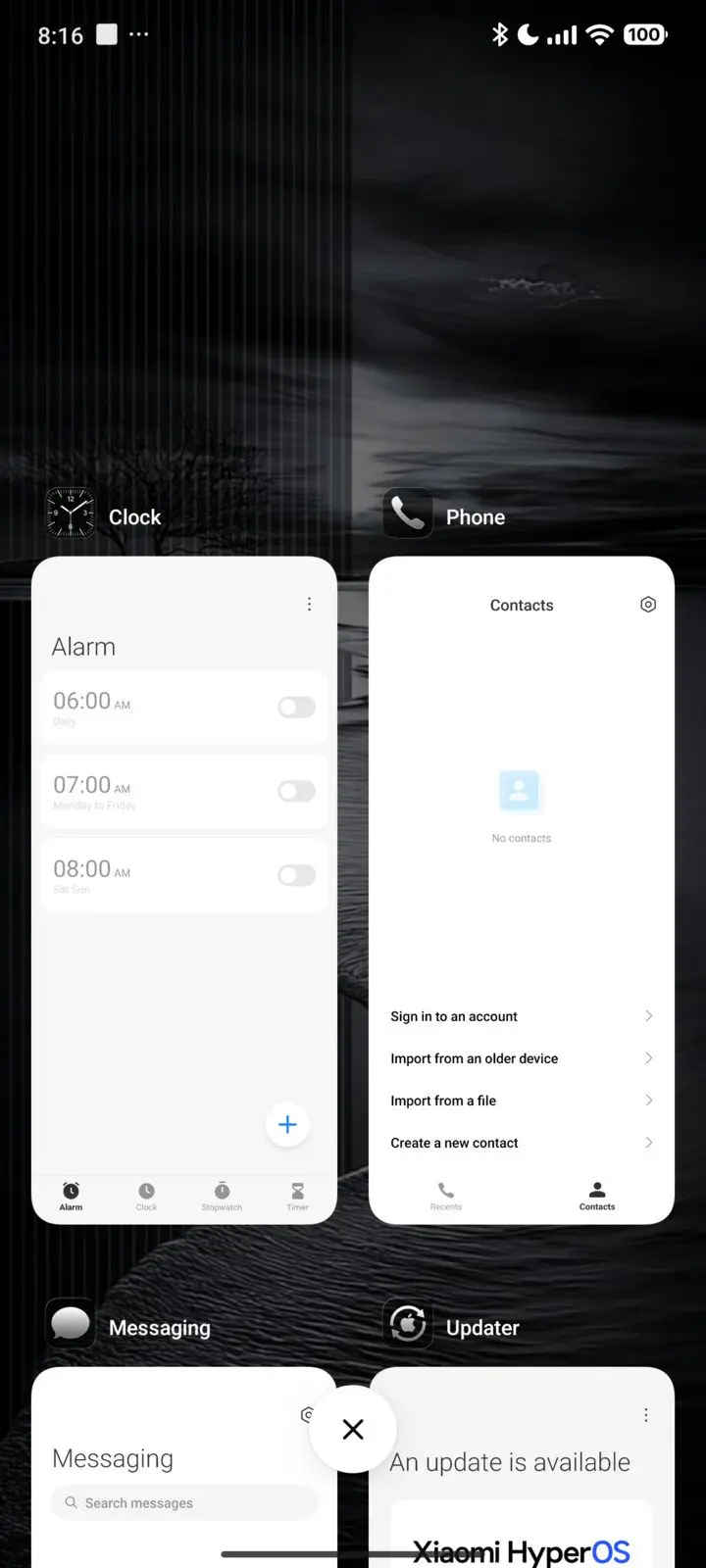
Icons are grey and white rounded tiles, and the dock sits in a dark pill. The control center is light frosted grey with blue active tiles. It keeps a serious monochrome look on every page.
In daily use
Bijay applied Black Flower on our Redmi Note 14 5G with HyperOS 3.0. The clock is easy to read in daylight, and almost all of the apps we use every day picked up themed icons. Settings, the control center and the dialer only partly follow the theme.
At night it is usable but not the most relaxing, and we noticed a minor glitch. We were still happy to keep it as a daily theme.
Theme facts
Theme details
Everything to check before you install
More monochrome
Boom uses a similar misty photo, and Blackness is a colourful theme by the same designer.
What we like
- Moody monochrome photo
- Large home-screen clock
- Dark metal-style icons
- Small 13.59 MB file
Keep in mind
- Very little colour
- Small lock-screen clock
4.0/5 Hands-on score · How we score
Black Flower is a moody black-and-white theme that we kept as a daily theme.
Get Black Flower
You can add Black Flower straight from the official Xiaomi Theme Store: open this page on your phone, tap the store button and let the Themes app handle the rest.








0 comments