
Voidfall HyperOS Theme – An Extra-Tall Clock on Dark Grey
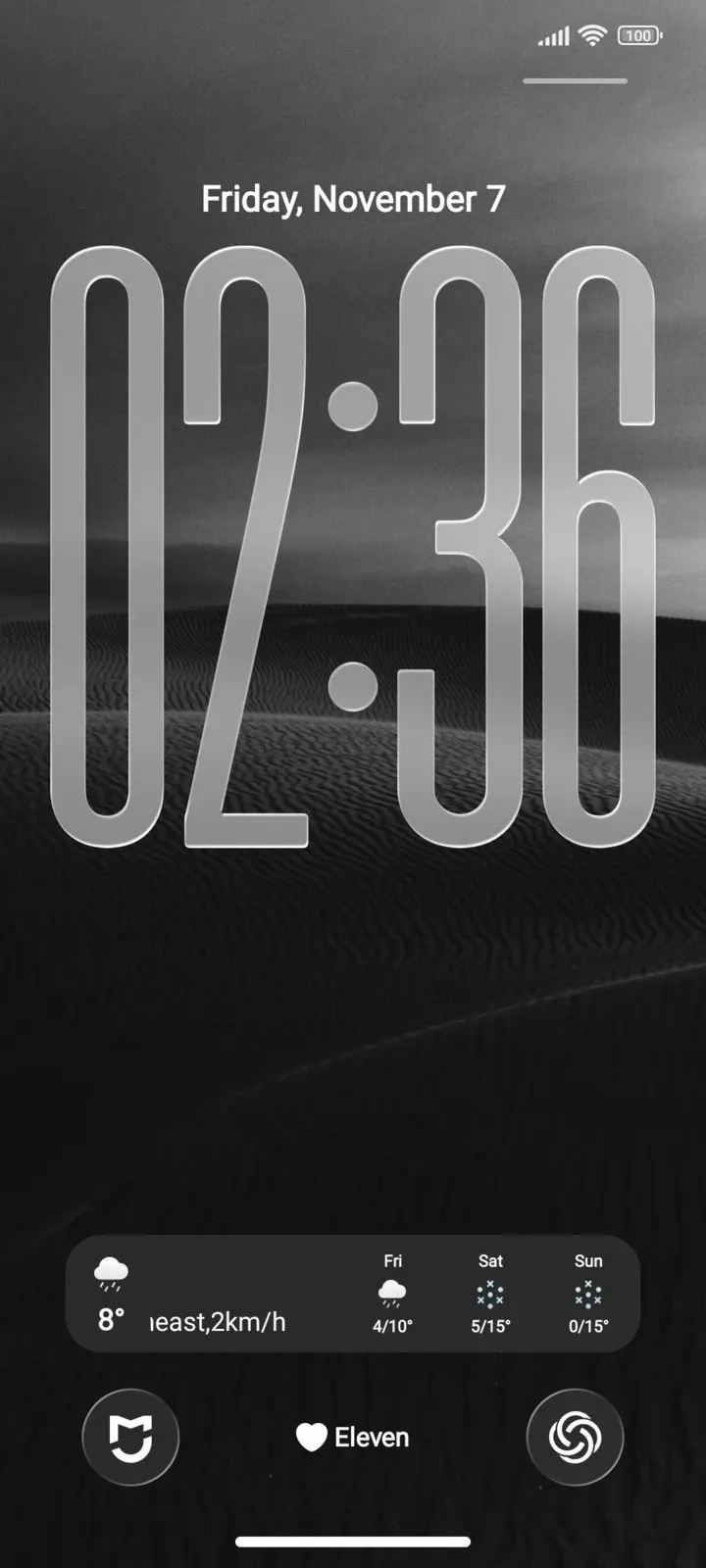
Voidfall by ELEVEN has one of the most dramatic clocks we have seen: the lock screen digits are stretched so tall they cover most of the screen.
The background is a soft, dark grey gradient.
Voidfall HyperOS Theme for Xiaomi, Redmi and POCO
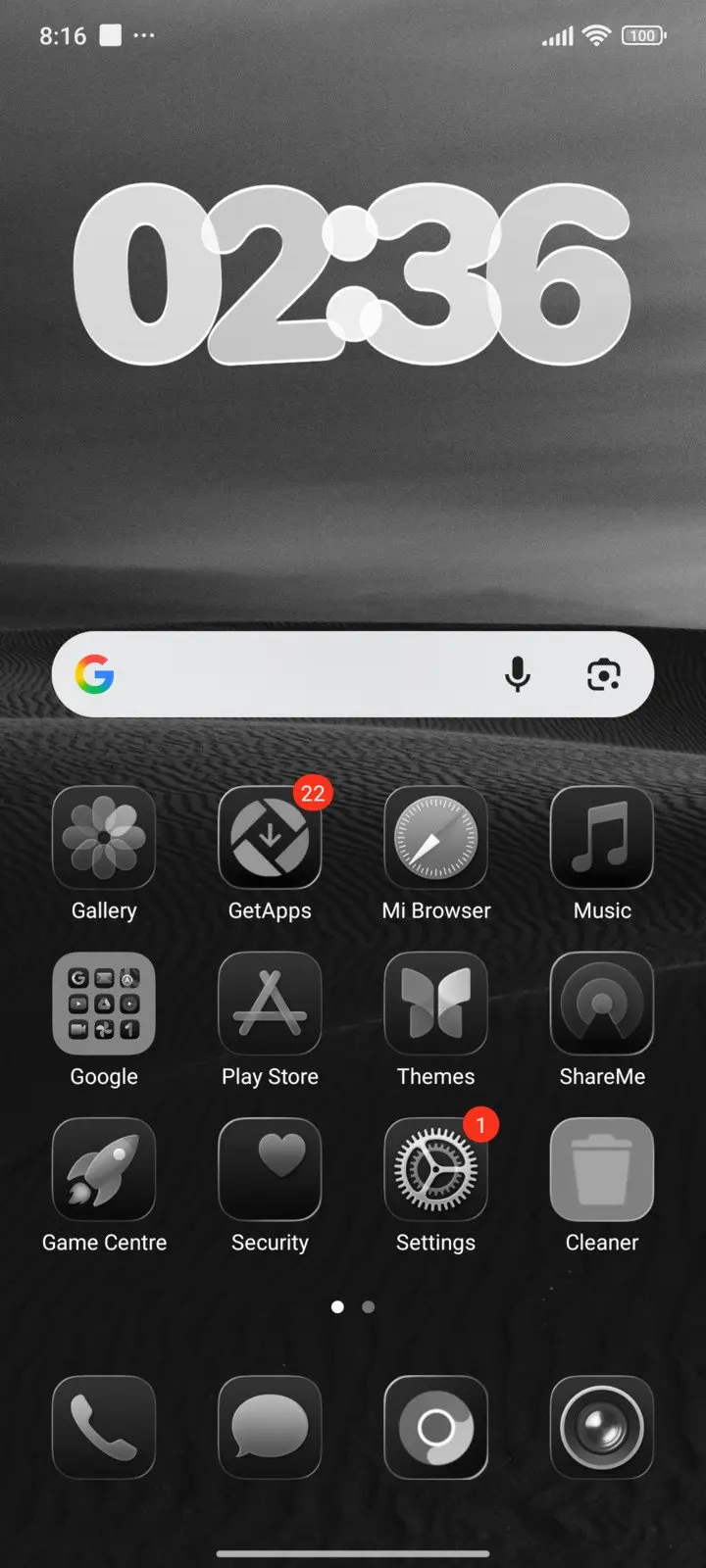
On the home screen the time becomes a bold outlined clock above a search bar, and the icons share a dark metallic style. The package is 51.36 MB.
What Voidfall changes
- Lock screen: an extra-tall grey clock with small widgets.
- Home screen: a bold outlined clock and search bar.
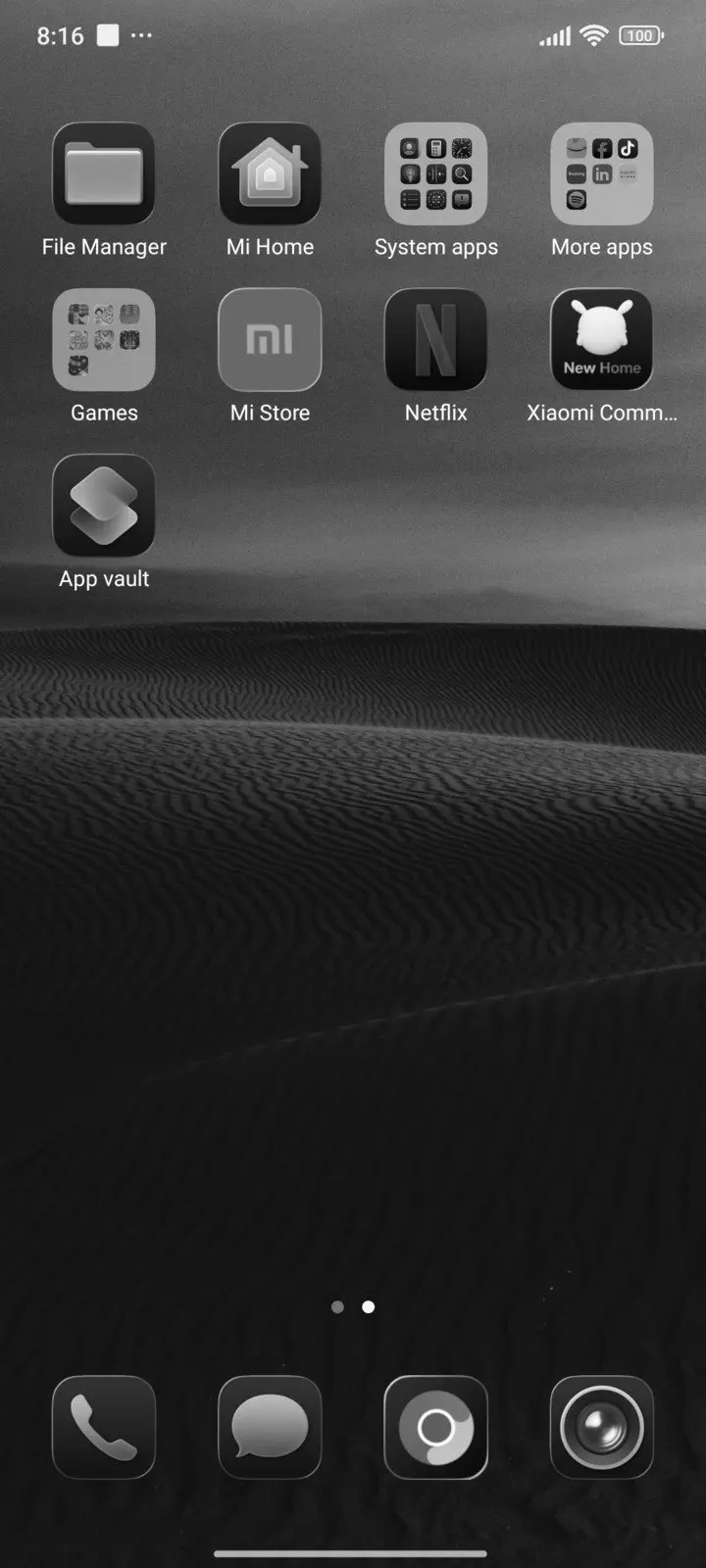
- App icons: consistent dark metallic icons.
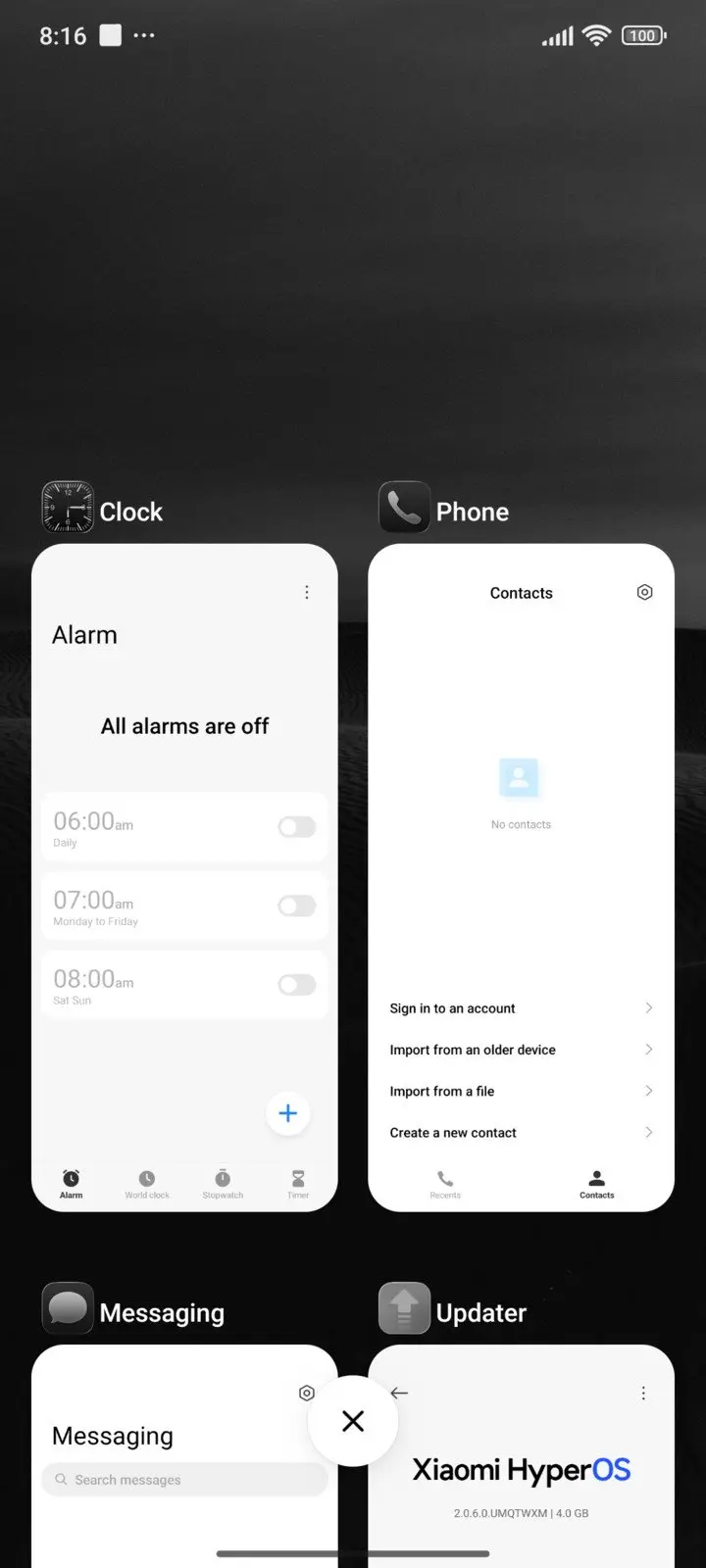
- Recent apps: app cards on dark grey.
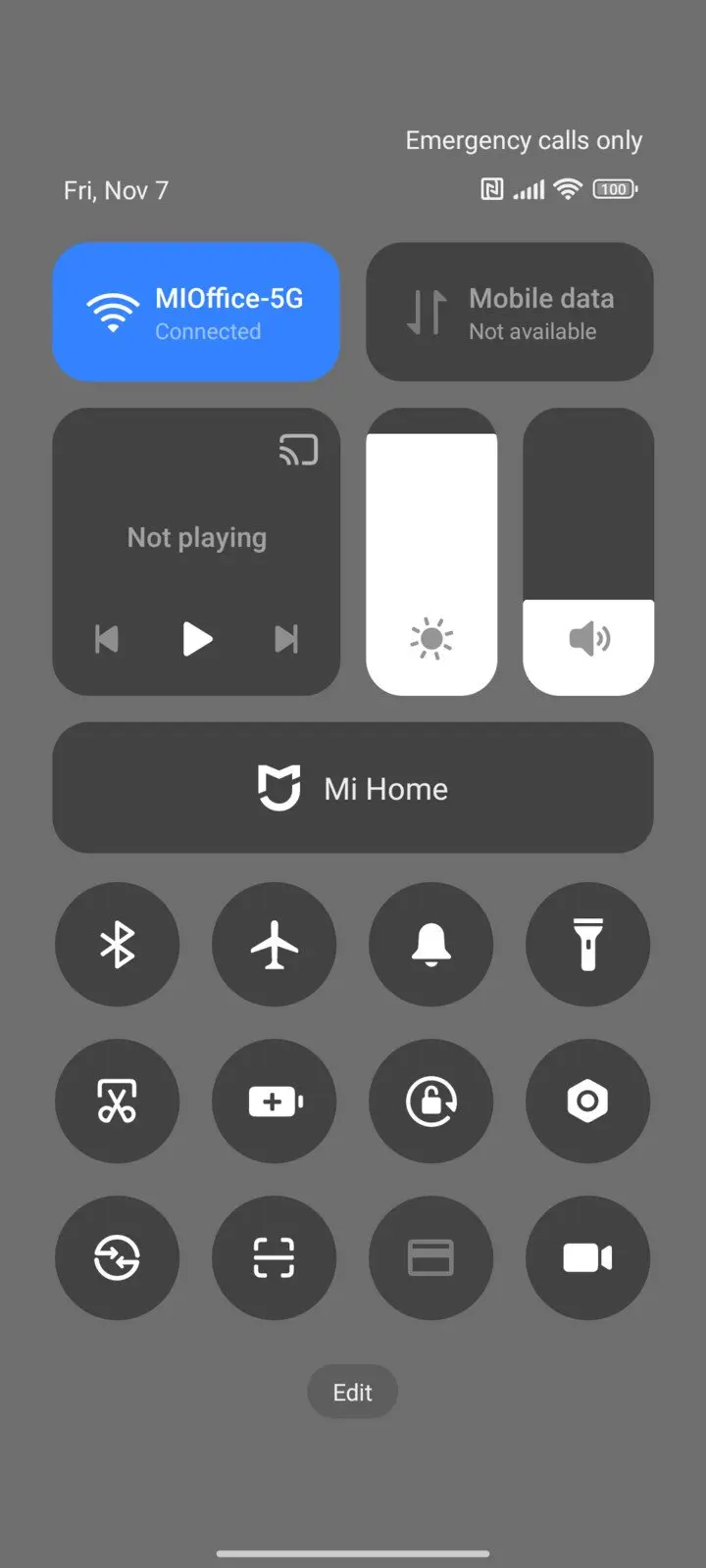
- Control center: round buttons in grey.
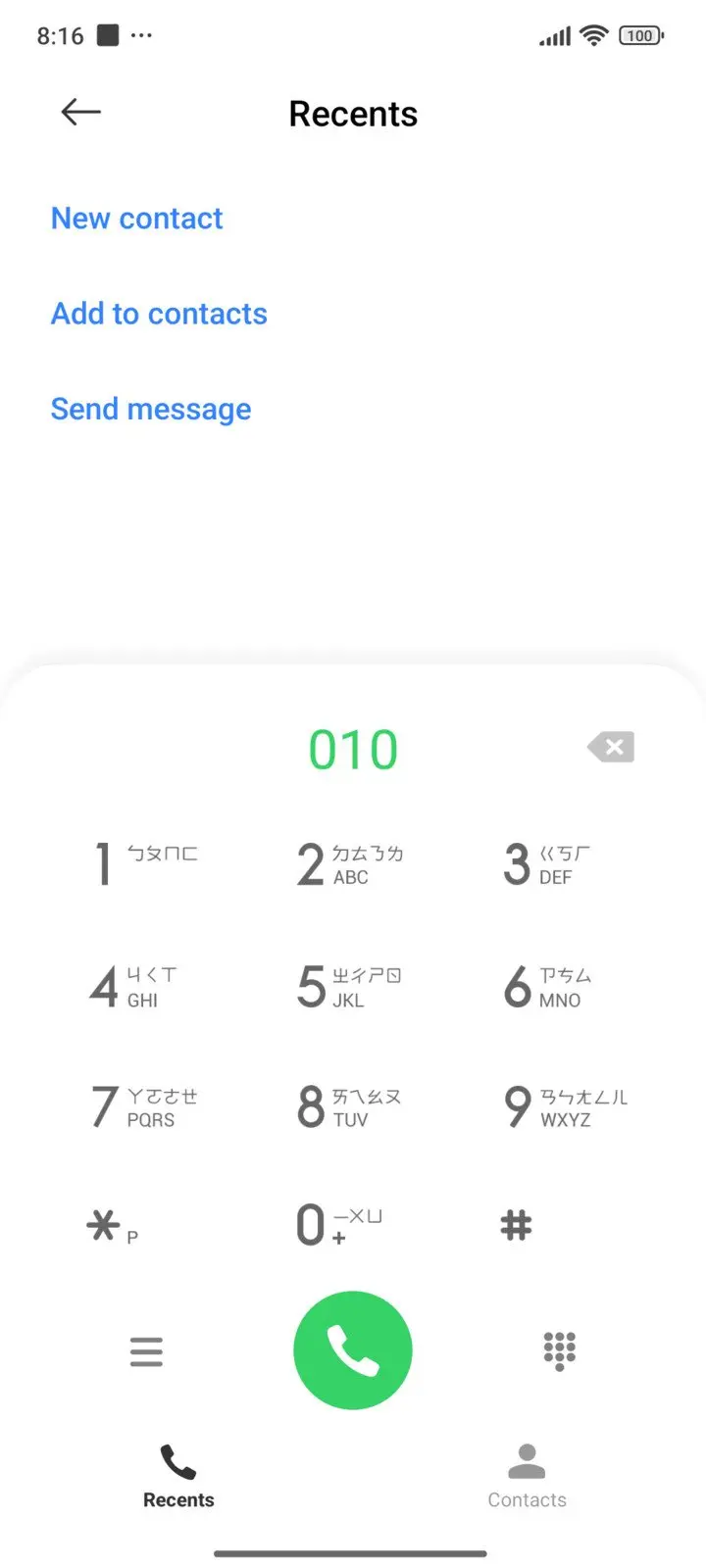
- Phone app: a light keypad with a green call button.
Theme Preview
All 6 screens below come from the theme’s official preview set. Tap any screen to open it full size.
Voidfall Xiaomi Theme Details
Theme details
Everything to check before you install
Our hands-on notes
We used Voidfall for everyday tasks on our Redmi Note 14 5G with HyperOS 3.0. The lock screen text was clear outdoors, and nearly every app on our home screen got a themed icon. Settings, the control center and the dialer matched.
It was comfortable at night. We noticed one minor visual glitch that did not stop it working, and it earned a place as our daily theme.
Pros, cons and our verdict
What we like
- Very distinctive tall clock
- Consistent dark metallic icons
- Bold outlined home clock
Keep in mind
- Little colour
- 51.36 MB package
4.0/5 Hands-on score · How we score
Voidfall is a bold, typographic dark theme. If you want a lock screen that looks like a poster, it is a great choice.
Get the Voidfall HyperOS Theme
Voidfall is on the official Xiaomi Theme Store. Open this page on your phone, tap the store button and choose the Themes app when HyperOS asks how to open the link.








0 comments