
BLURR HyperOS Theme – Soft Out-of-Focus Dusk Colours
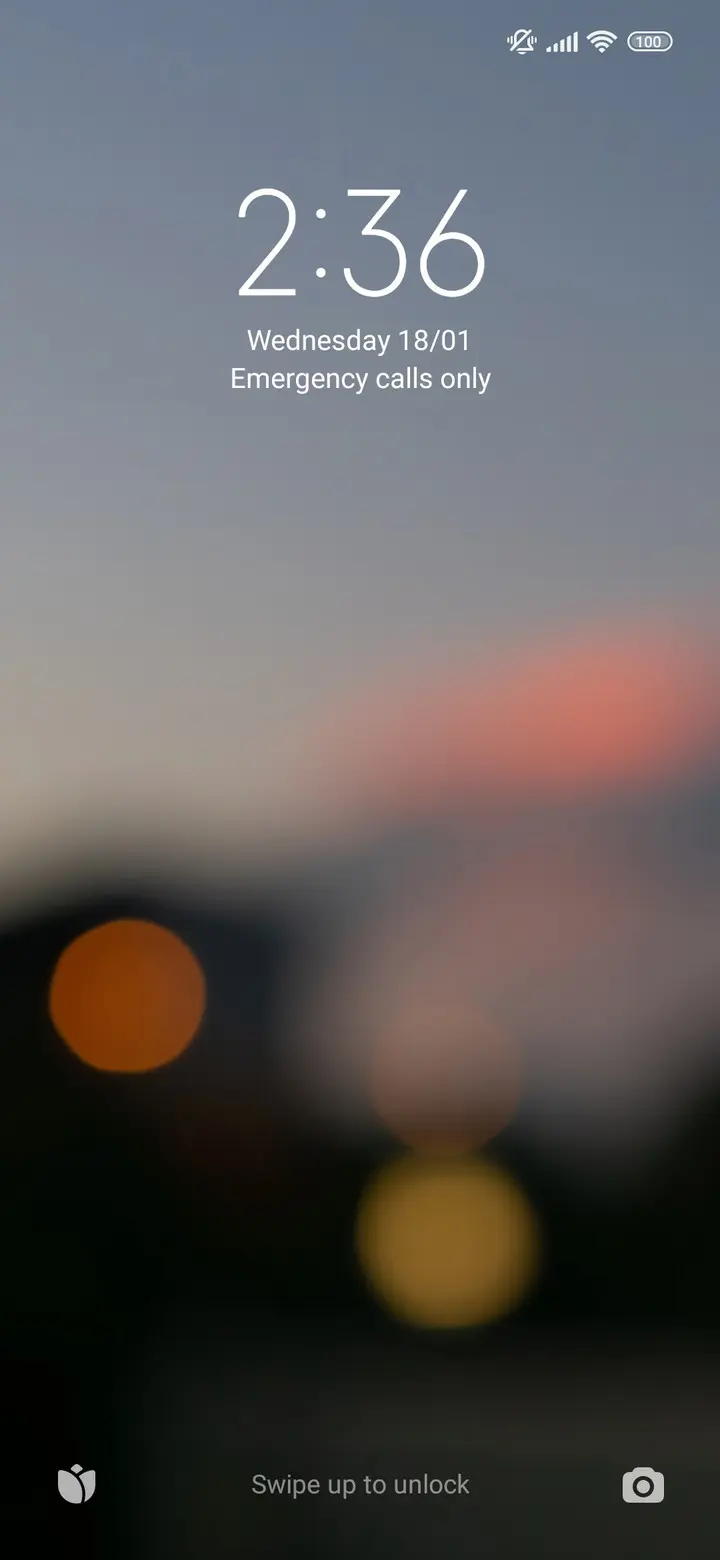
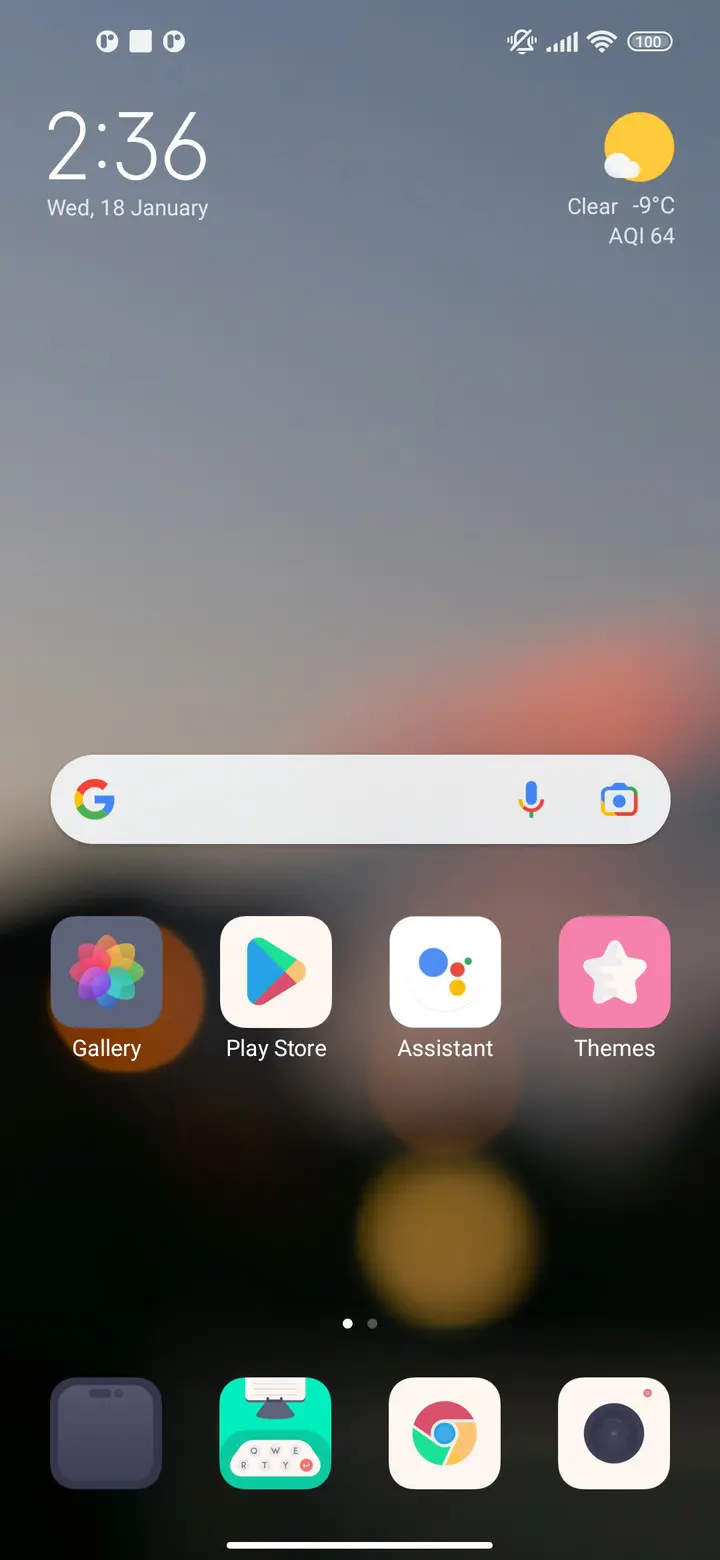
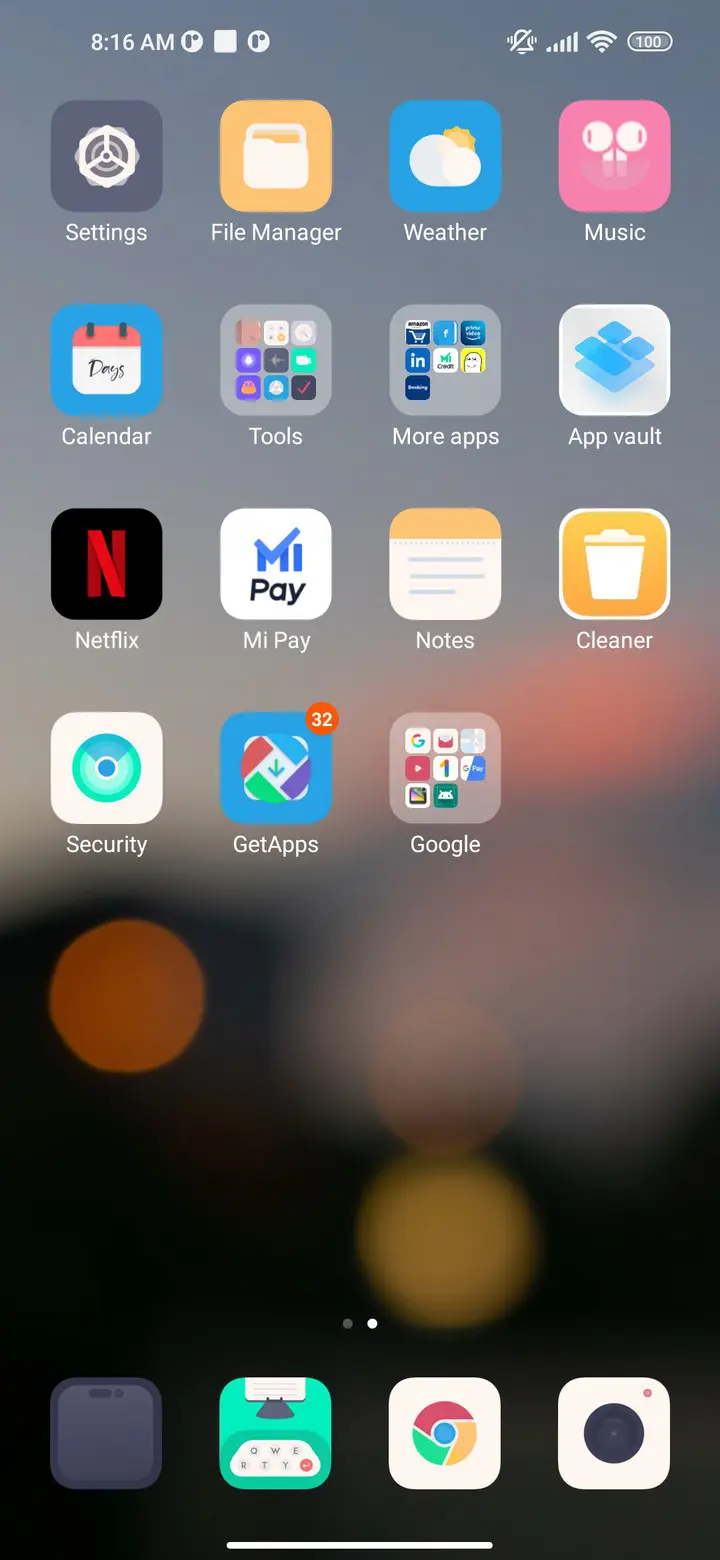
BLURR by Vj_rhmn, who also made Fake Mix, is all about softness. The wallpaper is a dusk scene thrown completely out of focus: a grey-blue sky, a dark ground and a few round orange street lights glowing as bokeh circles.
What changes
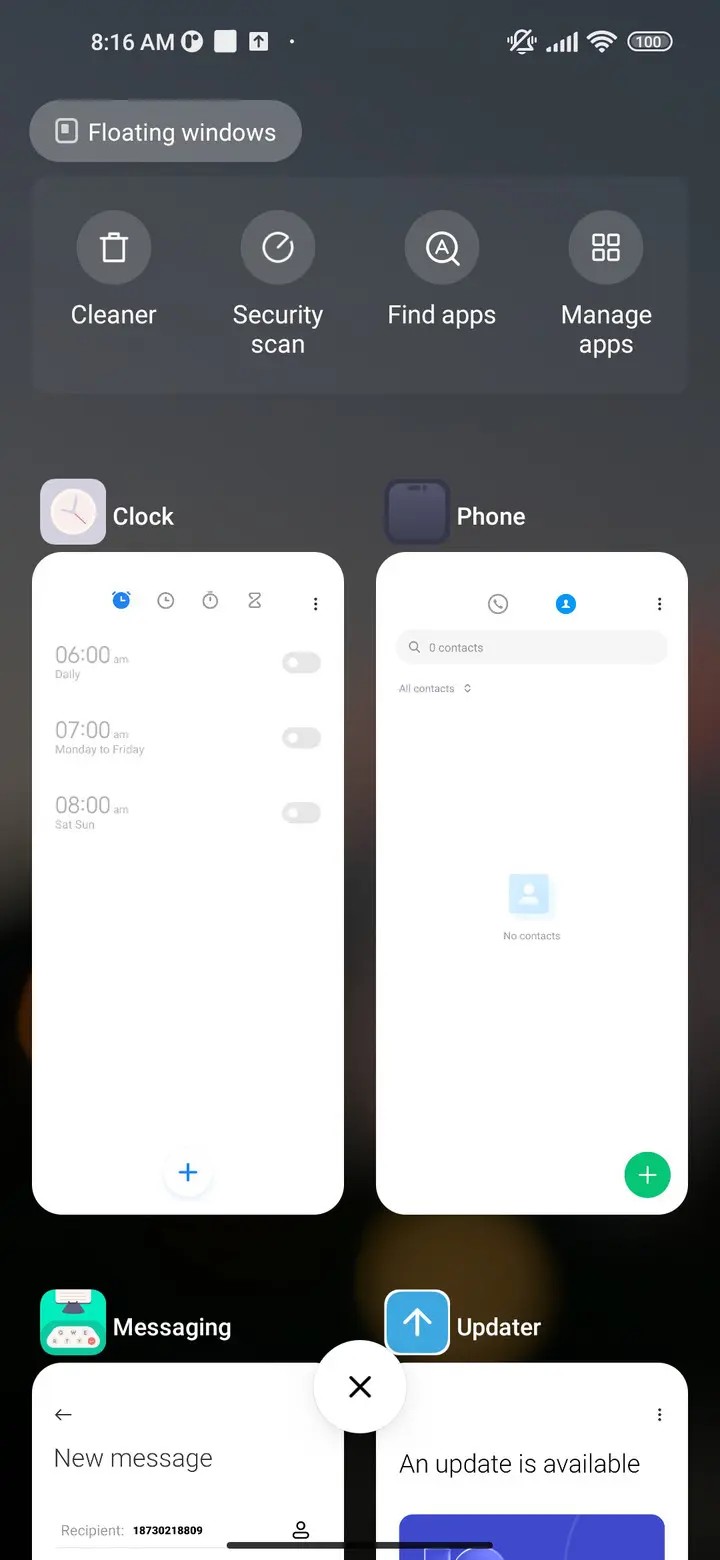
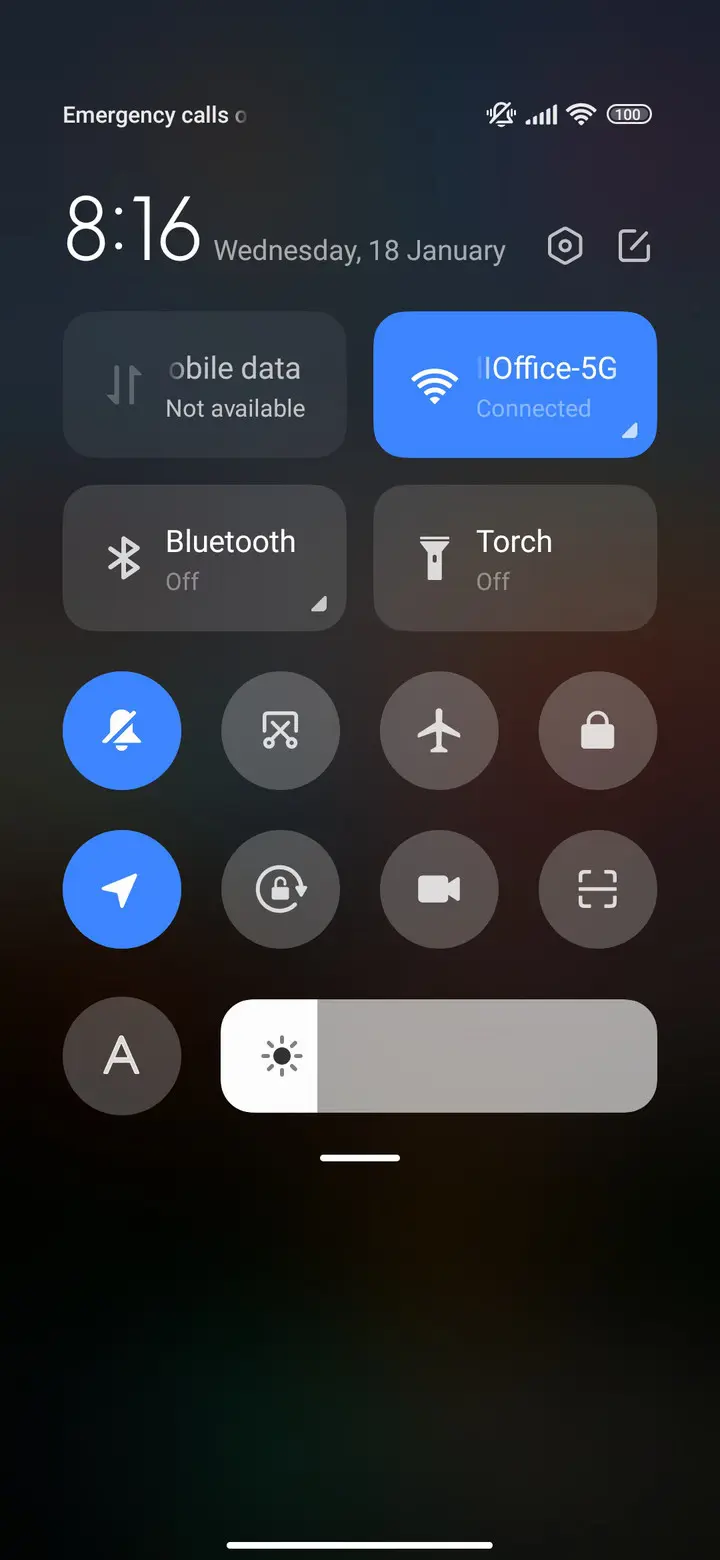
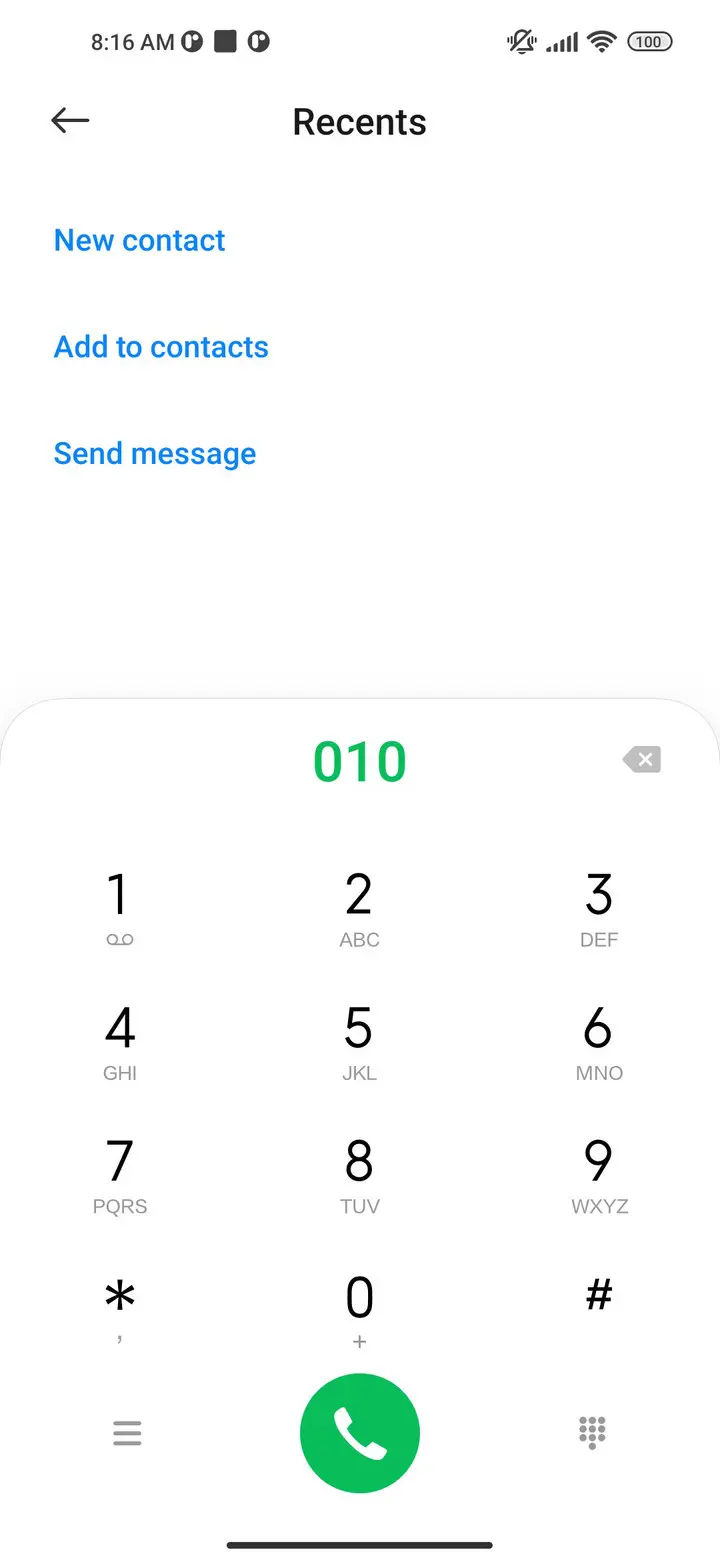
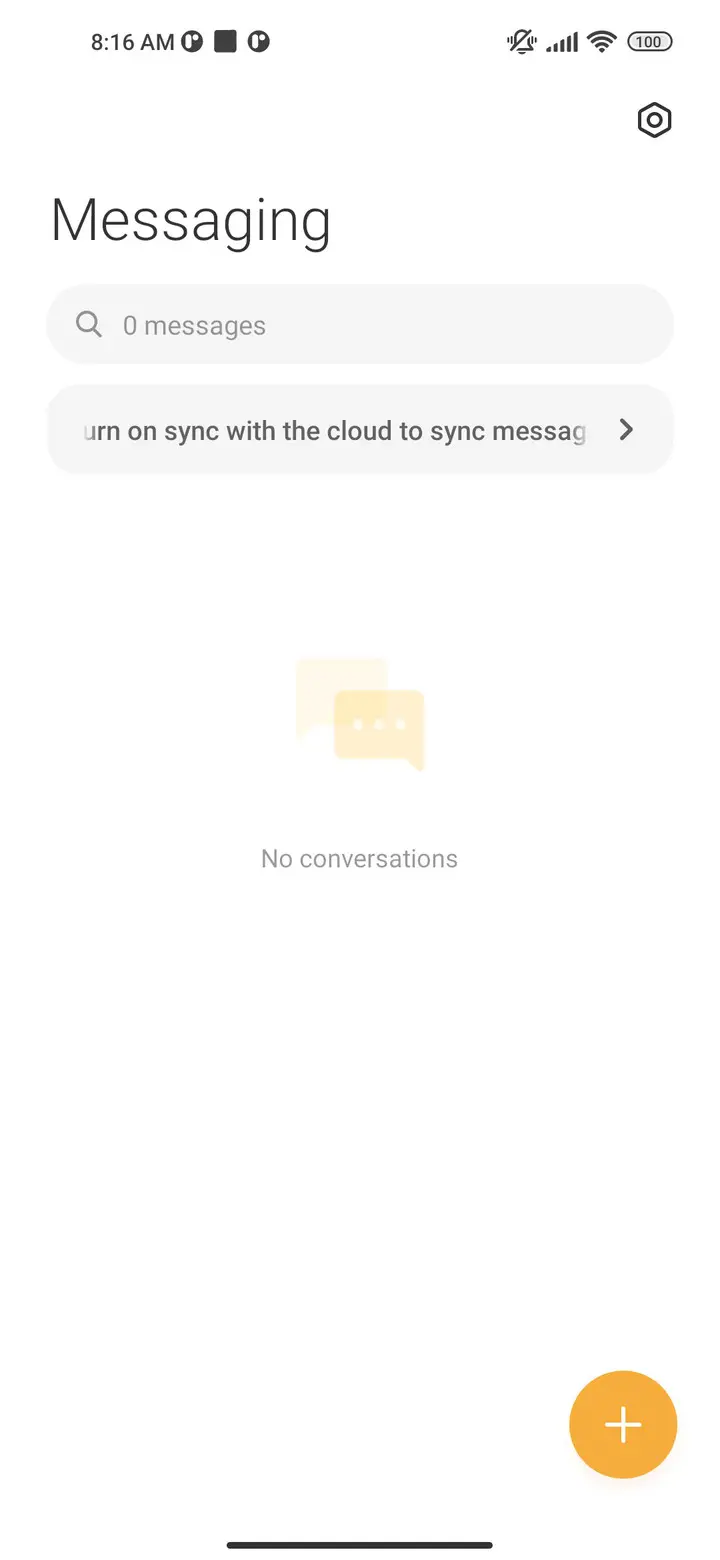
A thin white clock sits at the top left of the lock screen, with the date beneath. The home screen adds a small weather icon and keeps the icons close to the HyperOS defaults. The control center is dark with blue toggles, and the phone app stays light.
A closer look at the screens
BLURR’s previews show a soft, out-of-focus street at dusk with warm orange lights. The lock screen has a small white clock and date, and the home screen adds the weather beside the time.
Icons are colourful rounded squares. The control center is dark with blue active tiles, and the dialer is white with a green call button. At 9.8 MB it is a light, moody theme.
Who it suits
Anyone who wants a calmer background without changing their icons. At 9.8 MB it installs quickly.
Review basis
We have not tested BLURR; seven previews are our source.
Theme details
Everything to check before you install
Compare
Breaking V1 uses a similar out-of-focus city mood.
What we like
- Soft, calm blurred photo
- Thin, elegant clock
- Light 9.8 MB file
Keep in mind
- Few changes beyond the wallpaper
- Not tested hands-on
From its previews, BLURR is a gentle, moody wallpaper theme for people who like stock icons.
Get BLURR
To try BLURR, open this review in your phone’s browser and use the Theme Store button; at 9.8 MB, it is worth being on Wi-Fi first.








0 comments