
Bozkurt_16 HyperOS Theme – Soft Blue Gradient and a Big Clock
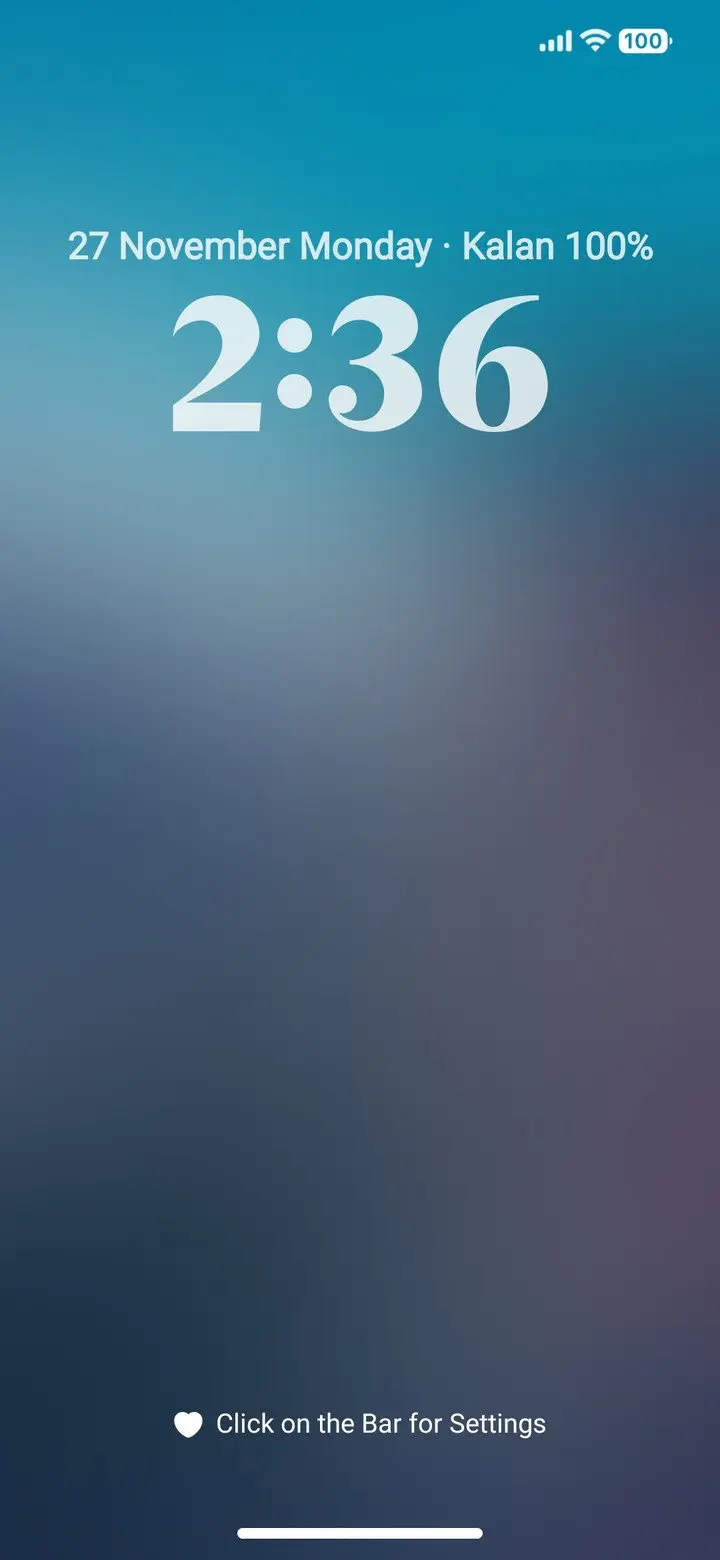
Bozkurt_16 by Bozkurt, the designer of Bozkurt_2, uses a calm gradient from teal-blue at the top to a dusky violet near the bottom.
A big white clock sits high on the lock screen.
Bozkurt_16 HyperOS Theme for Xiaomi, Redmi and POCO
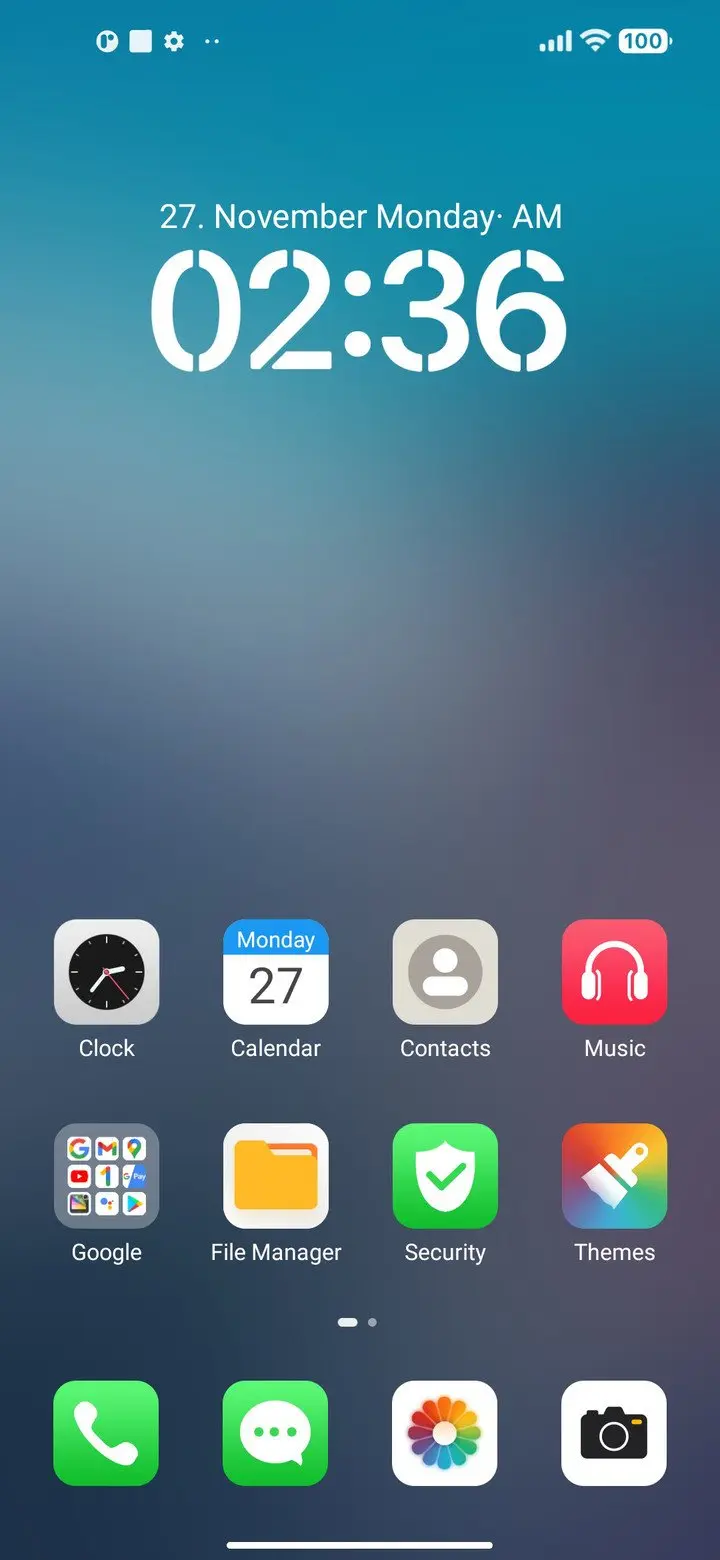
The home screen keeps the clock and date above colourful icons, and the control center is dark with a blue Wi-Fi tile. The package is 17.52 MB.
What Bozkurt_16 changes
- Lock screen: a big white clock on the soft gradient.
- Home screen: clock, date and colourful icons.
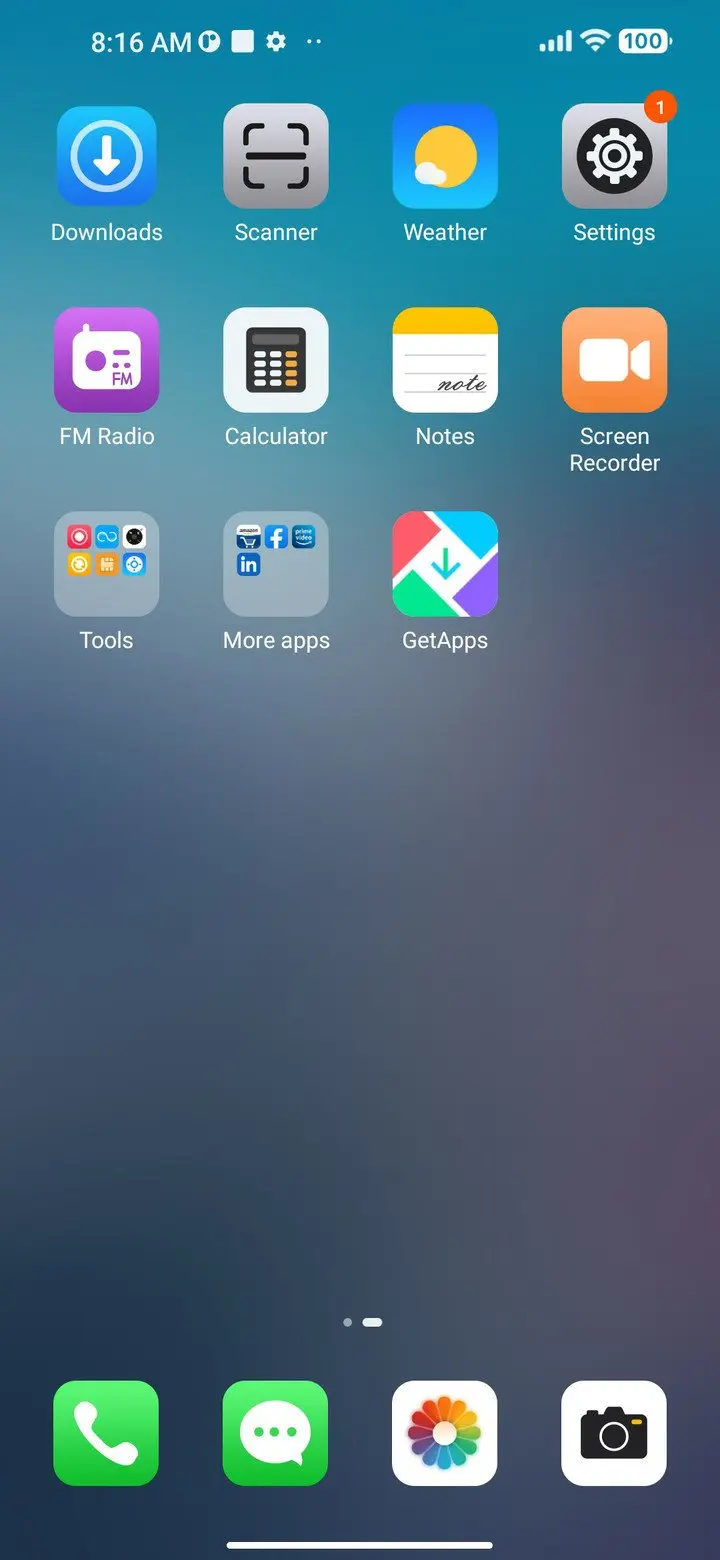
- App icons: bright icons on blue.
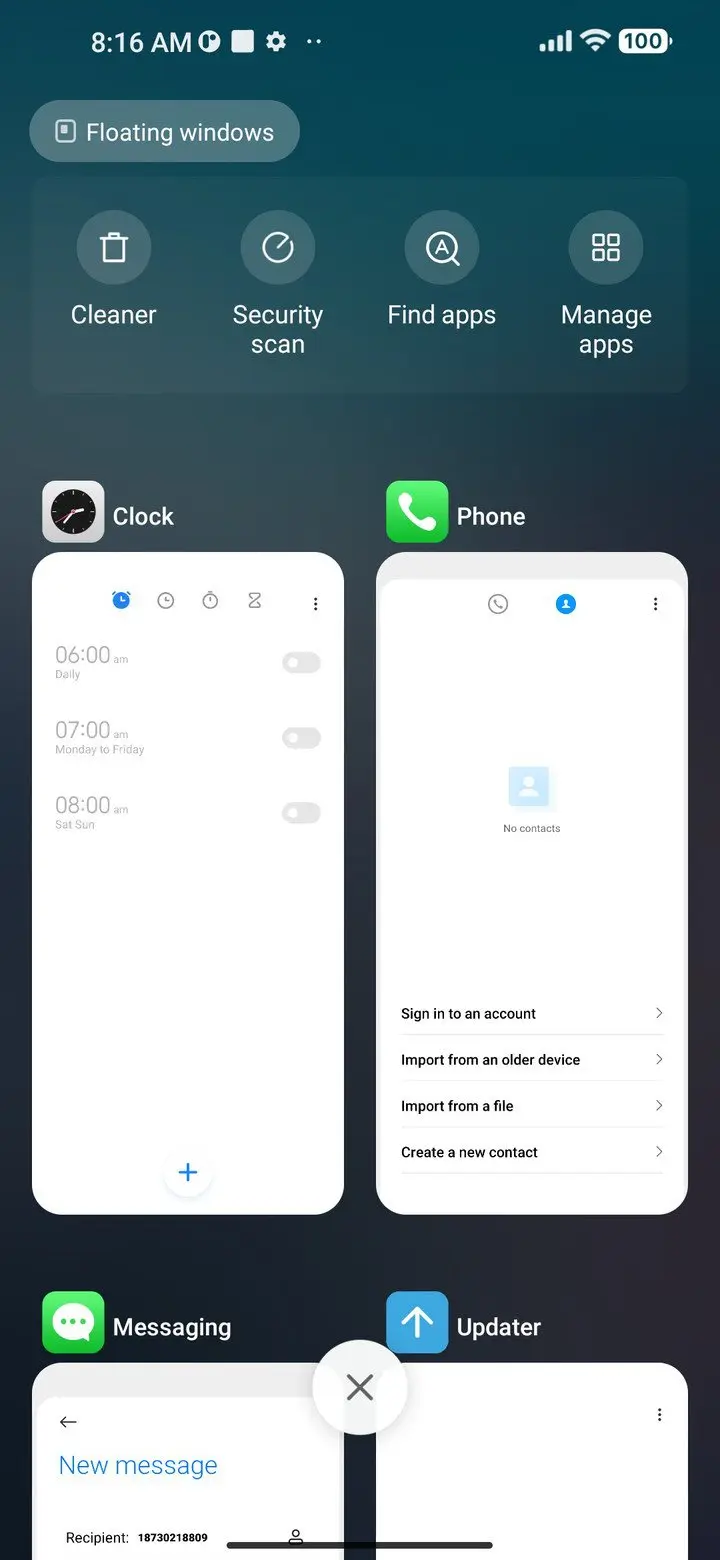
- Recent apps: app cards on grey.
- Control center: a dark panel with a blue Wi-Fi tile.
Theme Preview
All 5 screens below come from the theme’s official preview set. Tap any screen to open it full size.
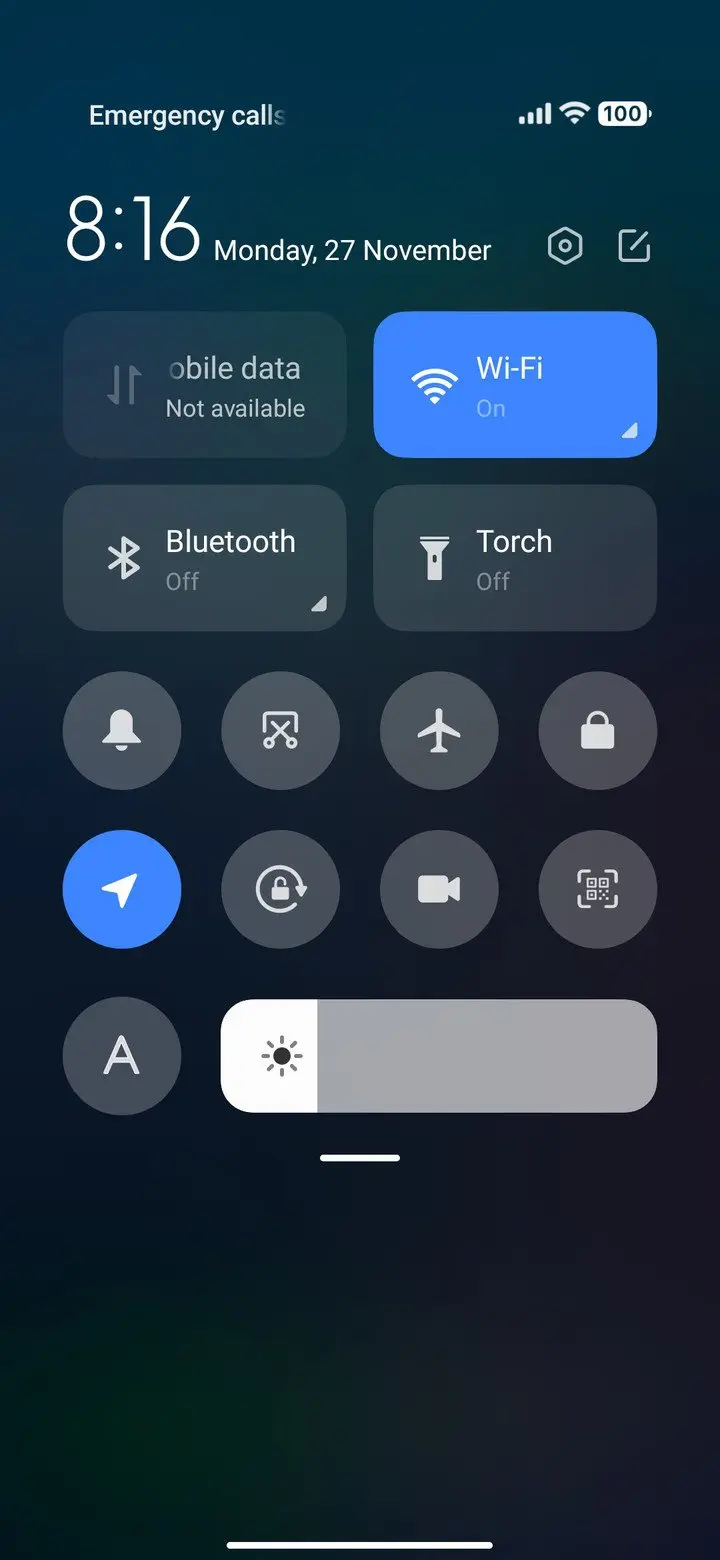
Bozkurt_16 Xiaomi Theme Details
Theme details
Everything to check before you install
Our hands-on notes
Bijay used Bozkurt_16 on our Redmi Note 14 5G with HyperOS 3.0 for everyday tasks. The lock screen stayed easy to read outdoors, and the large majority of our daily apps picked up themed icons. Settings, the control center and the phone app all matched.
Night use was easy on the eyes, and app switching stayed smooth. We were happy to keep it as our everyday theme.
Pros, cons and our verdict
What we like
- Calm blue gradient
- Big readable clock
- Moderate 17.52 MB size
Keep in mind
- Plain wallpaper
4.3/5 Hands-on score · How we score
Bozkurt_16 is a calm, reliable everyday theme with a clock that is easy to read.
Get the Bozkurt_16 HyperOS Theme
Bozkurt_16 is on the official Xiaomi Theme Store. Open this page on your phone, tap the store button and choose the Themes app when HyperOS asks how to open the link.








0 comments