
Bozkurt_2 HyperOS Theme – Sky-Blue Gradient with an Analog Clock
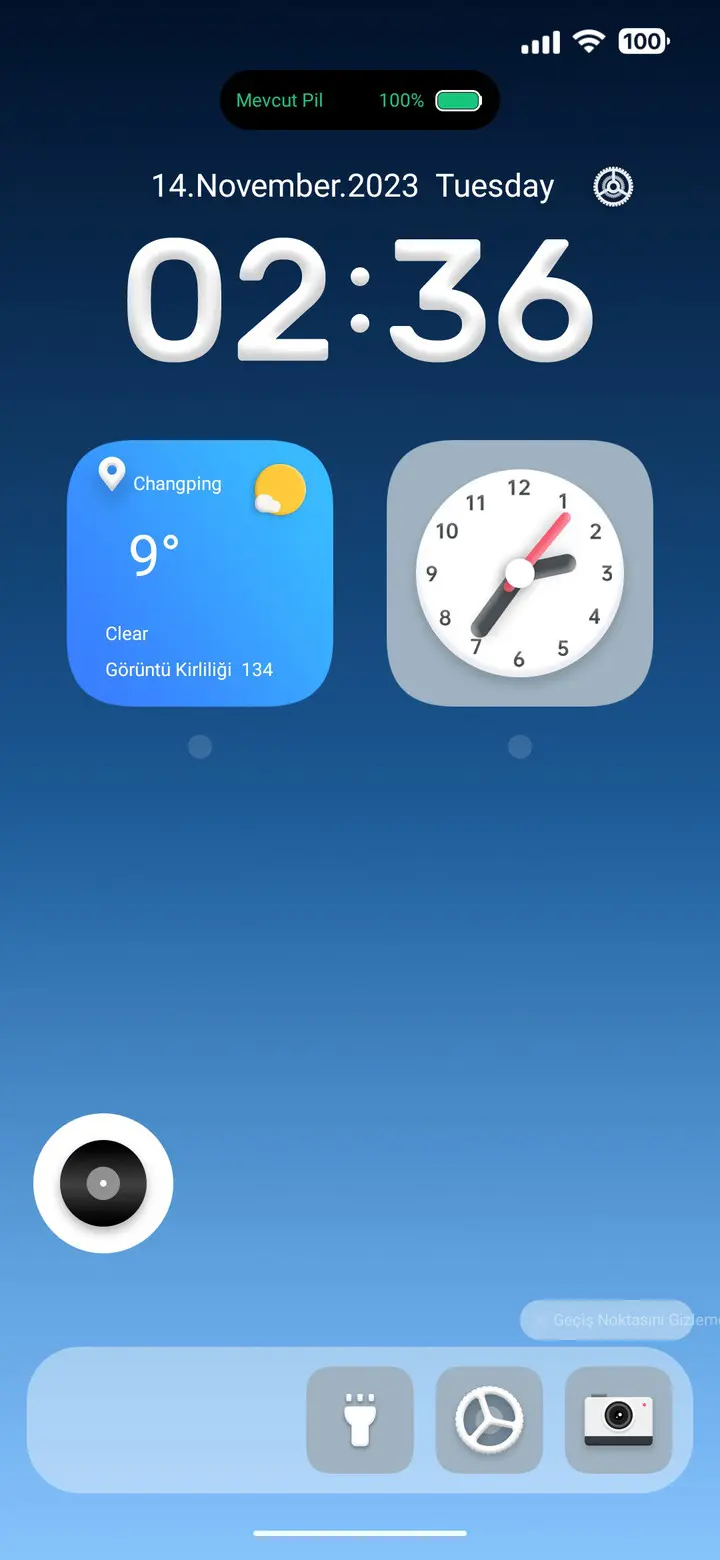
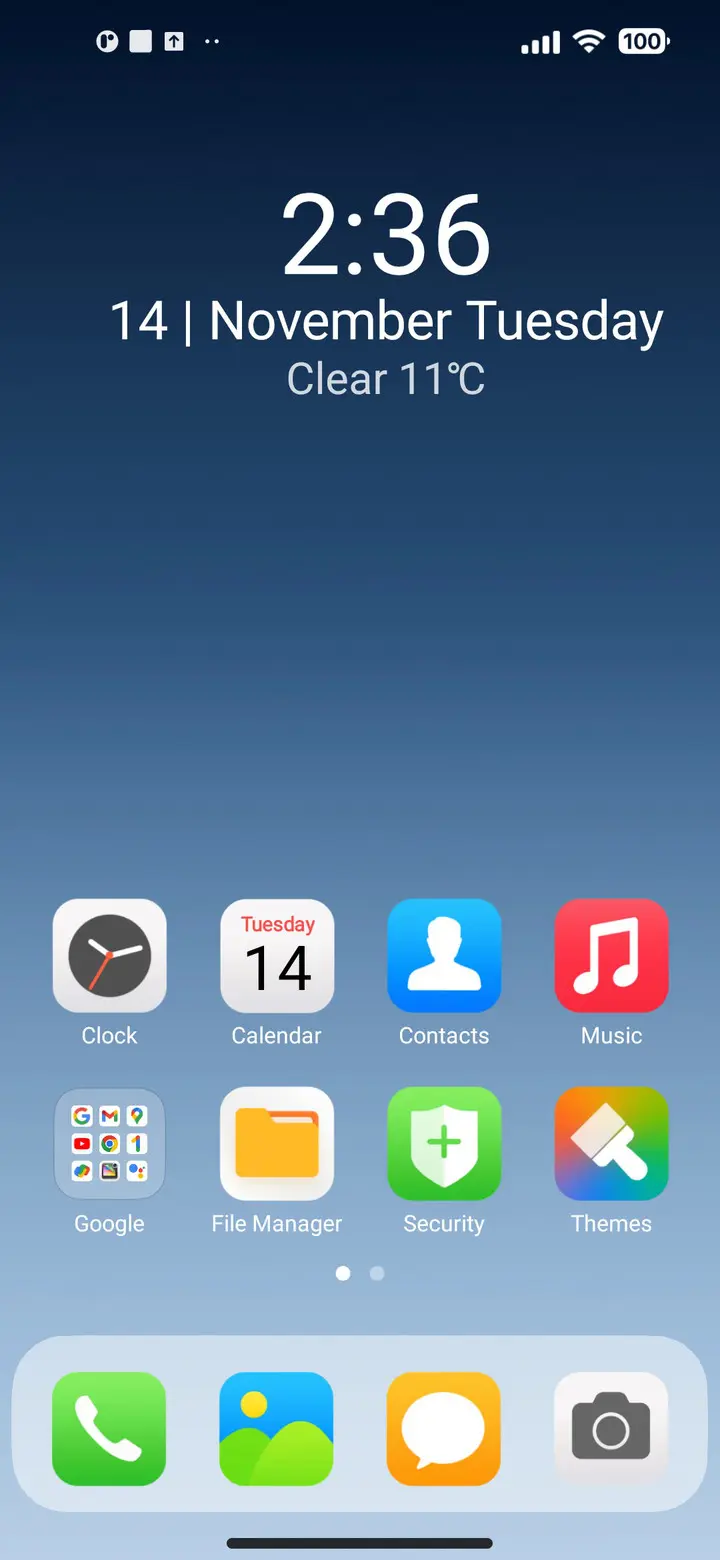
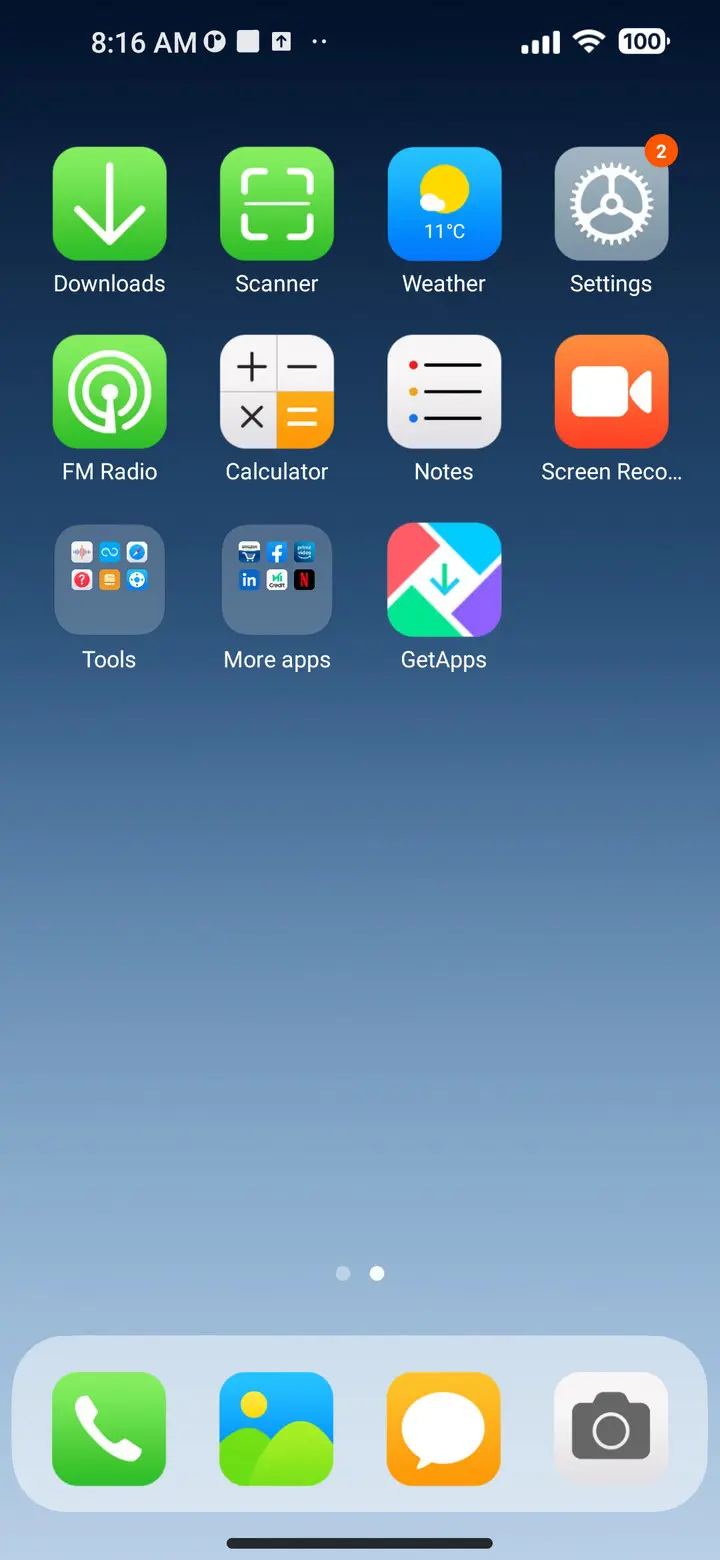
Bozkurt_2 comes from Bozkurt, the designer of Bozkurt_16, which we tested. It uses a clean gradient from navy at the top to a softer blue below, with nothing else in the background.
Widgets
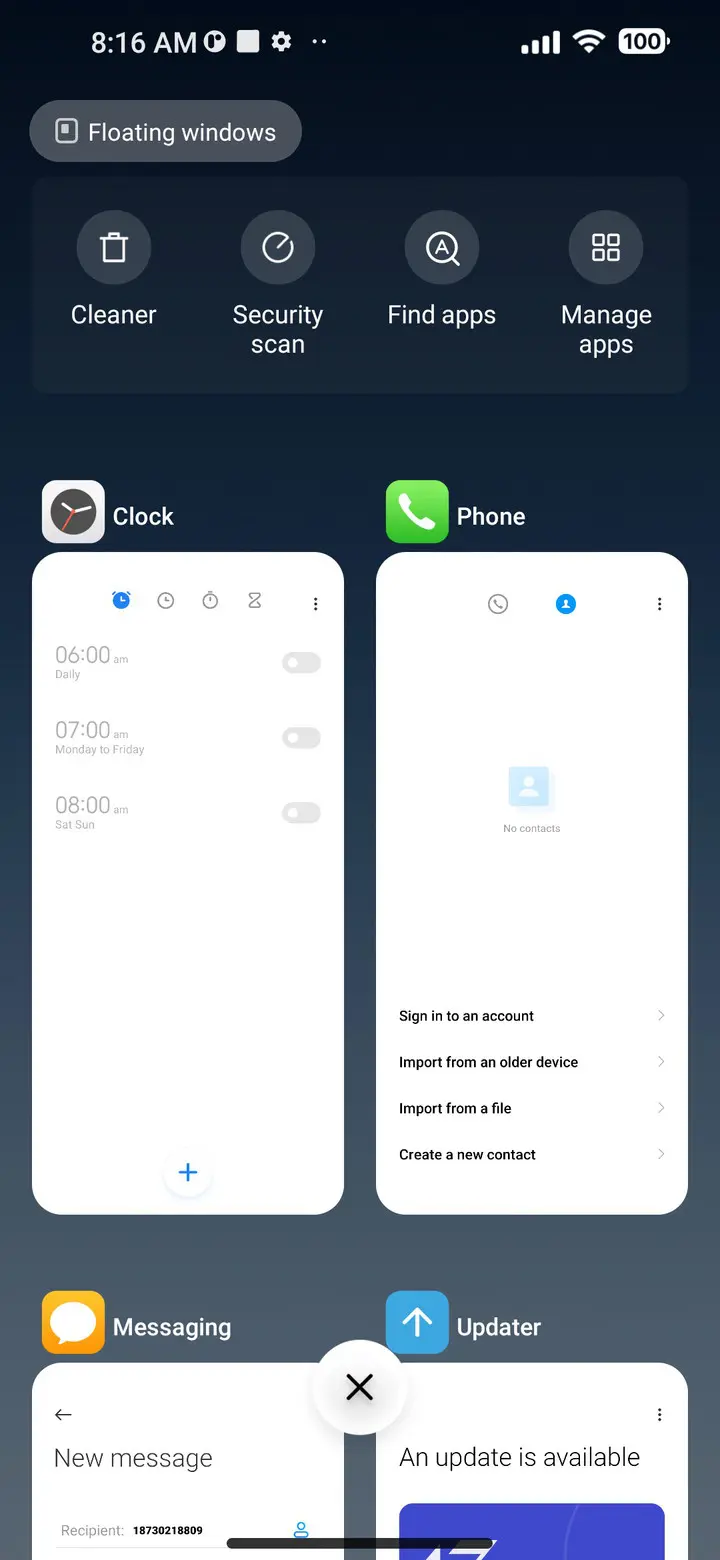
The lock screen pairs a bold white clock with two widgets: a small weather card and a white analogue clock face. The home screen keeps a large clock with the full date and weather line. The control center is dark blue, and the phone app keeps a light keypad.
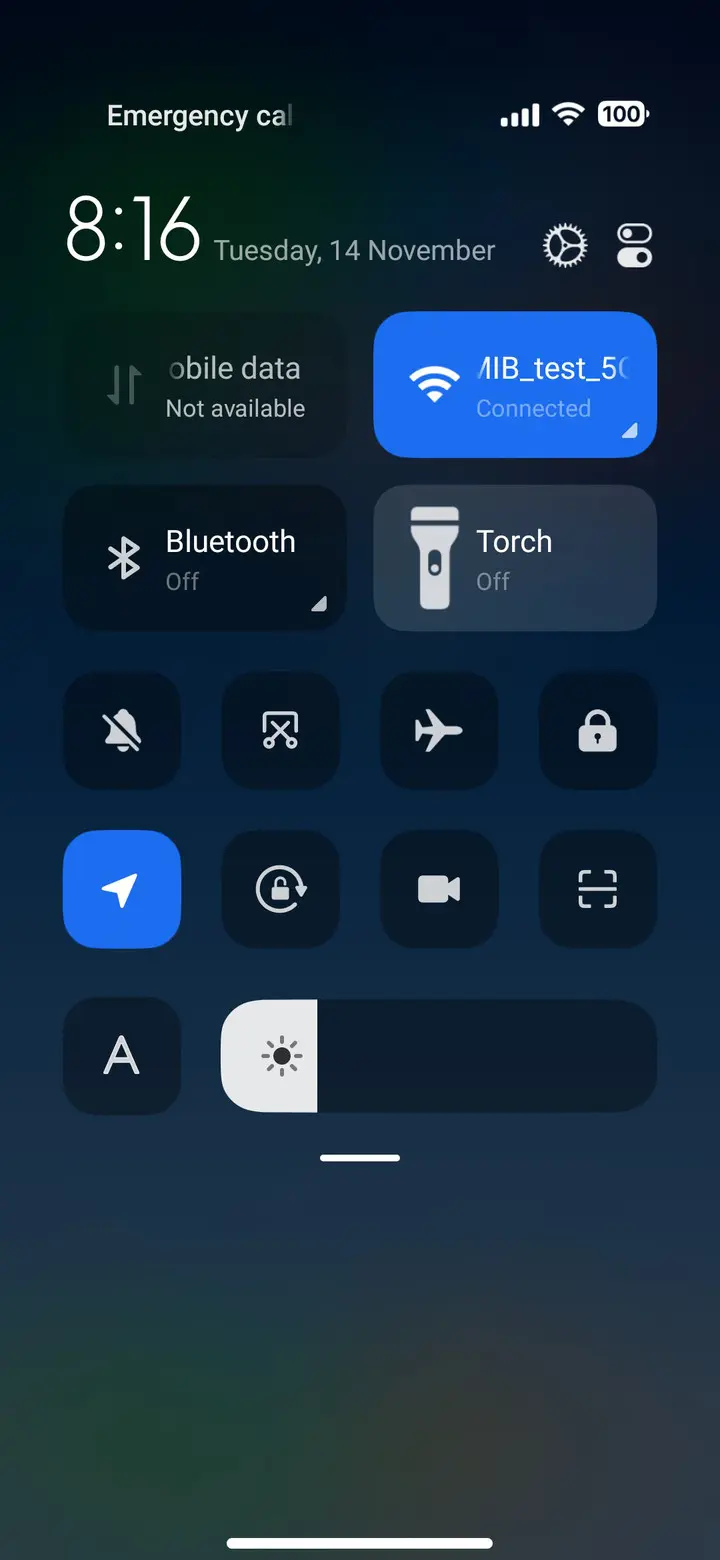
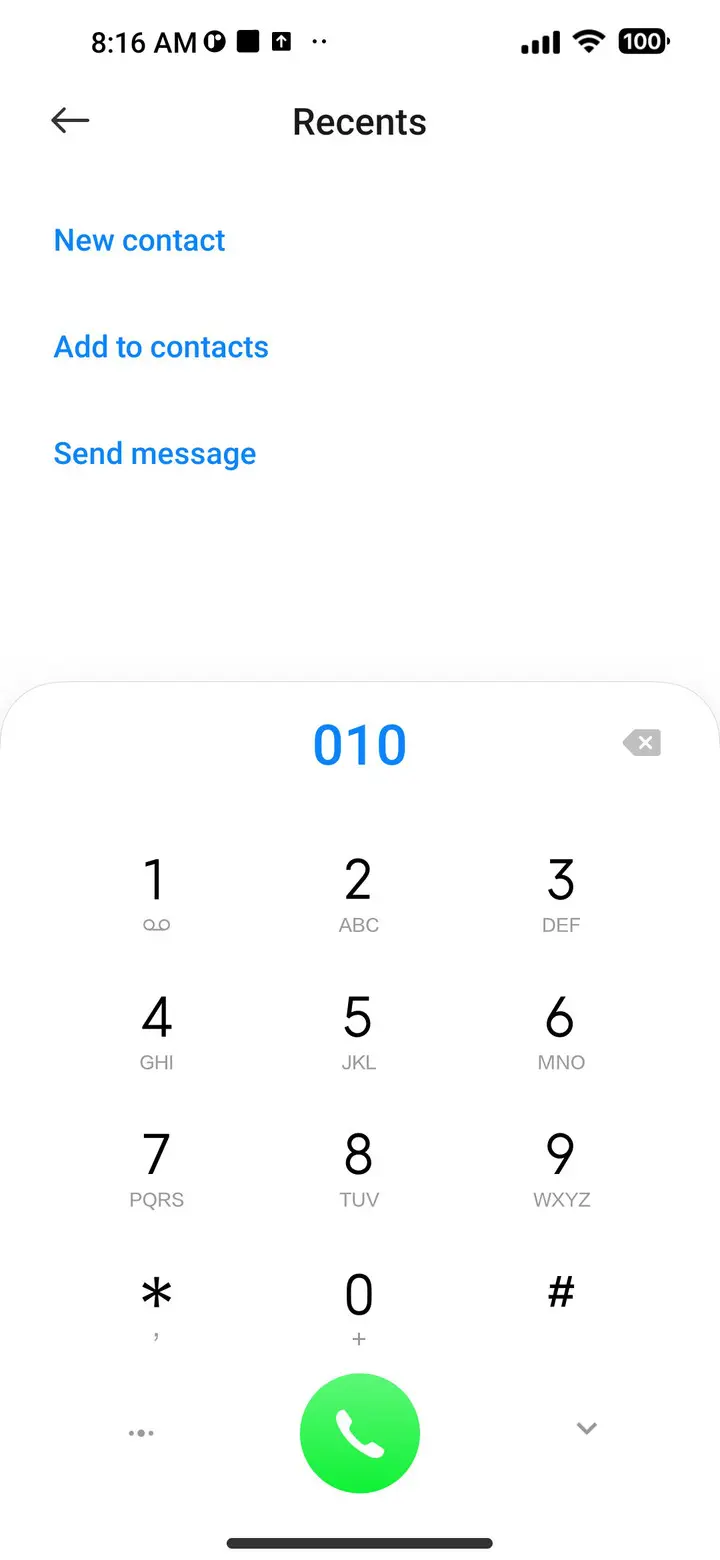
What each screen looks like
Bozkurt_2’s previews use a bright blue gradient. The lock screen has a white clock and date, a weather card, an analogue clock and a shortcut bar, and the home screen centres the time, date and weather.
Icons are colourful rounded squares. The control center is dark with blue active tiles, and the dialer is white with a green call button. It is a clean, bright blue theme.
Who it suits
People who want a tidy blue look with a couple of useful widgets. At 7.8 MB it is light.
Review basis
Bozkurt_2 is preview-based; we have not installed it.
Theme details
Everything to check before you install
Same designer
Bozkurt_16 is another of his designs, and we tested it hands-on.
What we like
- Clean blue gradient
- Analogue clock widget
- Light 7.8 MB file
Keep in mind
- Plain wallpaper
- Not tested hands-on
From its previews, Bozkurt_2 is a neat, practical blue theme.
Get Bozkurt_2
The store button below takes you to Bozkurt_2 in the official Xiaomi Themes app, where you can preview it again before applying.







0 comments