
Dream Rose HyperOS Theme – A Cartoon Bear Among Pink Blossoms
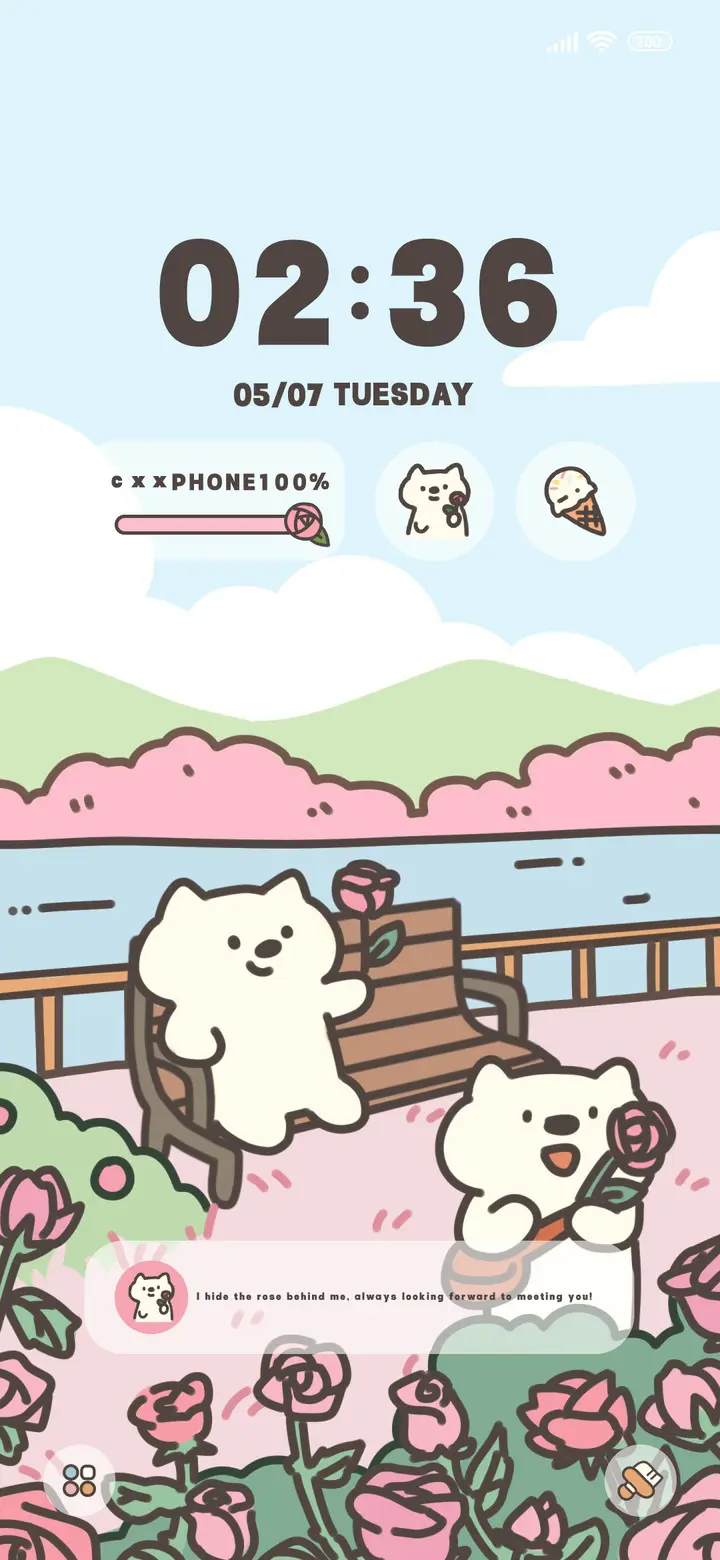
Dream Rose by Static looks like a page from a sketchbook. A round, smiling cartoon bear sits among pink roses on a pale blue background, drawn in soft lines and pastel colours. The lock screen clock is set in dark brown above the scene, with a little row of symbols for the date.
Thorough styling
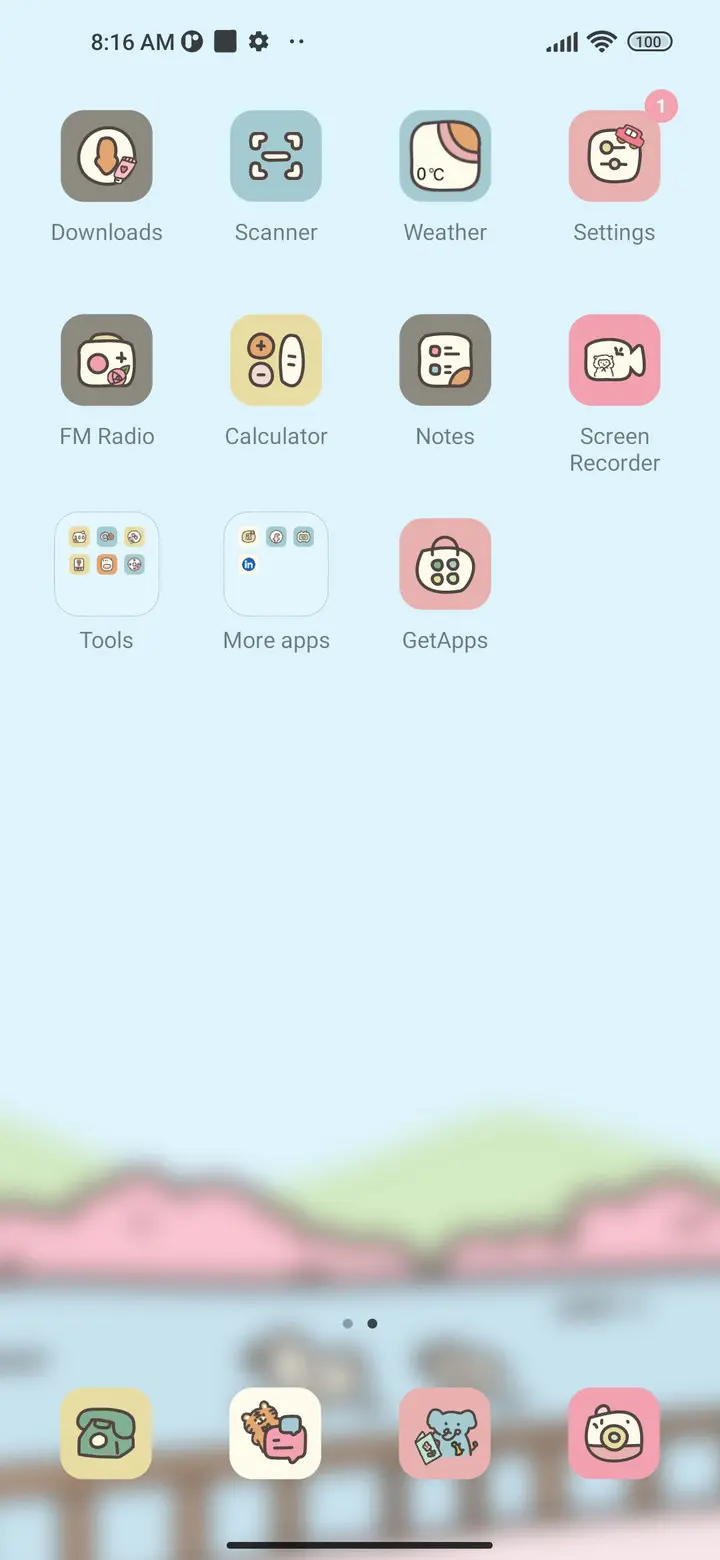
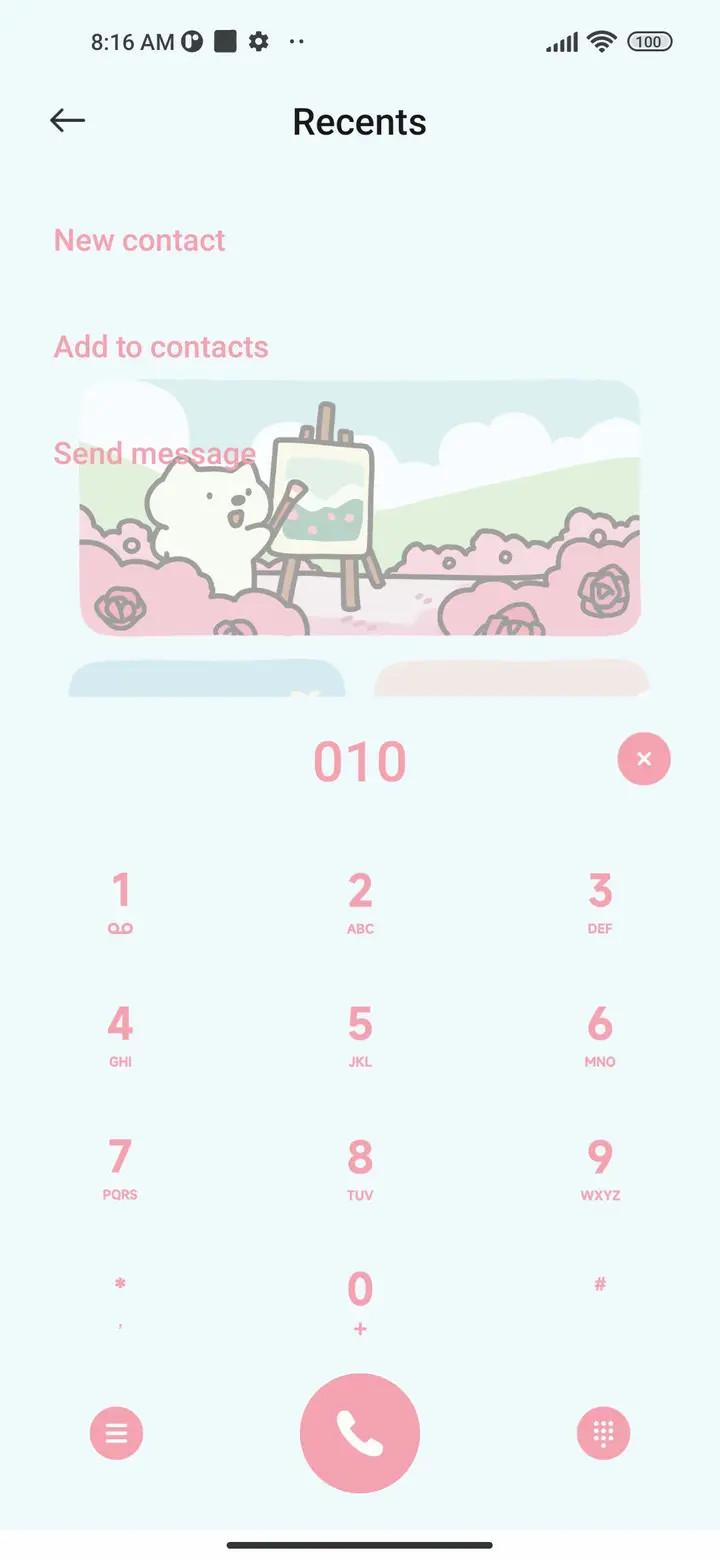
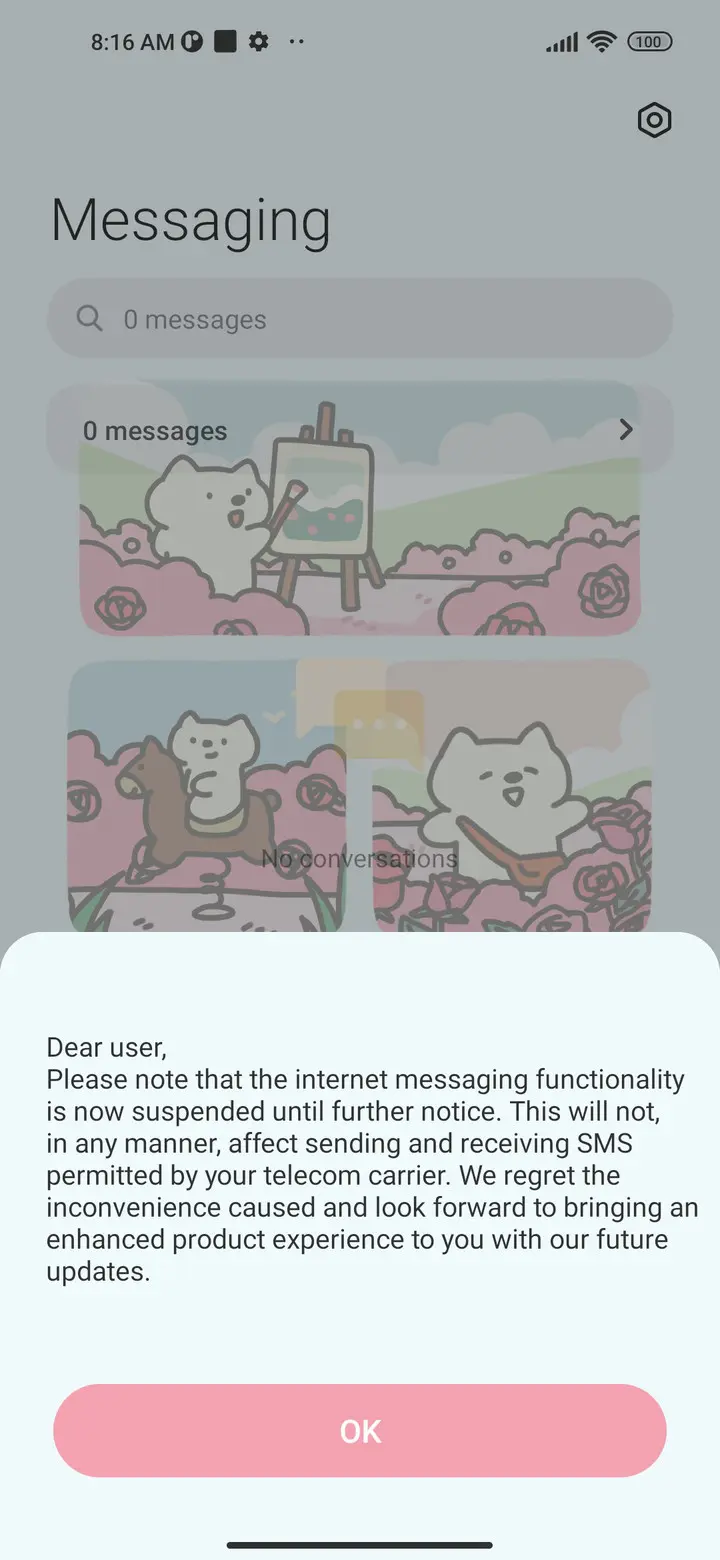
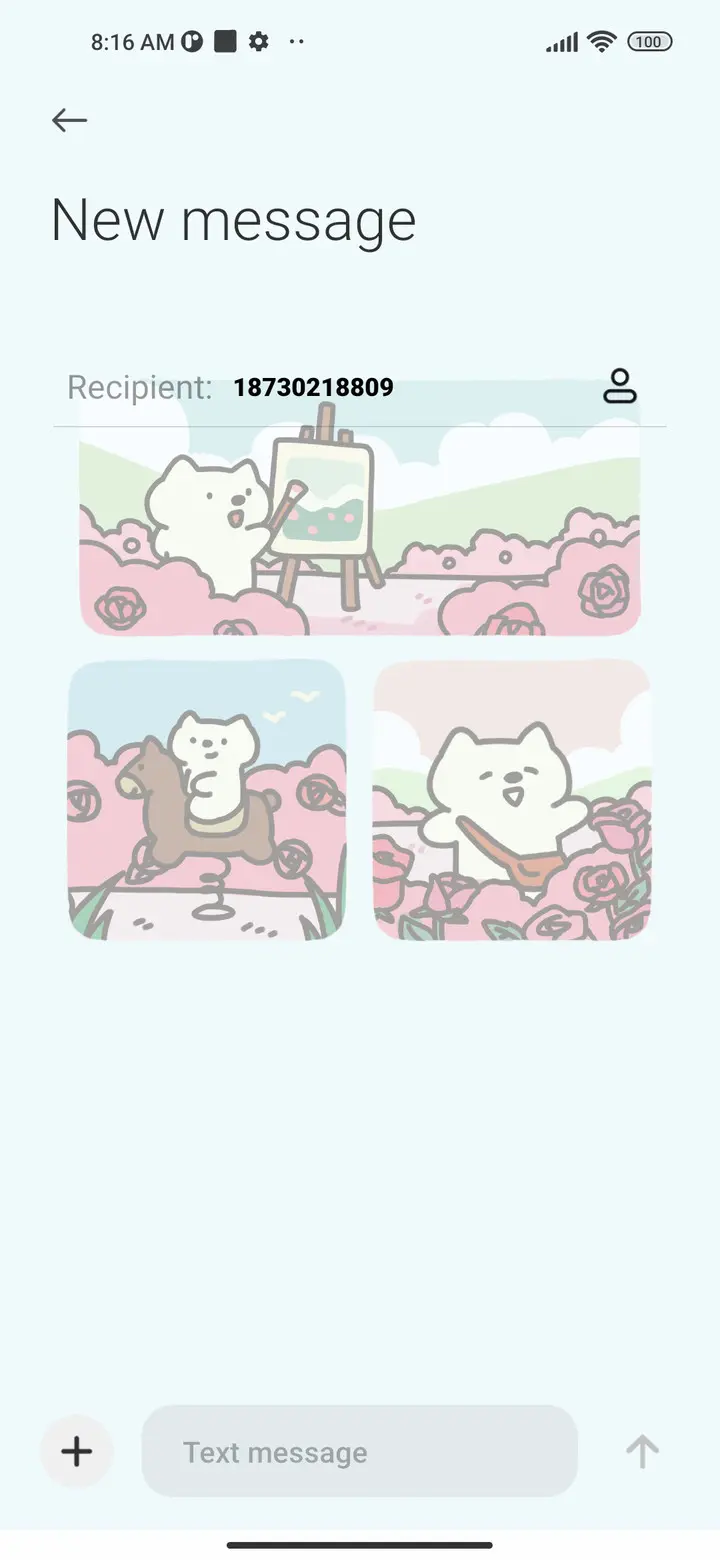
Unlike many cute themes, Dream Rose carries its look into the apps. The phone app gets a pink and blue keypad with a pink call button, and the messages app shows the bear and roses at the top. Icons are pastel pink and beige squares with small drawings.
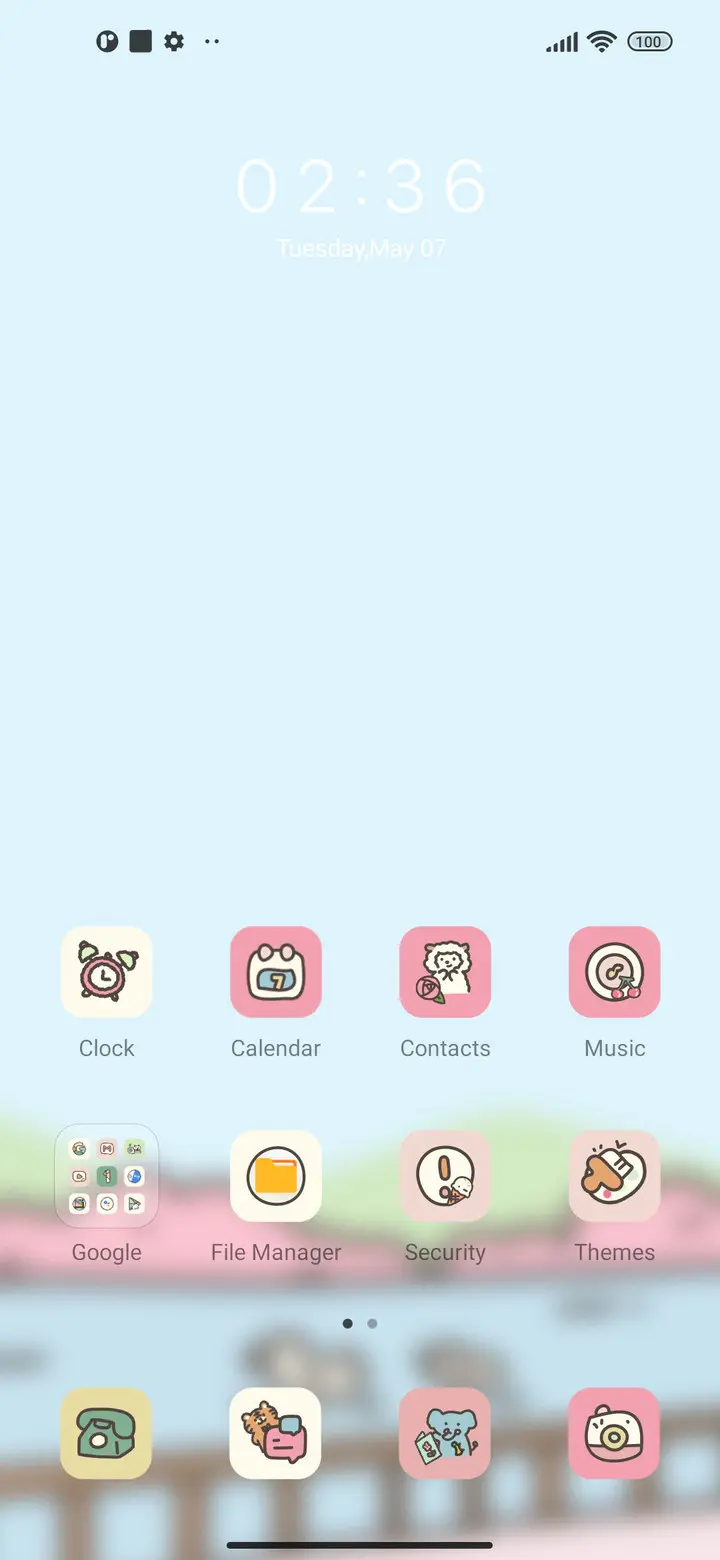
The home screen itself is plainer: a light blue background with the roses only along the bottom.
Screen by screen
Dream Rose’s previews show a cartoon scene of two white cats sitting on a bench among pink roses, under a pale blue sky. The lock screen has a bold dark clock and date, and the home screen keeps a faint clock at the top.
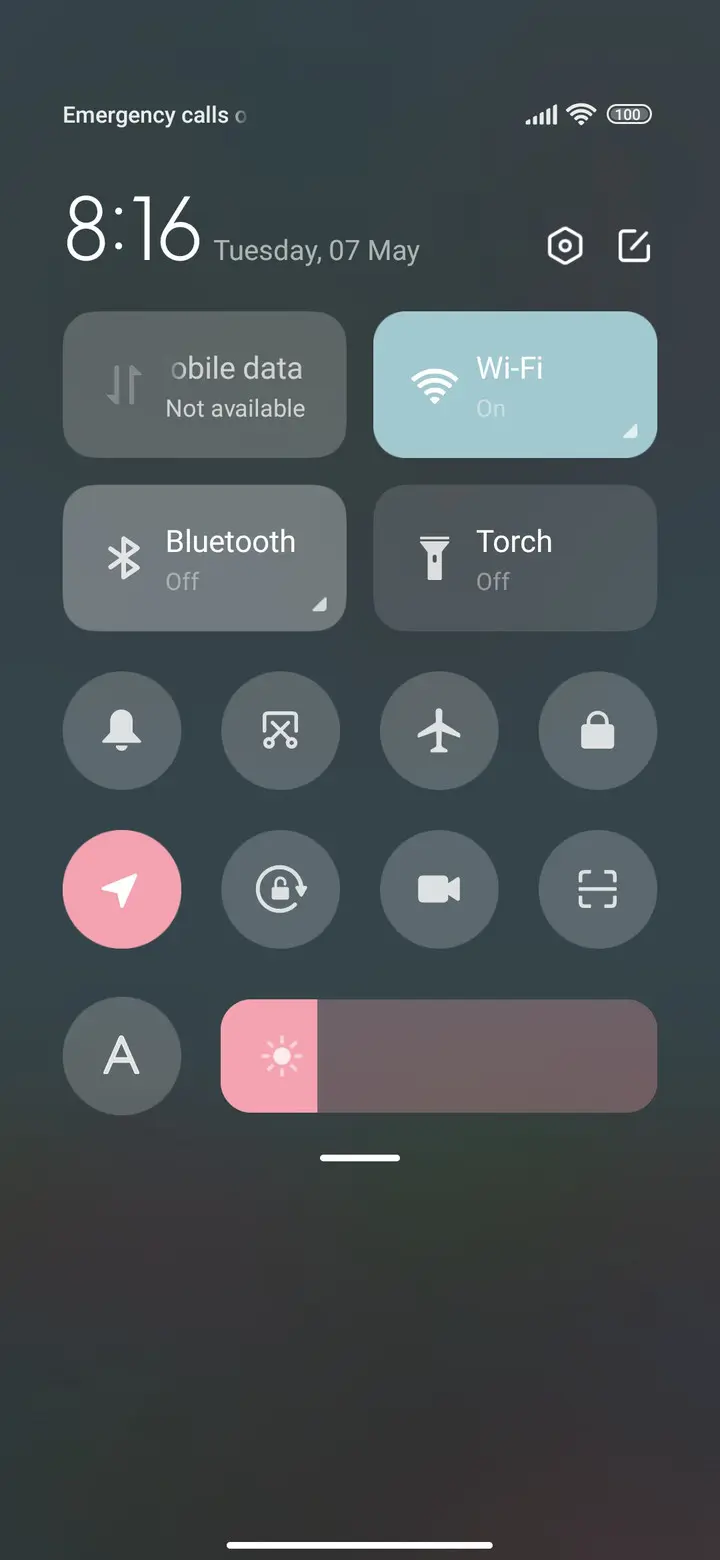
Icons are pale pink rounded tiles with brown symbols. The control center is dark grey with pink active tiles, and the dialer and messaging screens are tinted pink with the cats in the background. It is a cute, gentle theme.
Good to know
It is a light, bright theme, best for daytime use. The bear is an original character drawn for this theme.
Review basis
We have not tested Dream Rose on our phone; the description comes from its seven preview screens.
Theme details
Everything to check before you install
Other soft themes
Sweet Leaf and Color Mixx are both gentle, light designs.
What we like
- Cute, hand-drawn scene
- Soft pastel icons
- Themed phone and messages apps
Keep in mind
- Plain background after the lock screen
- Not tested hands-on
From its previews, Dream Rose is a gentle, cute theme with unusually thorough app styling.
Get Dream Rose
You can add Dream Rose straight from the official Xiaomi Theme Store: open this page on your phone, tap the store button and let the Themes app handle the rest.








0 comments