
ParKING HyperOS Theme – Street-Art Bike Sign and a Chunky Stacked Clock
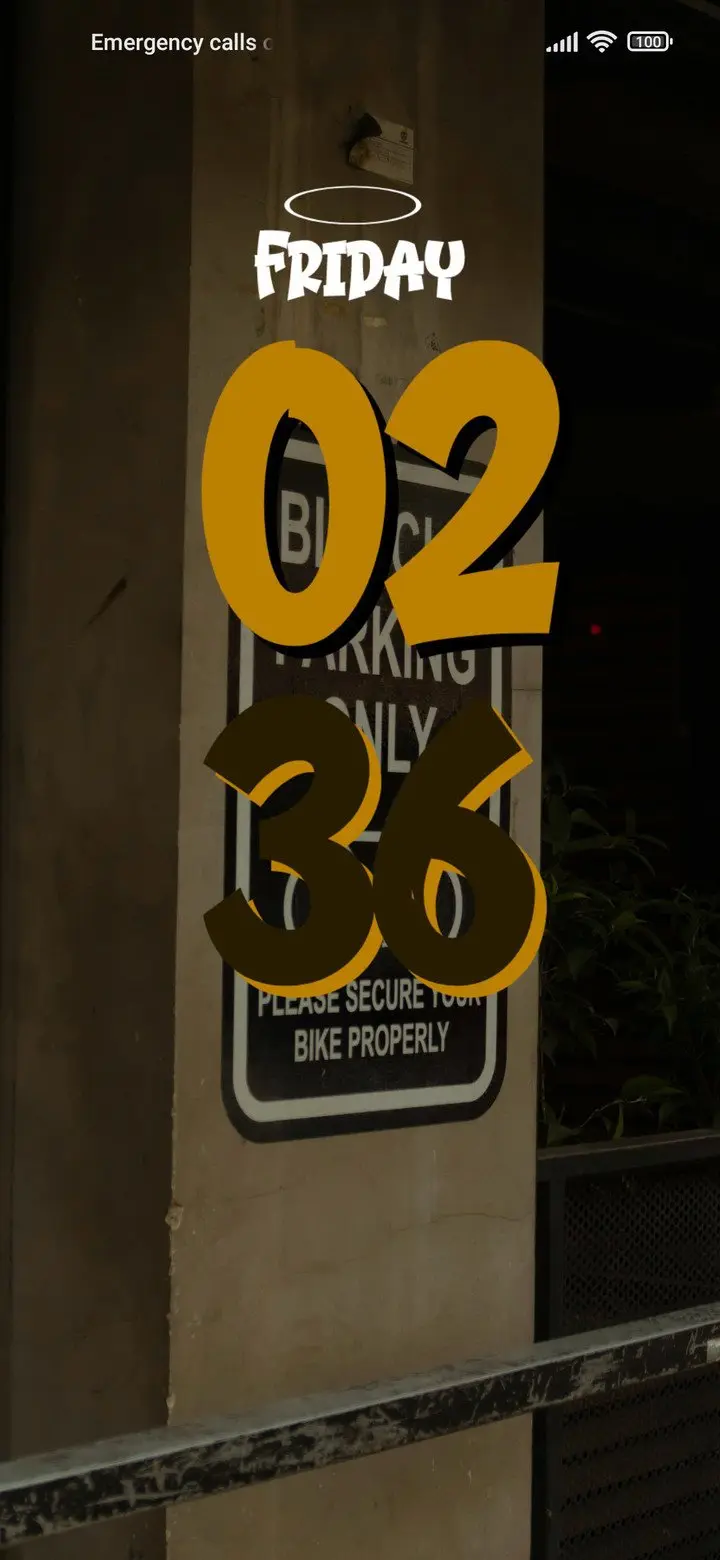
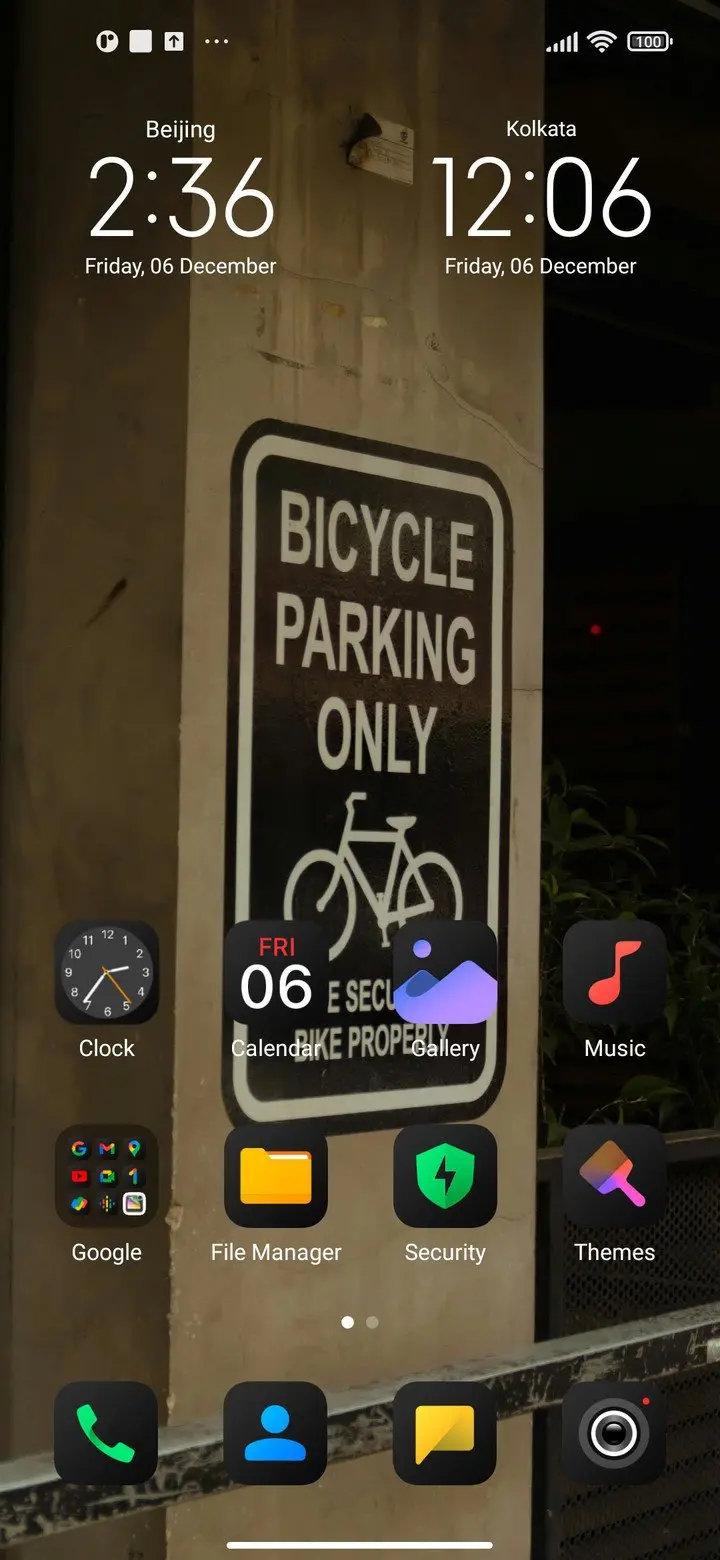
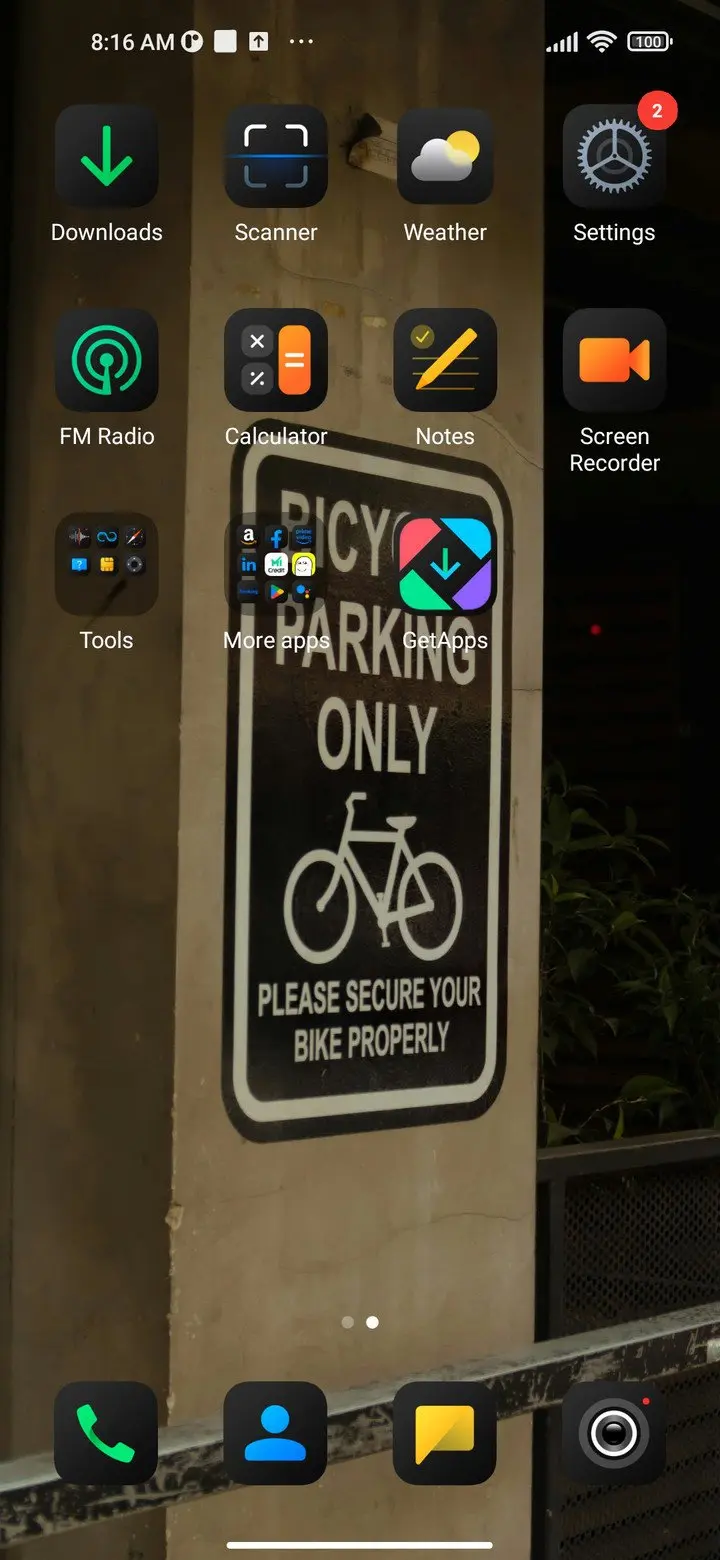
ParKING by Mazyoku has a street feel. Its wallpaper is a weathered metal ‘Bicycle Parking Only’ sign photographed at night against a dark wall.
The lock screen clock is chunky and playful: bold yellow numbers stacked under a graffiti-style ‘Friday’.
ParKING HyperOS Theme for Xiaomi, Redmi and POCO
The home screen switches to two small clocks over the sign, with dark icons that keep the gritty mood. It is a 31.63 MB package.
What ParKING changes
- Lock screen: a bold yellow stacked clock with a graffiti-style weekday.
- Home screen: dual clocks over the bike-parking sign.
- App icons: dark icons on the night photo.
Theme Preview
All 3 screens below come from the theme’s official preview set. Tap any screen to open it full size.
ParKING Xiaomi Theme Details
Theme details
Everything to check before you install
Our hands-on notes
Bijay used ParKING for everyday tasks on our Redmi Note 14 5G with HyperOS 3.0. The lock screen stayed easy to read outdoors, and nearly every app on our home screen, third-party ones included, showed a themed icon. Settings, the control center and the phone app matched.
Night use was comfortable, with no lag or glitches when switching apps, and it became our daily theme for a while.
Pros, cons and our verdict
What we like
- Distinctive street-art sign photo
- Bold, easy-to-read stacked clock
- Consistent dark icons
Keep in mind
- Dark-only look
- Gritty wallpaper is not for minimal fans
4.1/5 Hands-on score · How we score
ParKING is a fun, characterful dark theme with a clock you can read at a glance. Pick it if you like urban photography.
Get the ParKING HyperOS Theme
ParKING is on the official Xiaomi Theme Store. Open this page on your phone, tap the store button and choose the Themes app when HyperOS asks how to open the link.








0 comments