
Poo-Magic HyperOS Theme – Red Desert Rock Under Blue Sky
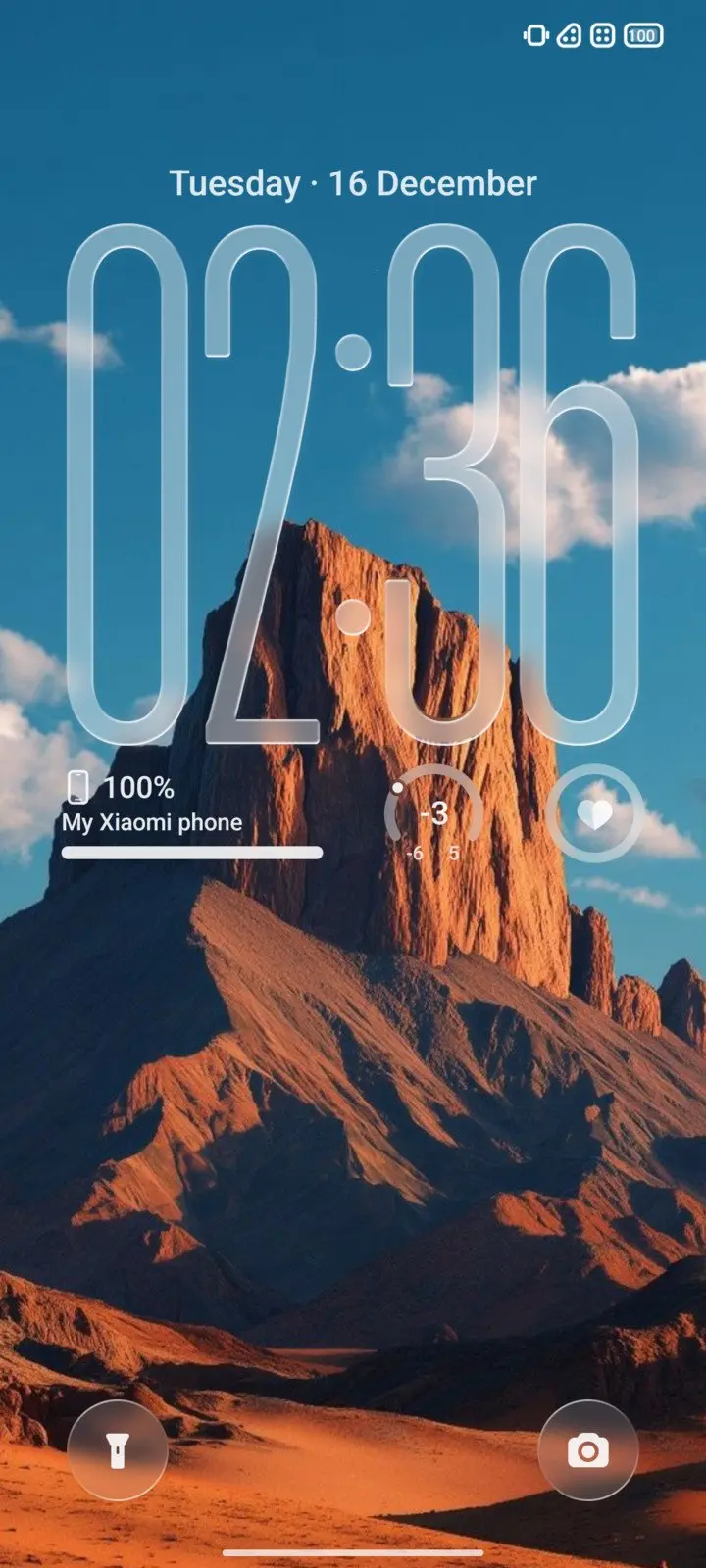
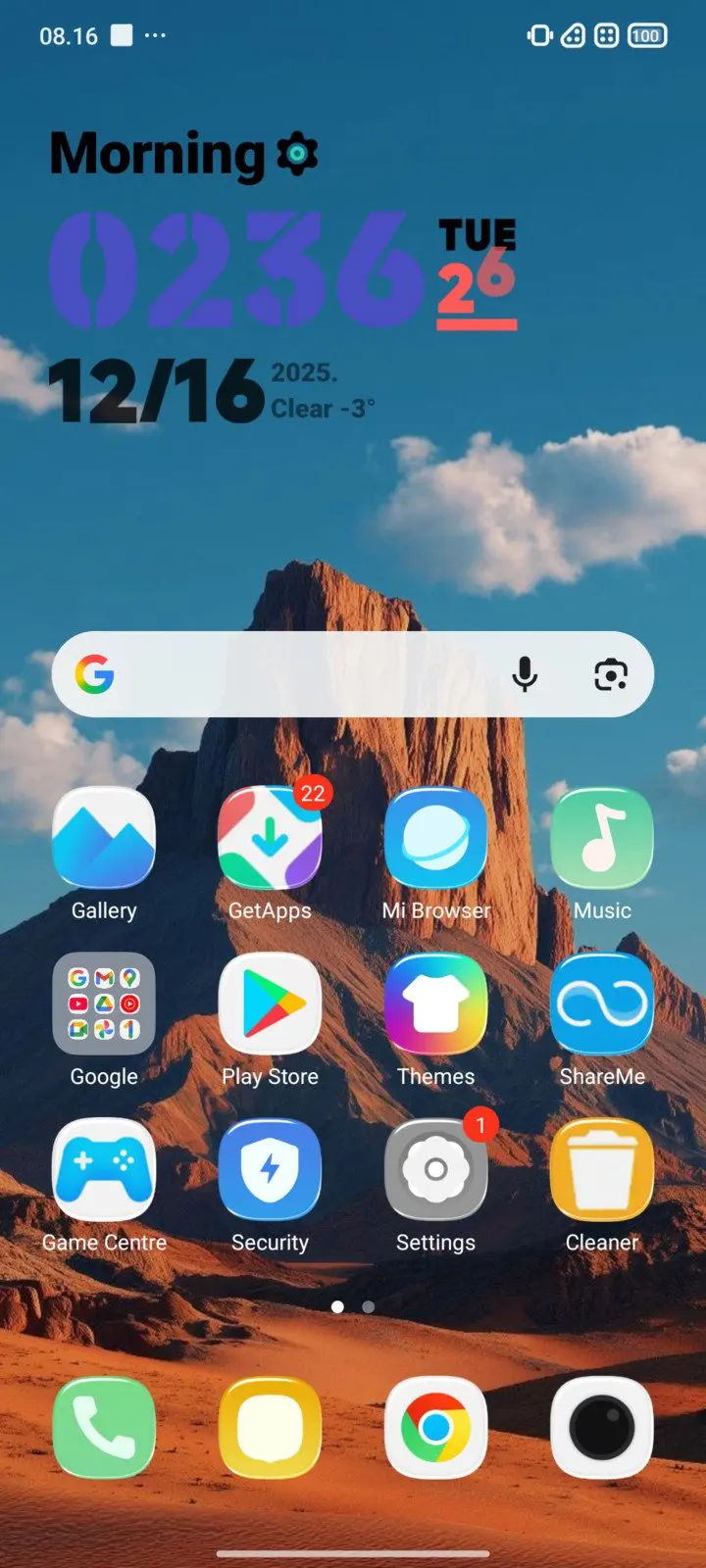
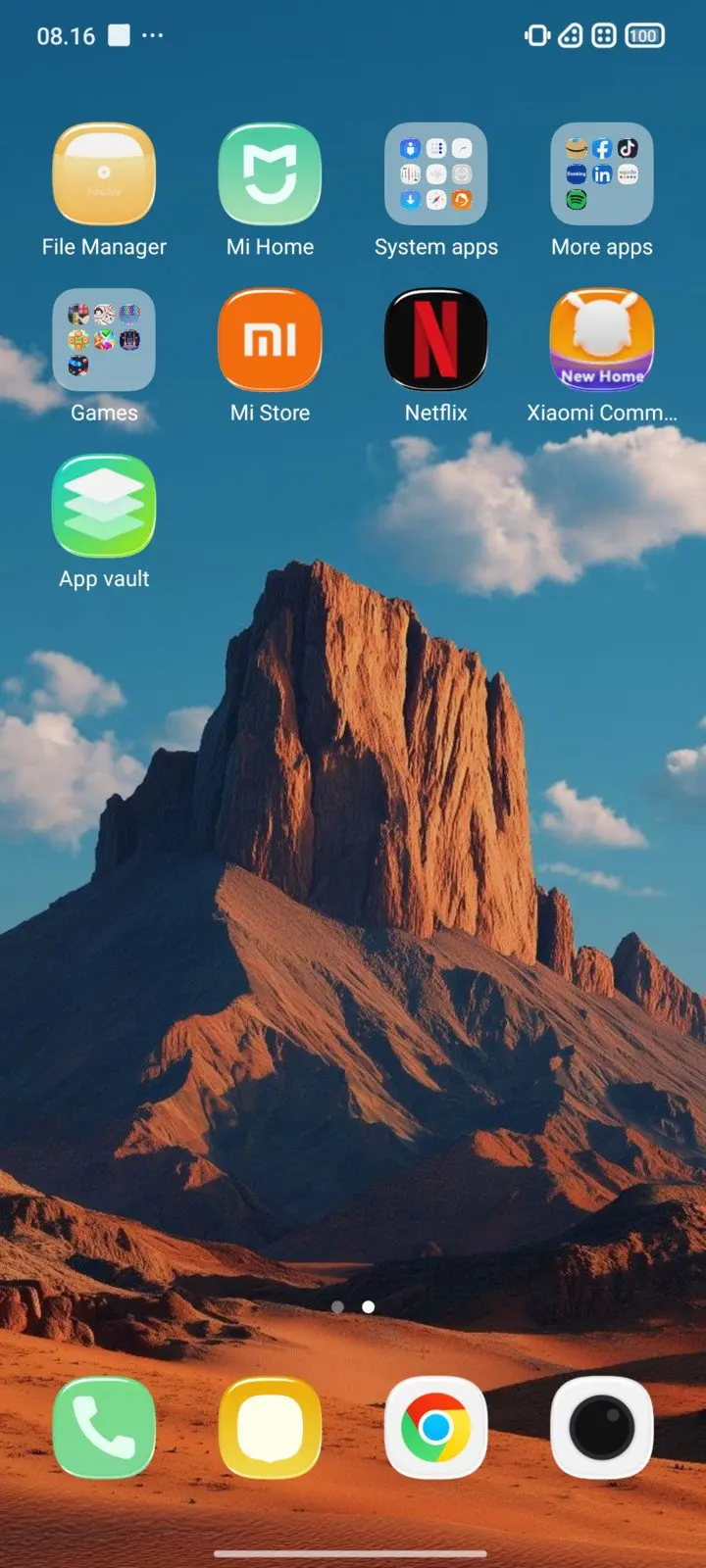
Poo-Magic by Eto’mox uses a bold travel photo: a red sandstone rock formation rising from the desert under a clear blue sky.
A tall outline clock sits on the lock screen.
Poo-Magic HyperOS Theme for Xiaomi, Redmi and POCO
The home screen adds a friendly ‘Morning’ note with the time and weather, above colourful icons. It is an 11.91 MB package.
What Poo-Magic changes
- Lock screen: a tall outline clock over the red rock.
- Home screen: a time-and-weather note and colourful icons.
- App icons: bright icons on the desert photo.
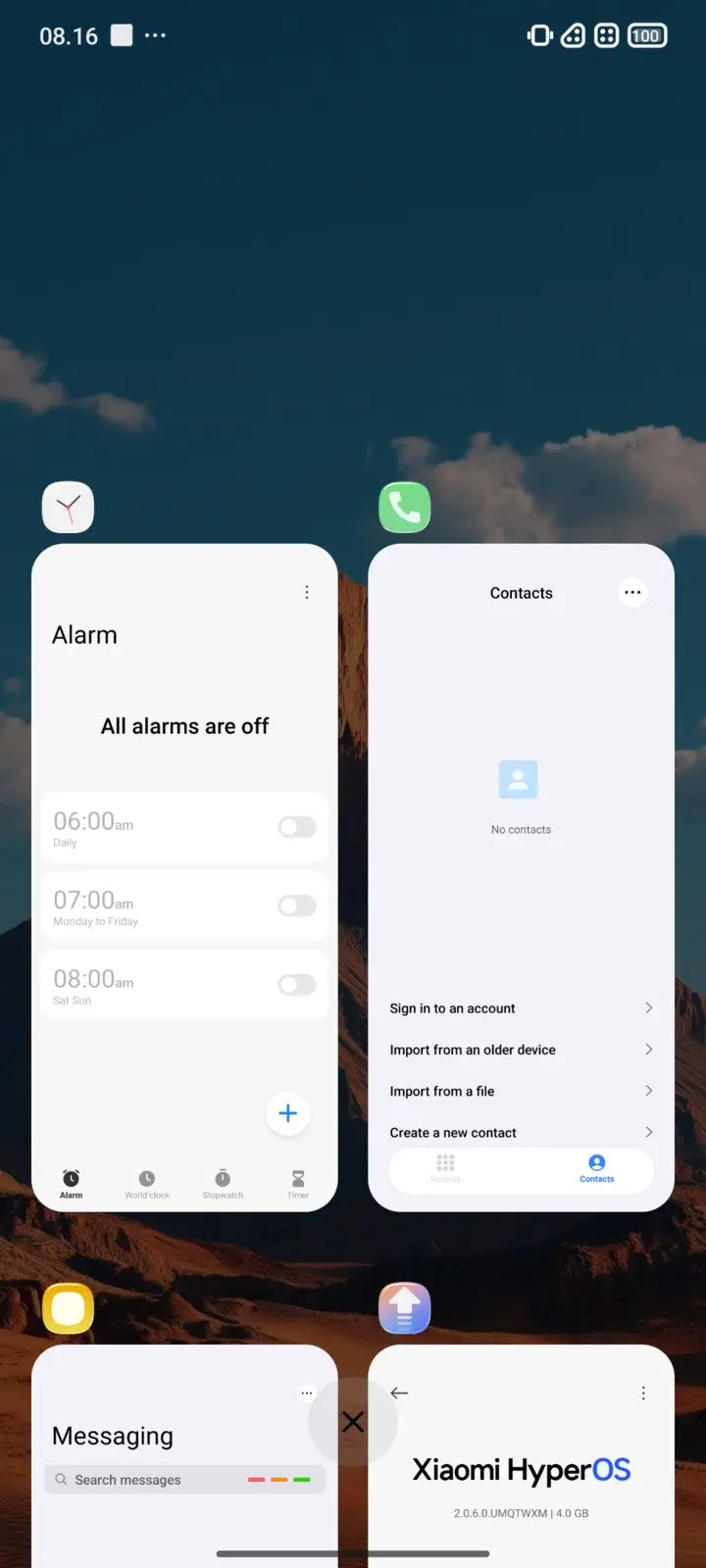
- Recent apps: app cards on dark grey.
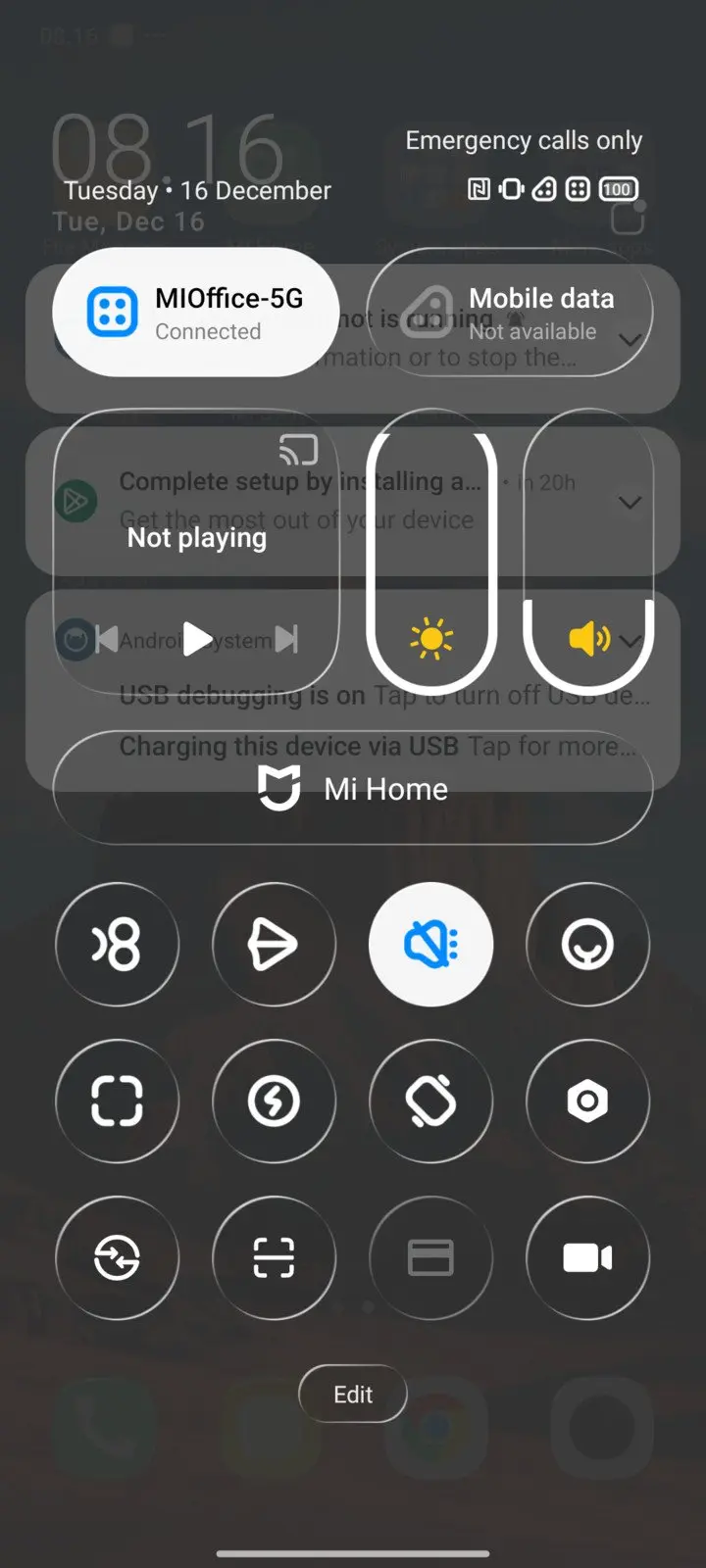
- Control center: round buttons on grey.
Theme Preview
All 5 screens below come from the theme’s official preview set. Tap any screen to open it full size.
Poo-Magic Xiaomi Theme Details
Theme details
Everything to check before you install
Our hands-on notes
Bijay used Poo-Magic on our Redmi Note 14 5G with HyperOS 3.0 for everyday tasks. Reading the lock screen in sunlight was no problem, and the large majority of our daily apps picked up themed icons. A few system screens, such as Settings or the dialer, kept the stock look.
After dark it was fine but not especially restful, and app switching stayed smooth. We were happy to keep it as our everyday theme.
Pros, cons and our verdict
What we like
- Warm desert photo
- Weather note widget
- Light 11.91 MB package
Keep in mind
- Busy photo behind icons
4.0/5 Hands-on score · How we score
Poo-Magic is a warm, outdoorsy theme with a friendly weather widget.
Get the Poo-Magic HyperOS Theme
Poo-Magic is on the official Xiaomi Theme Store. Open this page on your phone, tap the store button and choose the Themes app when HyperOS asks how to open the link.








0 comments