
Ronix HyperOS Theme – Dark Petals and a Glowing Fingerprint Ring
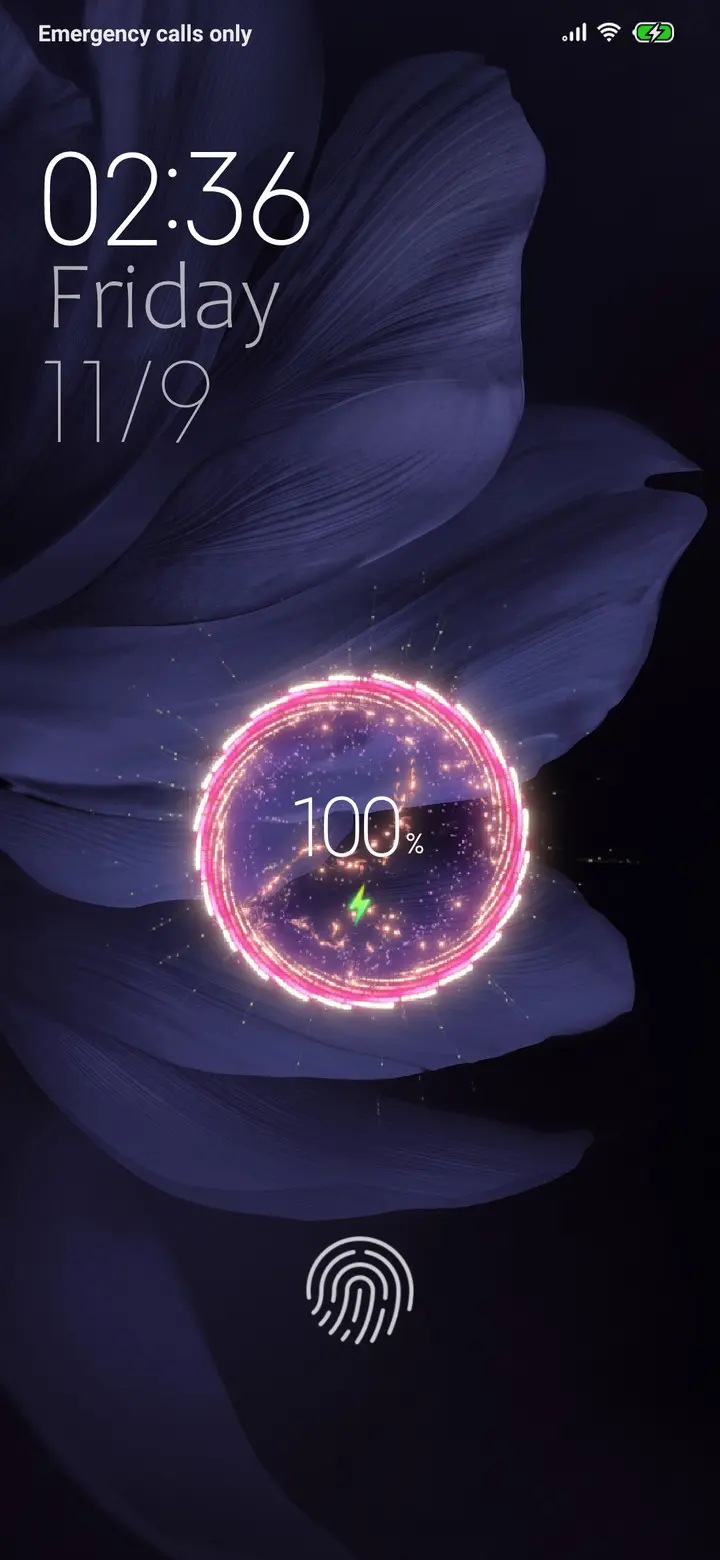
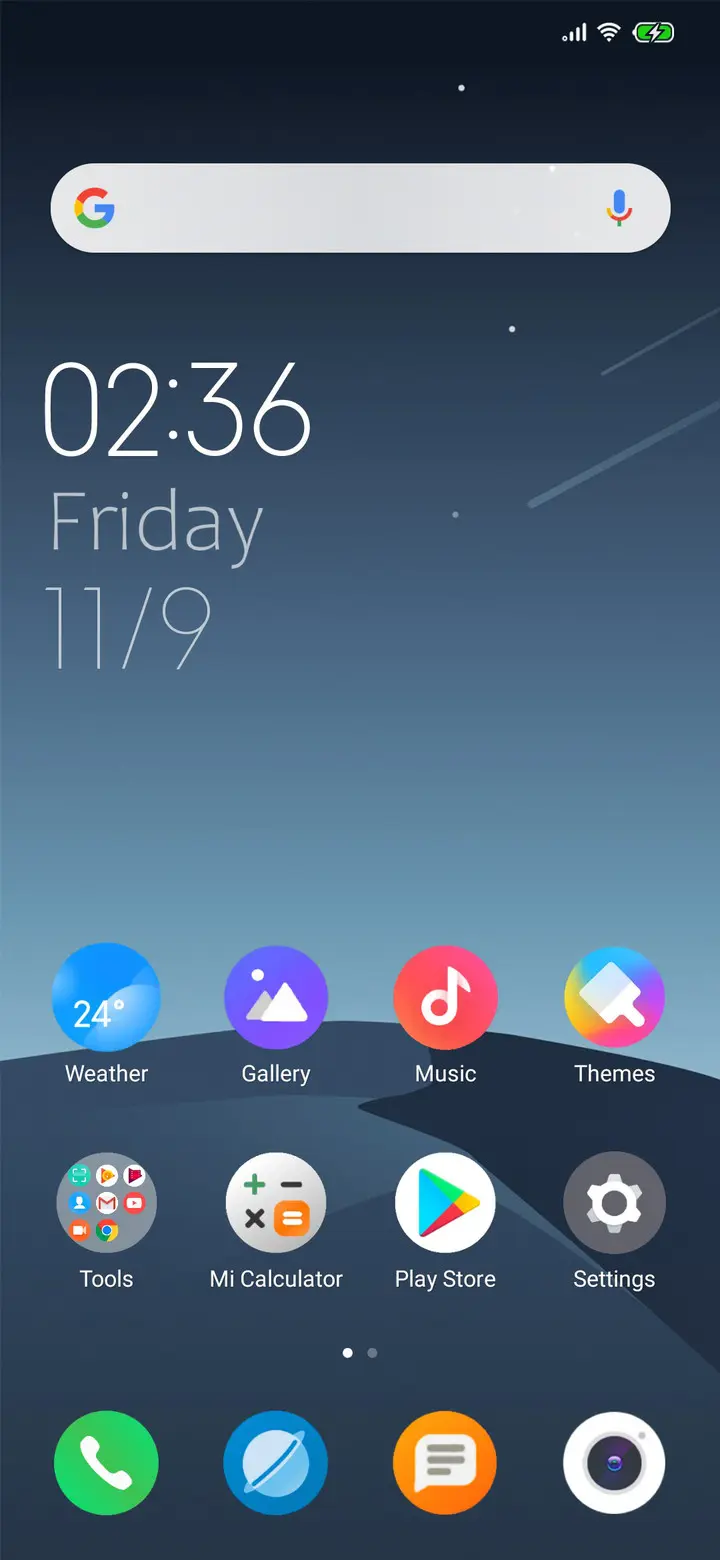
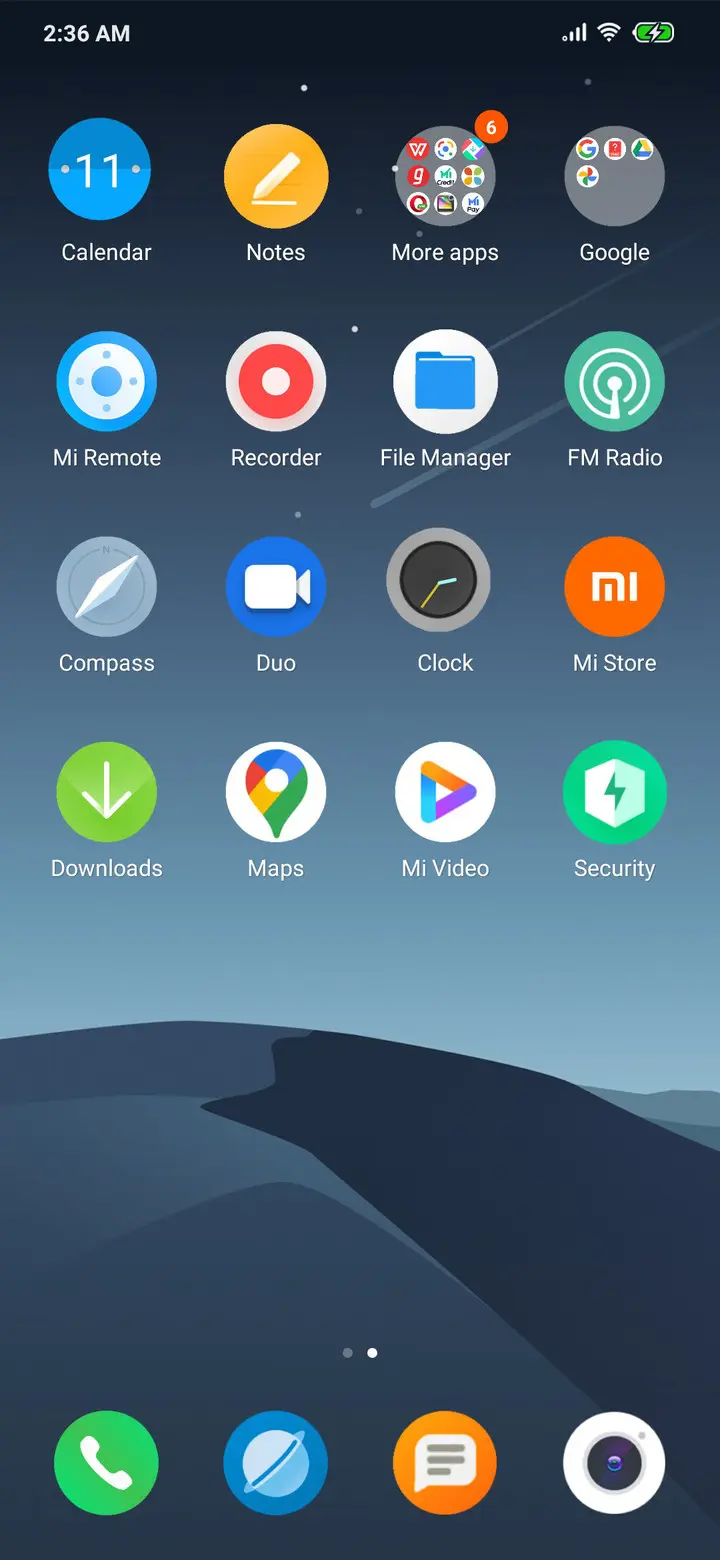
Ronix by Strix5428 is built around the fingerprint unlock. On the lock screen, a glowing ring of pink and orange light circles a battery percentage, set among large dark purple petals, with a fingerprint icon just below. It looks like a portal waiting to open.
Home screen
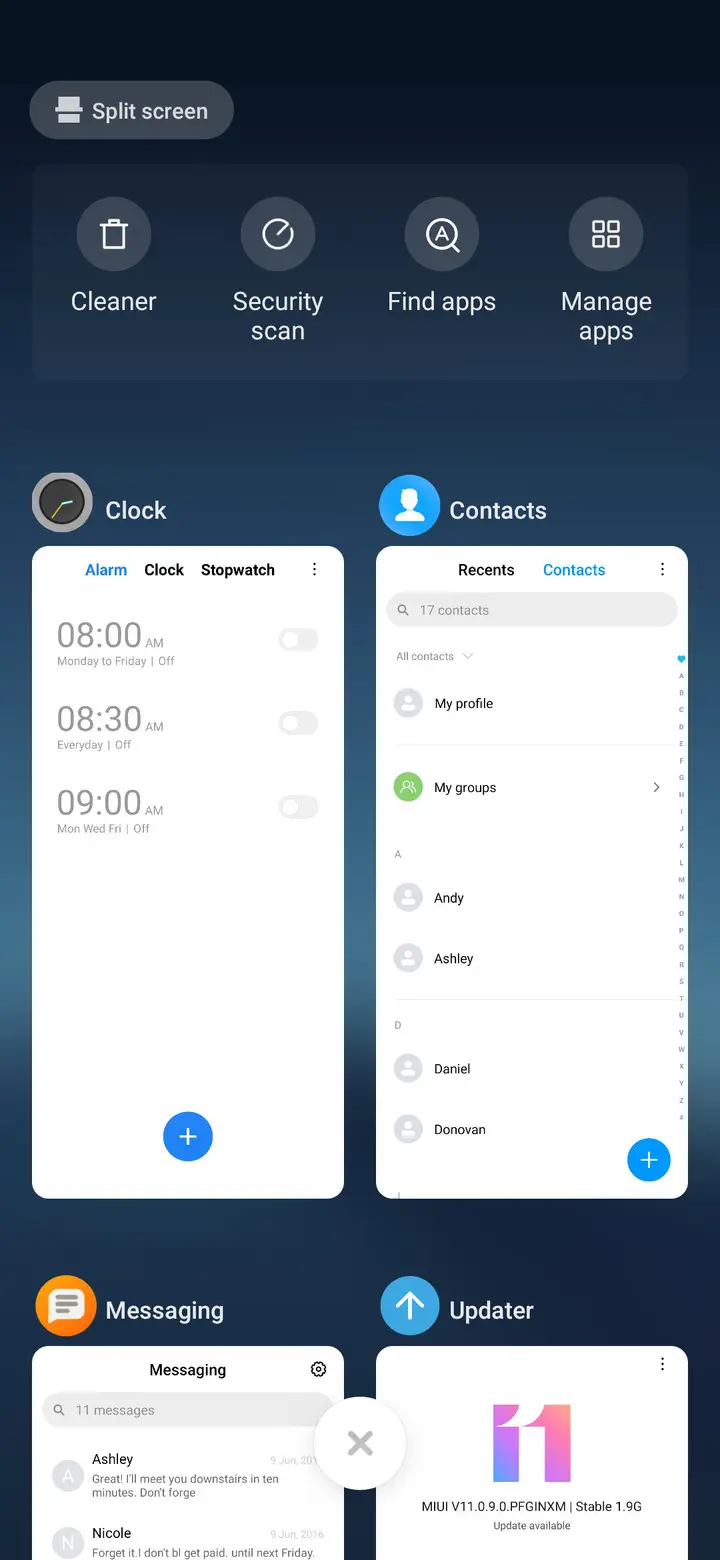
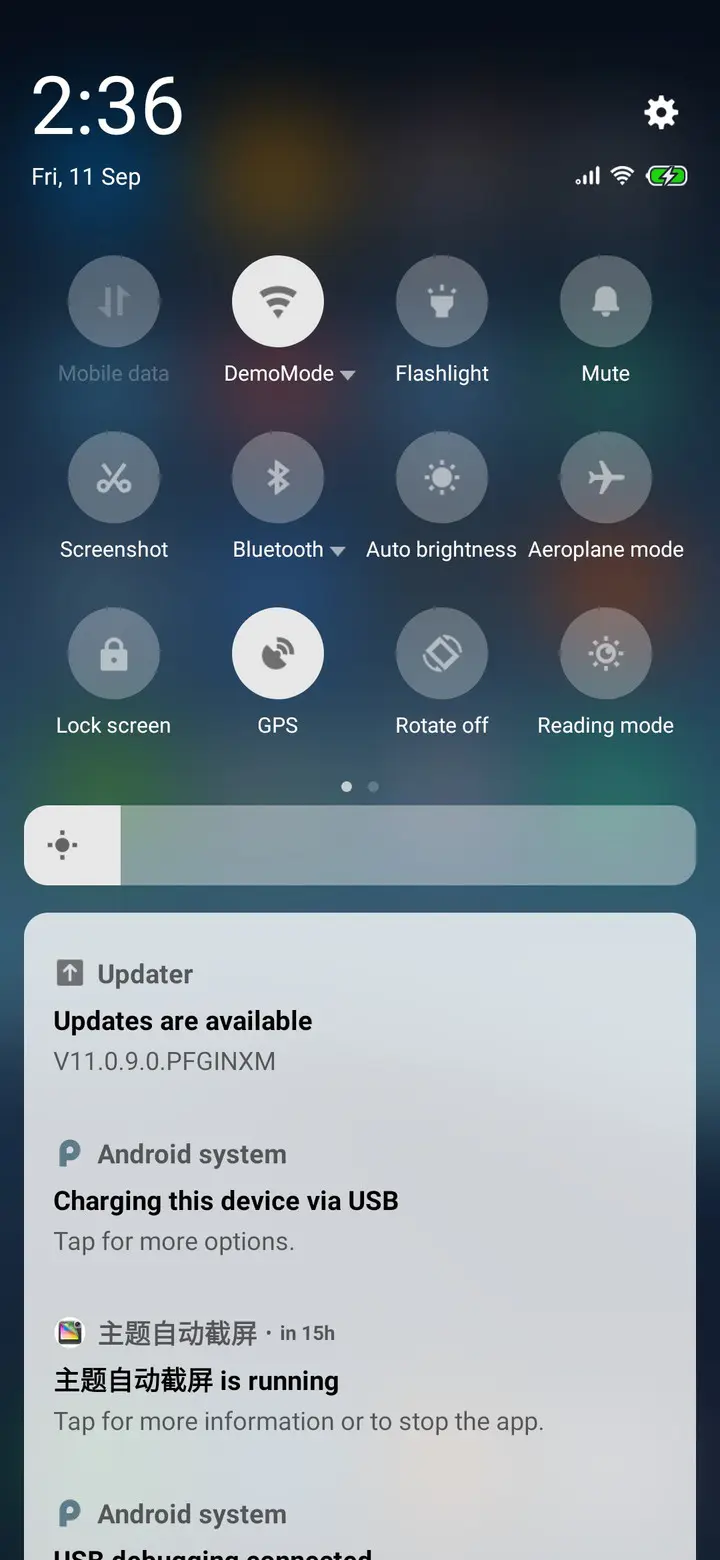
Unlock and the mood changes: the home screen is dark grey, with soft dune-like curves at the bottom. A big clock and the weekday sit at the top in a light, thin font. Icons are rounded and colourful. The control center is light and frosted.
Things to know
The lock and home screens look like they come from different themes, which some people will dislike. The fingerprint ring is the real reason to choose Ronix.
Review basis
We have not tried Ronix ourselves; five official previews are our source.
Theme details
Everything to check before you install
Other fingerprint themes
realX Legacy and New Oxy Era also include fingerprint effects, and we tested both.
What we like
- Eye-catching fingerprint ring
- Calm dark home wallpaper
- Rounded icons
Keep in mind
- Lock and home screens feel unrelated
- Not tested hands-on
From its previews, Ronix is a dramatic fingerprint theme with a calm, dark home screen.
Get Ronix
You can add Ronix straight from the official Xiaomi Theme Store: open this page on your phone, tap the store button and let the Themes app handle the rest.








0 comments