
Butterfly Beat HyperOS Theme – Grey Butterflies and Soft Widgets
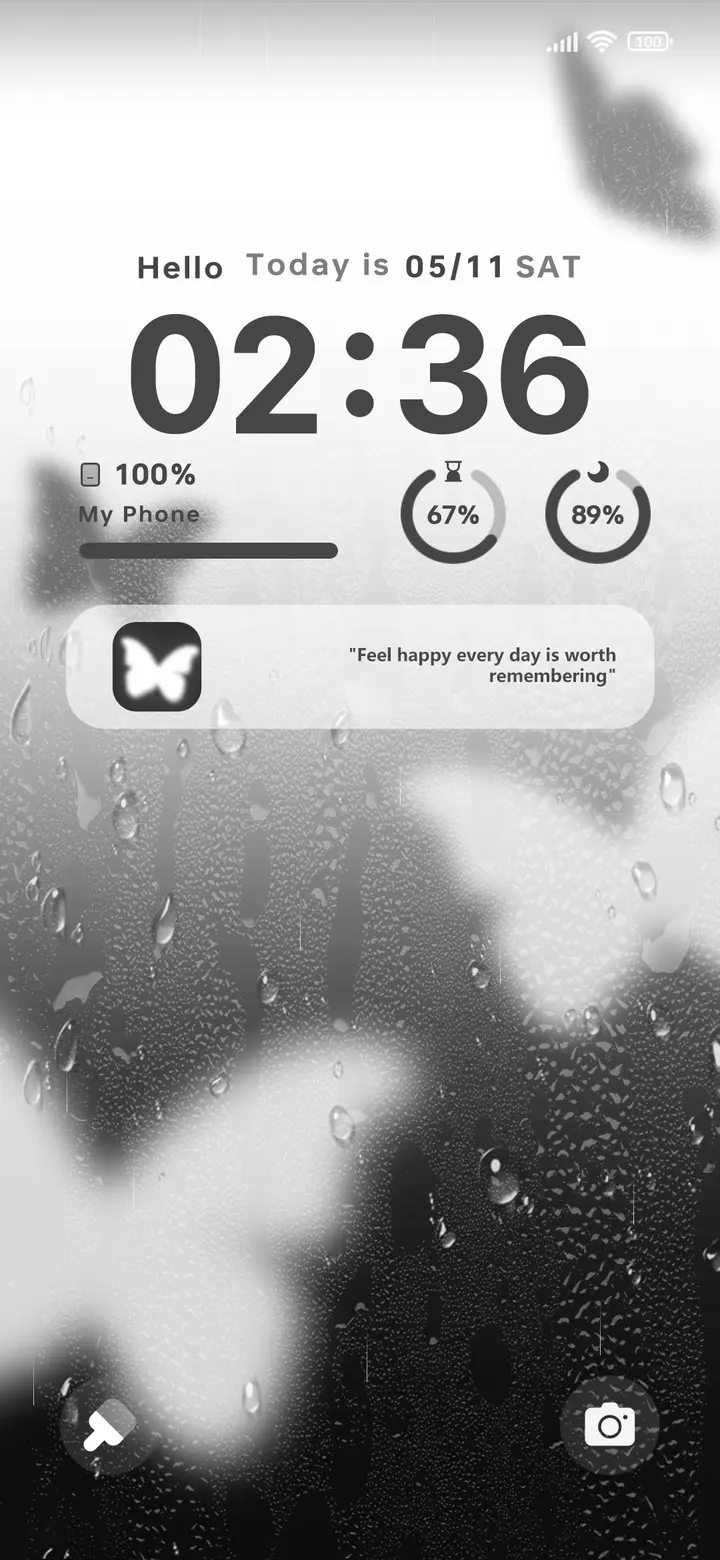
Butterfly Beat by Shichuanghulian feels like looking through a steamy window. Soft grey glass covered in raindrops fills the screen, and behind it the blurred shapes of butterflies drift in and out of focus.
Details from the previews
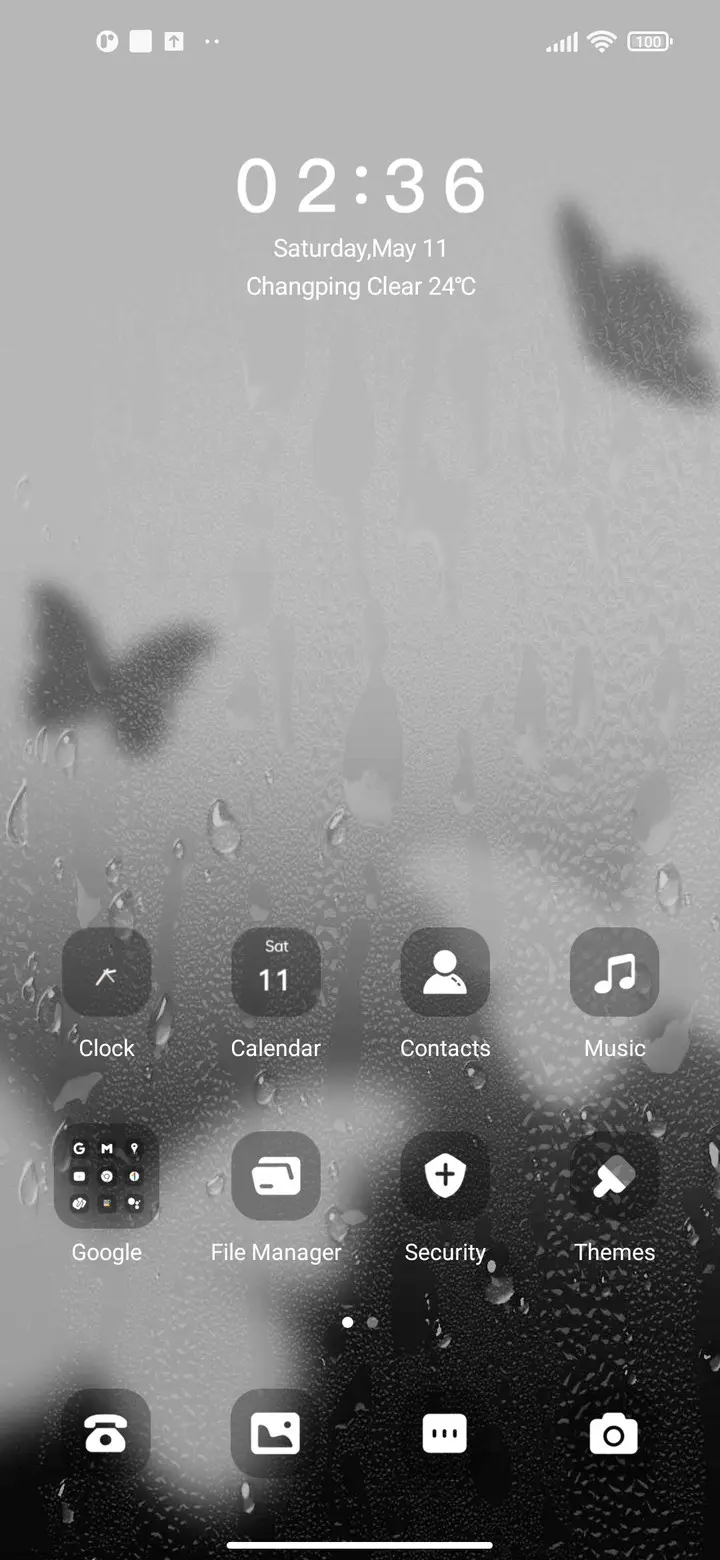
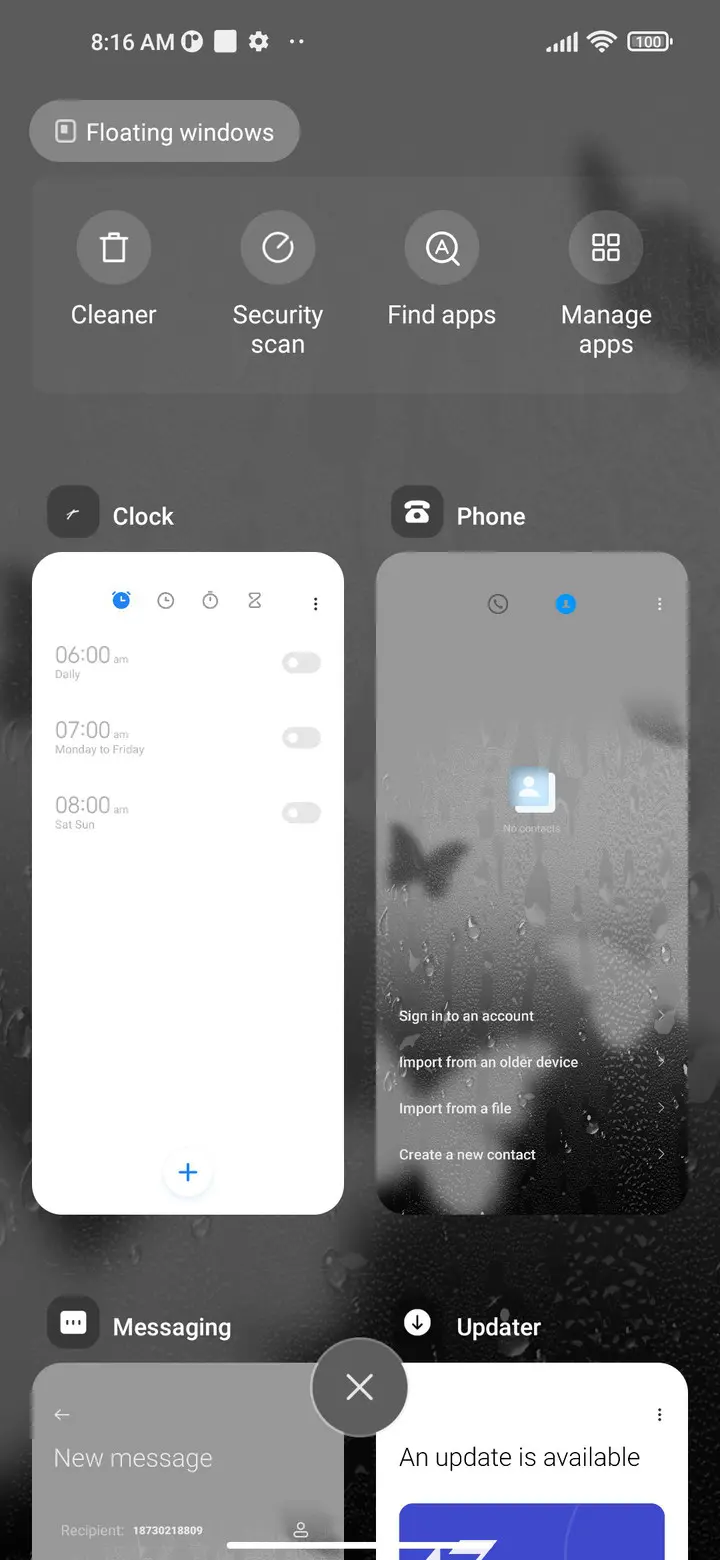
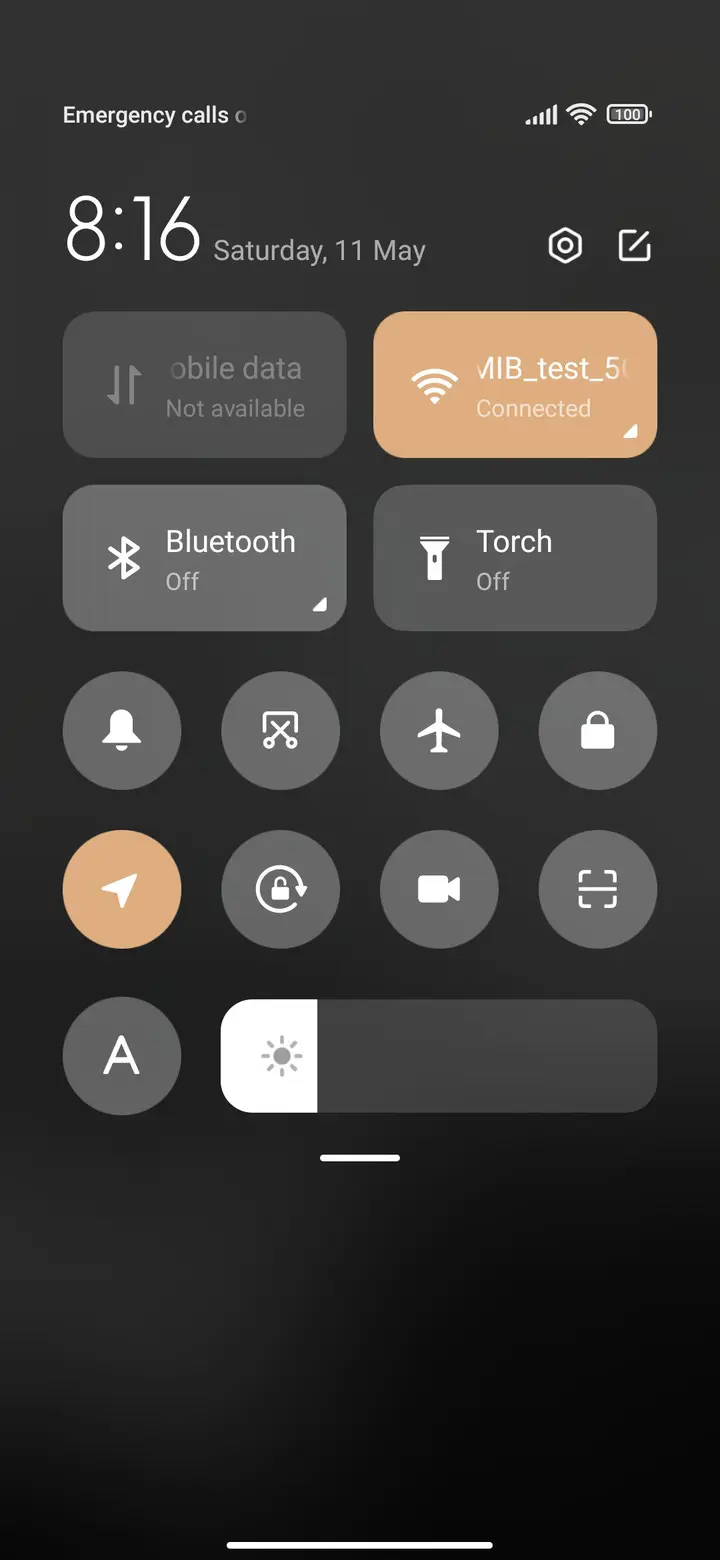
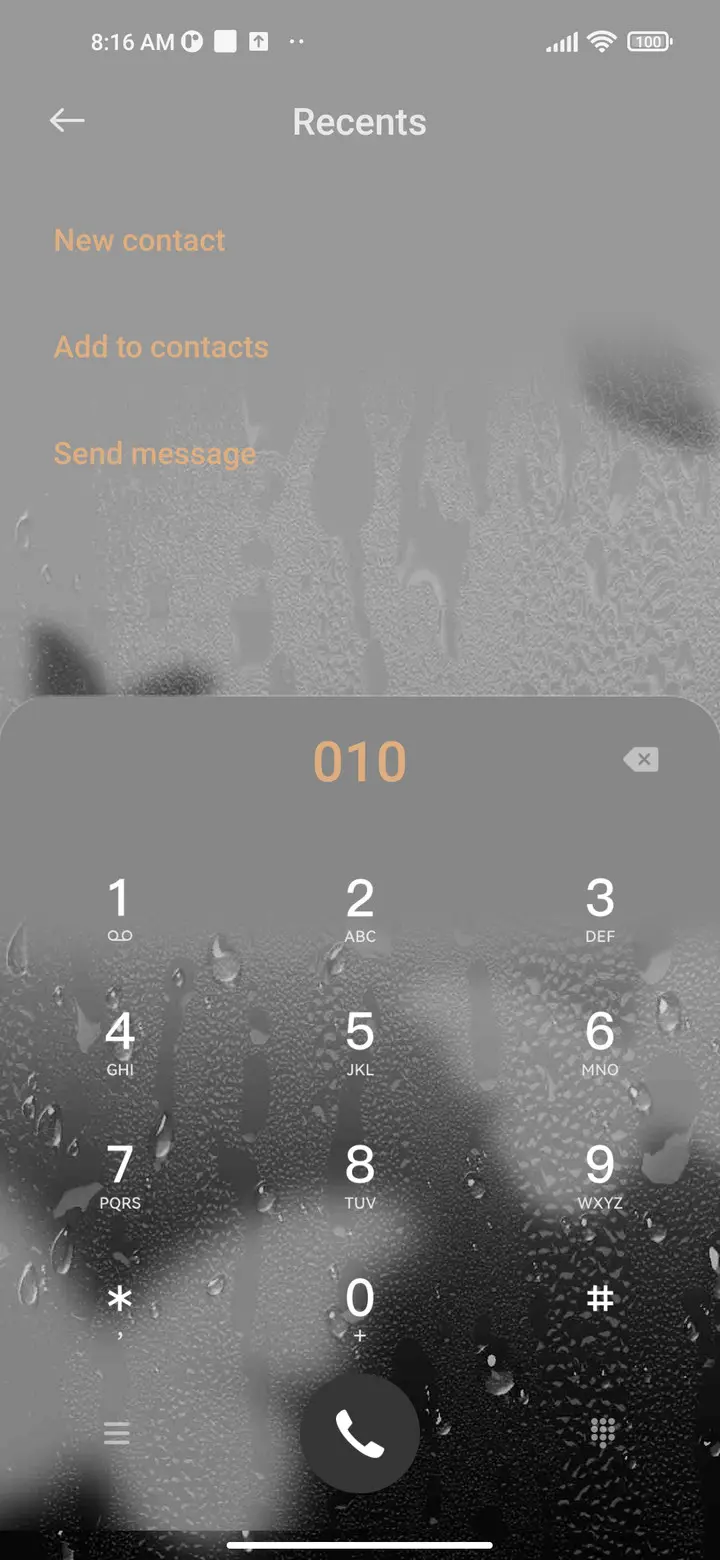
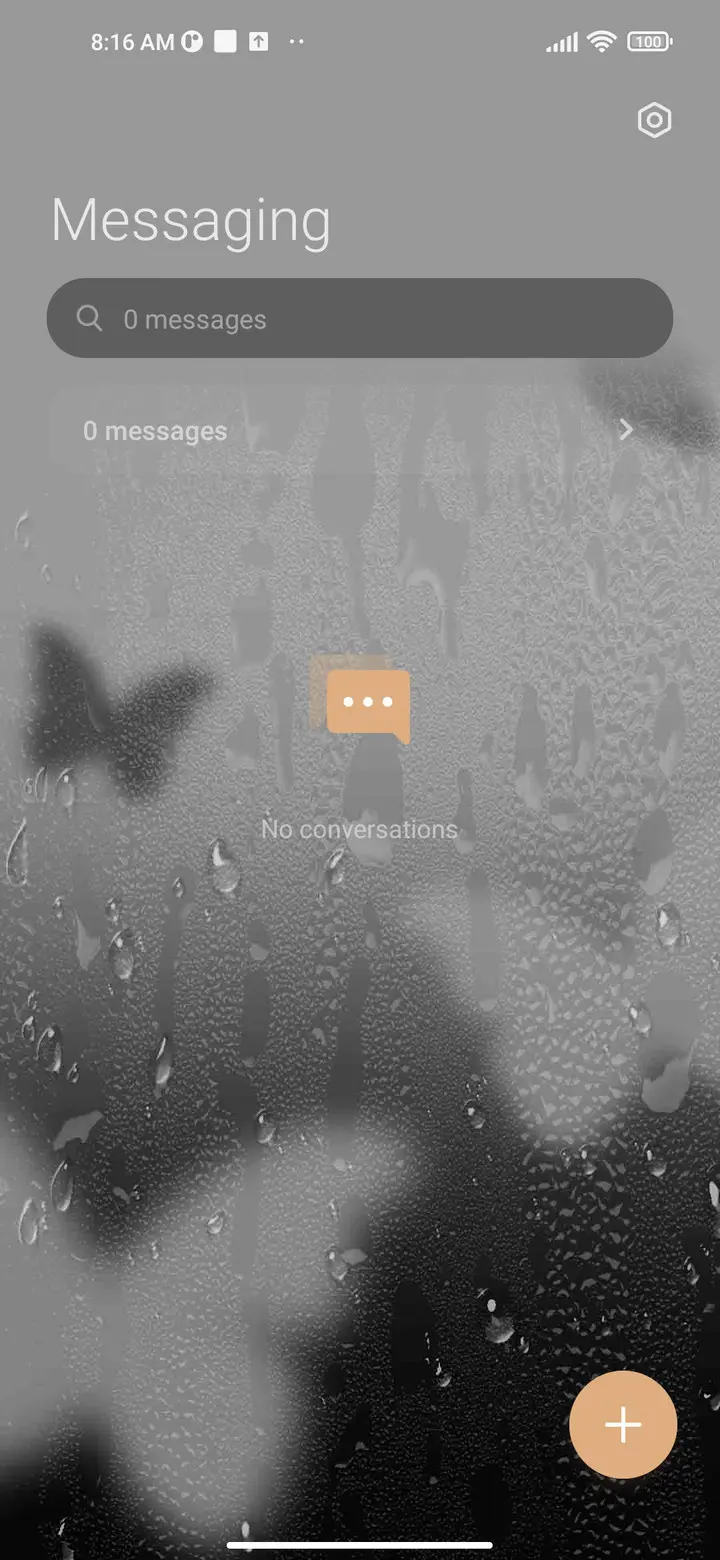
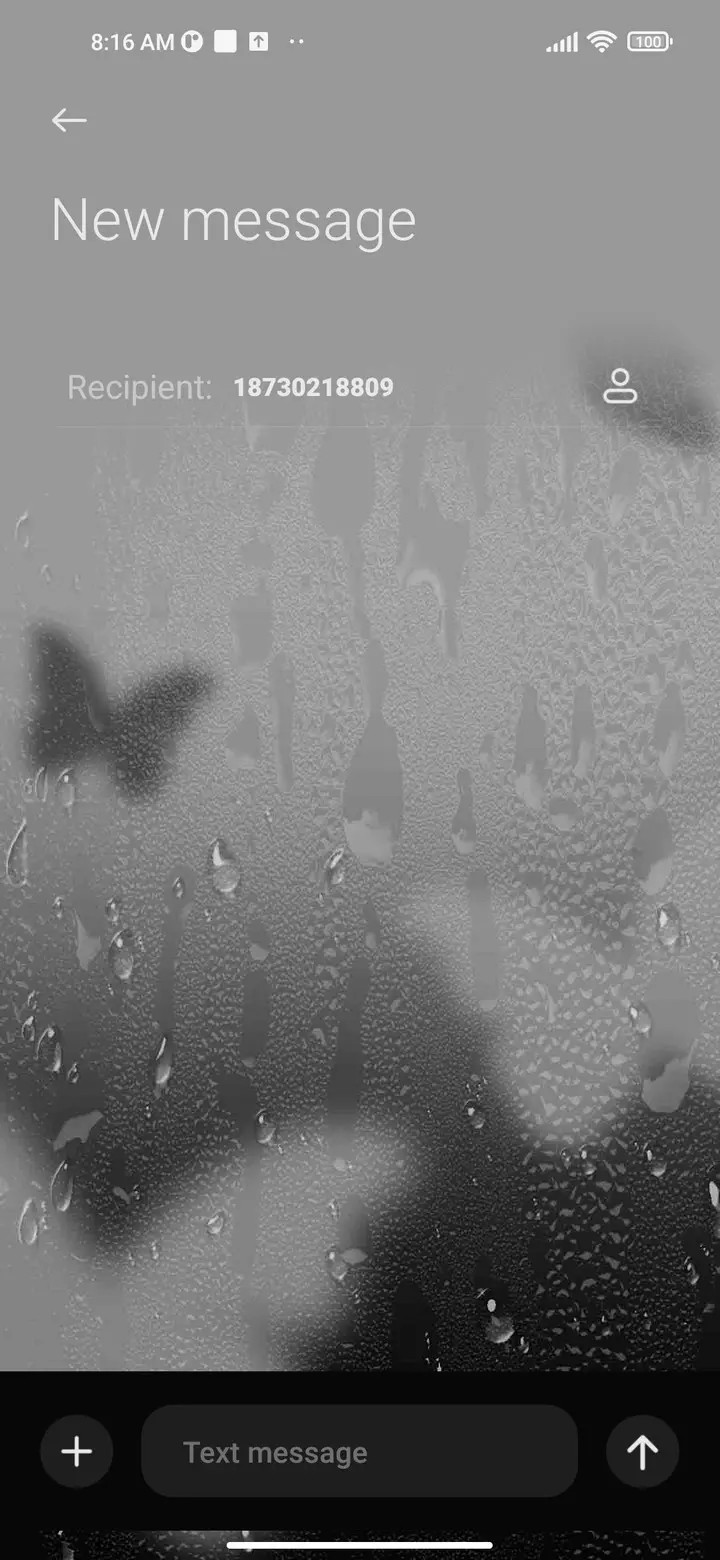
The lock screen greets you with a small “Hello” and the date above a crisp clock, followed by two round battery and storage gauges and a little butterfly badge. The home screen keeps a thin clock and grey line icons. The control center adds a gentle orange accent to the Bluetooth and location tiles, and the phone and messages apps keep the misty glass behind them.
A closer look at the screens
Butterfly Beat is black and white throughout, with soft grey butterflies drifting over a pale background. The lock screen shows a greeting, a bold clock, battery rings and a short note, and the home screen has a clock and date at the top.
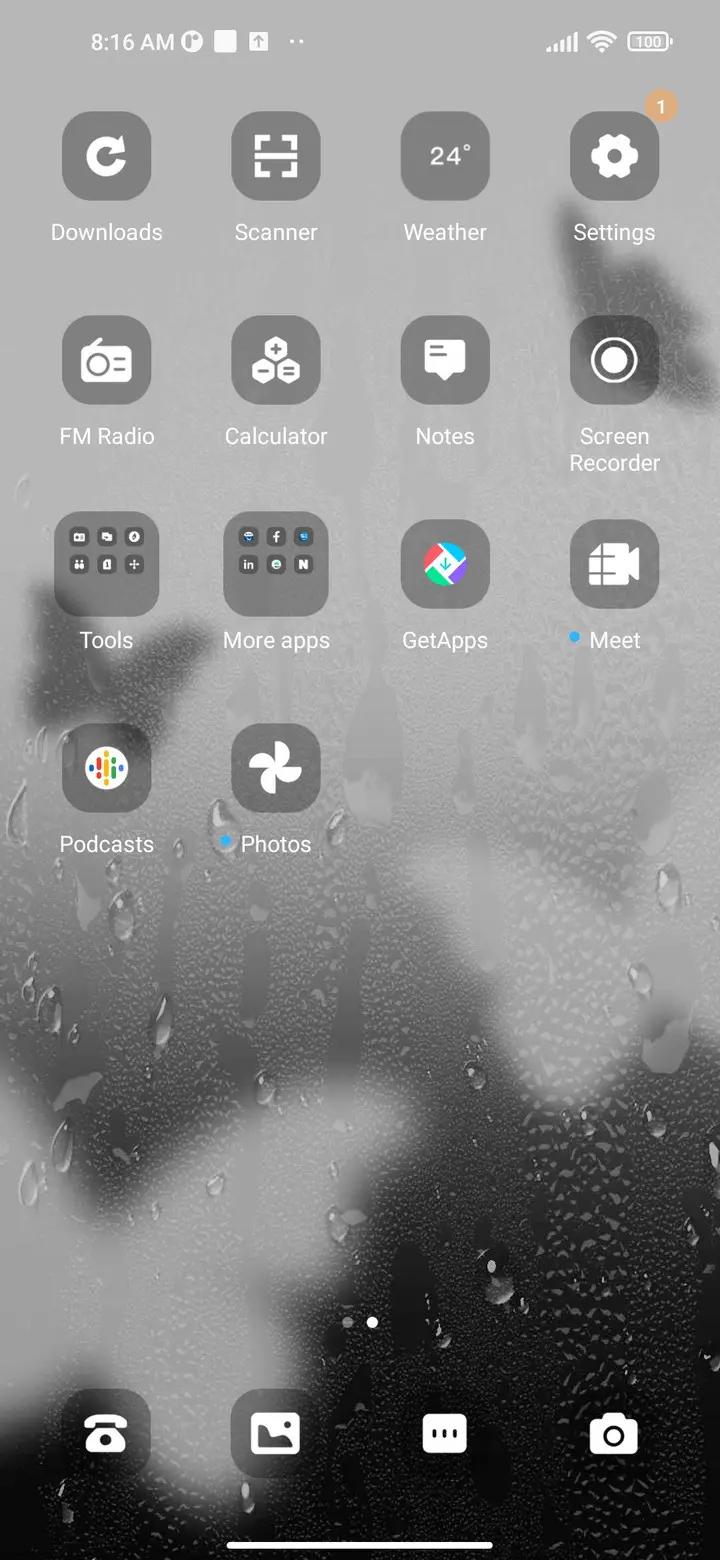
Icons are grey rounded tiles with dark symbols. The control center is dark with orange active tiles, and the dialer is grey with a raindrop texture. It is a soft, artistic monochrome set.
Who it suits
People who like calm, muted designs. Its system coverage is better than most grey themes, since even the dialer keeps the look.
Review method
We studied the eight official screenshots of Butterfly Beat but have not tested it on our phone.
Theme details
Everything to check before you install
- File size
- 20.5 MB
- Developer
- Shichuanghulian
- Region / server
- Global
- Review type
- Preview-based
- Compatibility
- HyperOSMIUI
Related
Breaking V1 shares the raindrop mood, and Somethings Fine is by the same designer.
What we like
- Gentle monochrome look
- Themed messages and phone screens
- Small widgets on the lock screen
Keep in mind
- Very little colour
- Not tested hands-on
From its previews, Butterfly Beat is a quiet, poetic grey theme with good system coverage.
Get Butterfly Beat
Butterfly Beat is available through Xiaomi’s own Theme Store. Tap the button below on your phone; the 20.5 MB package installs from there.






0 comments