
Covalent V2 HyperOS Theme – A Tall Clock Under a Deep Blue Night Sky
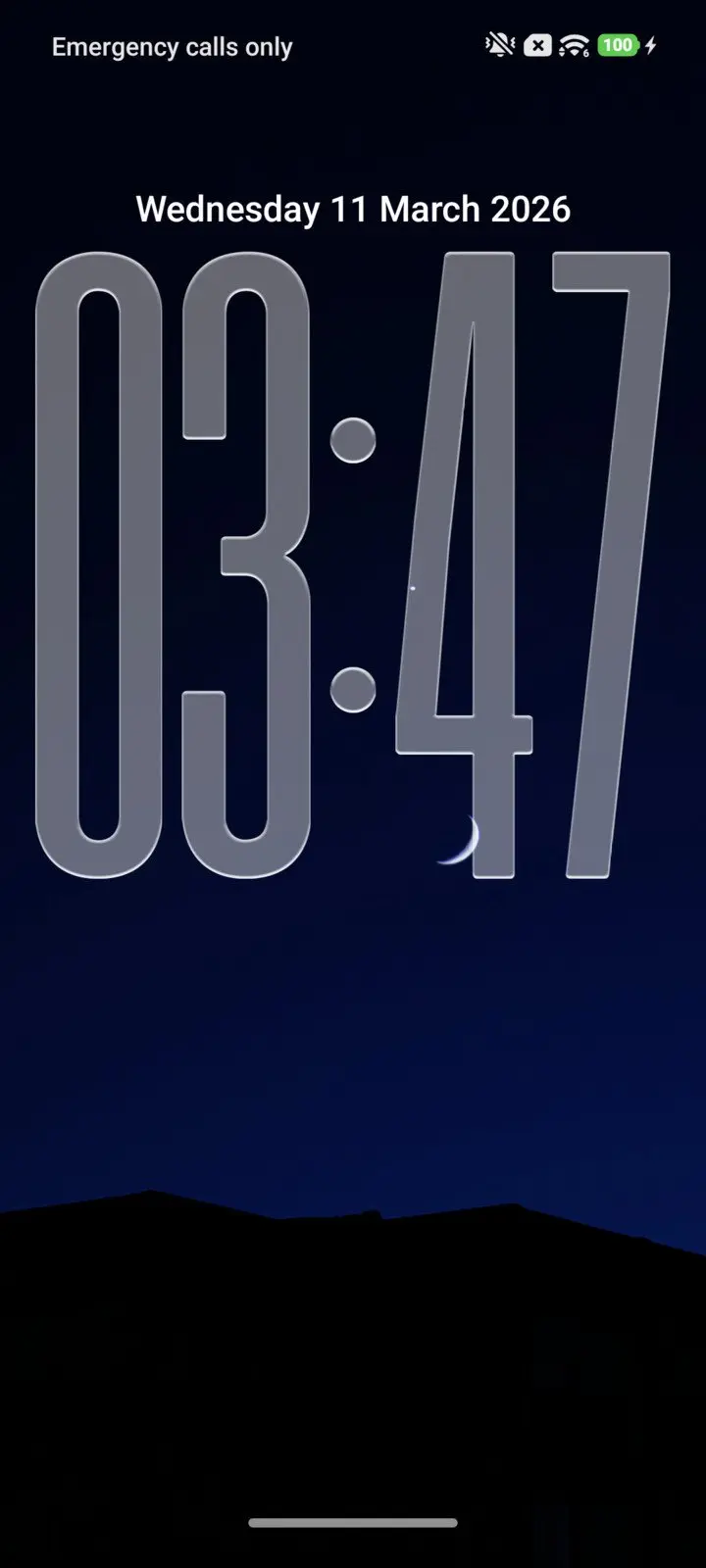
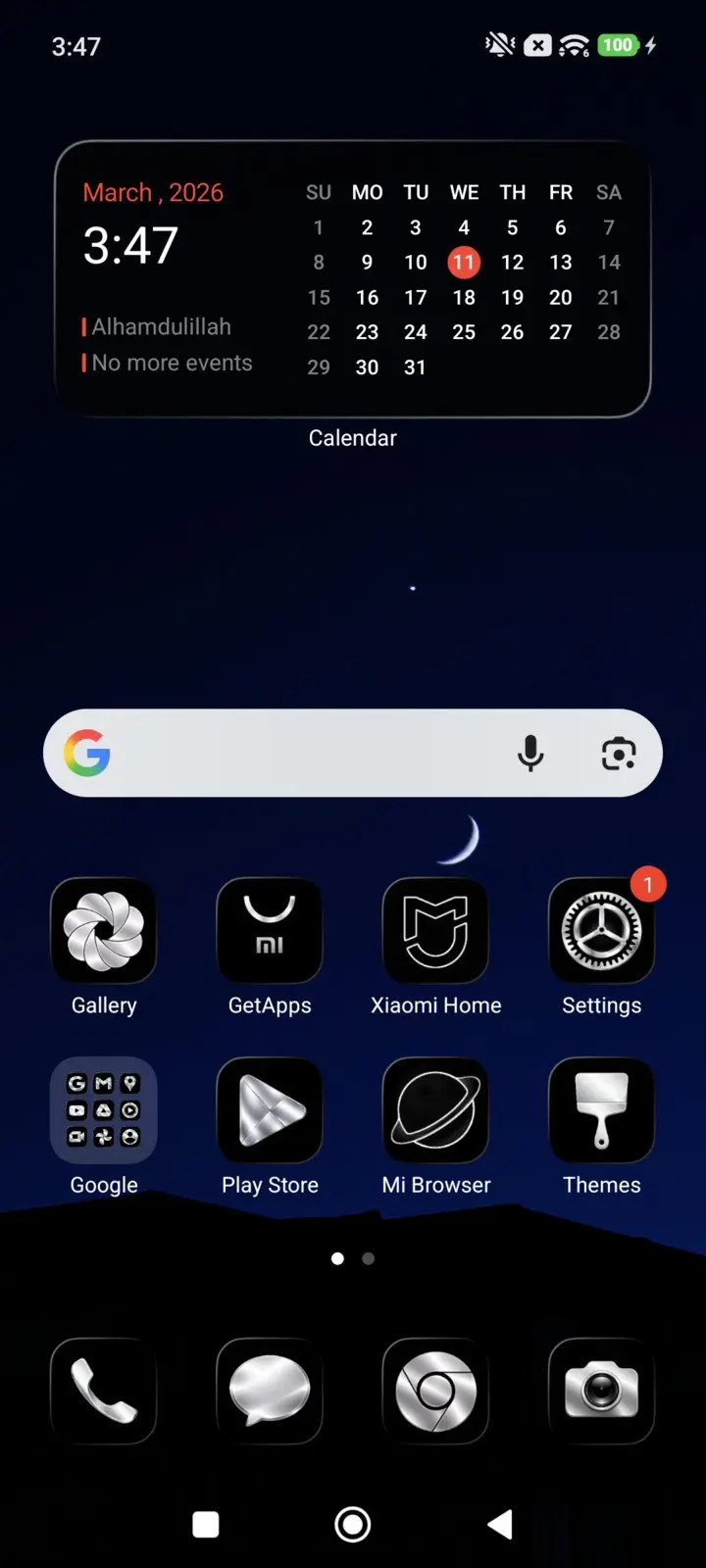
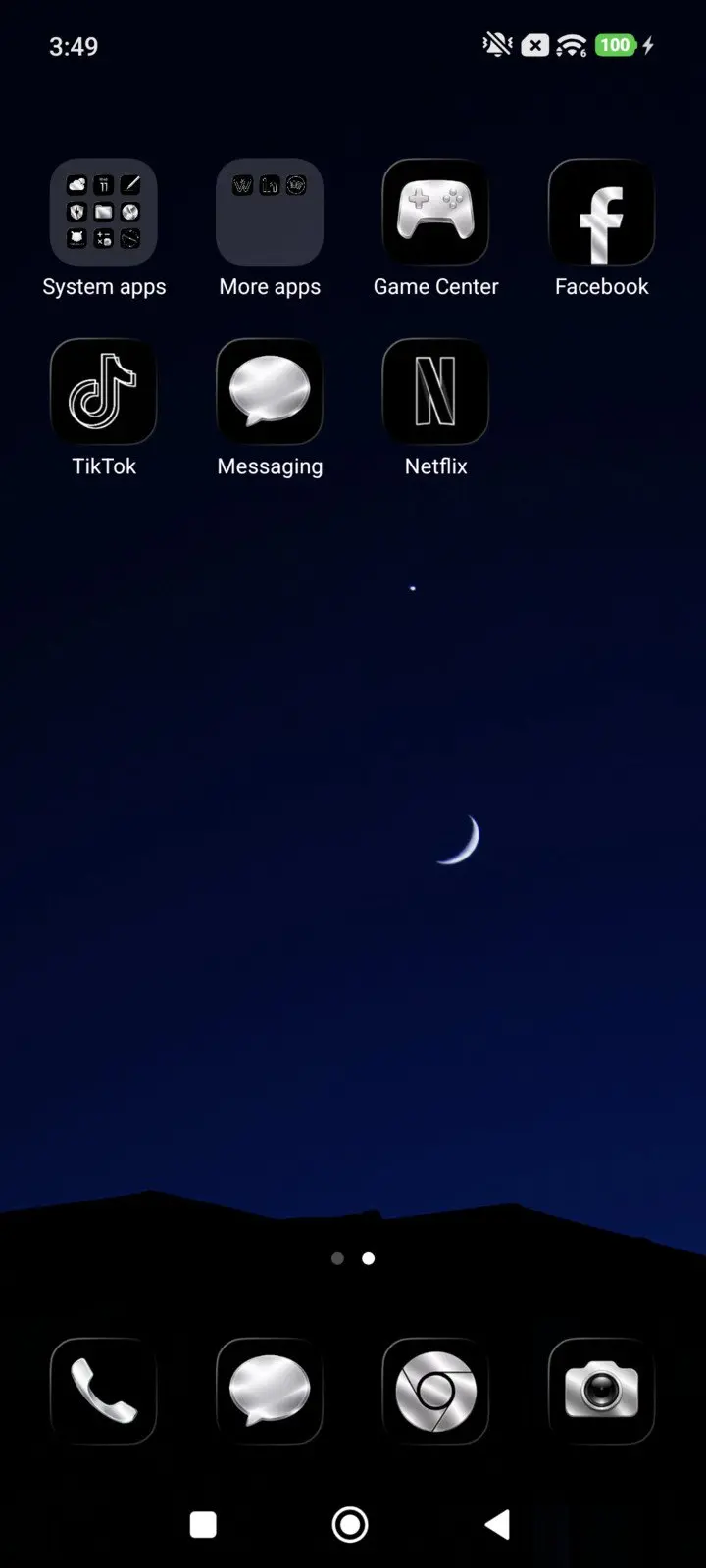
Covalent V2 by Alimun uses a simple, deep blue night sky fading to black above a dark mountain horizon.
A very tall stacked clock fills the left side of the lock screen.
Covalent V2 HyperOS Theme for Xiaomi, Redmi and POCO
The home screen adds a calendar widget with the time, a search bar and dark round icons. It is a small 11.4 MB package.
What Covalent V2 changes
- Lock screen: a tall stacked clock in the night sky.
- Home screen: a calendar widget, search bar and dark icons.
- App icons: dark round icons on deep blue.
Theme Preview
All 3 screens below come from the theme’s official preview set. Tap any screen to open it full size.
Covalent V2 Xiaomi Theme Details
Theme details
Everything to check before you install
Our hands-on notes
Bijay ran Covalent V2 as the main theme on our Redmi Note 14 5G with HyperOS 3.0. The lock screen clock stayed clear even in bright daylight. Only some of our third-party apps got themed icons, while Settings, the control center and the dialer matched.
It was comfortable at night with no lag or glitches. We enjoyed it for a while, but it did not become our long-term theme.
Pros, cons and our verdict
What we like
- Calm night-sky wallpaper
- Tall, easy-to-read clock
- Tiny 11.4 MB package
- Calendar widget
Keep in mind
- Dark-only look
- Low-contrast icons
4.2/5 Hands-on score · How we score
Covalent V2 is a calm, light dark theme with a clock that is easy to read. A good pick for night-mode fans.
Get the Covalent V2 HyperOS Theme
Covalent V2 is on the official Xiaomi Theme Store. Open this page on your phone, tap the store button and choose the Themes app when HyperOS asks how to open the link.








0 comments