
Poi Poi HyperOS Theme – Night Clouds and a Clock-Weather Widget
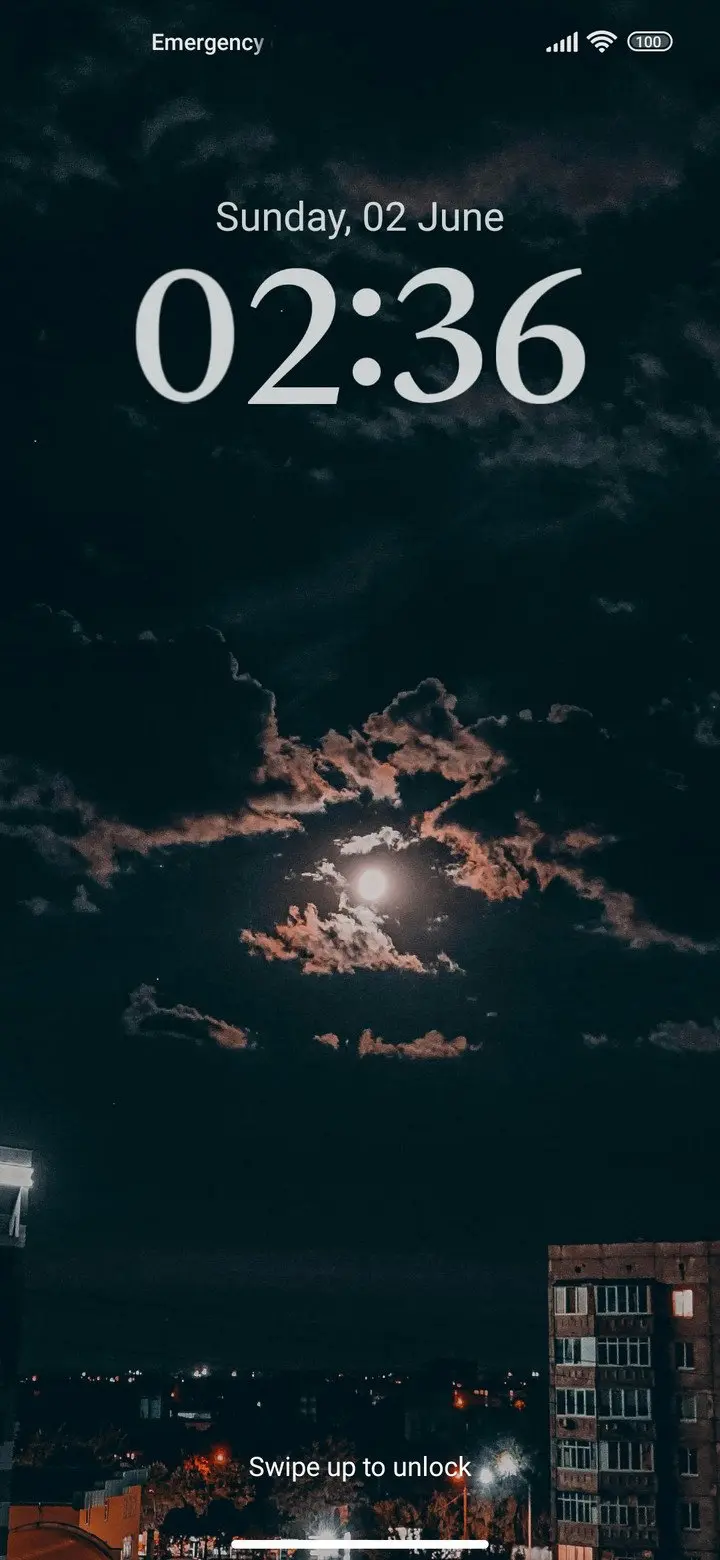
Poi Poi by Ryuta uses a dark photo of clouds lit faintly from below at night, with a few lights glowing on the horizon.
A clean white clock and date sit high on the lock screen.
Poi Poi HyperOS Theme for Xiaomi, Redmi and POCO
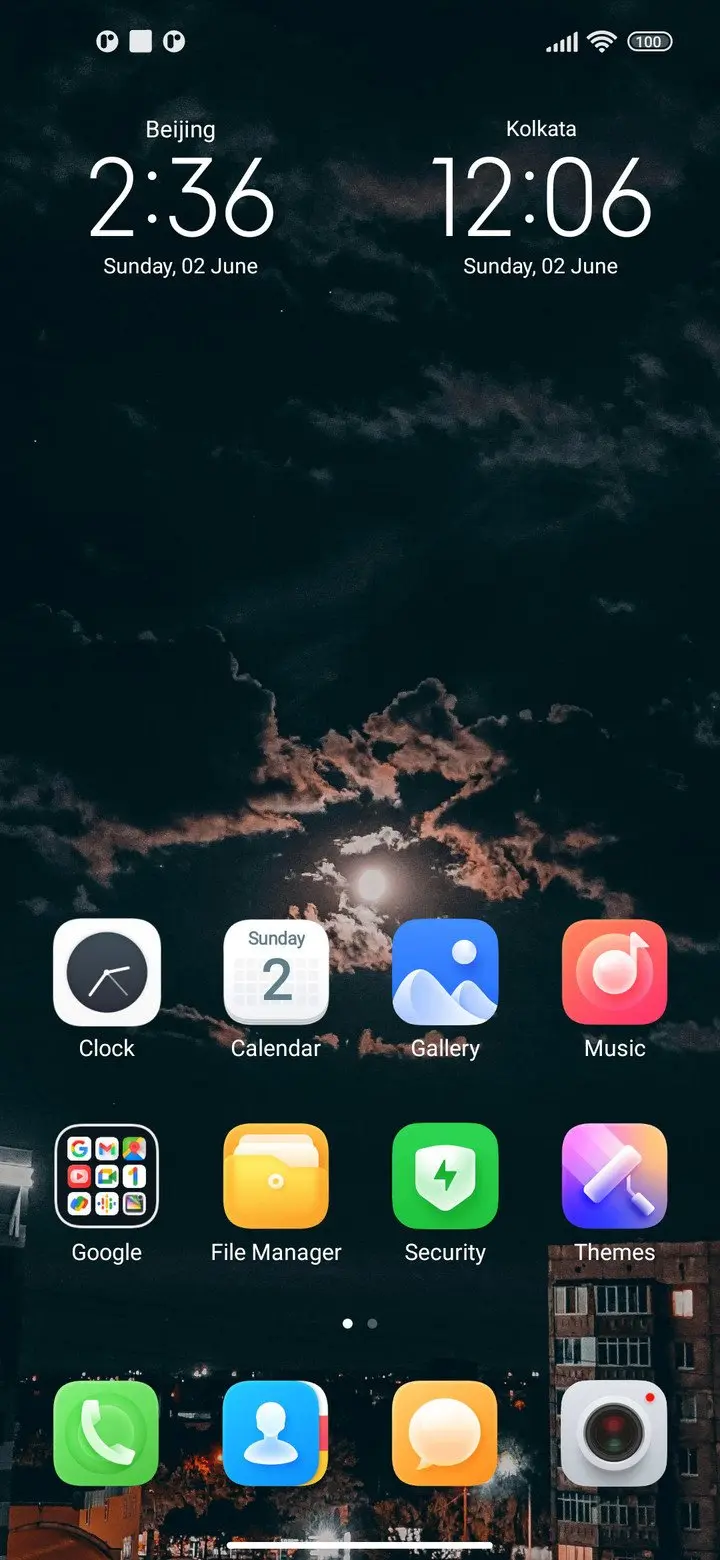
The home screen adds two small clocks and a weather line, and the bright icons stand out against the dark sky. The package is 25.27 MB.
What Poi Poi changes
- Lock screen: a clean white clock over night clouds.
- Home screen: clock and weather widgets with bright icons.
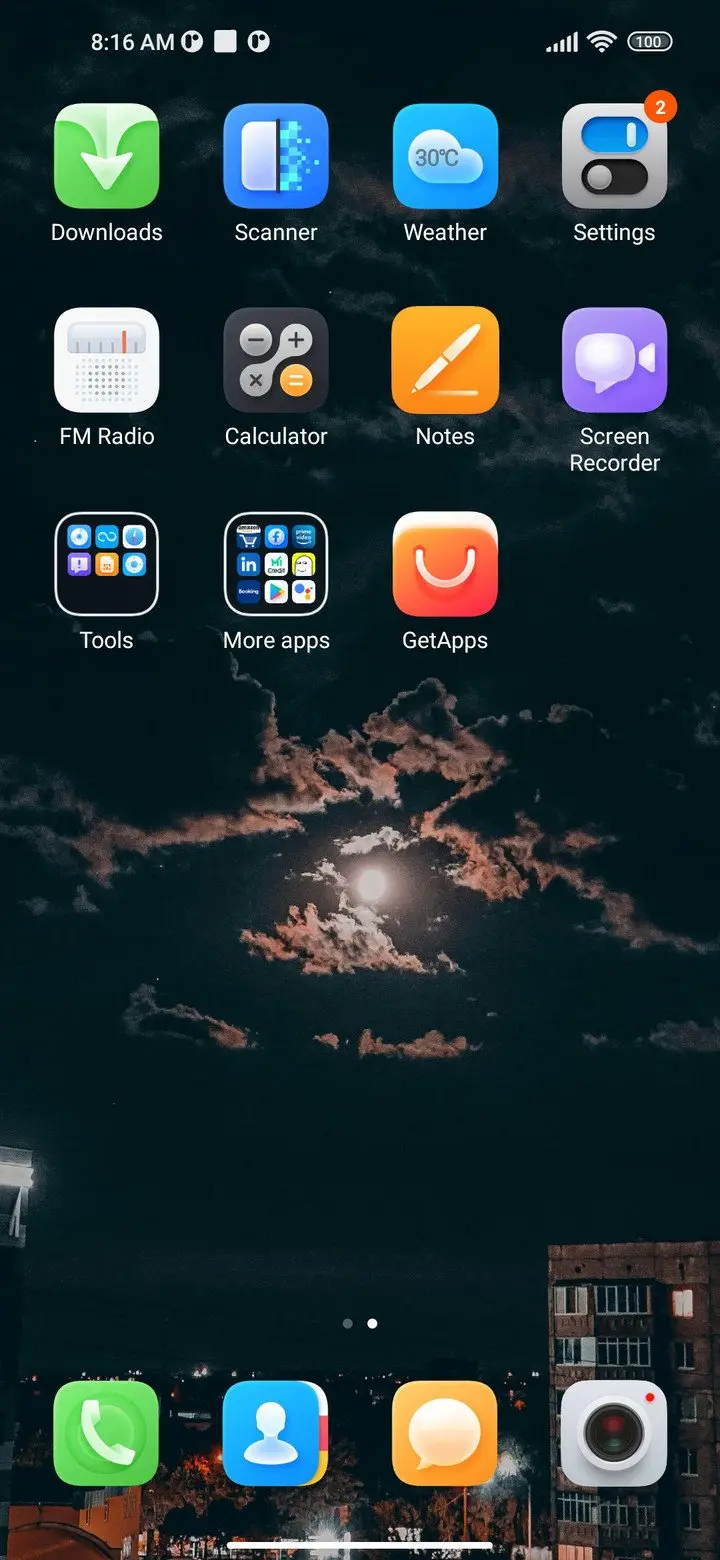
- App icons: colourful icons on the dark photo.
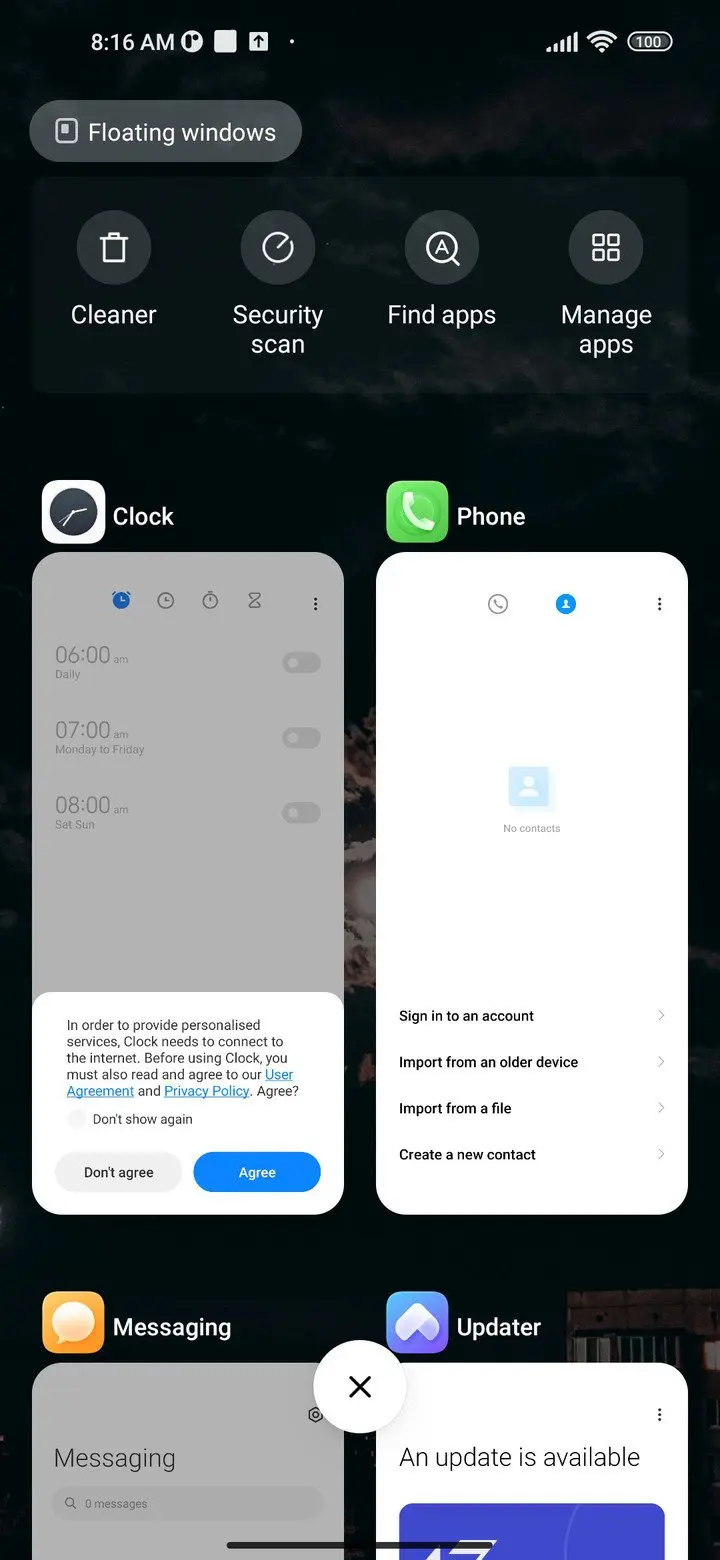
- Recent apps: app cards on dark grey.
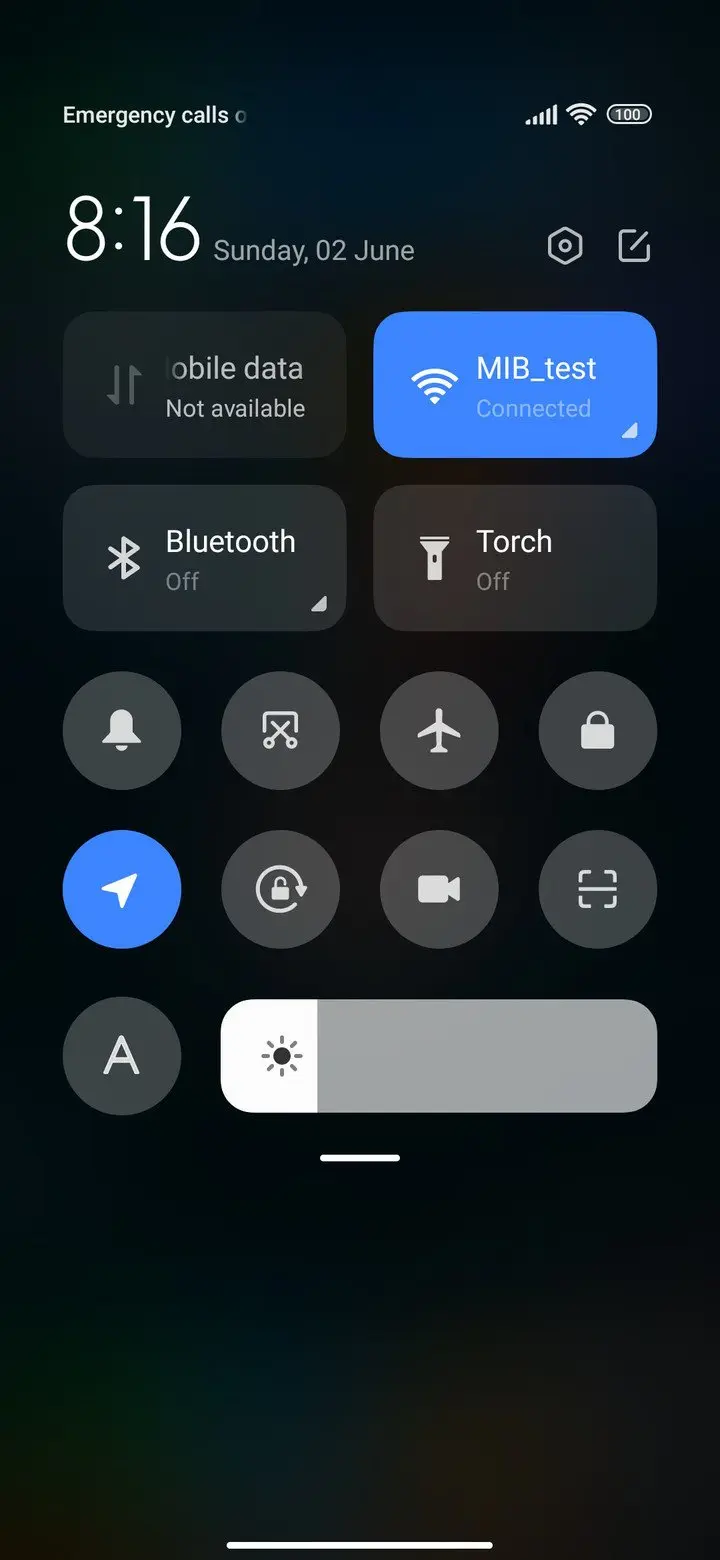
- Control center: a dark panel with a blue Wi-Fi tile.
Theme Preview
All 5 screens below come from the theme’s official preview set. Tap any screen to open it full size.
Poi Poi Xiaomi Theme Details
Theme details
Everything to check before you install
Our hands-on notes
Bijay applied Poi Poi on our Redmi Note 14 5G with HyperOS 3.0 and used it day to day. The lock screen clock was easy to read in daylight. Only some of our third-party apps got themed icons, while Settings, the control center and the dialer matched.
At night it was usable but not the most restful, and we saw one minor visual glitch that did not affect use. It became our daily theme for a while.
Pros, cons and our verdict
What we like
- Moody night-cloud photo
- Clean, readable clock
- Clock and weather widget
- Bright icons that stand out
Keep in mind
- Dark-only look
- Photo can feel busy behind icons
4.0/5 Hands-on score · How we score
Poi Poi is an atmospheric dark theme with handy widgets. A good fit for night owls.
Get the Poi Poi HyperOS Theme
Poi Poi is on the official Xiaomi Theme Store. Open this page on your phone, tap the store button and choose the Themes app when HyperOS asks how to open the link.








0 comments