
Embohkah HyperOS Theme – Black-and-White Mood Board Collage
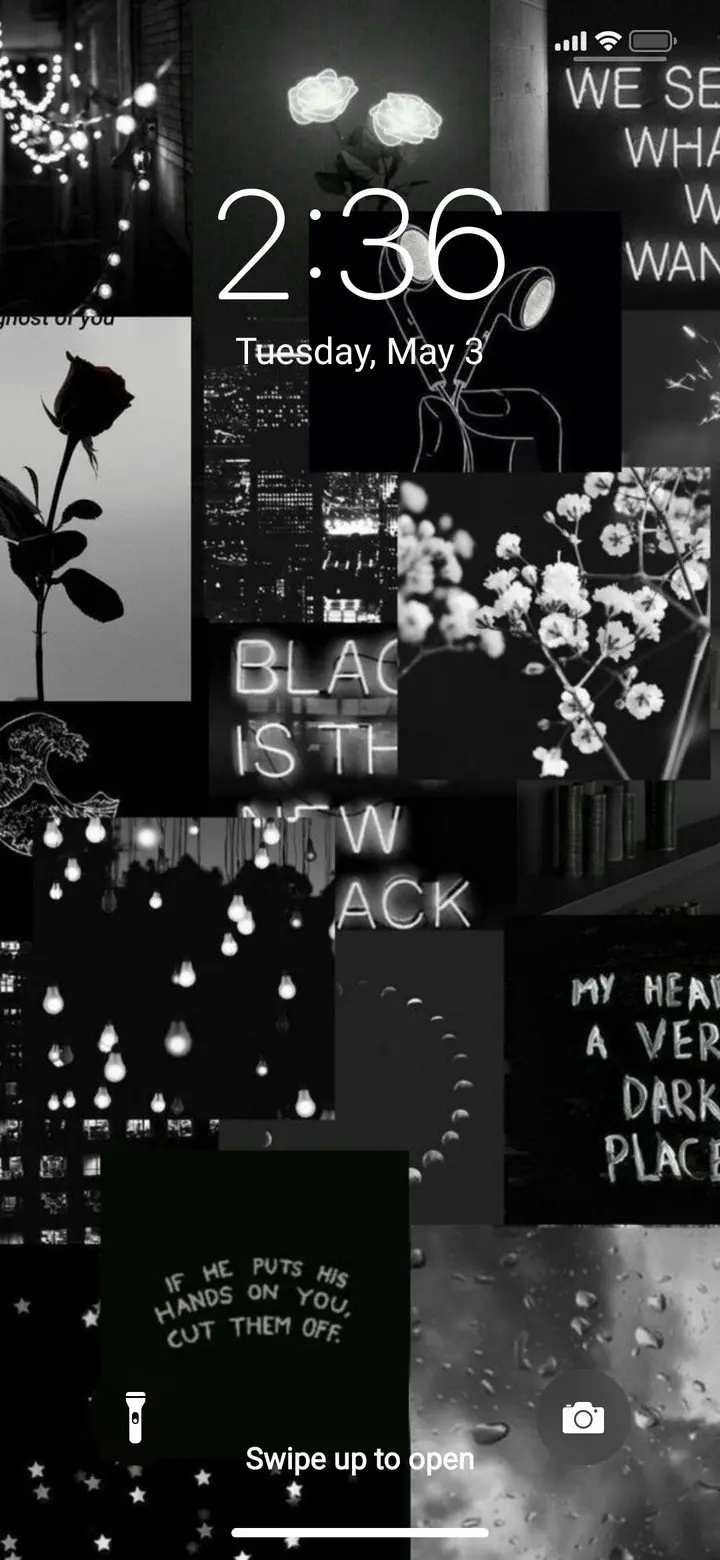
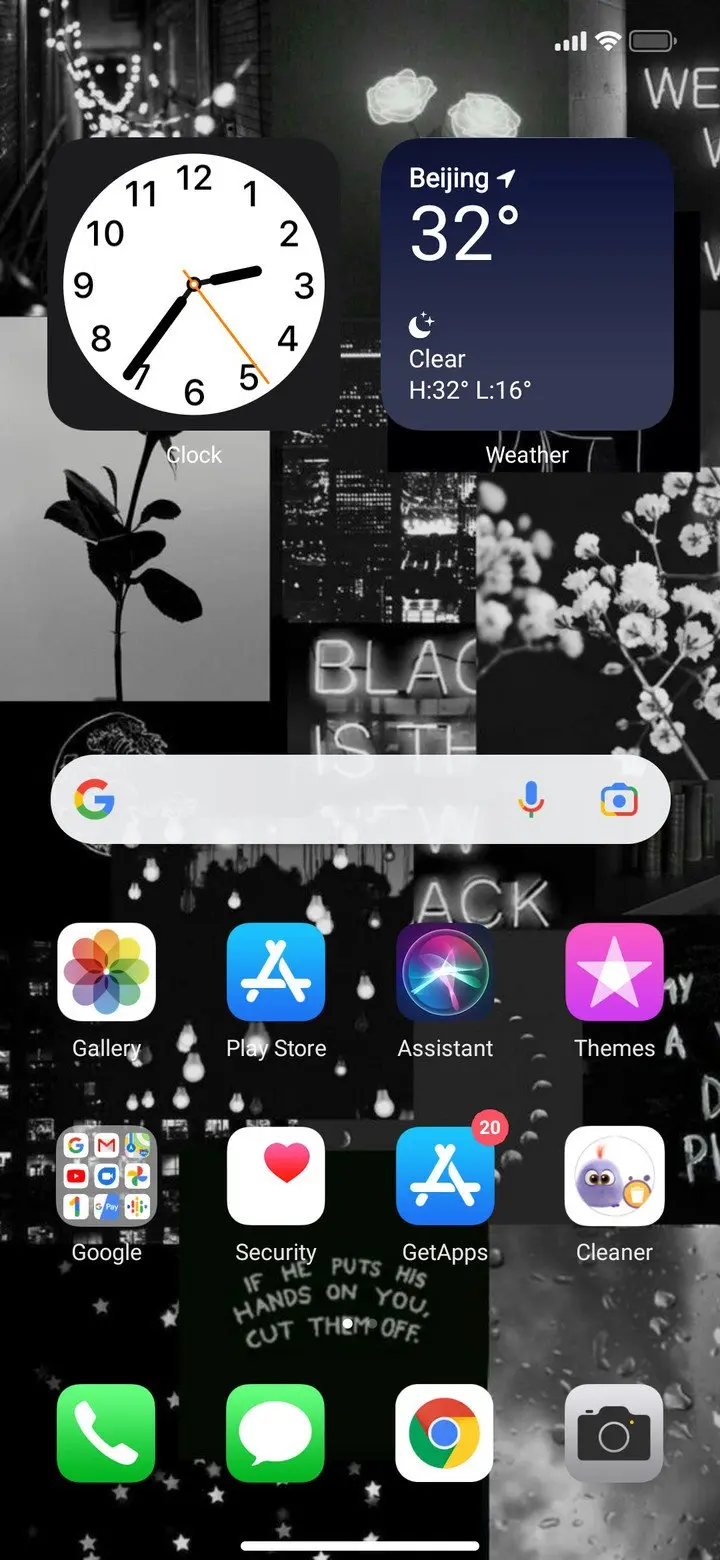
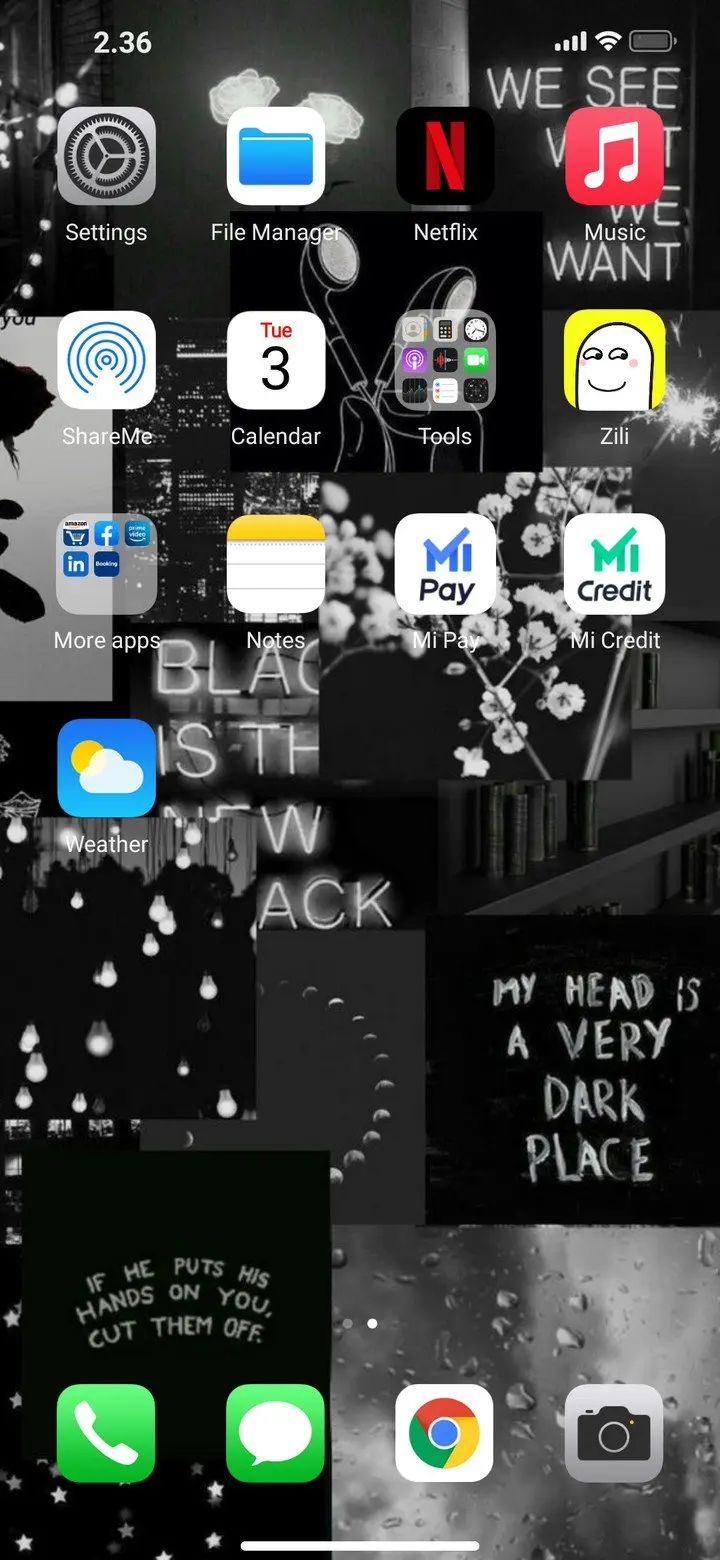
Embohkah by Alraazx looks like the inside cover of a teenager’s journal. The wallpaper is a black-and-white collage: roses, torn photos, white rectangles of text with lines like “my head is a very dark place” and the word BLACK repeated in bold. It is moody on purpose.
Widgets and icons
The home screen sets a white analogue clock and a dark weather card at the top, which helps balance the busy collage. Icons are standard colourful shapes, so they stay easy to spot. The lock screen keeps a clean white clock and date at the top left.
What each screen looks like
Embohkah is a black and white collage of grunge text, roses and scribbled phrases, almost like a scrapbook page. The lock screen shows a white clock and date, and the home screen adds an analogue clock and a weather card.
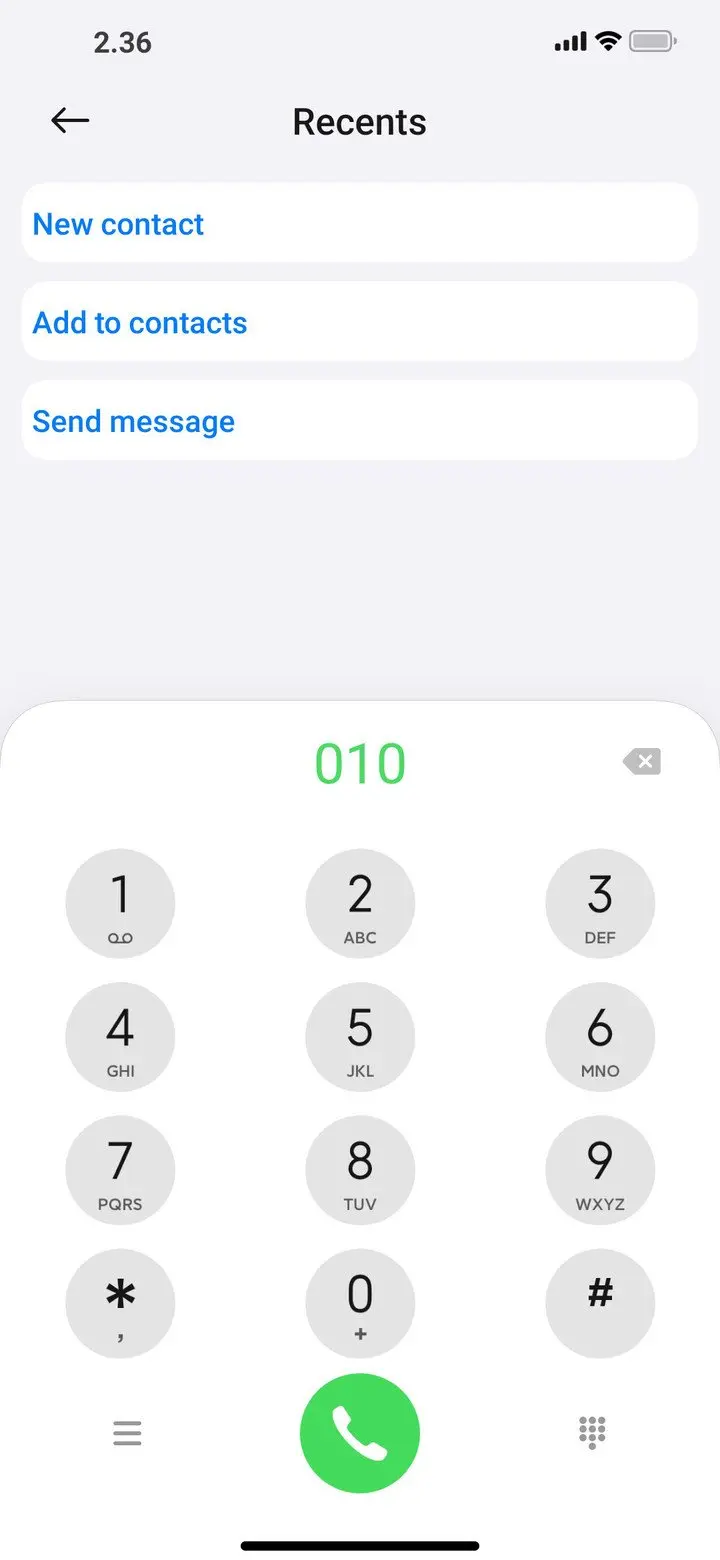
Icons are iPhone-style rounded squares in bright colours that pop against the monochrome collage. The dialer is white with a green call button. It is an edgy, expressive look.
Hands-on results
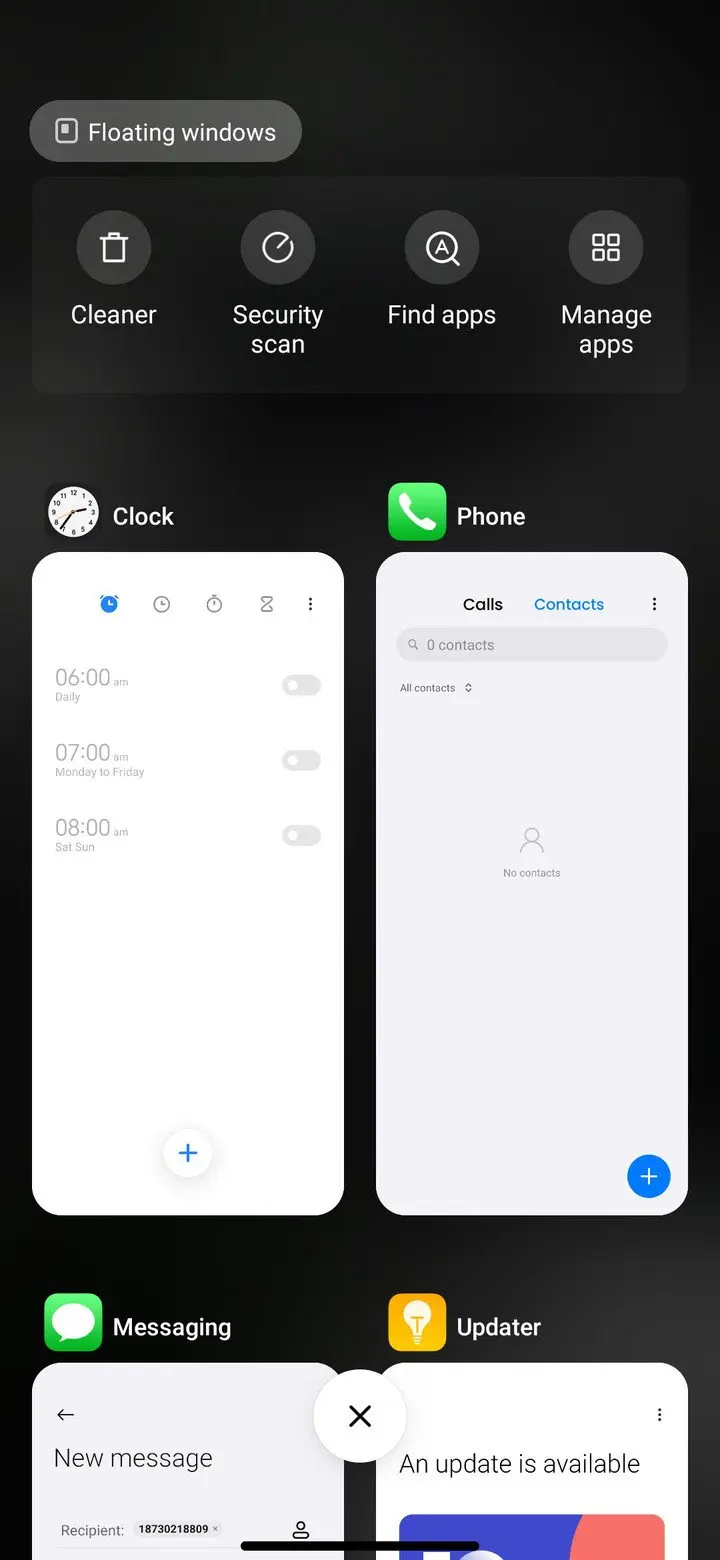
We used Embohkah on our Redmi Note 14 5G (HyperOS 3.0) for everyday tasks, even though it is officially packaged for MIUI 14. Outdoors the lock-screen text was clear. Only some of our third-party apps got themed icons. Settings, the control center and the dialer all follow the theme.
At night it is comfortable, though we noticed one minor visual glitch. We were happy to keep it as a daily theme.
A note on compatibility
Because the store lists it for MIUI 14, it may behave differently on other HyperOS versions. It worked on our HyperOS 3.0 phone, but keep a previous theme ready in case.
Theme details
Everything to check before you install
Other dark picks
Black Flower and drooped are calmer dark options.
What we like
- Moody, personal collage wallpaper
- Analogue clock and weather widgets
- Small 11.67 MB file
Keep in mind
- Officially packaged for MIUI 14
- The collage can look busy behind icons
3.8/5 Hands-on score · How we score
Embohkah is an emotional, scrapbook-style dark theme that we kept as a daily theme despite its busy wallpaper.
Get Embohkah
On your phone, the button below jumps to the official Theme Store listing for Embohkah; you can switch back to your old theme any time from the Themes app.








0 comments