
LDR HyperOS Theme – A Lit Tunnel Road at Night
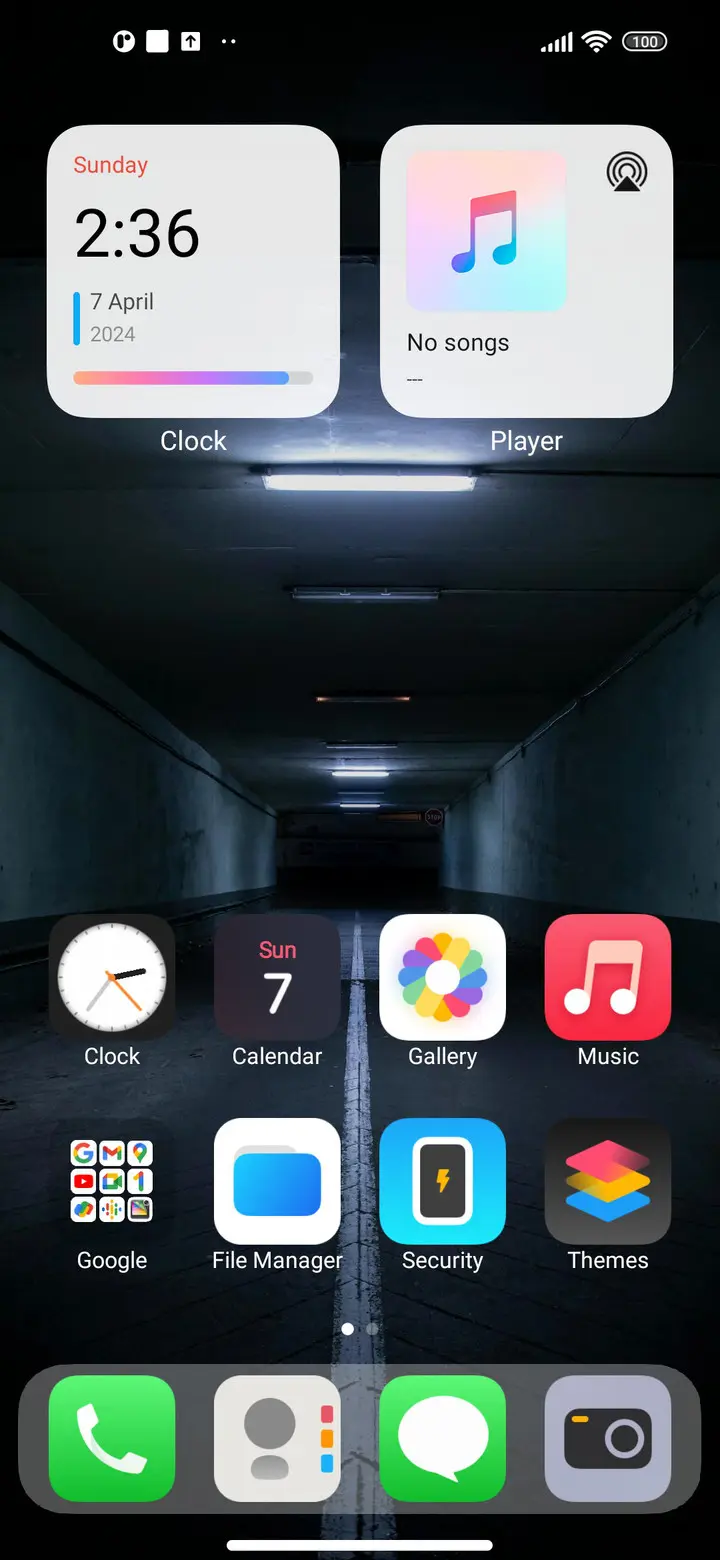
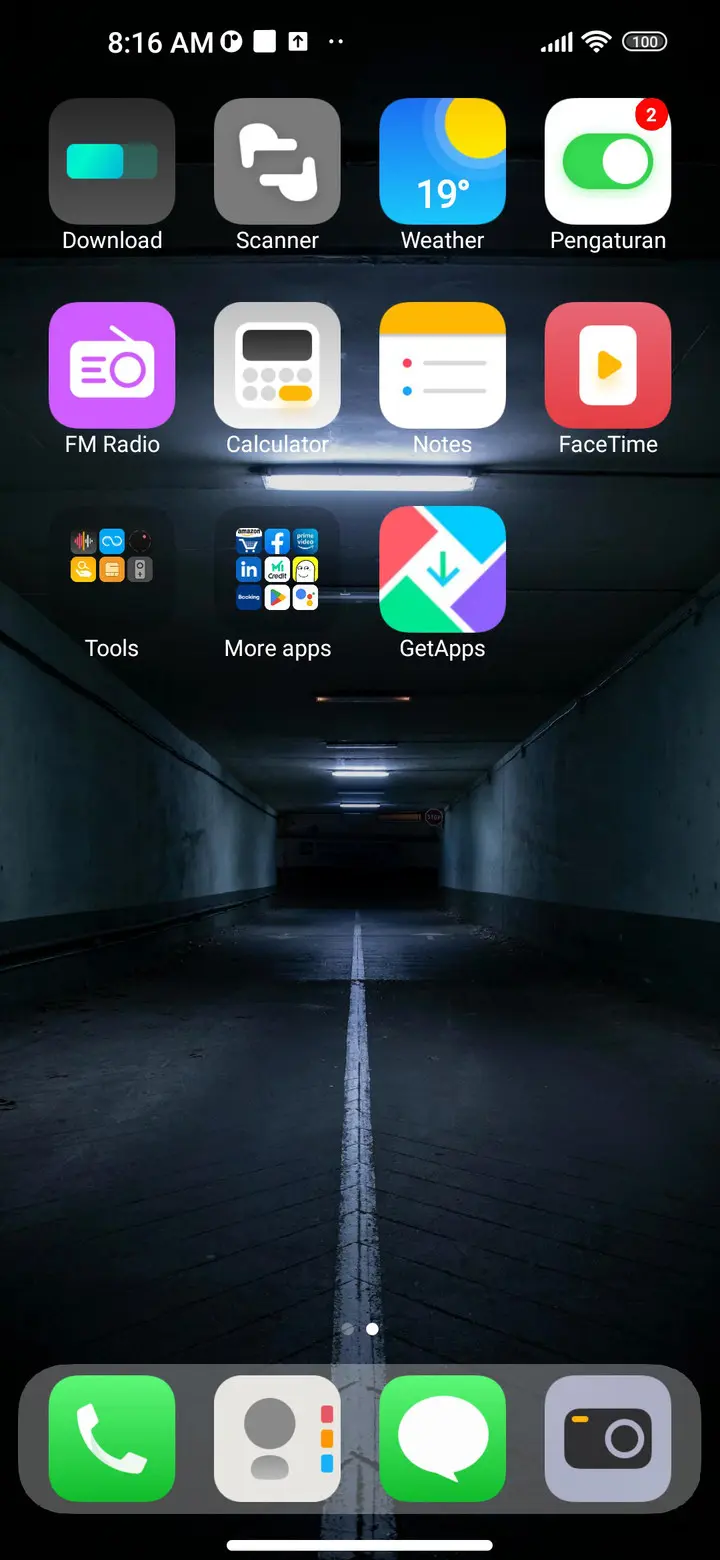
LDR by BIM BIM takes you underground. The wallpaper is a long, empty car park at night: concrete pillars, a strip of white lane markings running into the distance and rows of cold ceiling lights. It is moody and cinematic, like the opening shot of a thriller.
Widgets on top
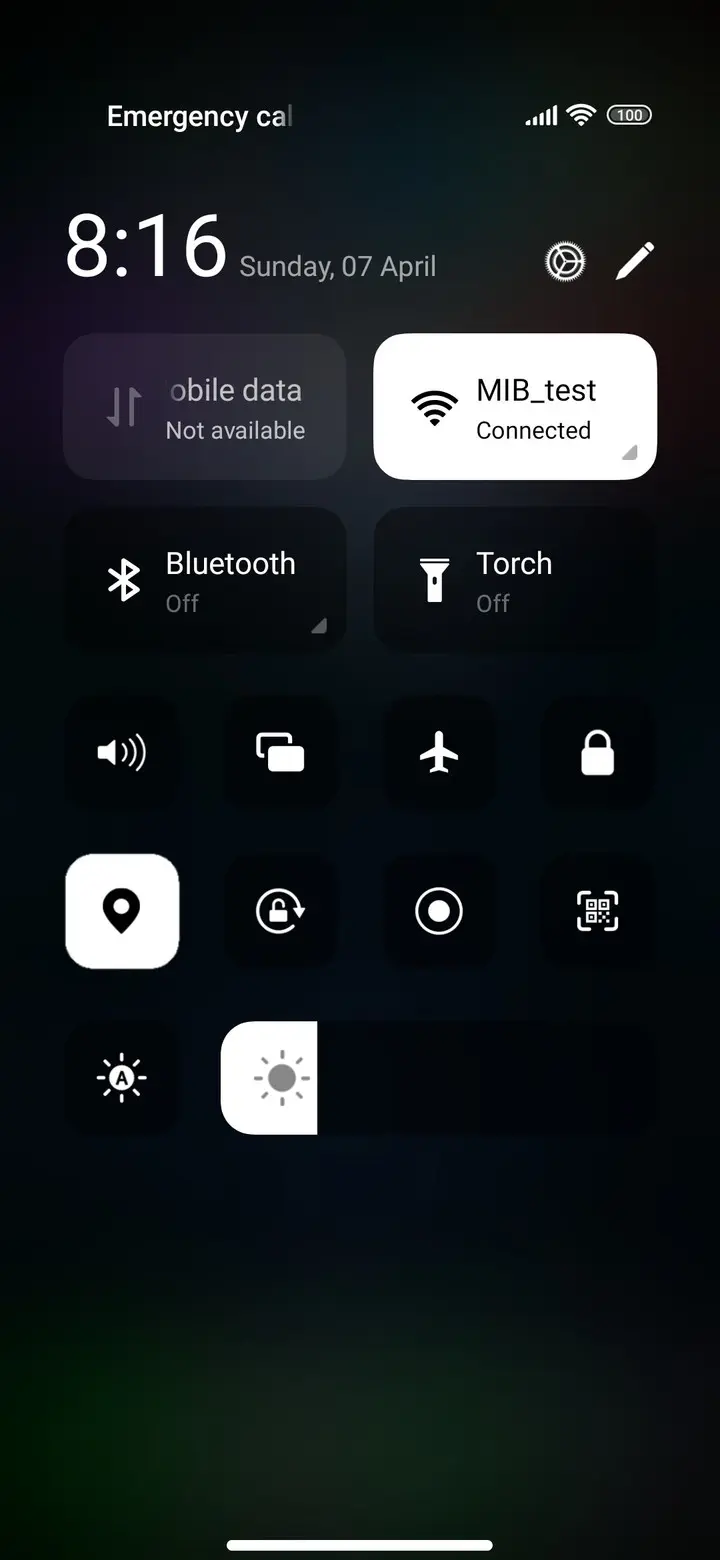
Two white widget cards sit at the top of the home screen, one for the clock and date and one for music. Below them, rounded iOS-style icons fill the grid, with a frosted dock at the bottom. The control center is dark with a single bright Wi-Fi tile. It is an independent theme and is not affiliated with Apple.
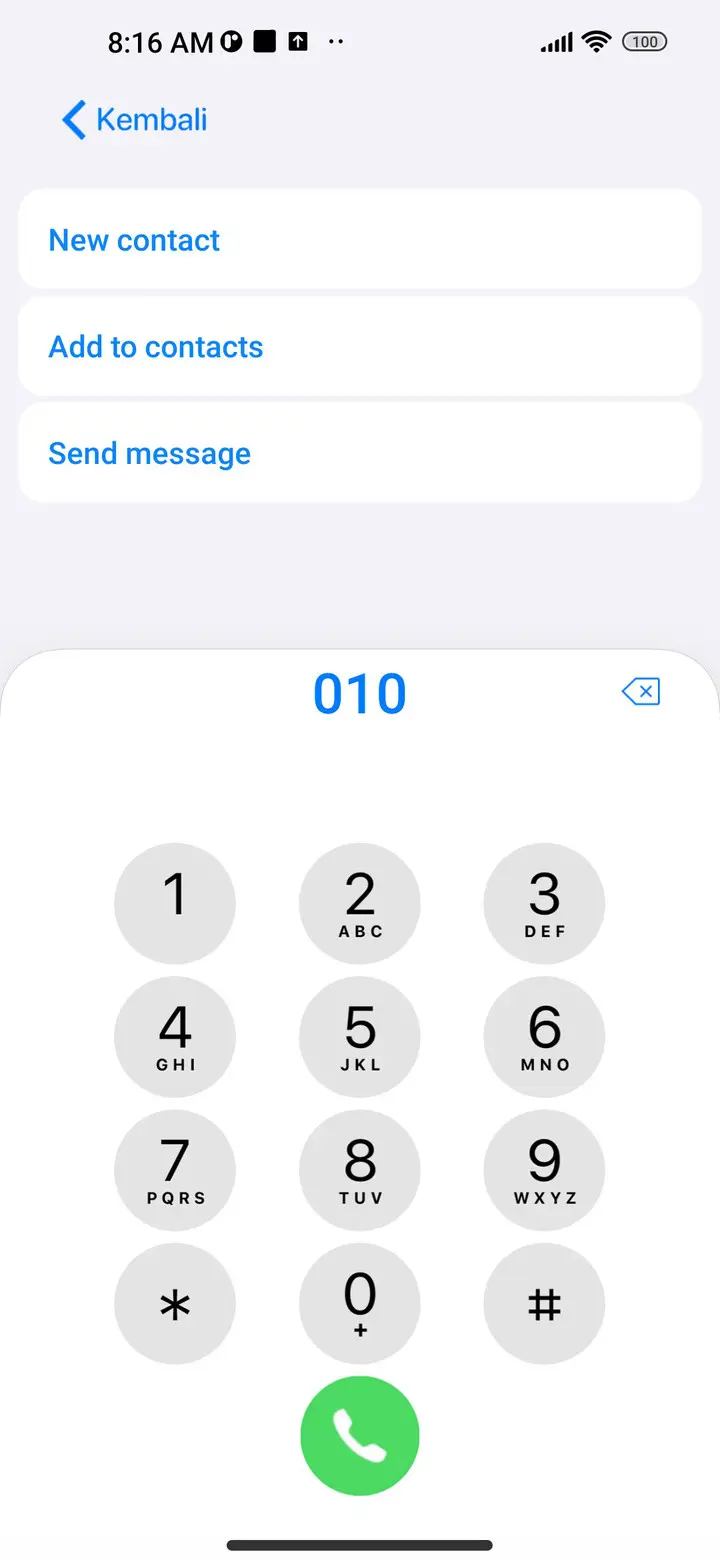
The phone app keeps a light keypad, so it is the one screen that breaks the dark mood.
A closer look at the screens
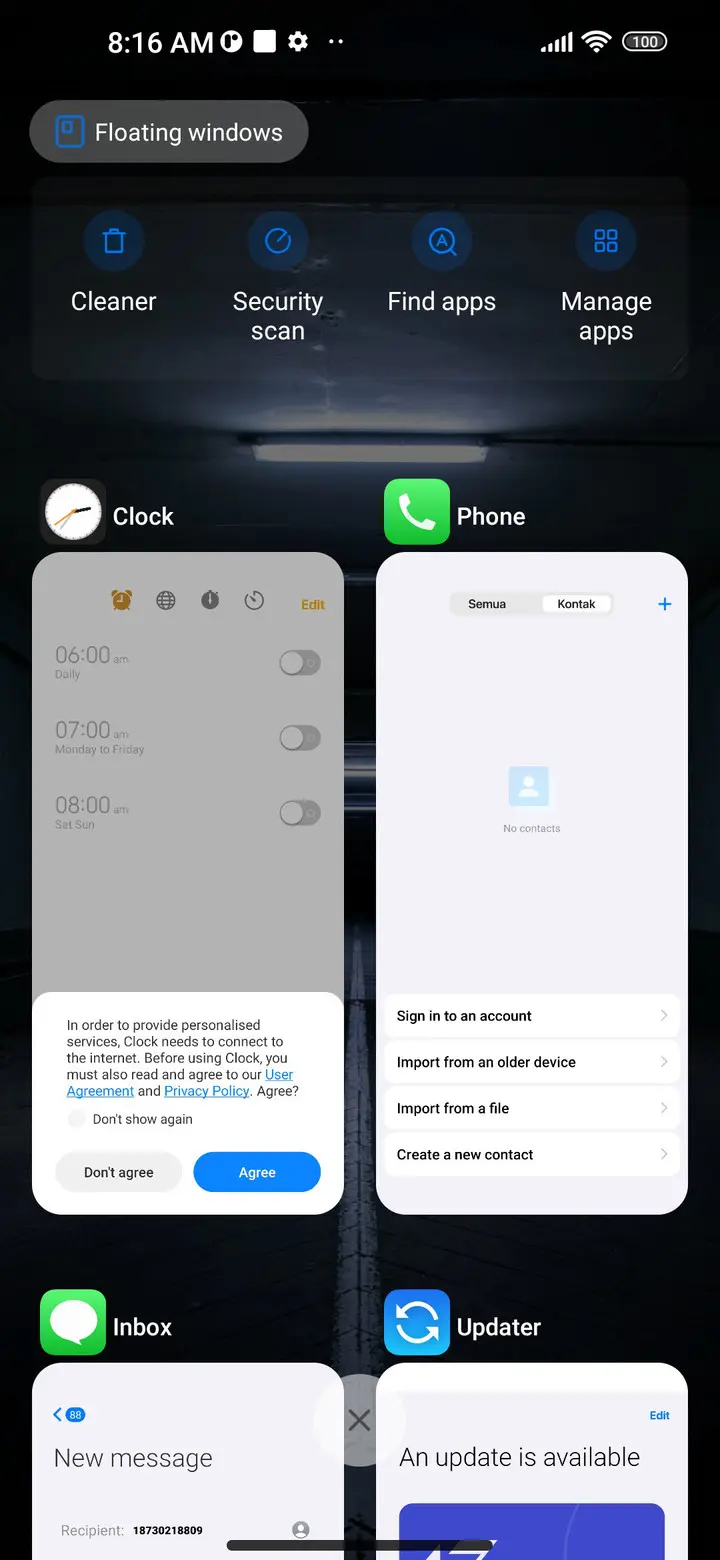
LDR’s previews show a dark tunnel with lights running into the distance. The lock screen adds white clock and music widgets in the iPhone style, and the home and icon screens show the tunnel behind colourful rounded icons.
The control center is dark with white tiles, and the dialer is white with a green call button and round grey keys. It combines a moody photo with a light, iPhone-like layout.
Before you apply it
LDR weighs 44.59 MB, which is on the heavy side, so install it on Wi-Fi. Because the photo is mostly dark grey and black, it should suit night use well, but the white widget cards are bright; if you prefer an all-dark look, you can remove them after applying.
About this review
We have not used LDR on our test phone. The notes above come from its official preview screens.
Theme details
Everything to check before you install
Other night themes
Poi Poi and MyStyle are both dark, photographic themes we have tested hands-on.
What we like
- Moody night photo
- Useful clock and music widgets
- Rounded iOS-style icons
Keep in mind
- Fairly large 44.59 MB file
- Phone app stays light
From its previews, LDR is an atmospheric, urban dark theme with practical widgets.
Get LDR
LDR is published on the official Xiaomi Theme Store by BIM BIM. On your Xiaomi, Redmi or POCO phone, the button below opens its store page directly.





0 comments