
MacOs Big Sur HyperOS Theme – Dark Red Curves and Mac-Style Icons
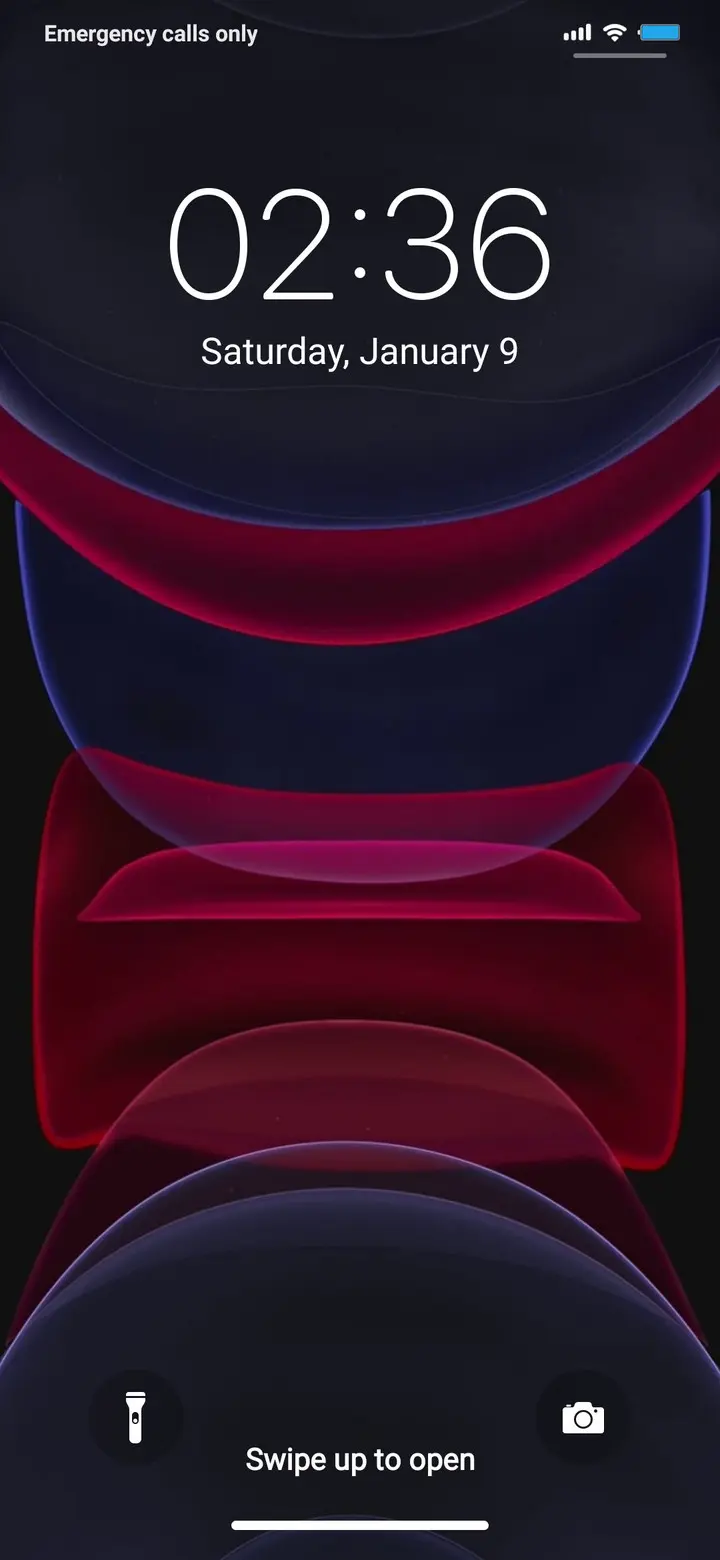
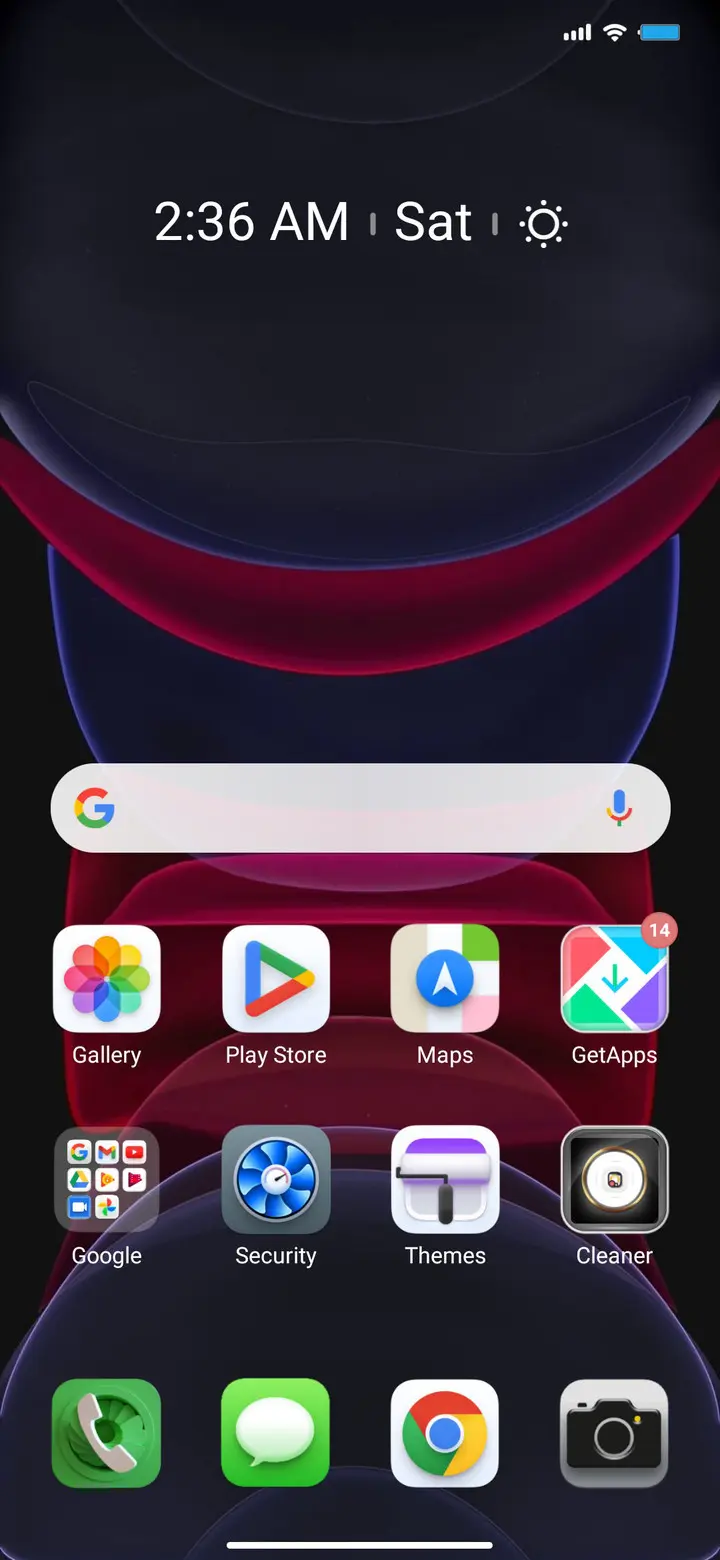
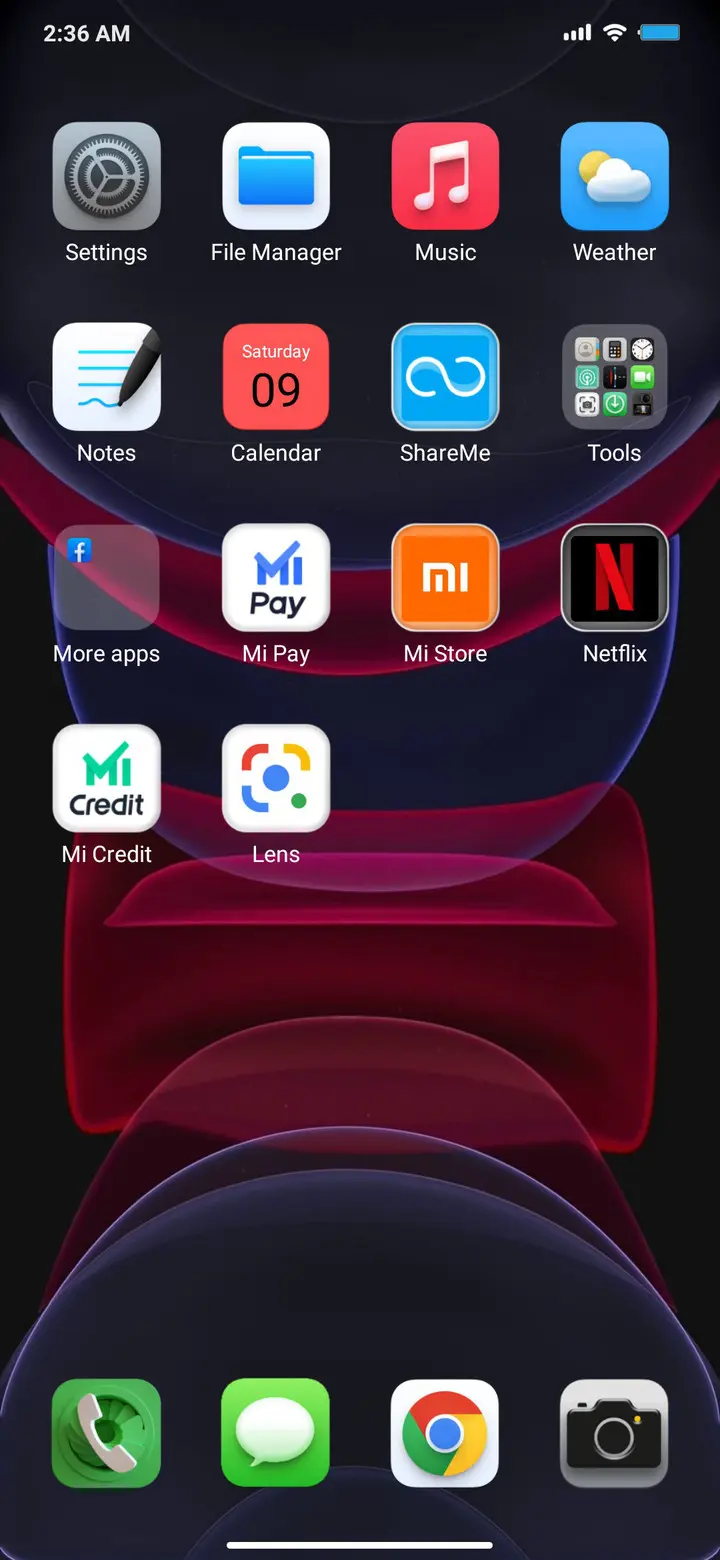
MacOs Big Sur by akman, the designer of Asus ZenUI and LG G2, brings Apple’s desktop style to a Xiaomi phone. The wallpaper is dark, with smooth red shapes curving in from the sides, glowing softly against black. It is an independent theme and is not affiliated with Apple.
Icon set
Mac-style icons are the main event: rounded squares with soft gradients for Settings, Files, Music, Weather and more. They look clean against the dark background. The lock screen has a simple clock and date at the top, and the home screen shows the time and weather in a small line.
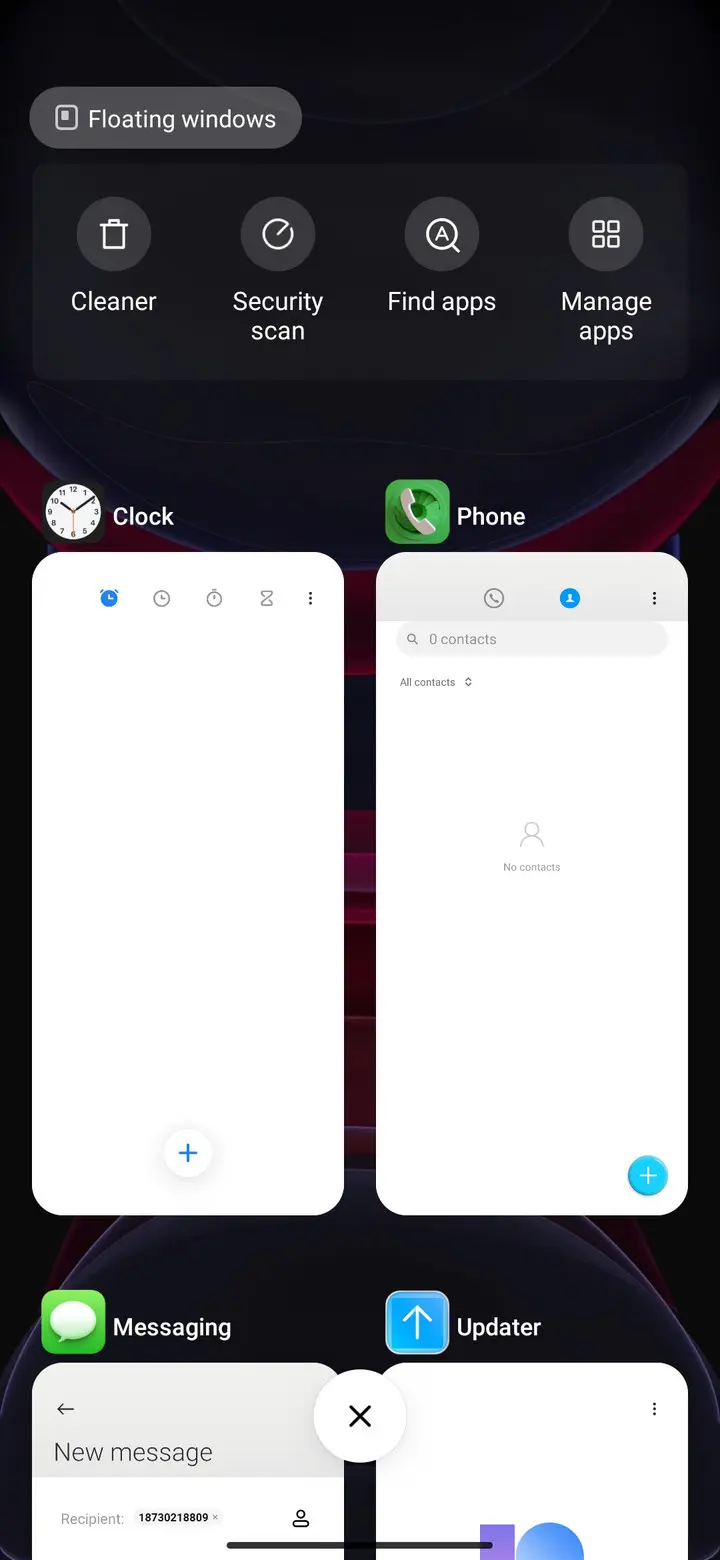
Previews show a light control center and a white phone app, so the system screens do not follow the dark wallpaper.
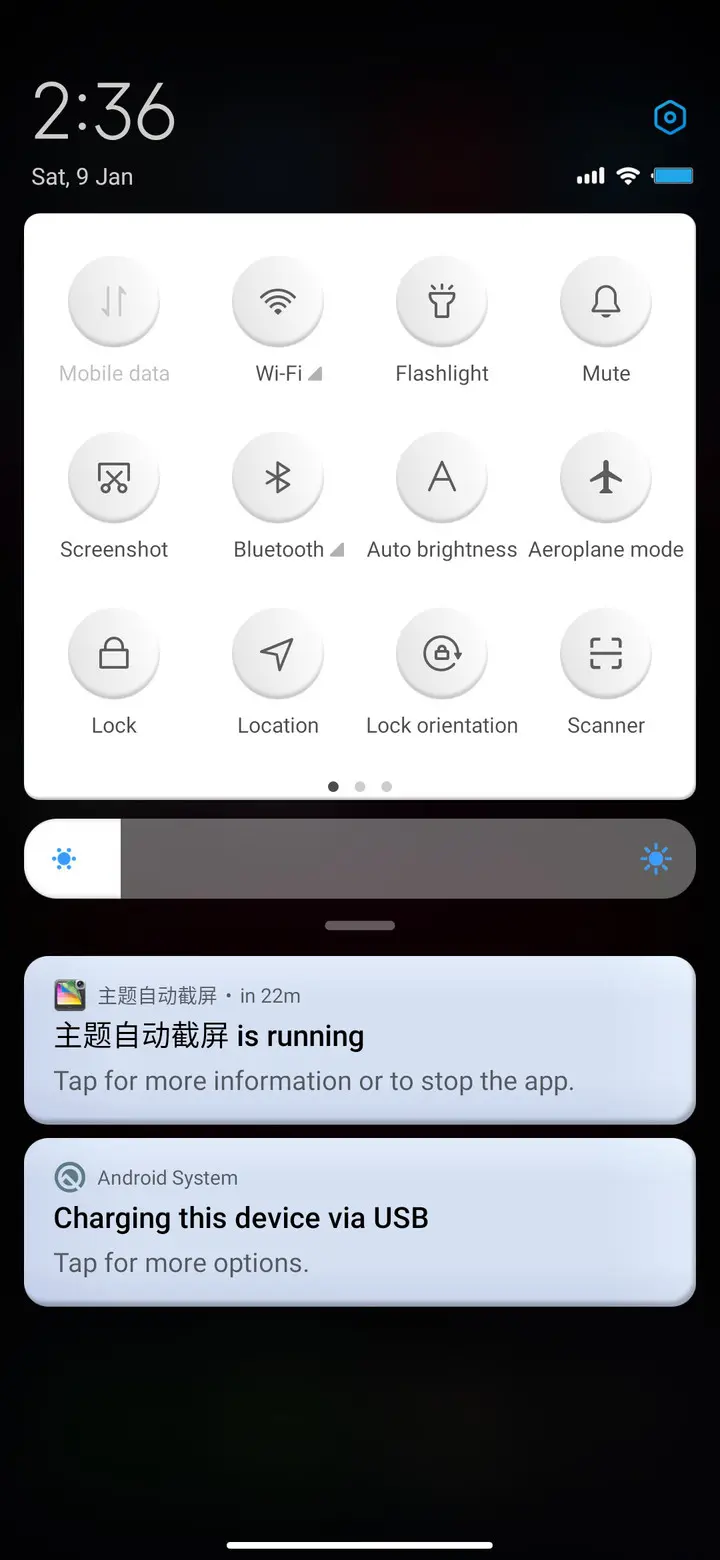
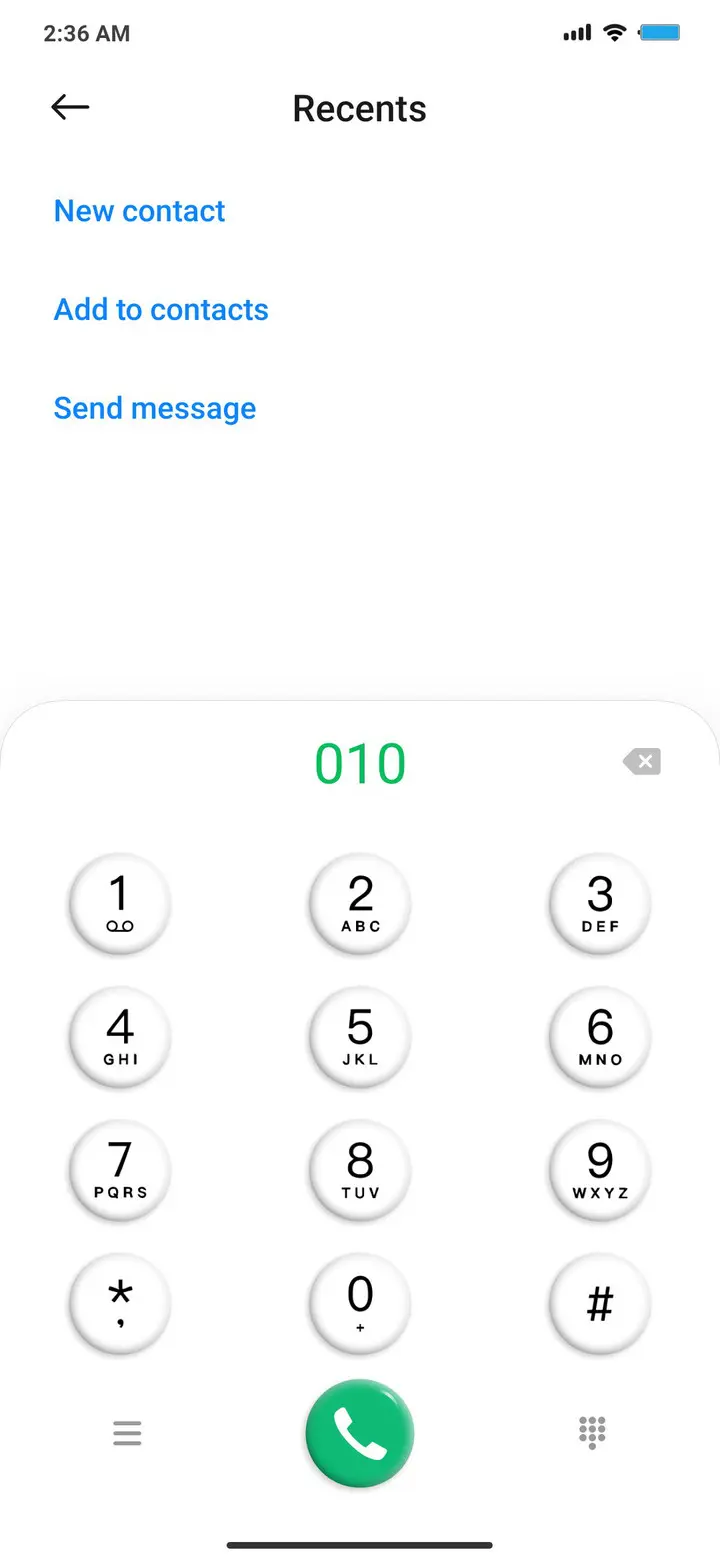

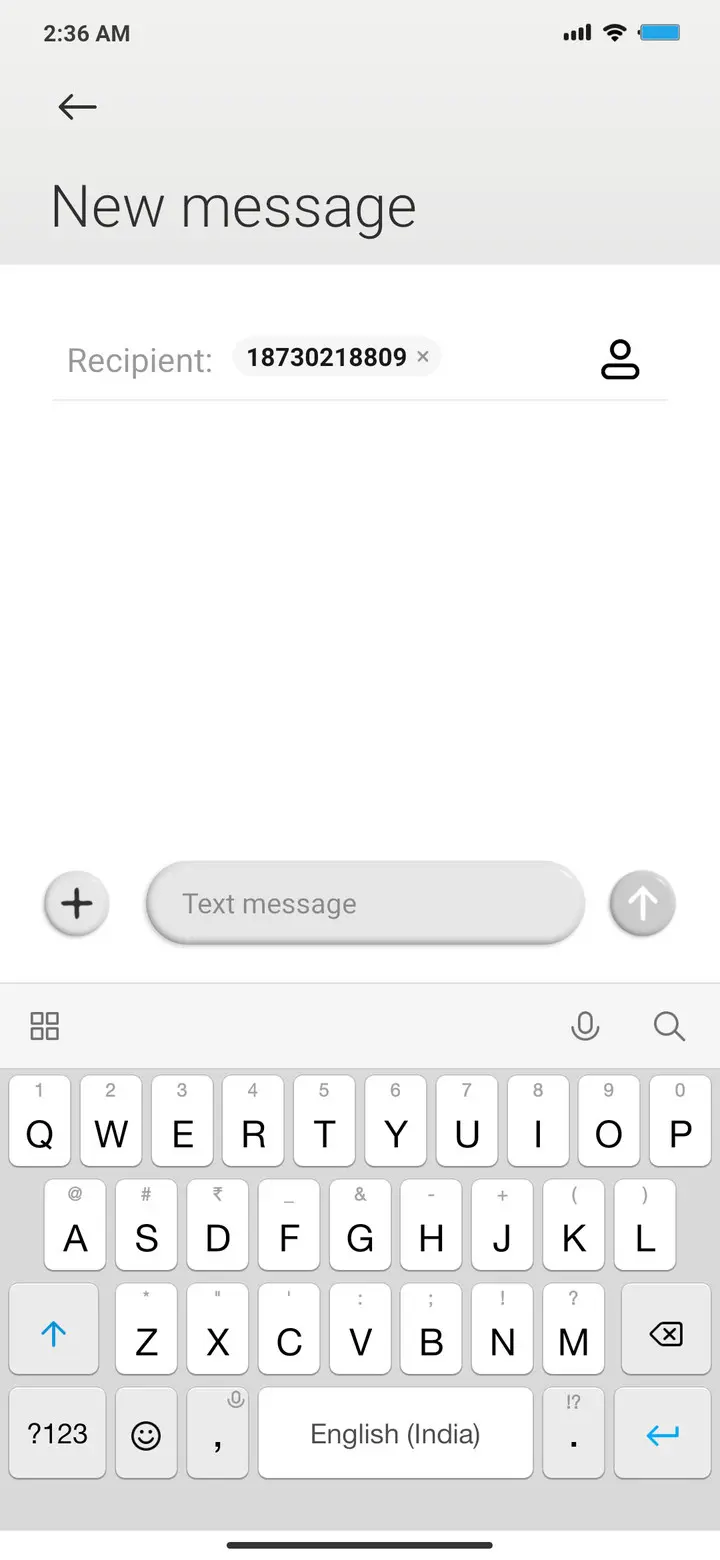
How we reviewed it
This review is based on eight official preview screens. We have not tested MacOs Big Sur on our own phone.
Theme details
Everything to check before you install
Compare
XiuXiu and Iron Giant are other designs worth a look.
What we like
- Polished Mac-style icons
- Dark, elegant wallpaper
- Small 9.74 MB file
Keep in mind
- Few changes beyond icons and wallpaper
- Not tested hands-on
From its previews, MacOs Big Sur is a neat, compact Apple-inspired theme for people who mainly want the icons.
Get MacOs Big Sur
You can add MacOs Big Sur straight from the official Xiaomi Theme Store: open this page on your phone, tap the store button and let the Themes app handle the rest.





0 comments