
MHT_UI HyperOS Theme – A Crackling Campfire on the Beach
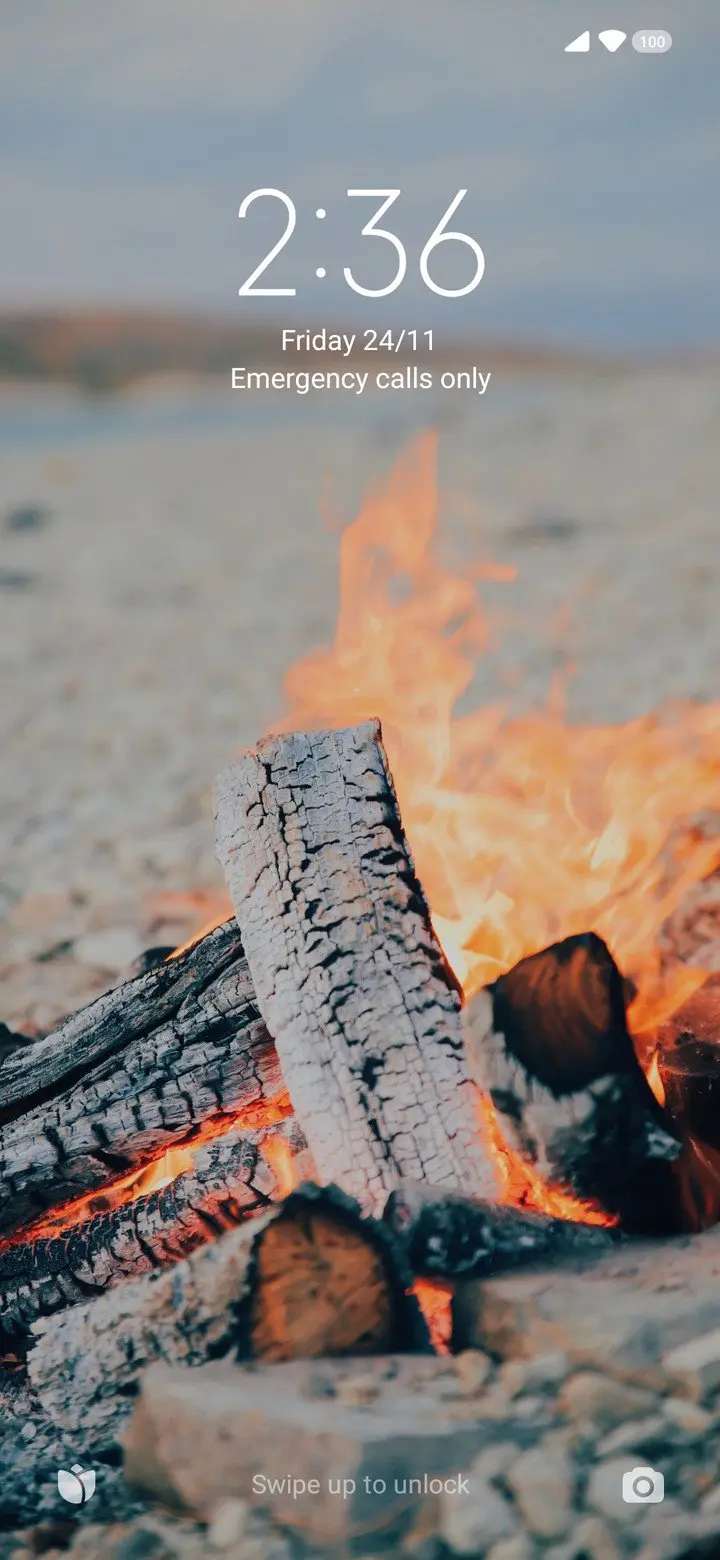
MHT_UI by AMJAD ALY is a cosy photo theme. Its wallpaper shows logs burning in a small fire on a pebbly beach, with the sea and sky softly blurred behind.
The lock screen keeps a simple white clock and date at the top so the flames stay the focus.
MHT_UI HyperOS Theme for Xiaomi, Redmi and POCO
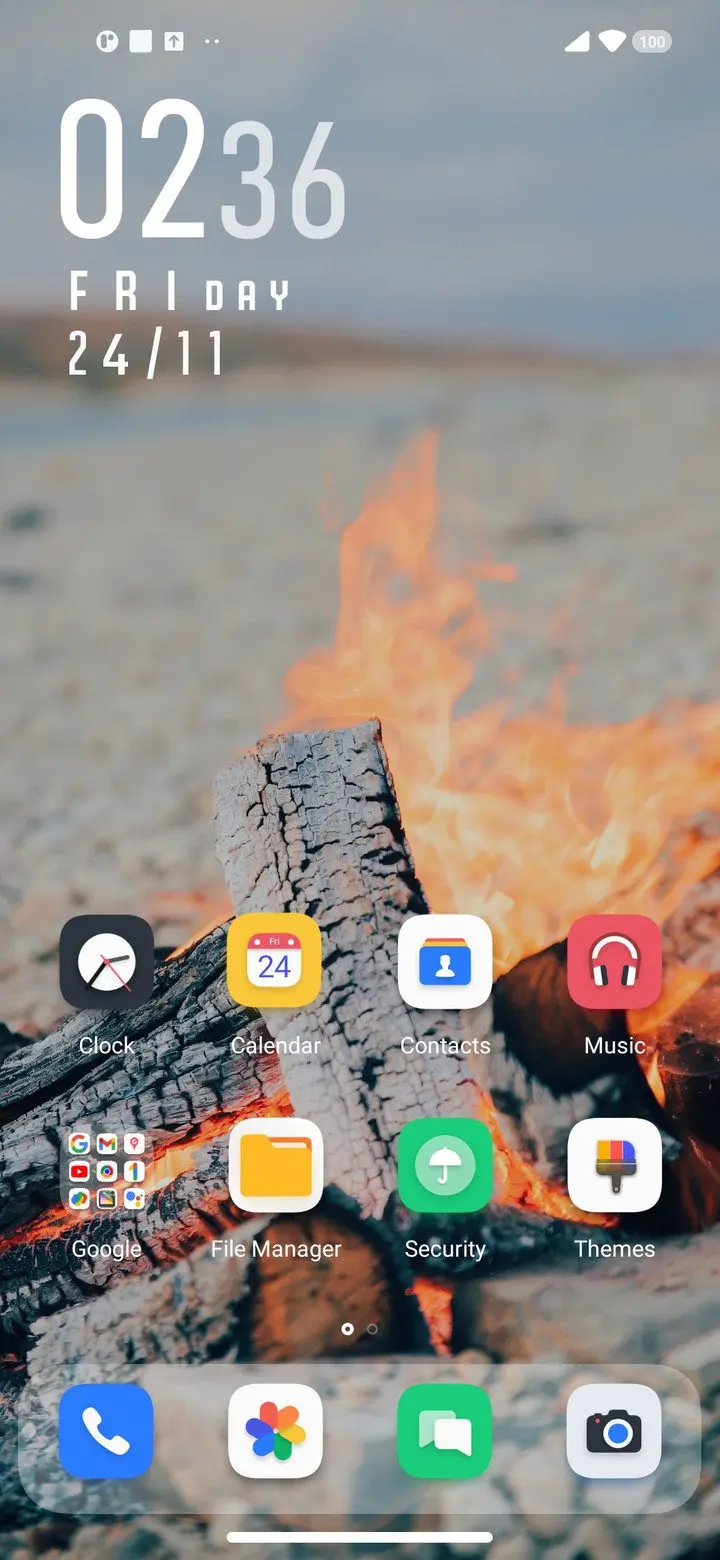
On the home screen the clock becomes a two-tone design, bold hours next to lighter minutes, with the day and date underneath. Colourful icons sit over the fire, and the control center shifts to a dark frosted panel.
What MHT_UI changes on your phone
- Lock screen: a white clock and date above the campfire.
- Home screen: a two-tone clock with day and date, plus bright icons.
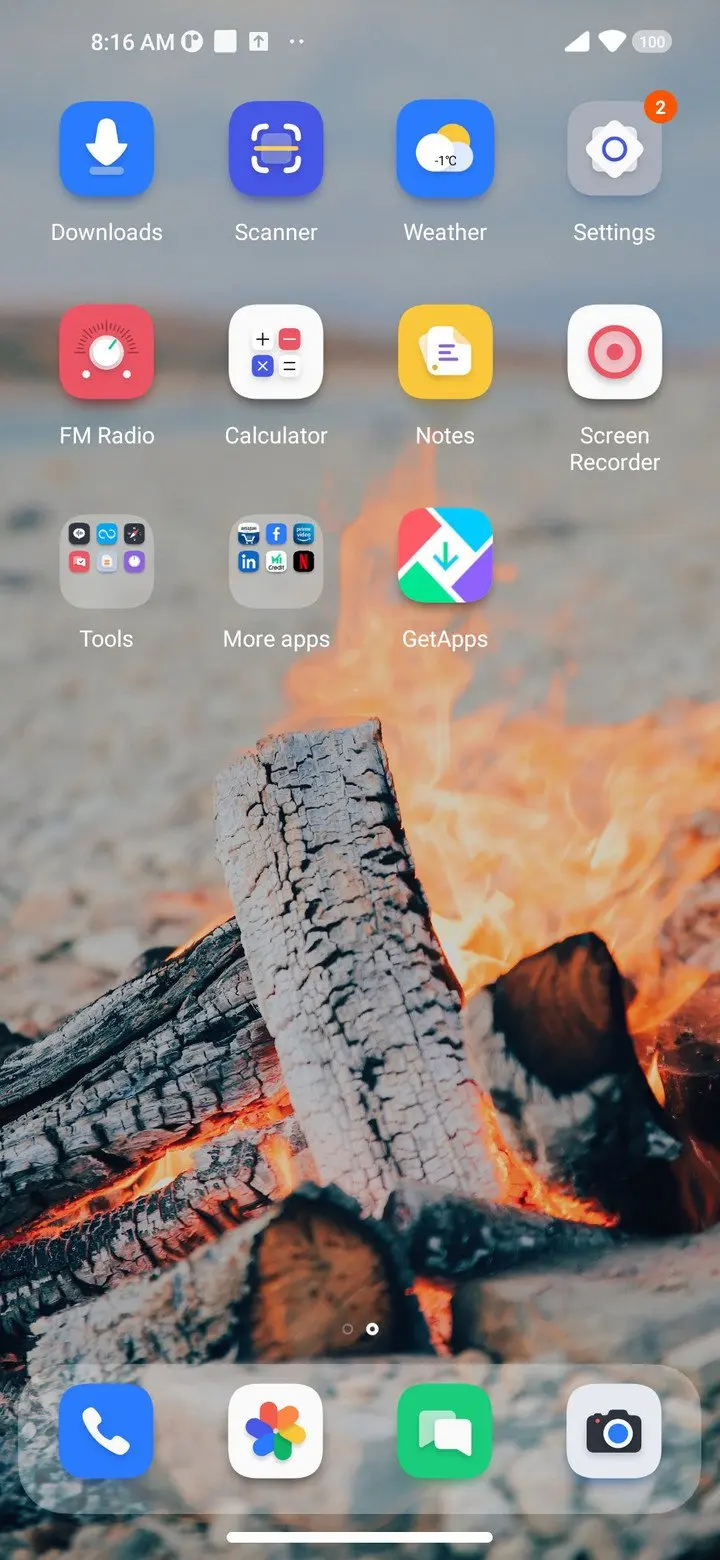
- App icons: colourful icons over the fire photo.
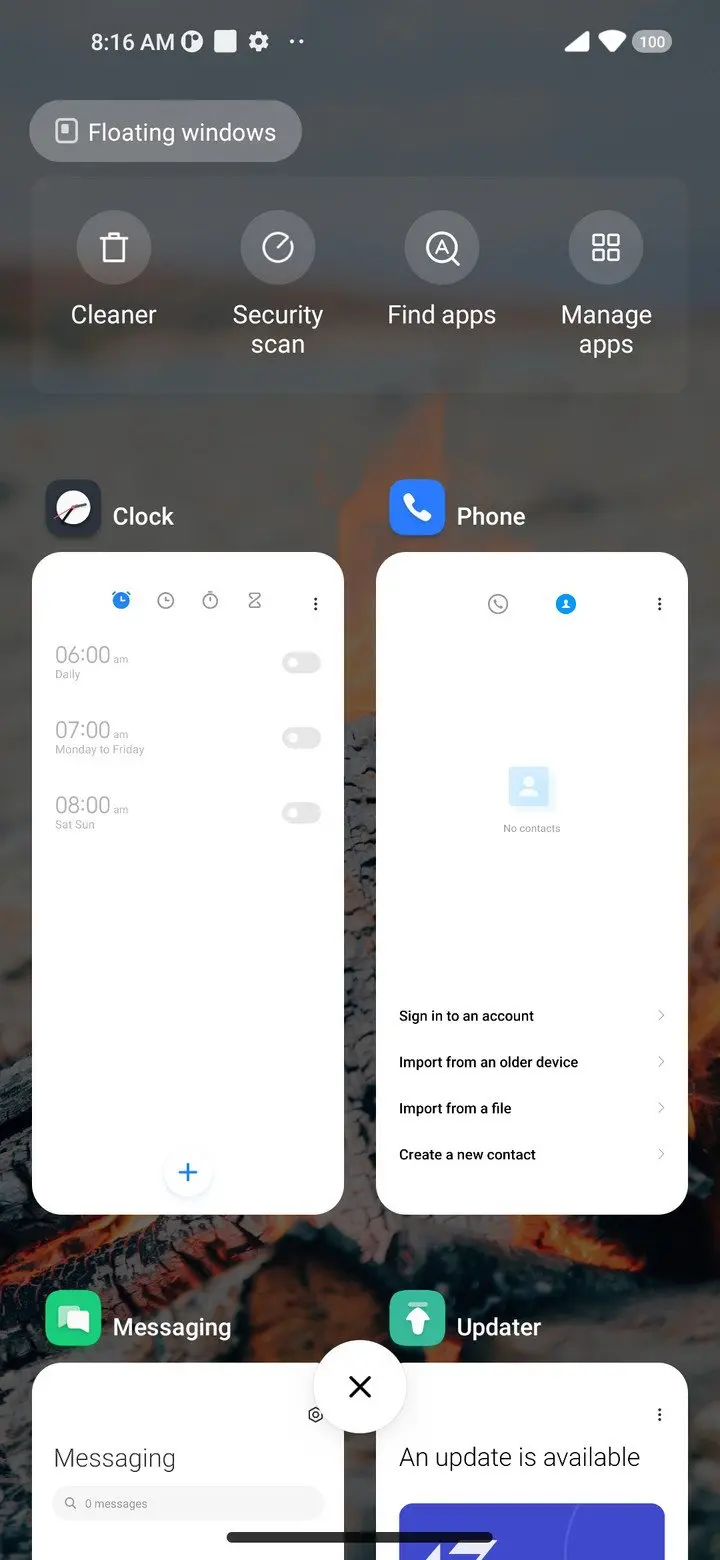
- Recent apps: app cards on a dark background.
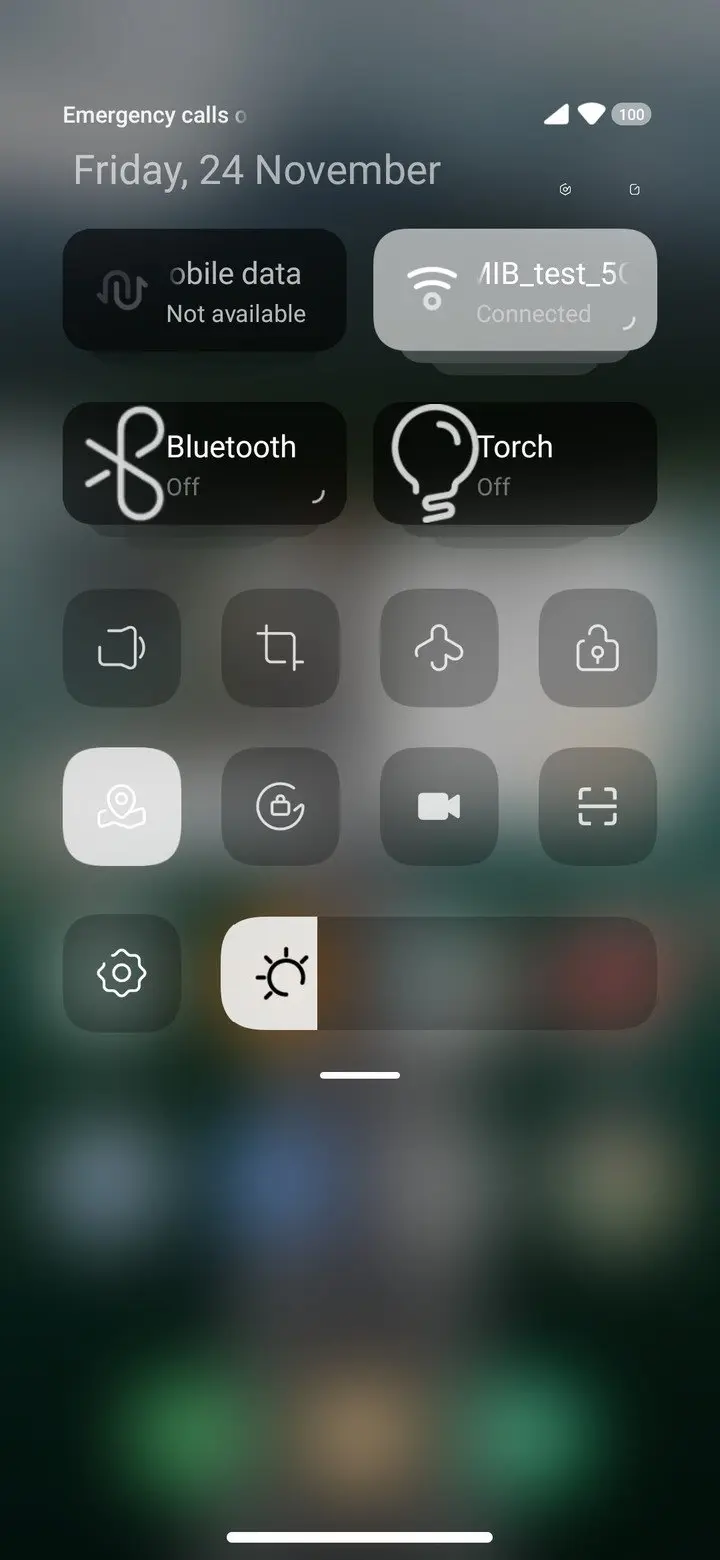
- Control center: a dark frosted panel with white tiles.
Theme Preview
Every screen below comes from the theme package. Tap one to see it full size.
MHT_UI Xiaomi Theme Details
Theme details
Everything to check before you install
Our hands-on notes
Bijay used MHT_UI day to day on our Redmi Note 14 5G with HyperOS 3.0. The lock screen was readable in daylight but not the sharpest in strong sun. Nearly every app on our home screen, third-party ones included, got a themed icon, and Settings, the control center and the dialer matched.
At night it was usable but the bright flames are not restful, and we saw no lag or glitches. It still earned a place as our daily theme.
Pros, cons and our verdict
What we like
- Warm, eye-catching campfire photo
- Bold, readable clock
- Bright, clear icons
Keep in mind
- The orange flames can clash with some icons
- The photo is busy behind apps
3.9/5 Hands-on score · How we score
MHT_UI is a warm, cosy pick for people who like natural photos. It looks great on the lock screen; the busy fire behind icons is the compromise.
Get the MHT_UI HyperOS Theme
MHT_UI can be found on the official Xiaomi Theme Store. Open the store button below on your phone and choose Themes.








0 comments