
Revamped UI HyperOS Theme – Deep Blue Folds and a Huge Clock
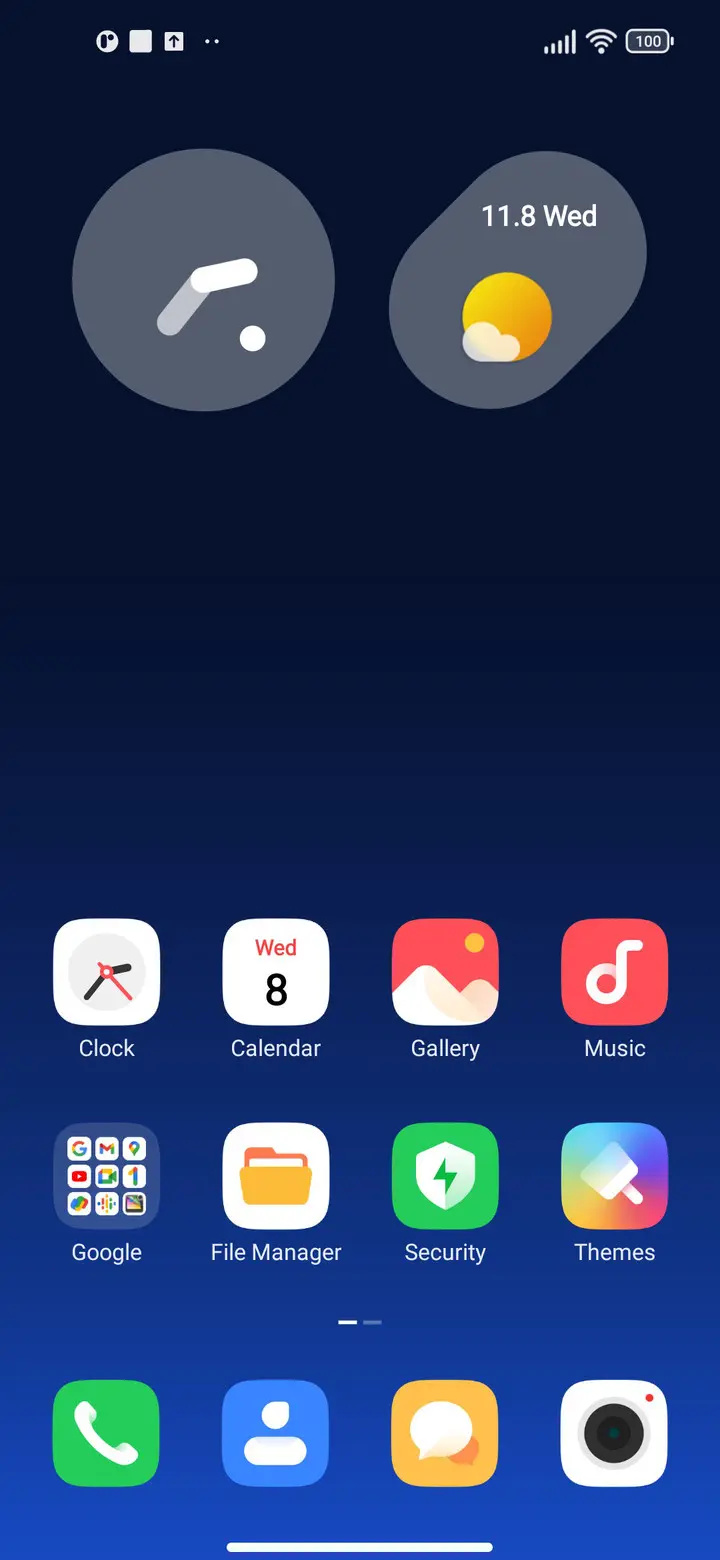
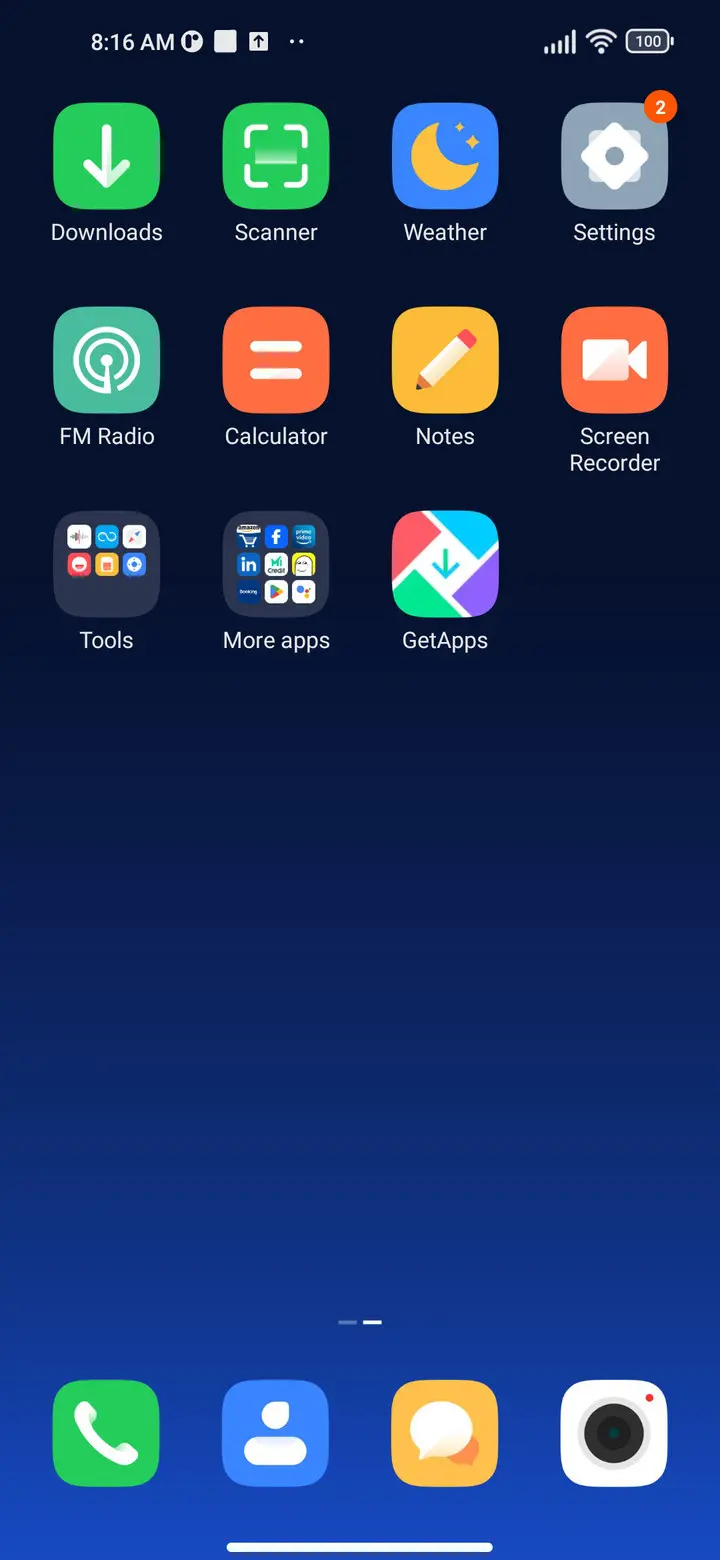
Revamped UI by Kevin, the designer of Refresh Paradise, Mirage DARK and Concept Gray, uses a deep navy background that brightens slightly toward the bottom.
Widgets
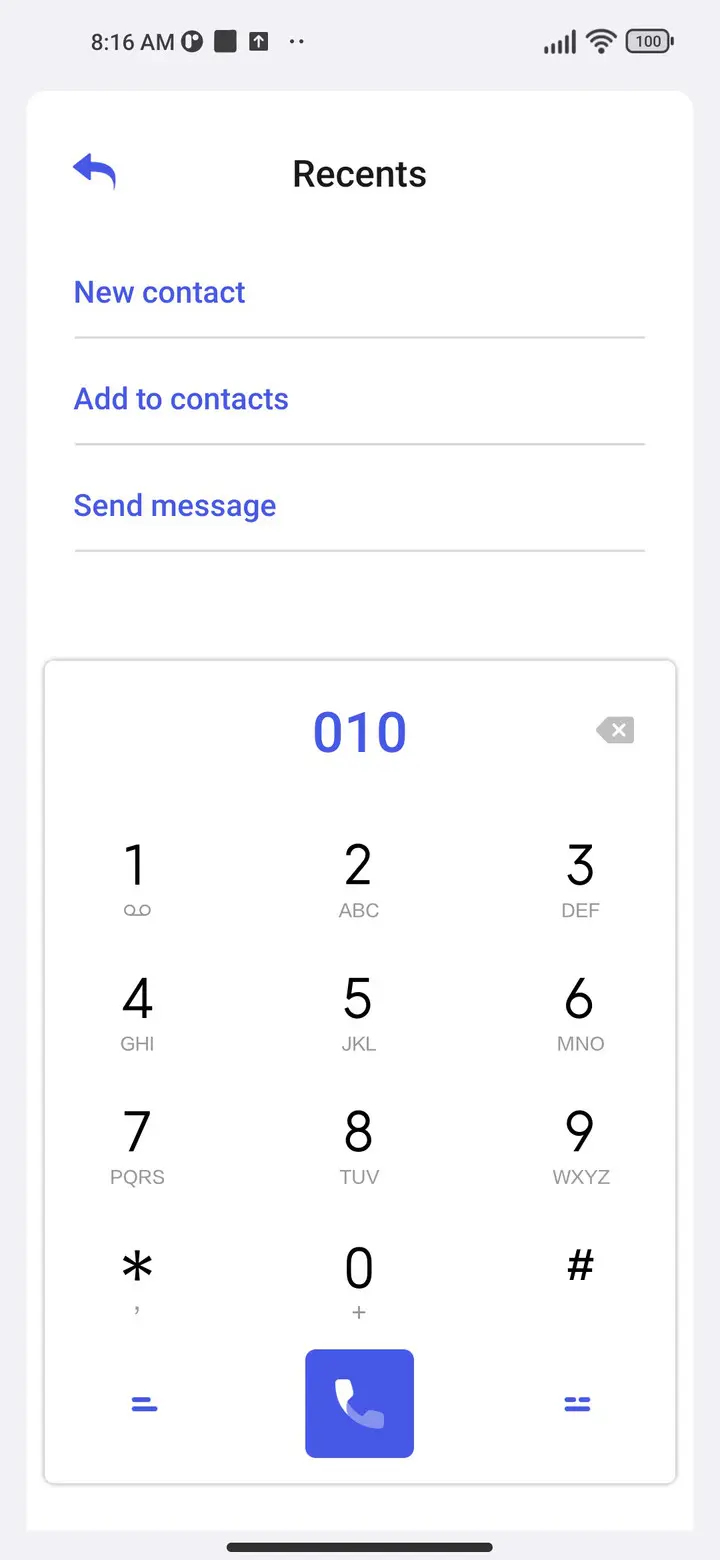
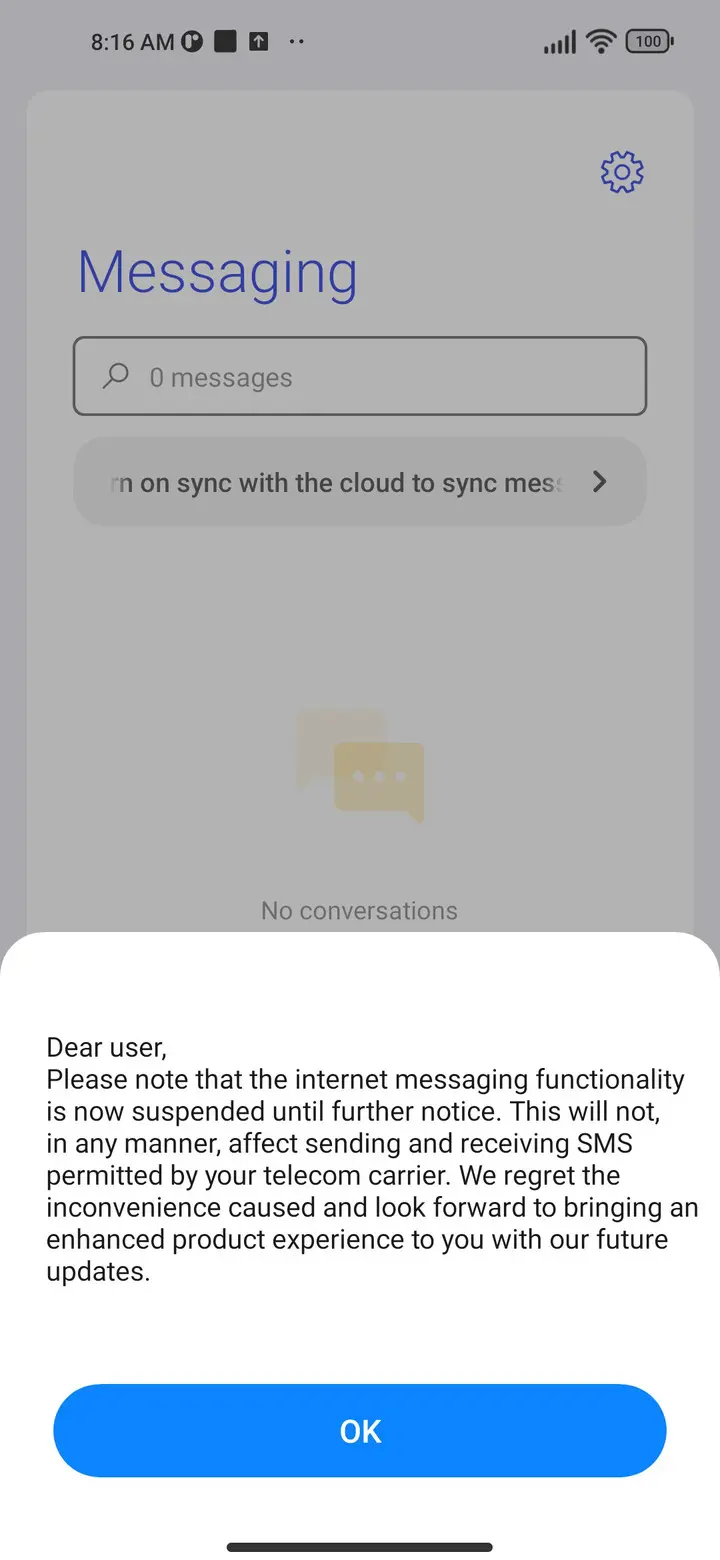
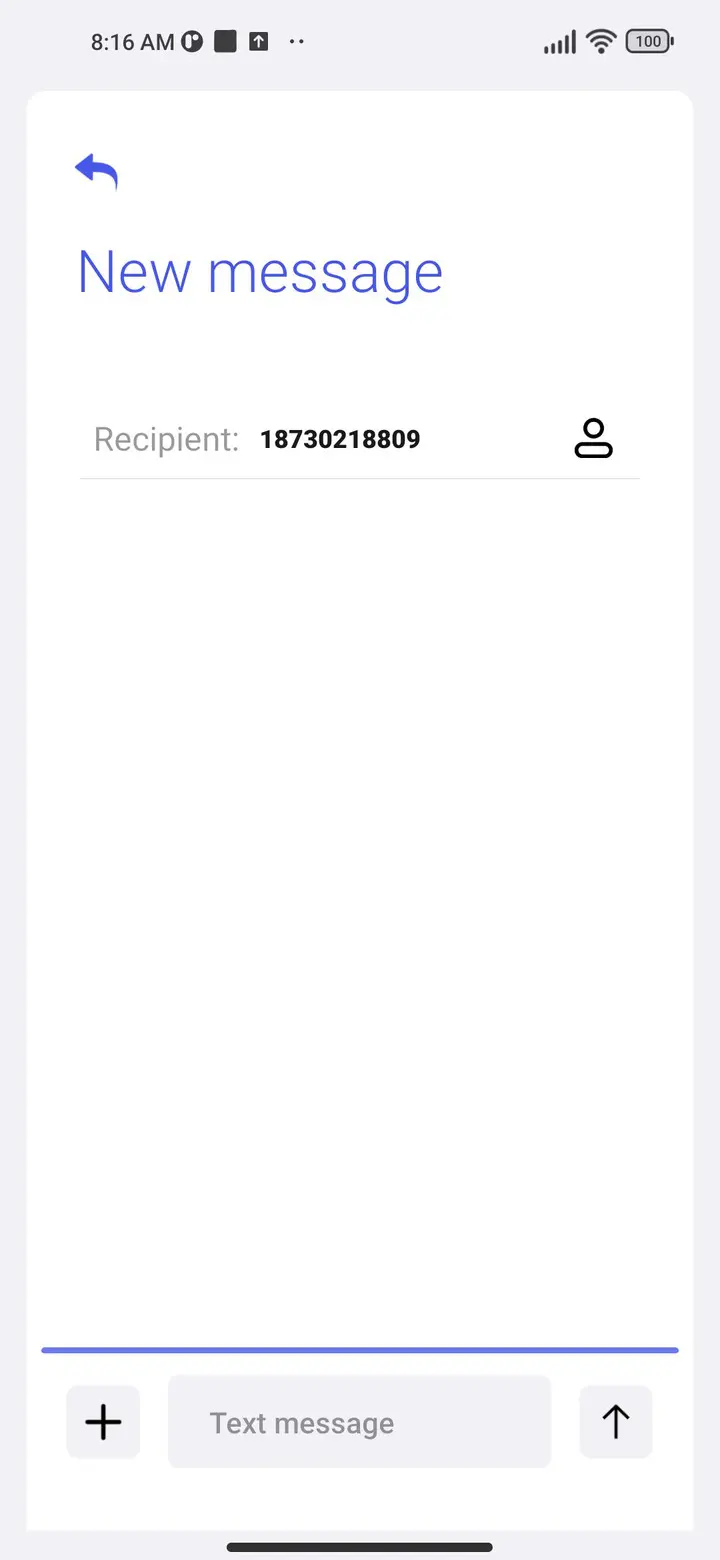
The lock screen shows two round widgets side by side, one shaped like a gauge with a needle and one holding the date and temperature. The home screen keeps colourful standard icons. The phone app and messages app are restyled, with a blue call button and light message screens.
Screen by screen
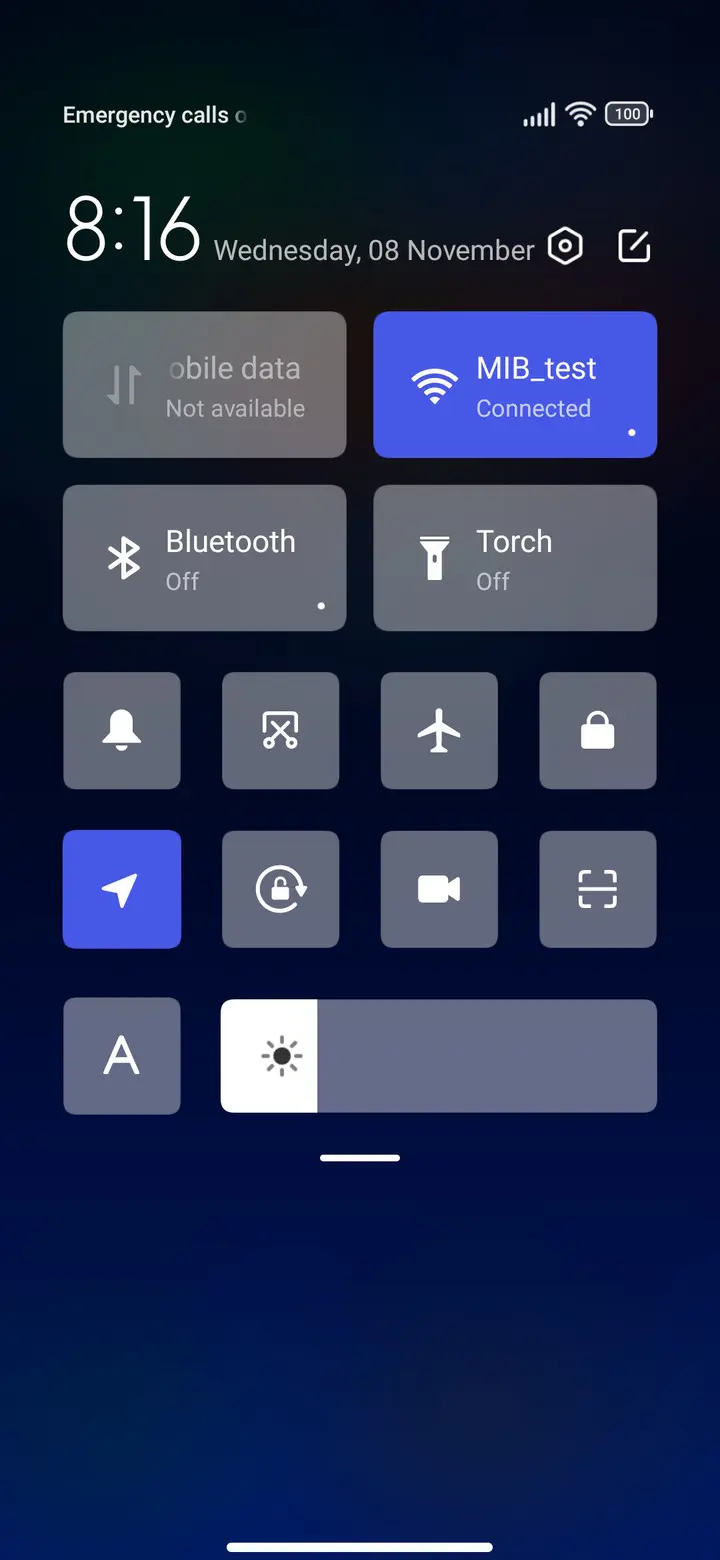
Revamped UI’s previews use a deep navy to blue gradient. The lock screen has two round widgets, a white analogue clock hand and a weather icon, and the home screen keeps the gradient behind colourful icons.
The control center is dark navy with blue active tiles, the dialer is white with a blue call button, and the messaging screen is themed. It is a tidy blue theme.
Who it suits
People who like dark-blue themes and small, tidy widgets more than big artwork.
Review basis
We have not tested Revamped UI; seven preview screens are our source.
Theme details
Everything to check before you install
More by Kevin
Refresh Paradise (tested), Mirage DARK and Concept Gray.
What we like
- Calm navy gradient
- Round gauge-style widgets
- Colourful icons
- Restyled phone and messages apps
Keep in mind
- Mostly a wallpaper and widget refresh
- Not tested hands-on
From its previews, Revamped UI is a tidy navy theme with neat circular widgets.
Get Revamped UI
You can add Revamped UI straight from the official Xiaomi Theme Store: open this page on your phone, tap the store button and let the Themes app handle the rest.







0 comments