
Mystical Nature HyperOS Theme – Misty Mountains Mirrored in a Lake
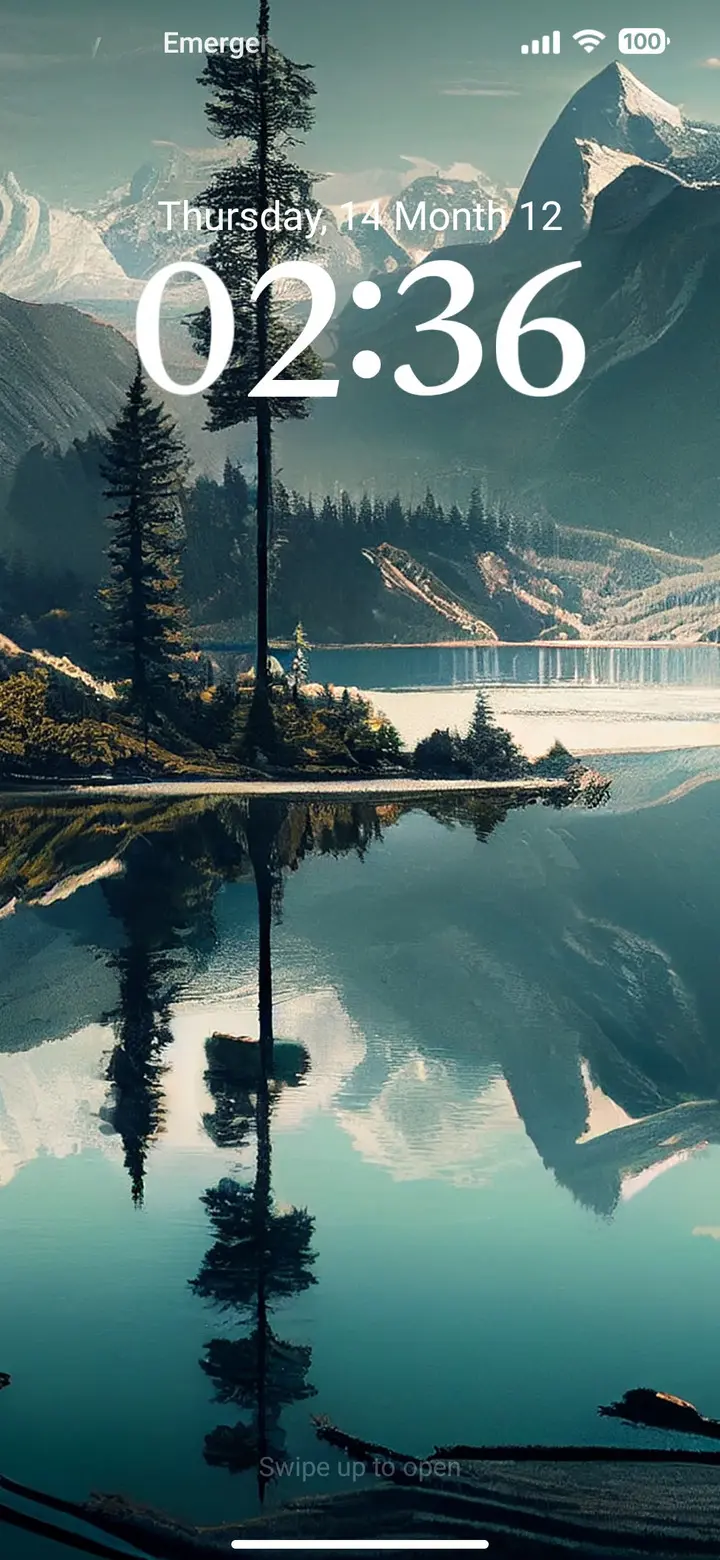
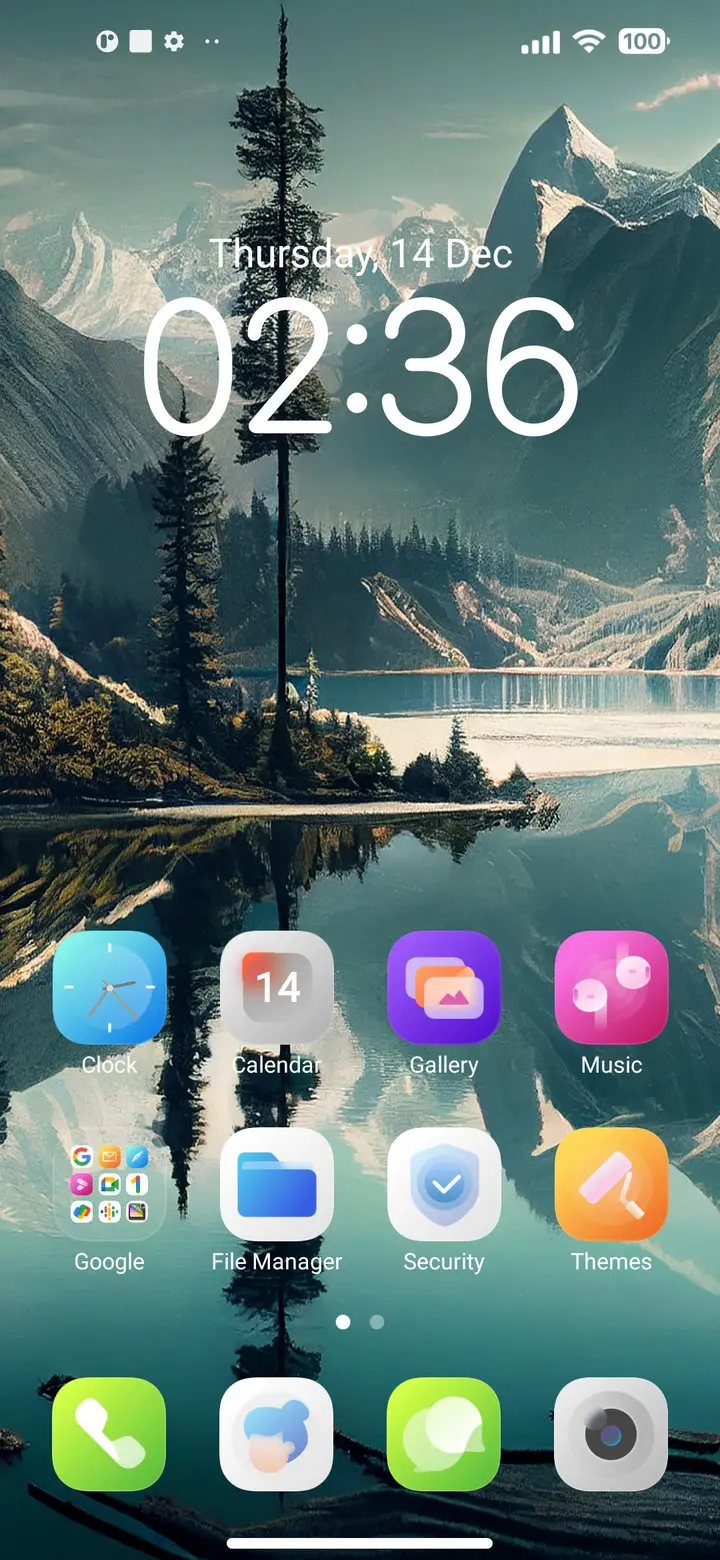
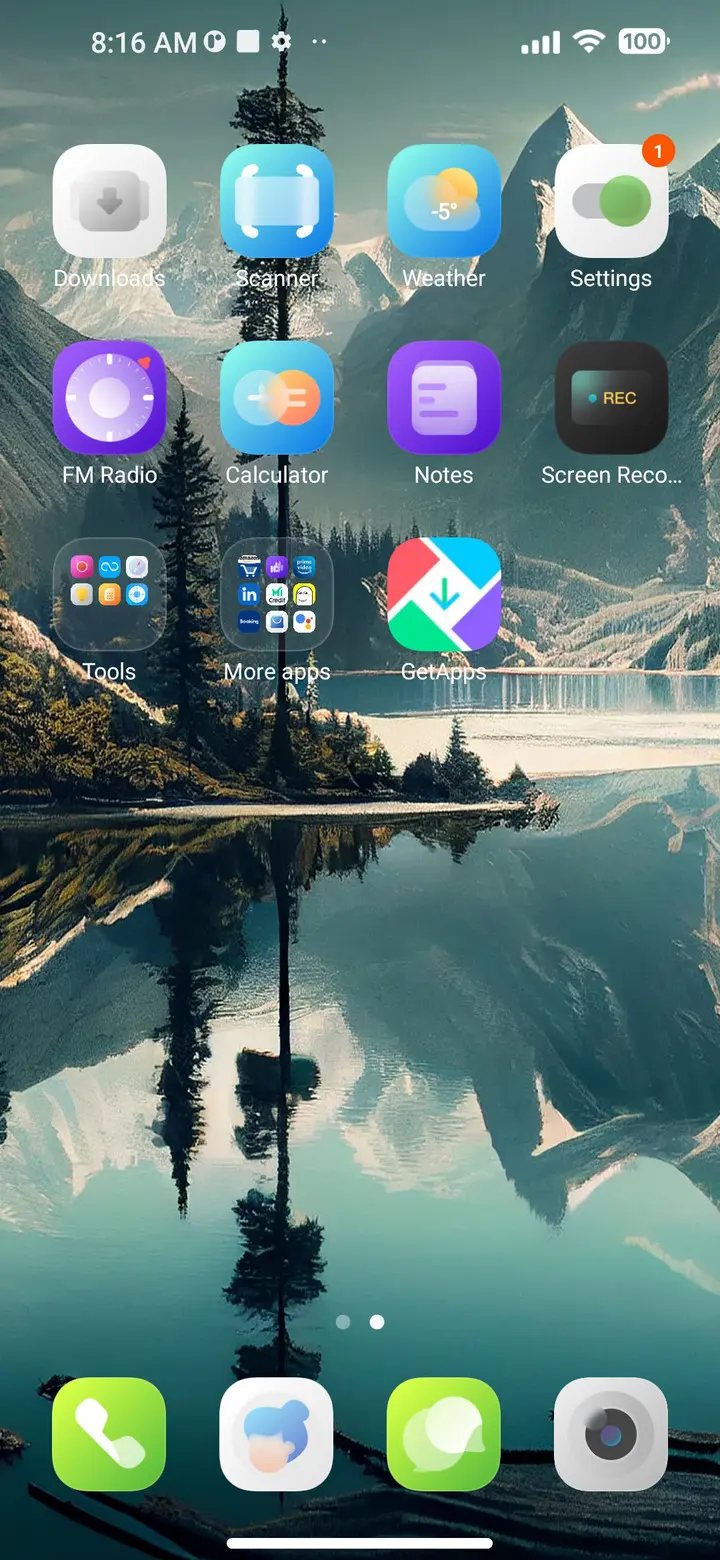
Mystical Nature by KimDung, who also made HyperMax and Countryside Beauty, captures a perfectly still lake. Tall pine trees and pale grey mountains are mirrored in the water so exactly that the scene looks almost symmetrical, in soft teal and grey tones.
Design
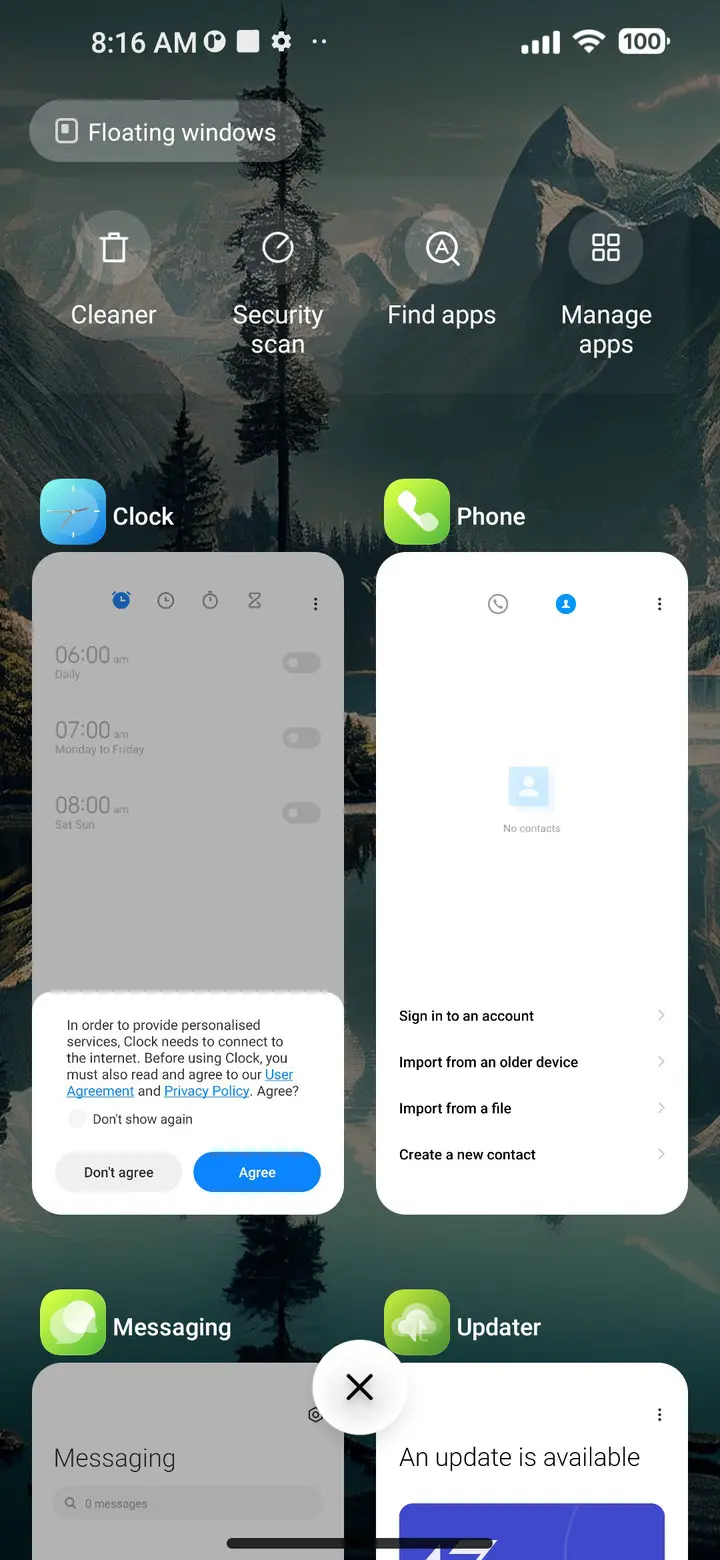
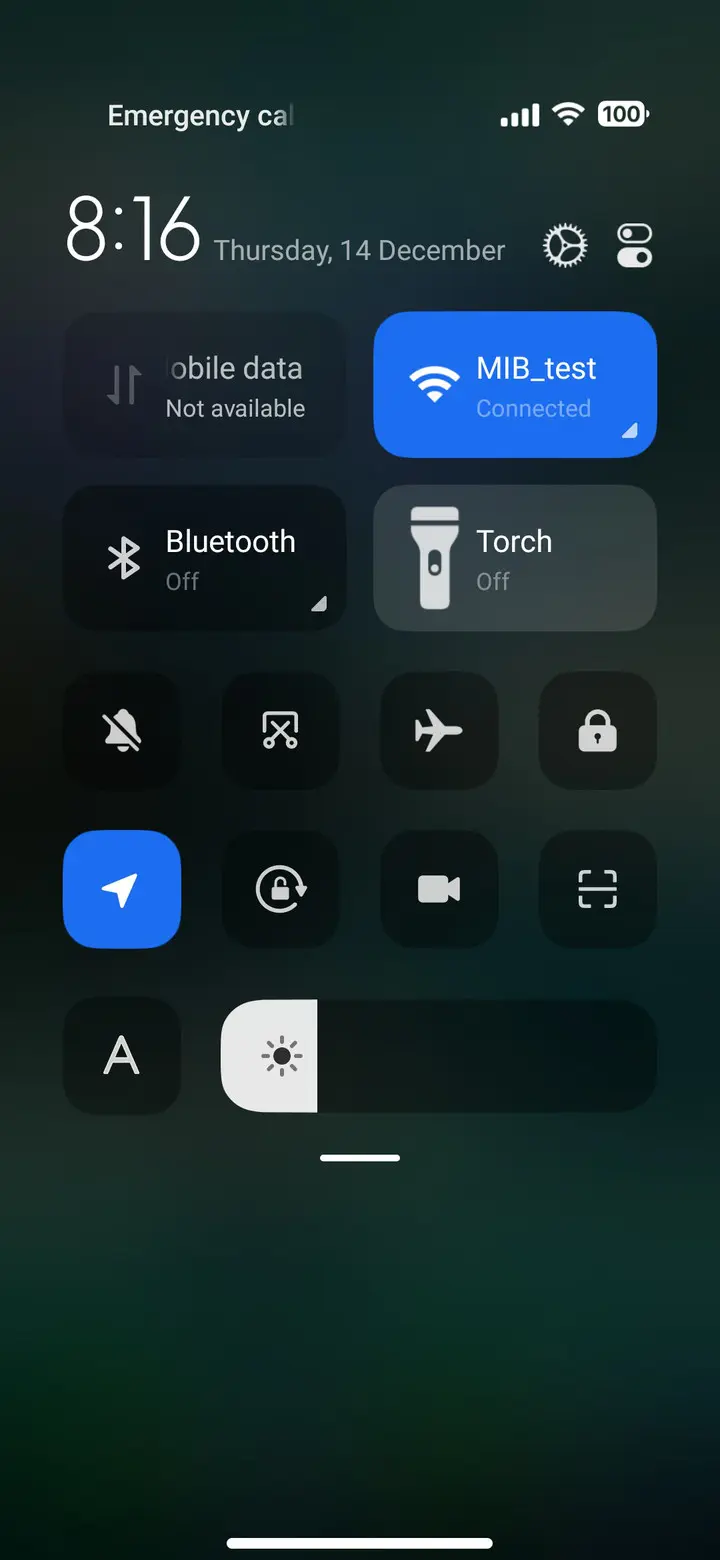
A clean white clock sits high on the lock screen with the date above. The home screen keeps the clock over the trees and lines colourful rounded icons along the reflection. The control center is dark with a blue Wi-Fi tile. It is an independent theme and is not affiliated with Apple.
Who it suits
Anyone who wants a peaceful nature photo with a balanced composition. The cool tones are easy on the eyes.
Before installing
At 68.4 MB, it is a large file, so use Wi-Fi and check your storage.
Review basis
We have not tested Mystical Nature; five previews are our source.
Theme details
Everything to check before you install
Same designer
HyperMax and Countryside Beauty.
What we like
- Peaceful mirror-lake photo
- Compact widgets
- Clean clock
Keep in mind
- Large 68.4 MB file
- Not tested hands-on
From its previews, Mystical Nature is a serene landscape theme, though heavy at 68.4 MB.
Get Mystical Nature
Mystical Nature is published on the official Xiaomi Theme Store by KimDung. On your Xiaomi, Redmi or POCO phone, the button below opens its store page directly.








0 comments