
Pix Yellow HyperOS Theme – A Bird on a Branch in Olive and Gold
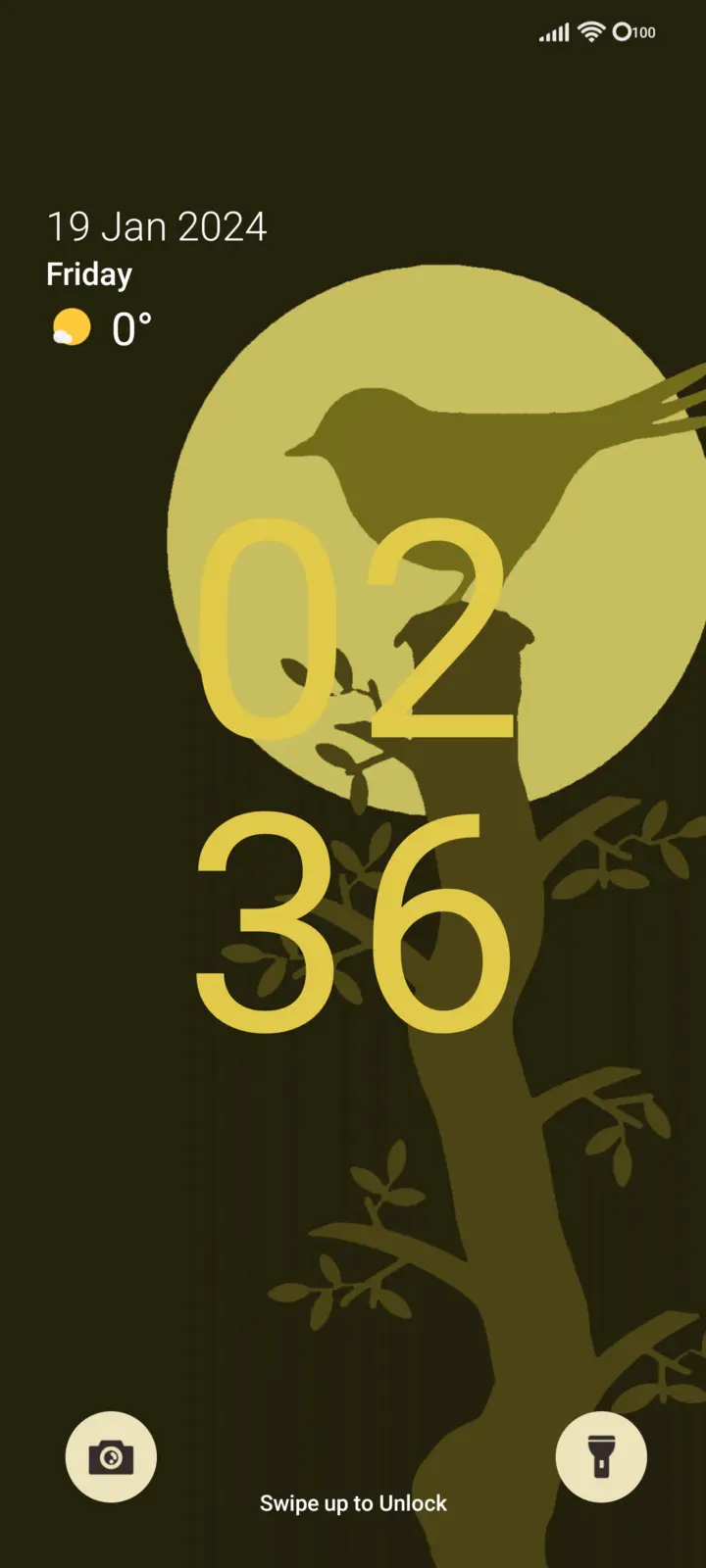
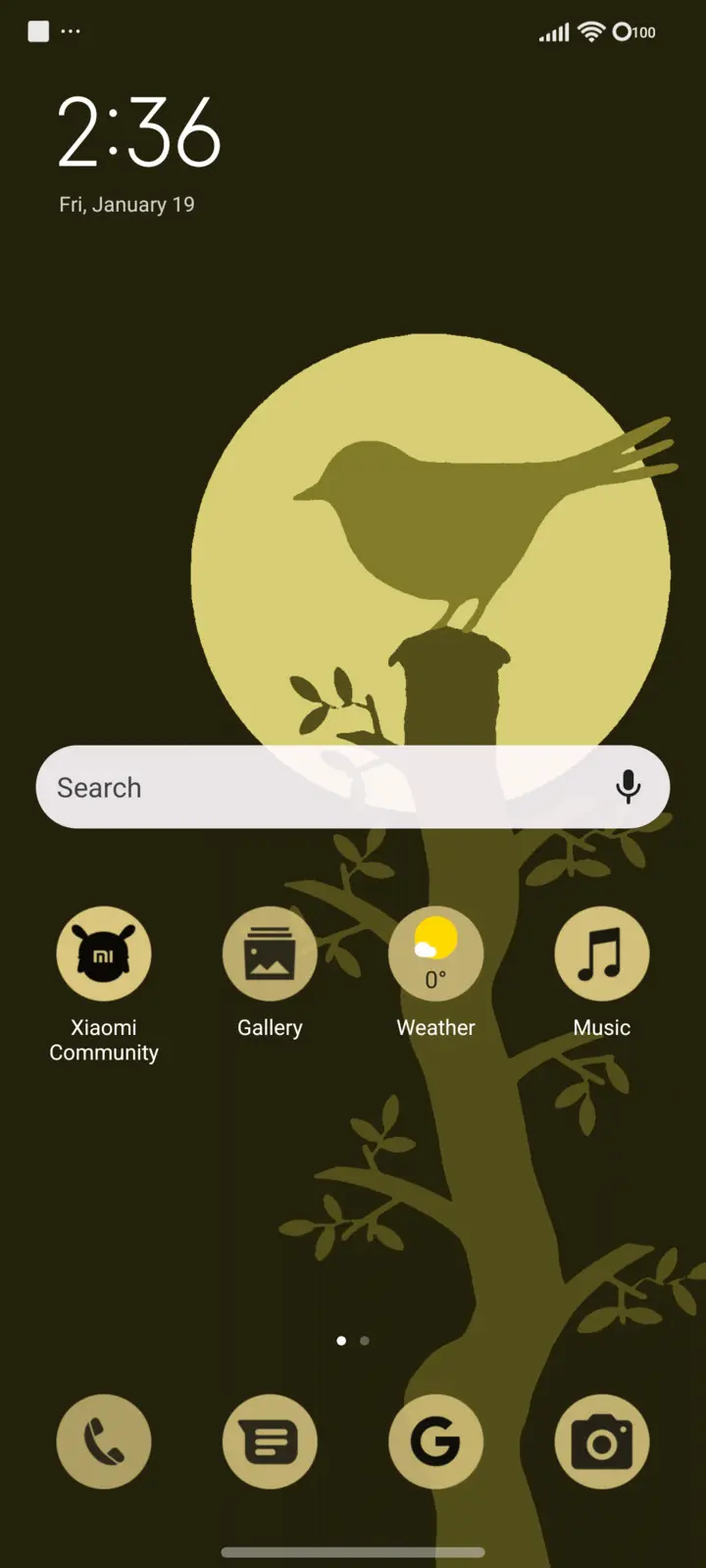
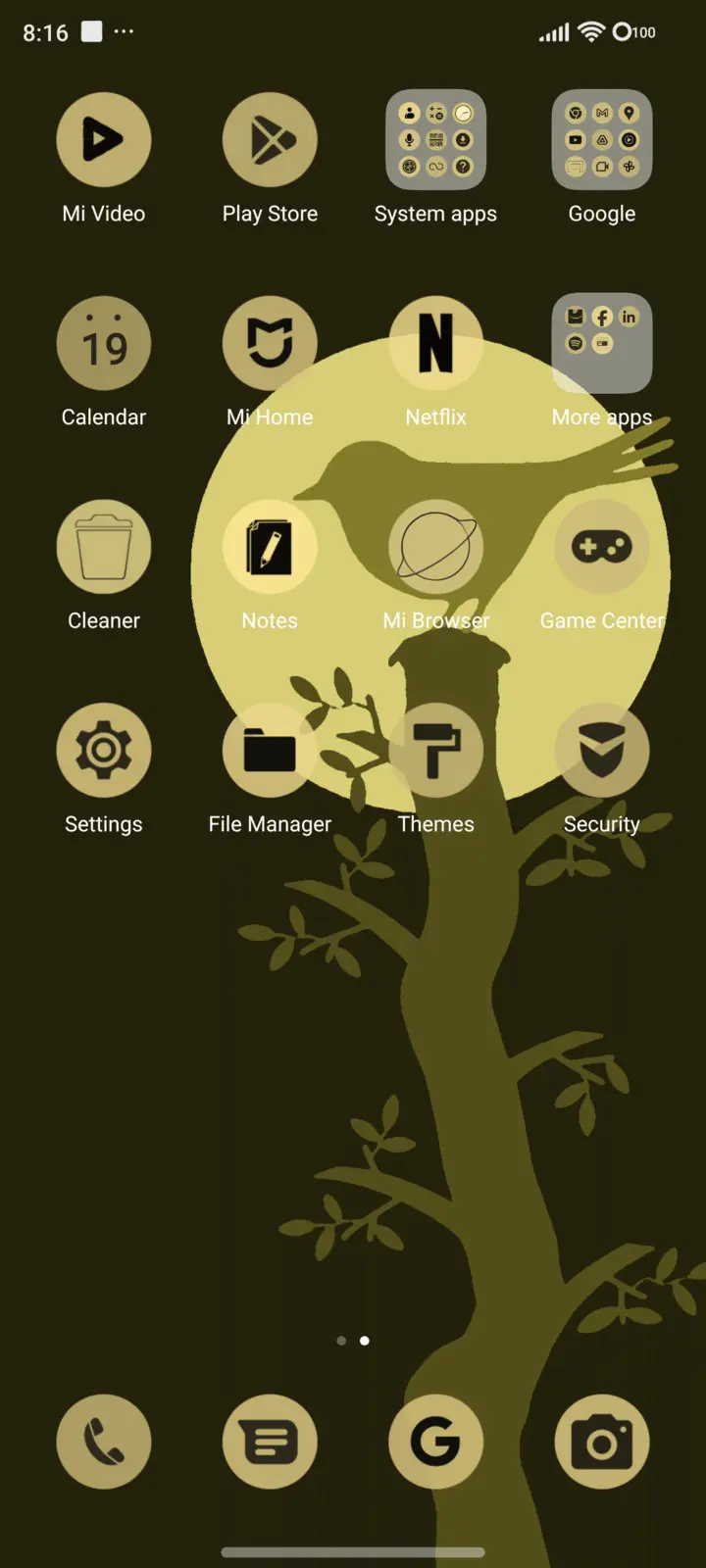
Pix Yellow by Amey Patil takes its cue from the colour-matched look of Google Pixel phones, where the whole interface takes on one tone. Here the tone is olive green and soft gold. It is an independent theme and is not affiliated with Google.
The illustration
A small bird perches on a curving branch, silhouetted against a huge pale-yellow moon. Everything around it is dark olive. On the lock screen, a big stacked clock in gold overlaps the moon.
One colour, everywhere
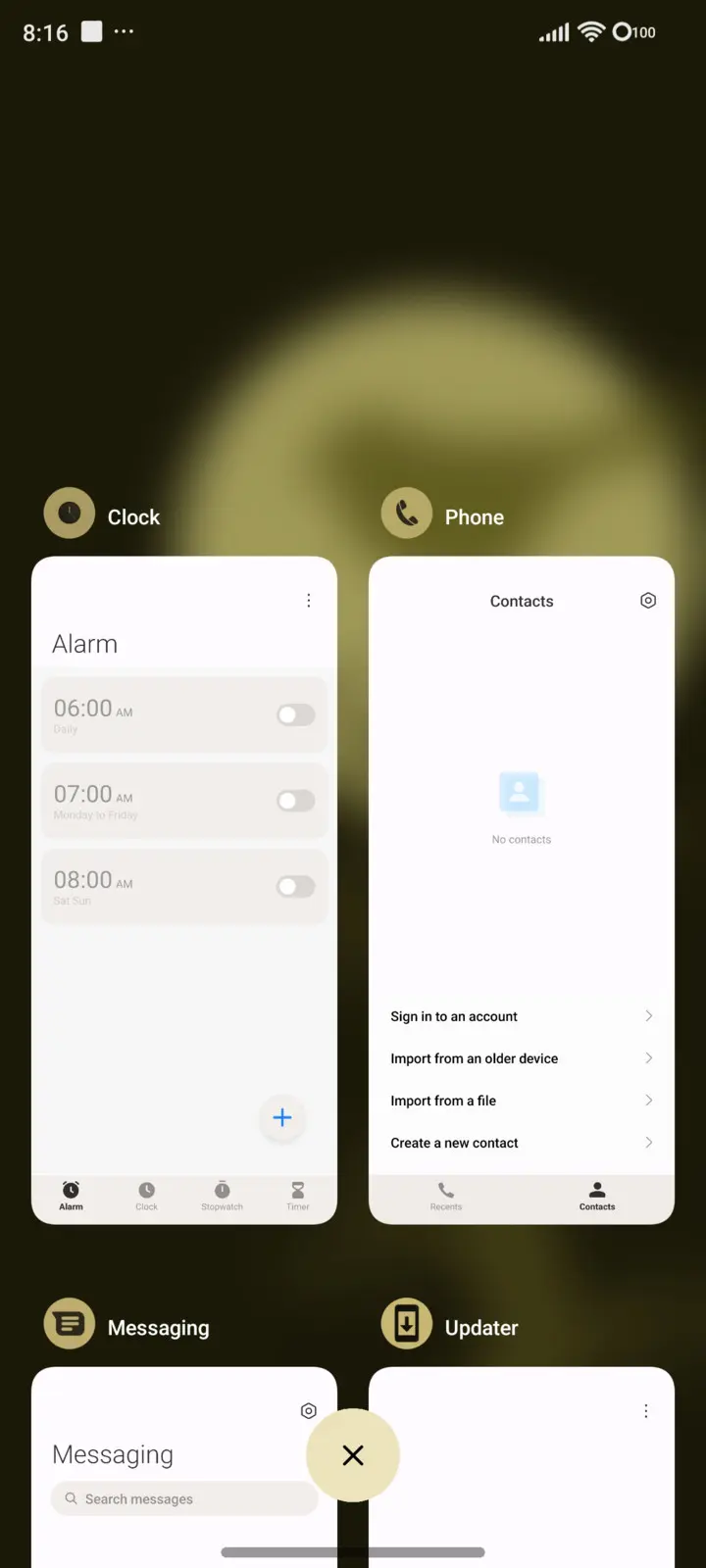
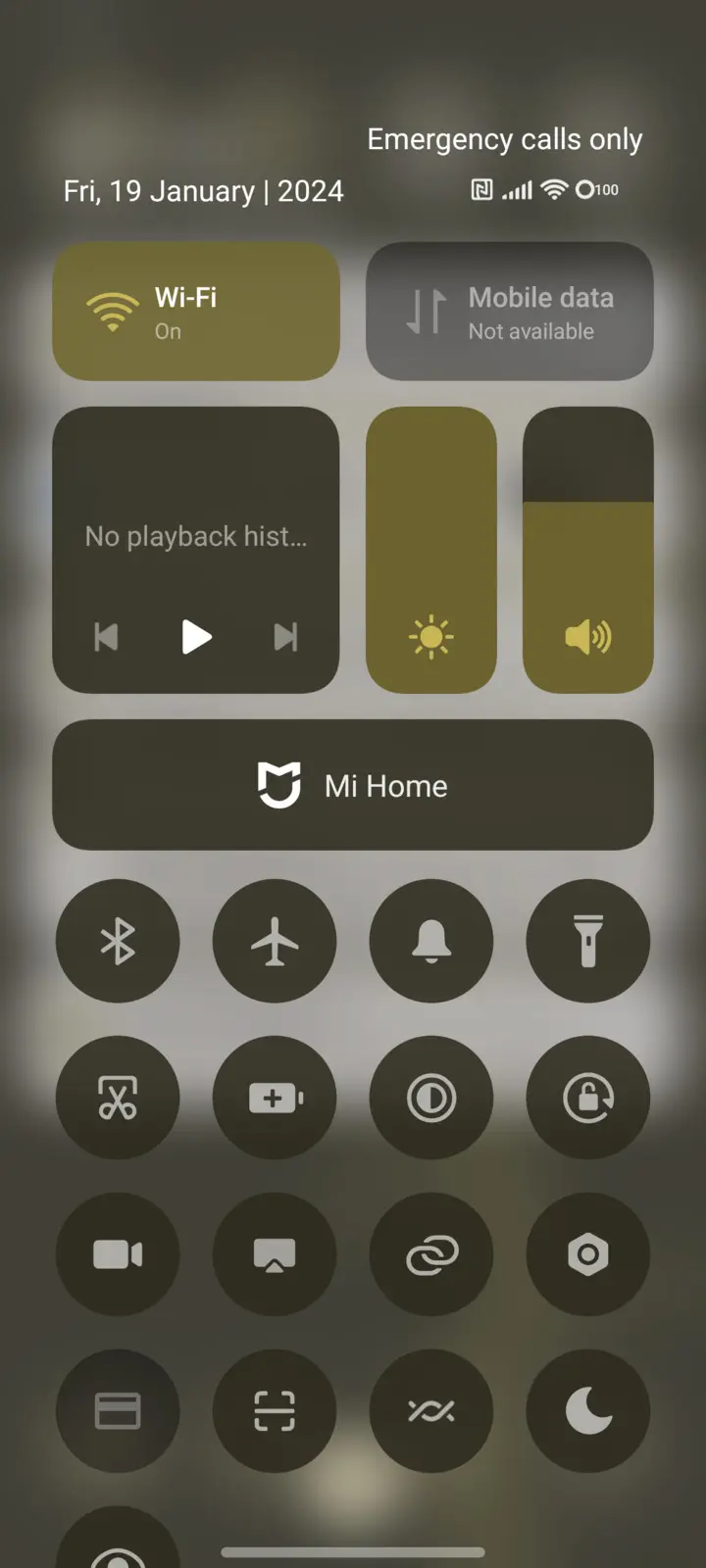
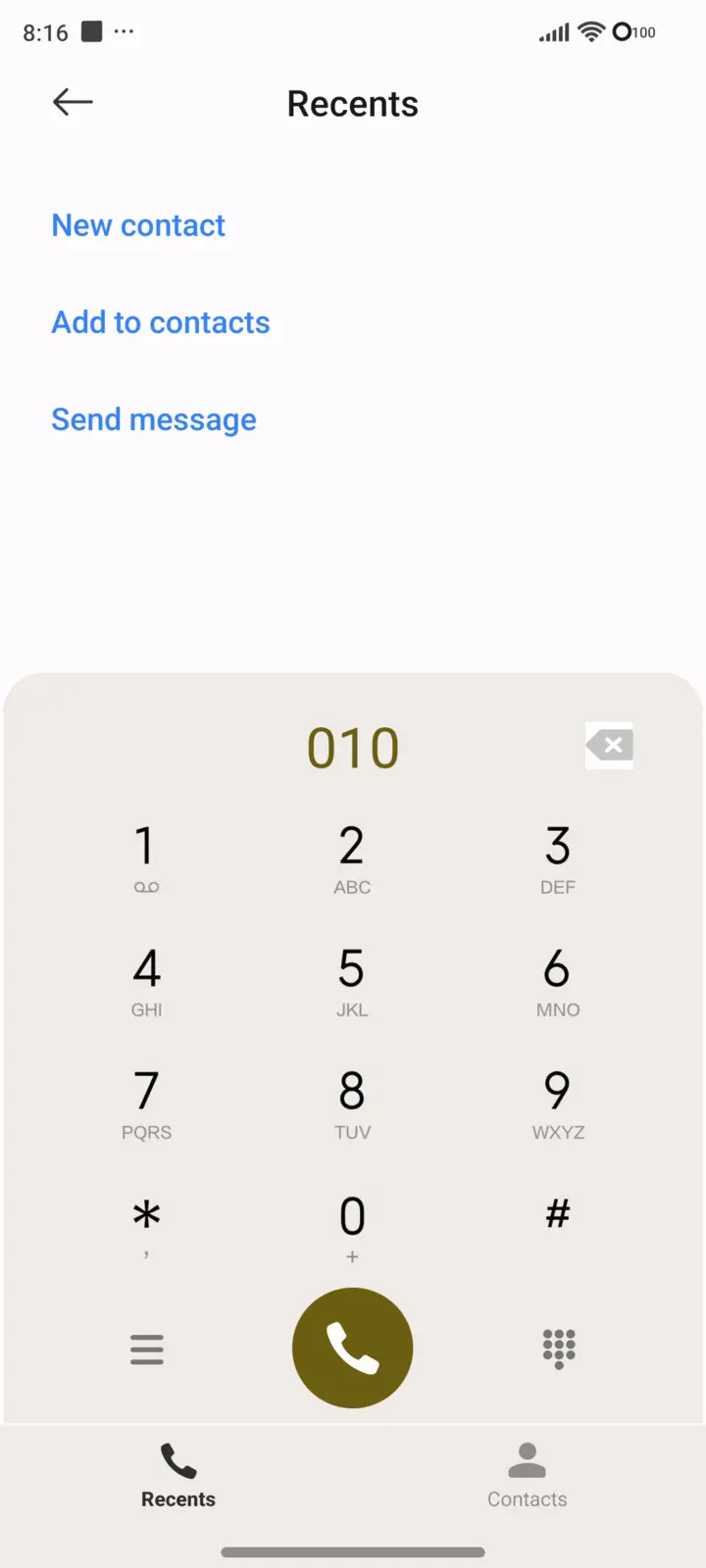
Icons are redrawn as gold symbols on olive circles, the control center uses the same two colours, and even the phone app gets an olive call button. It is very consistent. The catch is that same-colour icons take a moment longer to tell apart.

Screen by screen
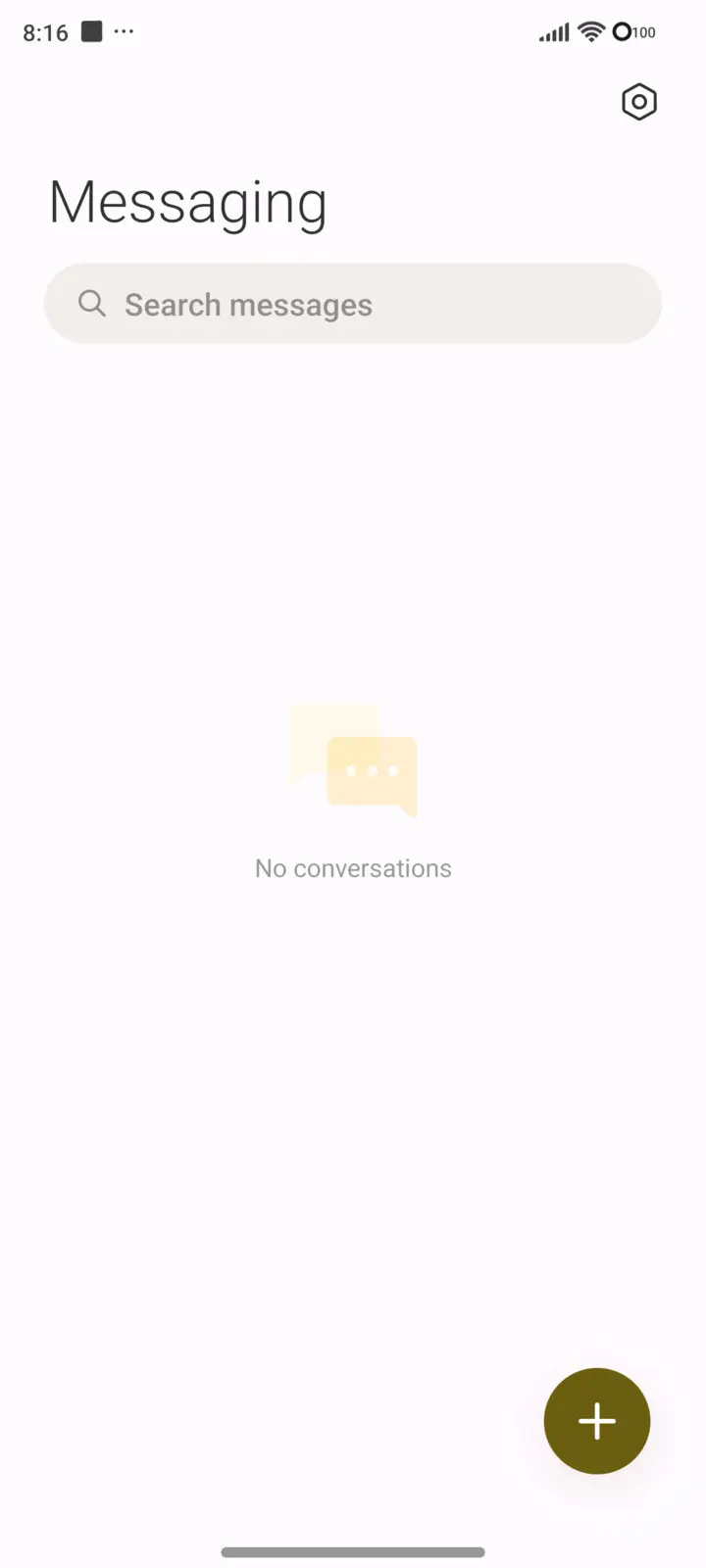
Pix Yellow’s previews show an olive green background with a pale yellow sun and a bird perched on a branch. The lock screen stacks a large yellow clock over the sun, and the home screen keeps the same scene with a small clock and search bar.
Icons are round yellow-green discs with dark symbols, matching the illustration. The control center and dialer are tinted in the same olive and cream tones, so the colour scheme carries through every screen.
How we reviewed it
Our notes on Pix Yellow come from its official preview images and store details only; we have not tested it hands-on, so we cannot comment on speed or how many third-party icons it covers.
Theme details
Everything to check before you install
- File size
- 4.65 MB
- Developer
- Amey Patil
- Region / server
- Global
- Review type
- Preview-based
- Compatibility
- HyperOSMIUI
Other colours in the series
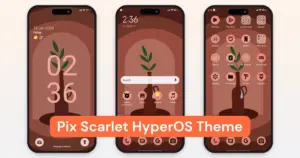
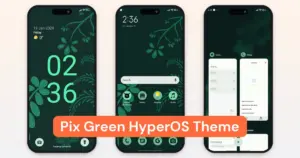
Amey Patil made the same design in other palettes: see Pix Scarlet and Pix Green.
What we like
- Tiny 4.65 MB file
- Calm olive and gold palette
- Big stacked clock
- Every screen tinted to match
Keep in mind
- One-colour icons are harder to tell apart
- Not tested hands-on
Judging by its previews, Pix Yellow is a tasteful, tiny theme for fans of Pixel-style colour matching.
Get Pix Yellow
Pix Yellow is published on the official Xiaomi Theme Store by Amey Patil. On your Xiaomi, Redmi or POCO phone, the button below opens its store page directly.




0 comments