
Pix Green HyperOS Theme – Mint Clock on Dark Leaves
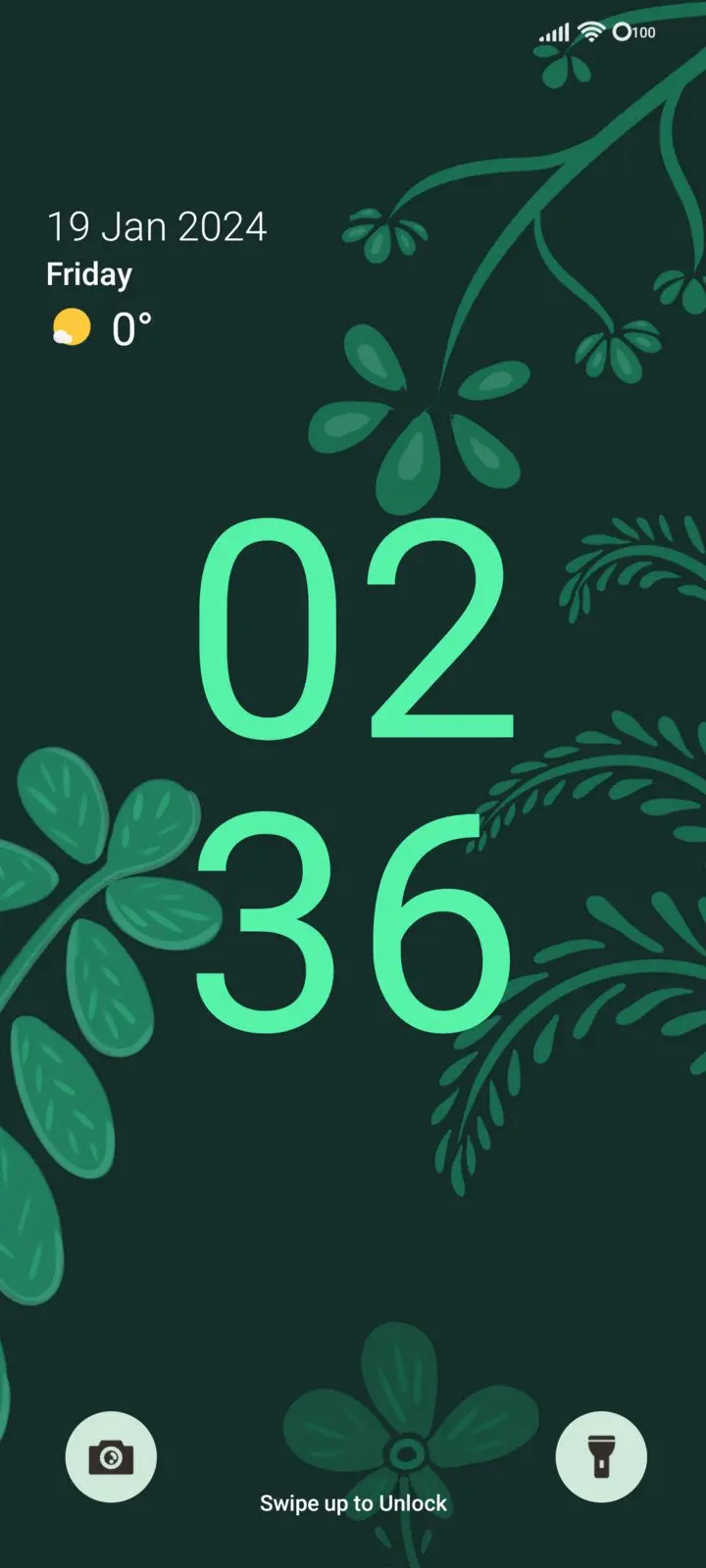
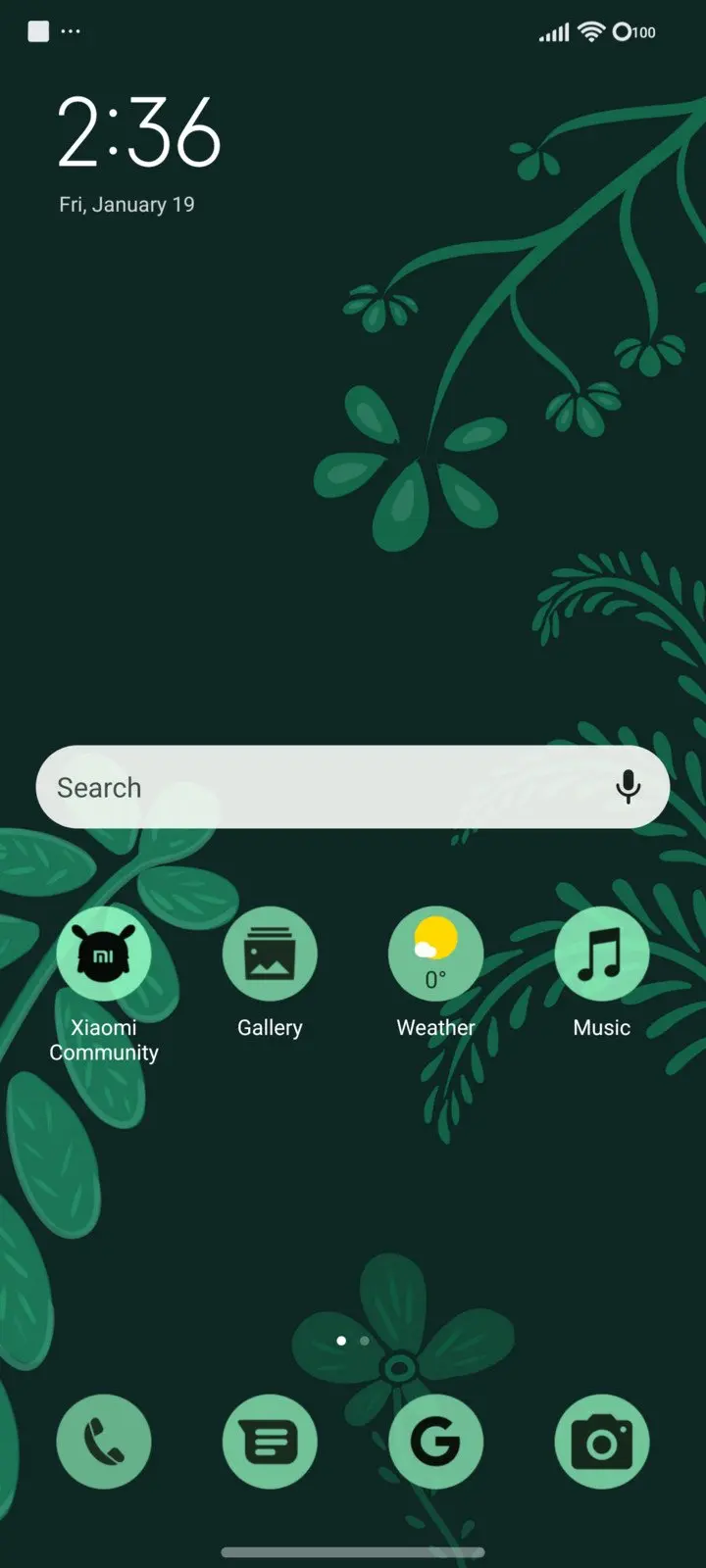
Pix Green is the leafy entry in Amey Patil’s colour-matched Pix series. Feathery dark leaves curl in from the edges of a deep forest-green background, and a large mint clock sits in the middle of the lock screen like a label on a seed packet.
One colour, many places
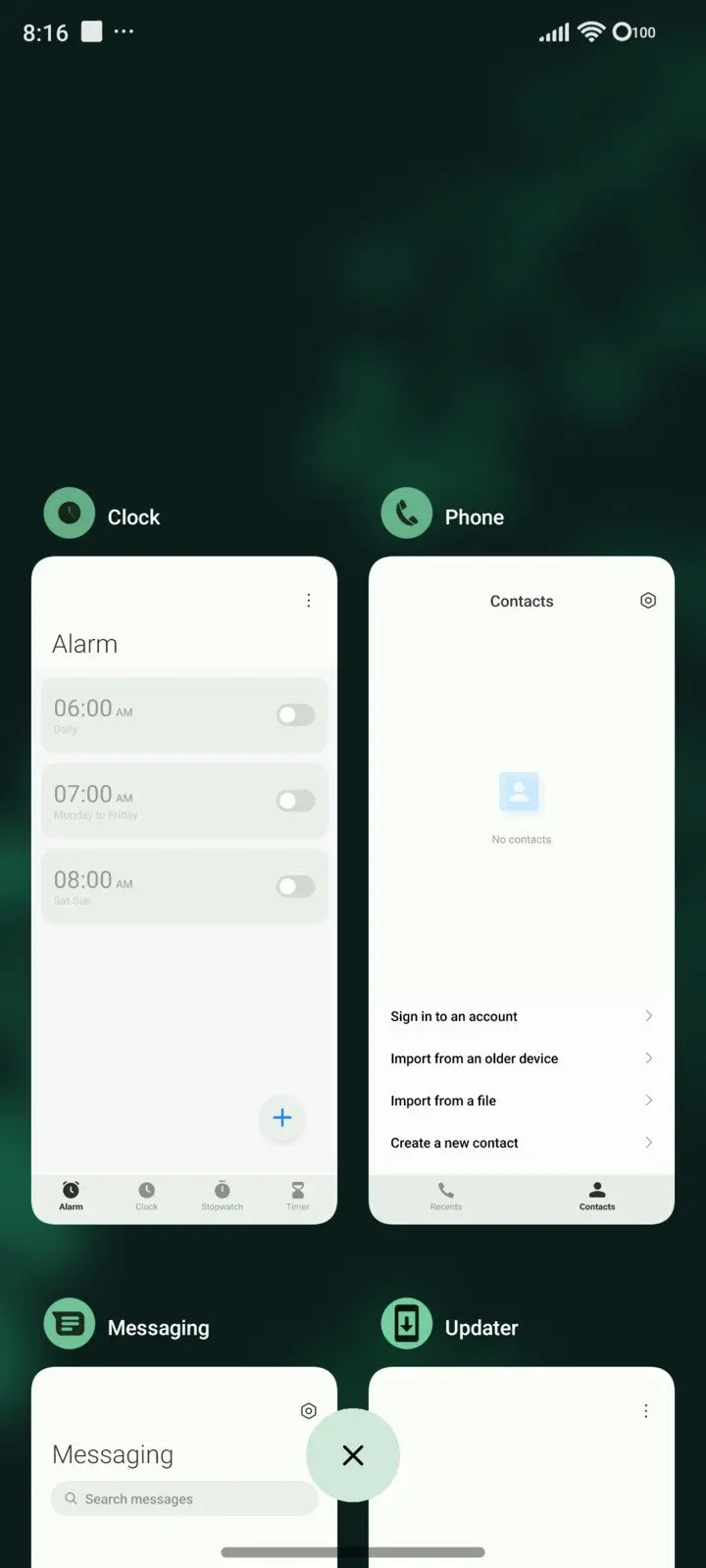
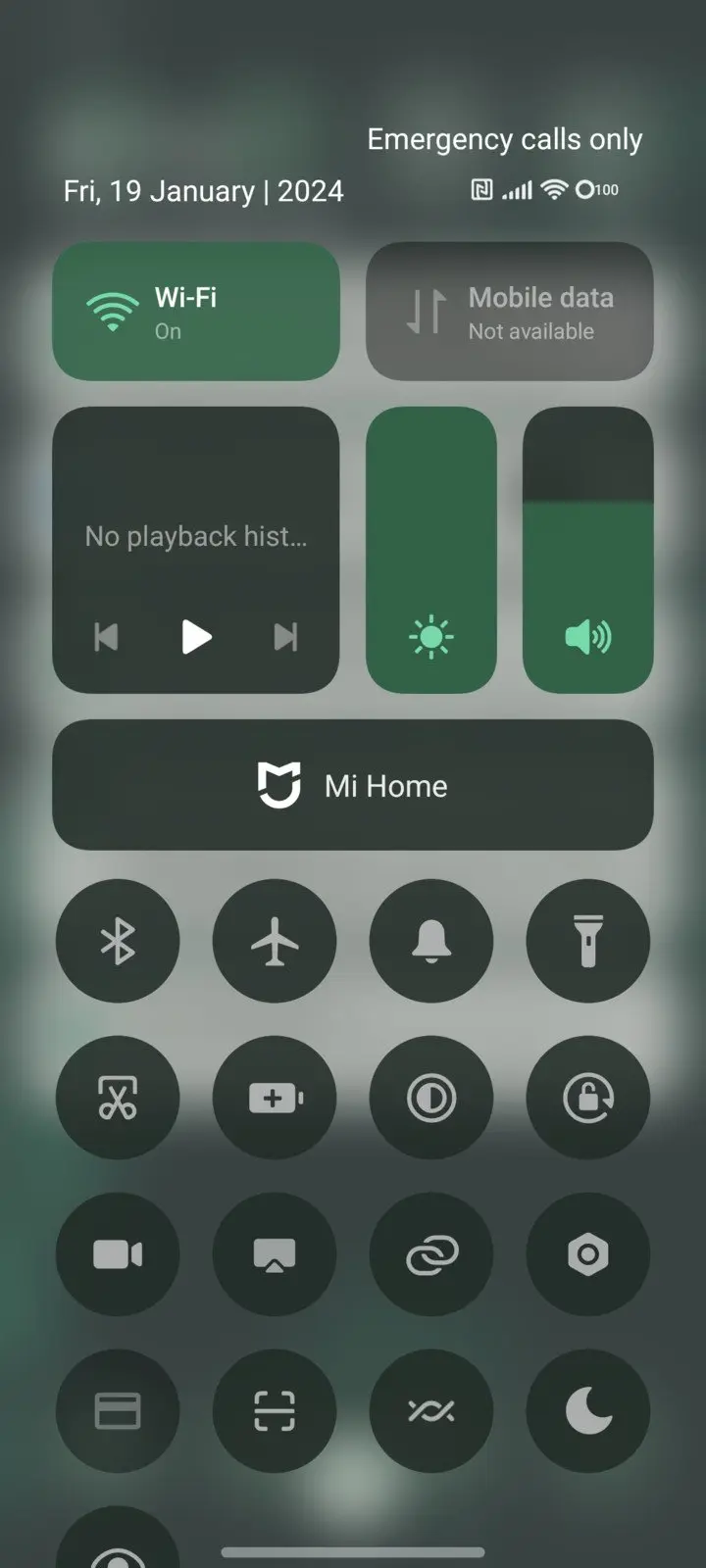
Following the Pixel-style idea of matching the interface to the wallpaper, the home screen icons become soft green symbols on darker circles. The recent apps view sits on dark green, and the control center tints its frosted tiles green as well. The series borrows that idea from Google’s phones but is not affiliated with Google.
Mint on dark green is a high-contrast pairing, so the clock is very easy to read. The trade-off is that the icons, all in one shade, take a moment longer to scan.
A closer look at the screens
Pix Green’s previews show a deep forest green background with pale green leaves and flowers. The lock screen stacks a large mint green clock, and the home screen keeps a small white clock above a light search bar.
Icons are round green discs. The control center is dark green with pale green active tiles. The previews show the lock, home, recents and control center screens. It is a calm, leafy colour set.
A note on our review
Only four official preview screens exist for Pix Green, and we have not tested it on our own Redmi. So we cannot say how many third-party apps get icons; what you see above is what the previews show.
Theme details
Everything to check before you install
- File size
- 4.9 MB
- Developer
- Amey Patil
- Region / server
- Global
- Review type
- Preview-based
- Compatibility
- HyperOS 3.0HyperOS 2.0MIUI 14
Pick your colour
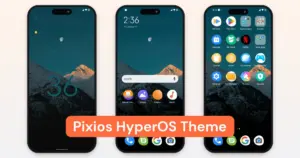
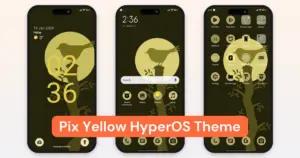
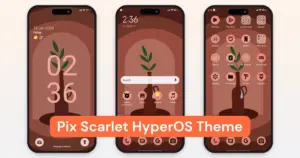
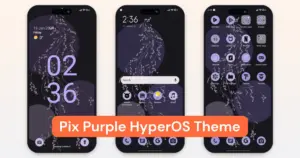
The same design comes in Pix Blue, Pix Purple, Pix Yellow and Pix Scarlet.
What we like
- Tiny 4.9 MB file
- Calm, natural green palette
- Very readable mint clock
Keep in mind
- Everything is one colour
- Only four preview screens
4.3/5 Preview-based score · How we score
Going by its four previews, Pix Green is a soothing, nature-toned theme for people who like one colour everywhere.
Get Pix Green
Amey Patil lists Pix Green on the official Xiaomi Theme Store. Tap the button on your phone, choose Themes when asked, and apply it from there.




0 comments