
Pix Blue HyperOS Theme – Slate Blue with Line-Art Leaves
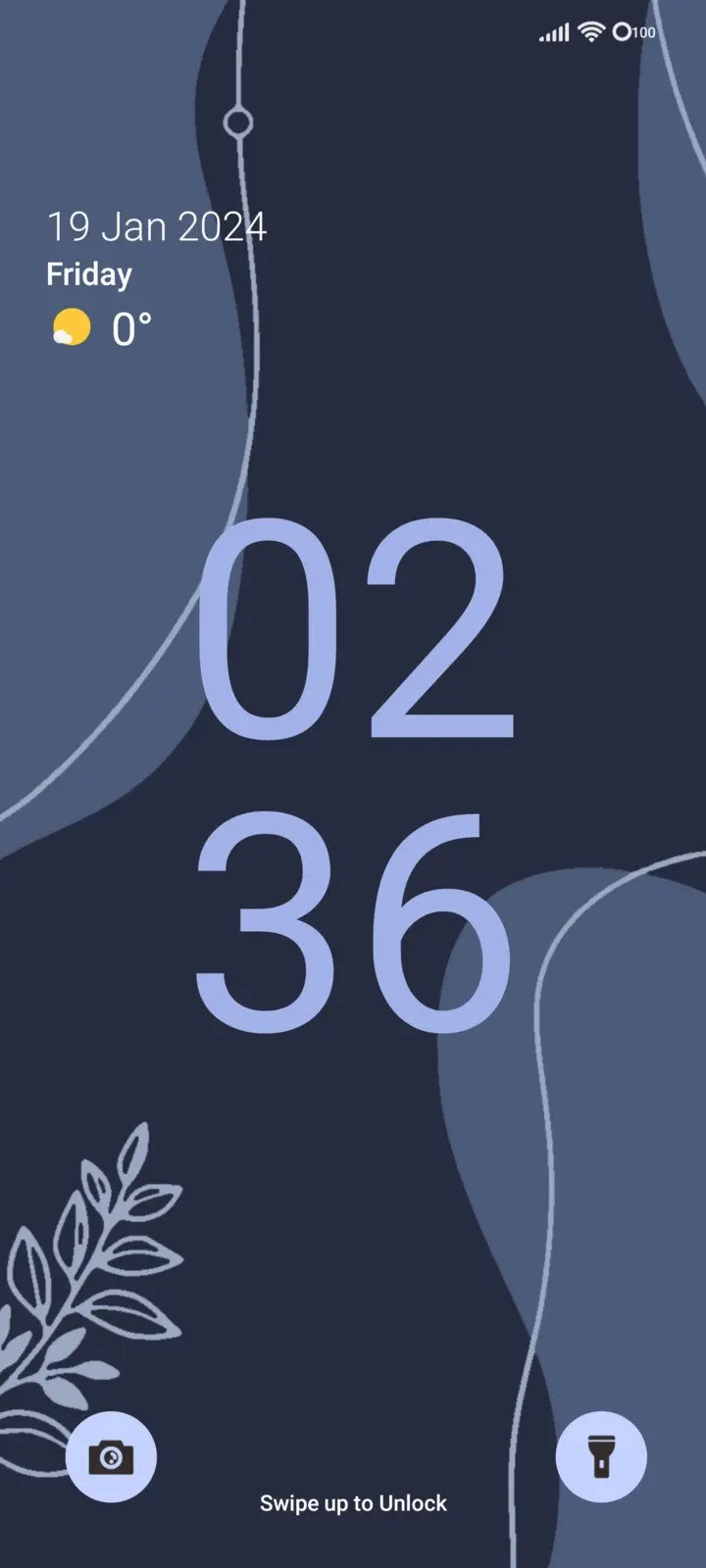
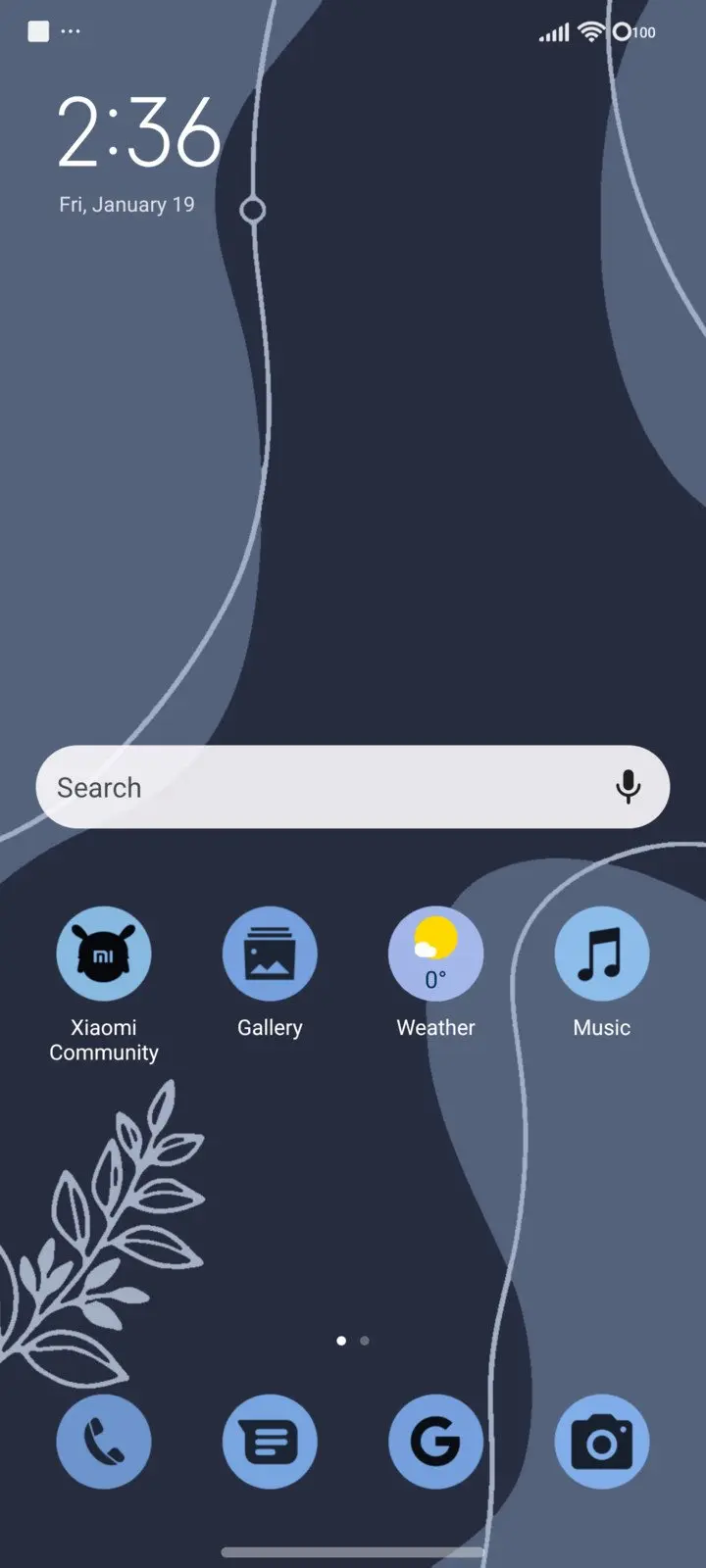
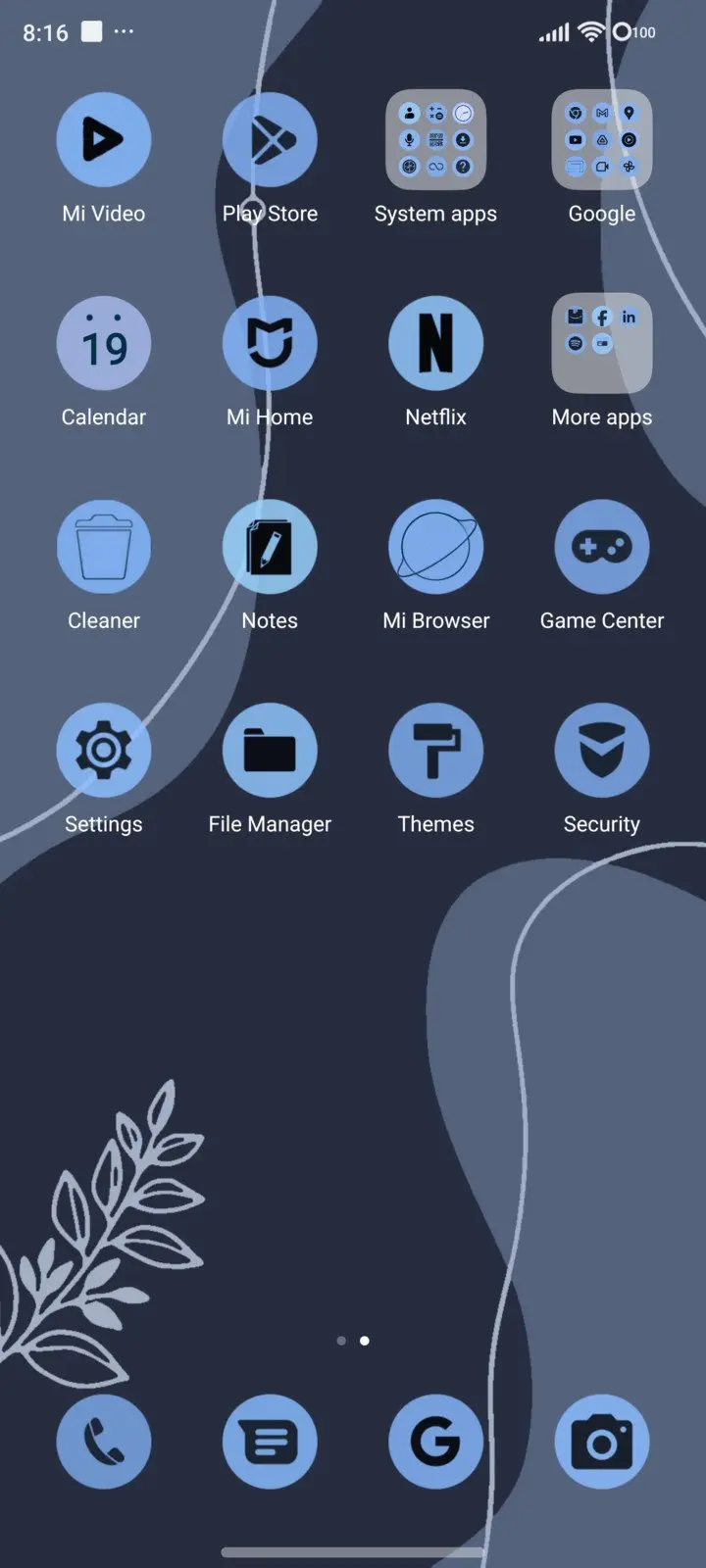
Pix Blue swaps the bold illustrations of its siblings for something quieter. Overlapping slate-blue curves fill the screen, crossed by a single thin white line, and a small leaf sprig is sketched near the bottom corner.
Layout
The lock screen centres a pale blue stacked clock with the date and weather in the top left. Every icon on the home screen and app page is redrawn in the same pale blue on a darker tile. The control center uses frosted grey-blue tiles, and the recent apps view blurs the wallpaper behind it.
If you find most themes too loud, this is one to look at. Like the rest of the series it takes the Pixel-style colour-matching idea, and it is not affiliated with Google.
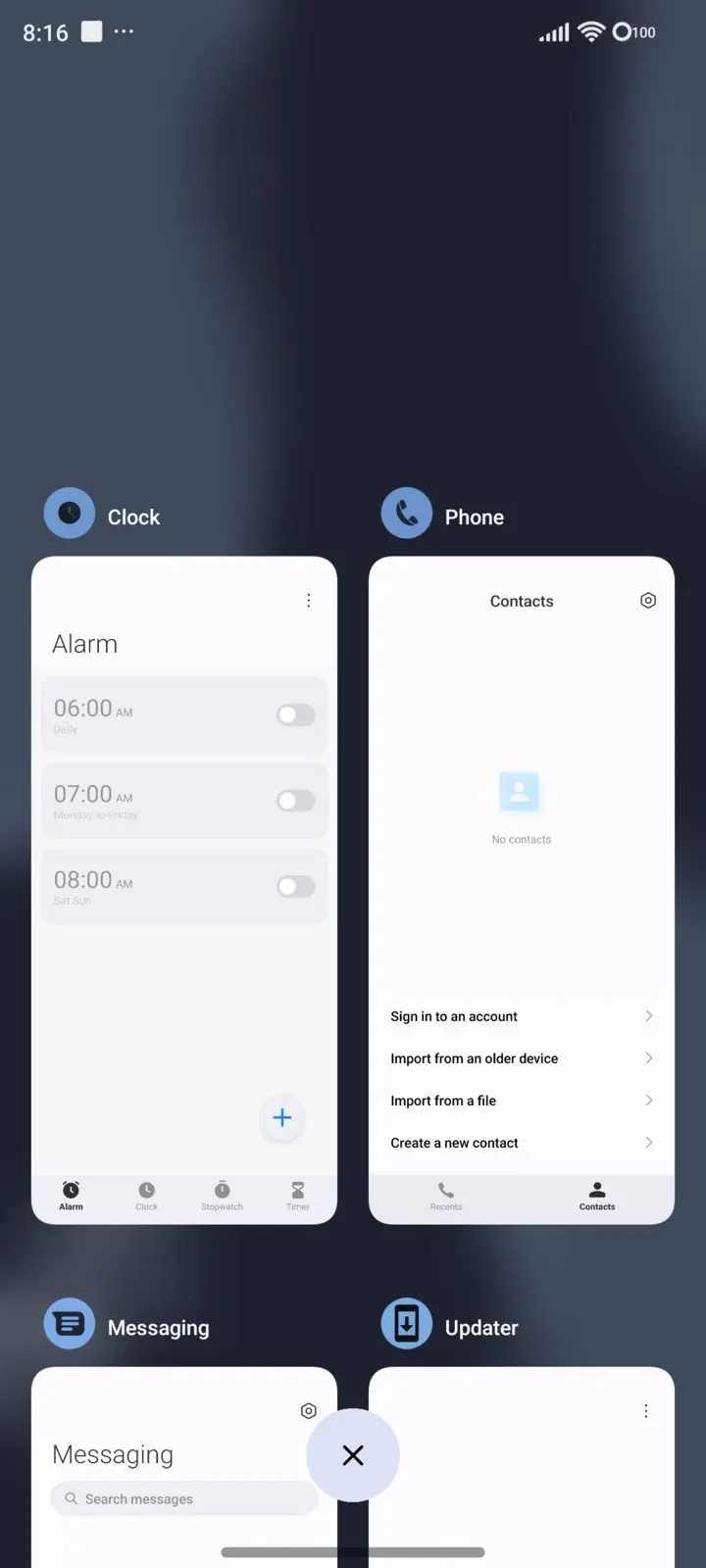
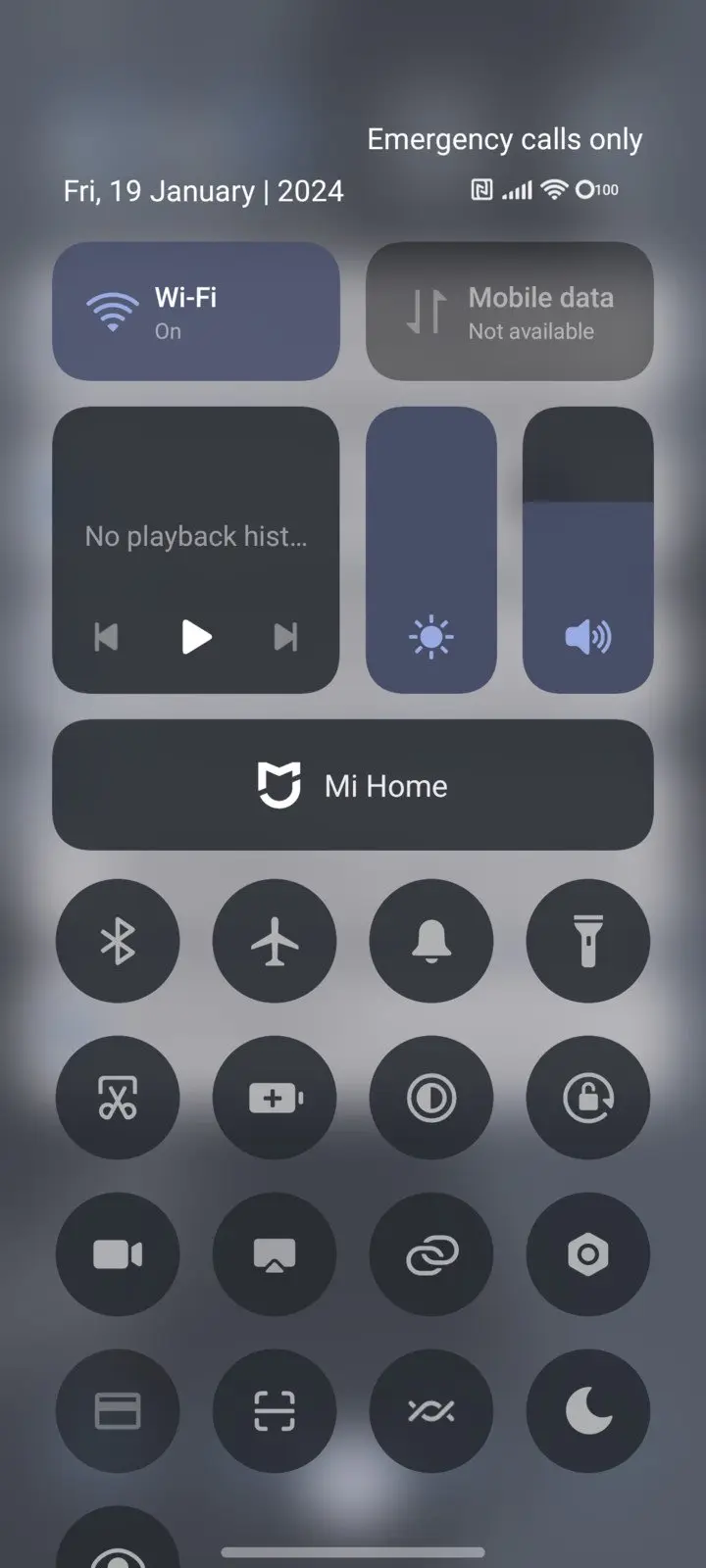
What each screen looks like
Pix Blue’s previews use a slate blue background with thin white lines and a few drawn leaves in the corners. The lock screen stacks a large pale blue clock, and the home screen has a small clock above a search bar.
Icons are round blue discs with dark symbols. The control center is dark grey with blue active tiles. It is the coolest-toned member of the Pix colour series.
How this page was written
We have not installed Pix Blue ourselves. These notes come from its five preview images and store listing.
Theme details
Everything to check before you install
- File size
- 4.48 MB
- Developer
- Amey Patil
- Region / server
- Global
- Review type
- Preview-based
- Compatibility
- HyperOS 3.0HyperOS 2.0MIUI 14
Other Pix colours
Compare Pix Purple or Pix Yellow.
What we like
- Tiny 4.48 MB file
- Calm slate-blue palette
- Big clock you can read at a glance
Keep in mind
- Fairly plain wallpaper
- Icons share one colour
4.4/5 Preview-based score · How we score
From the previews, Pix Blue is the calmest and most understated of the Pix series.
Get Pix Blue
Pix Blue is available through Xiaomi’s own Theme Store. Tap the button below on your phone; the 4.48 MB package installs from there.




0 comments